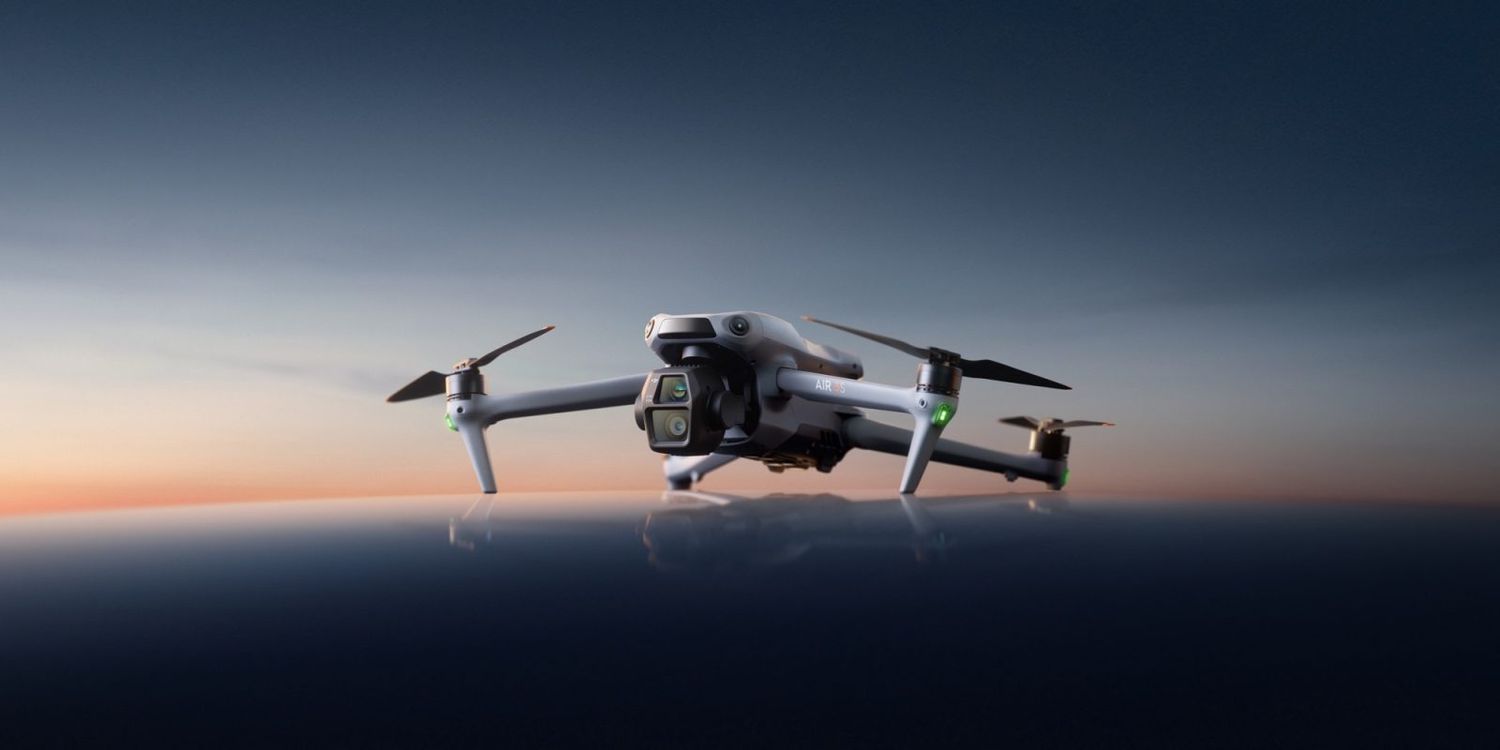
DJI Air 4
Last updated:
The DJI Air 4 is a compact, foldable drone optimized for personal and professional aerial photography and videography. It features advanced camera capabilities, including a new 1-inch CMOS sensor, and an upgraded transmission system for low latency and longer range. The drone is ideal for semi-professional creators, hobbyists, and tech enthusiasts, with capabilities for tracking and following in difficult environments.
Quick Overview & Key Facts
DJI Air 4 is a drone made by DJI in China, launched in 2026 (Planned) and built for A aerial photography, videography, and vloggers. Its estimated price is $1,000-$1,500 (Estimated).
- Dimensions
- 10 x 12.9 x 4 inches (f) - 8.4 x 3.9 x 3.5 inches (f)
- Weight
- 0.8 kg (1.8 lbs)
- Mobility
- A quadcopter
- Top speed
- 75 km/h (46.6 mph)
- Battery runtime
- 46 minutes
- Charging time
- 2-3.5hours
- Sensors
- Camera, GPS, Galileo, BeiDou
- Operating environment
- Indoor, mixed floors
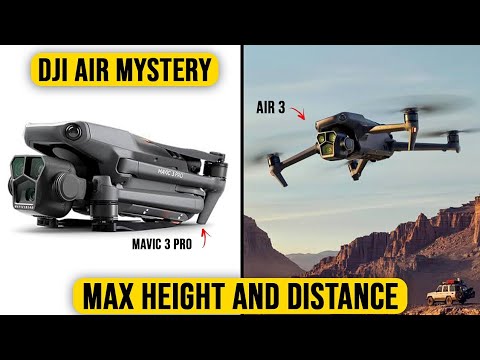
Review Videos
Watch expert reviews and demonstrations of this robot
Robot Specifications
Values without a Confirmed badge are compiled from public sources and may not be manufacturer-verified.
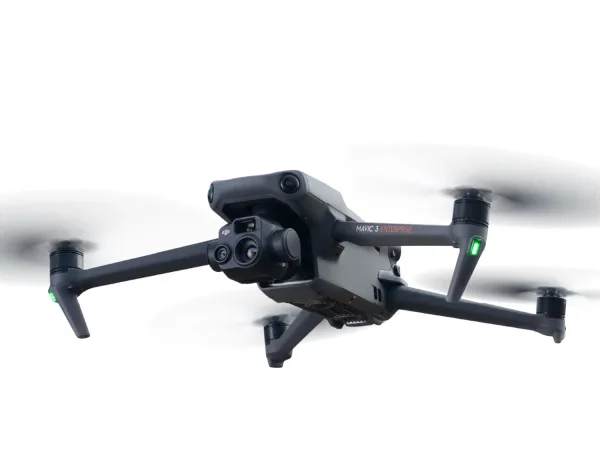
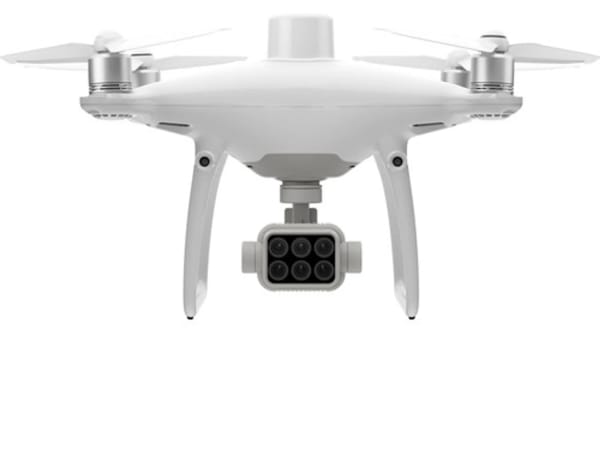
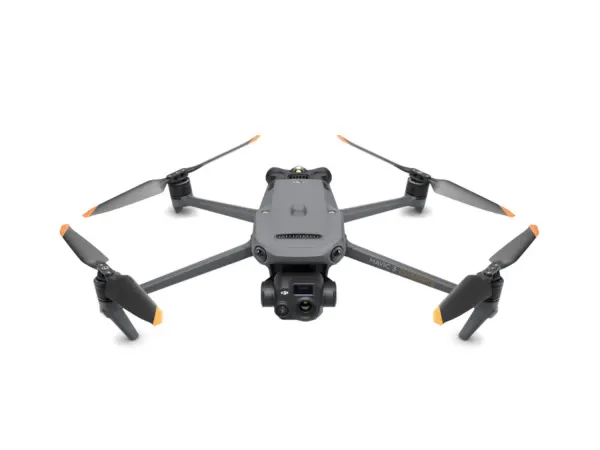
More Robots from DJI
Explore other robots from this manufacturer
More Drones
Discover more robots in the same category

Robots From Other Categories
Discover complementary robots from different categories that work well together


Frequently Asked Questions
Get answers to common questions about this robot
Q1. How to troubleshoot DJI Air 4?
Check for software updates, ensure proper battery charging, and inspect for physical damage. Consult user manuals or contact DJI support for specific issues.
Q2. How to set up DJI Air 4?
Download the DJI Fly app, pair the drone with the controller, and follow in-app setup instructions for calibration and configuration.
Q3. What are DJI Air 4's primary use-cases?
DJI Air 4 is ideal for creators, travelers, and hobbyists seeking advanced features in a compact form for aerial photography and videography.
Q4. How to operate DJI Air 4?
Use the DJI Fly app or a compatible controller to control the drone. Features like Active Track and Return to Home simplify operation.
Q5. How to maintain DJI Air 4?
Regularly clean the drone, update software, and check for worn-out parts. Store it in a dry, cool place when not in use.
Q6. What safety features does DJI Air 4 have?
It includes omnidirectional obstacle avoidance sensors and enhanced return-to-home functionality for safer flights.
Q7. How does DJI Air 4 handle different surfaces?
The drone can adapt to various environments with its advanced sensors, but avoid flying over water or in extreme weather conditions.
Q8. How to clean DJI Air 4?
Use a soft cloth and mild detergent to wipe down the drone, avoiding electronic components.
Q9. How does DJI Air 4 navigate?
It uses GPS and advanced sensors for precise navigation and obstacle avoidance.
Q10. What are common DJI Air 4 problems?
Common issues may include connectivity problems, battery life concerns, and software glitches.
Q11. How to reset DJI Air 4?
Use the DJI Fly app to reset settings or contact DJI support for a full factory reset.
Q12. How to control DJI Air 4?
Use the DJI Fly app or a compatible controller like the DJI RC 2 for intuitive control.
Q13. How to connect DJI Air 4 to Wi-Fi?
Connect through the DJI Fly app, which guides you through the Wi-Fi setup process.
Q14. What is DJI Air 4's warranty?
The warranty typically covers manufacturing defects for a year, but check with DJI for specific details.
Q15. How to update DJI Air 4's software?
Use the DJI Fly app to check for updates and follow in-app instructions to download and install new software versions.
Rating and Reviews
Share your experience and help others decide!
Loading...
User Reviews
No user reviews. Be the first one to review!
User Comments (No Login needed)
Share your thoughts, experiences, or questions about this robot.
Comments appear after moderator review.