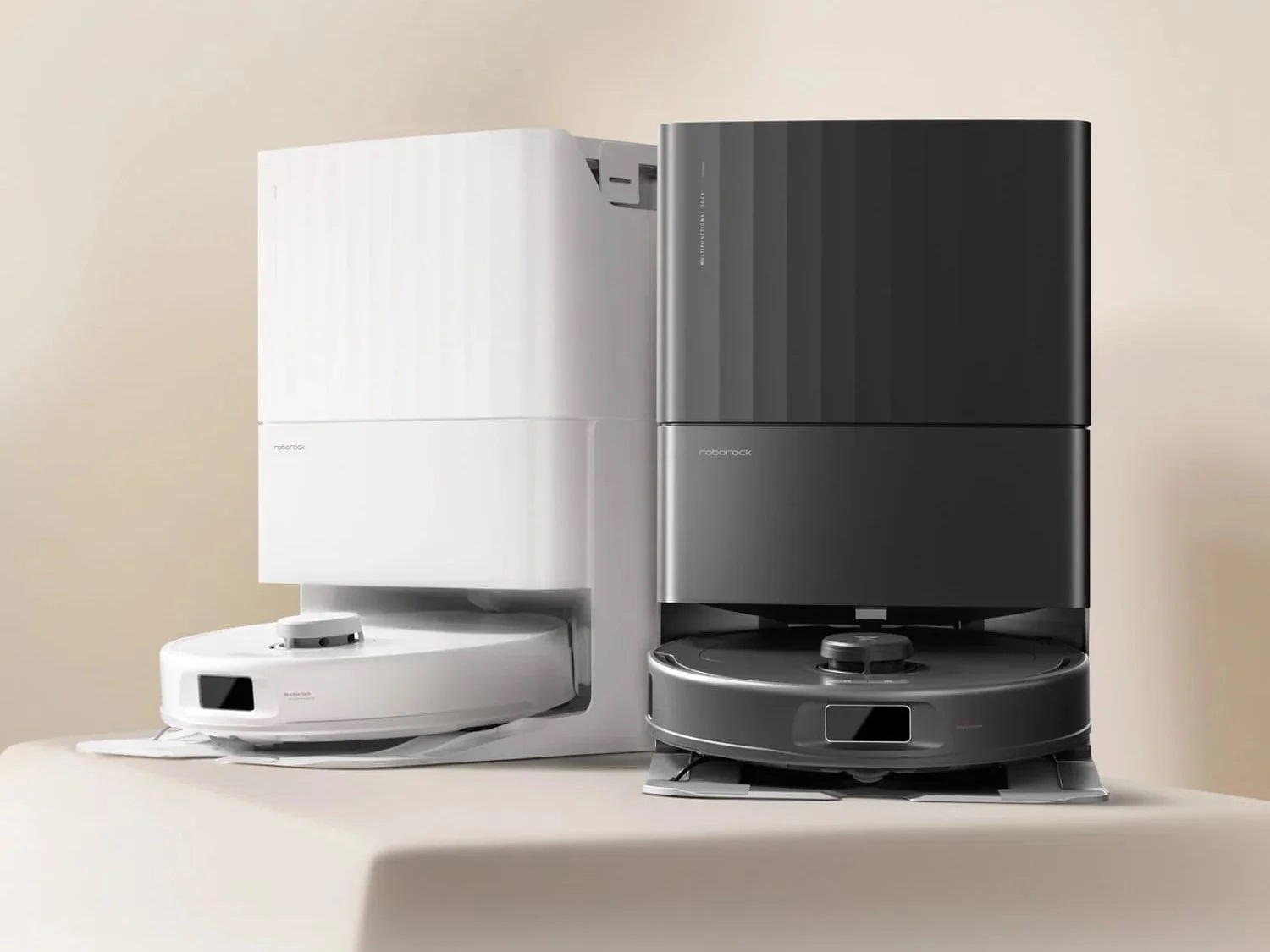
Roborock Qrevo S
Last updated:
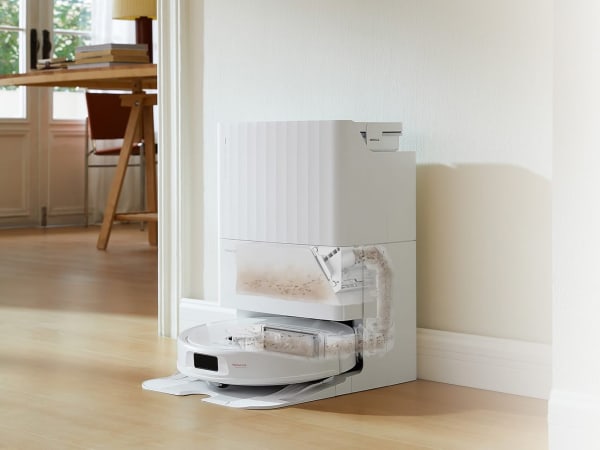
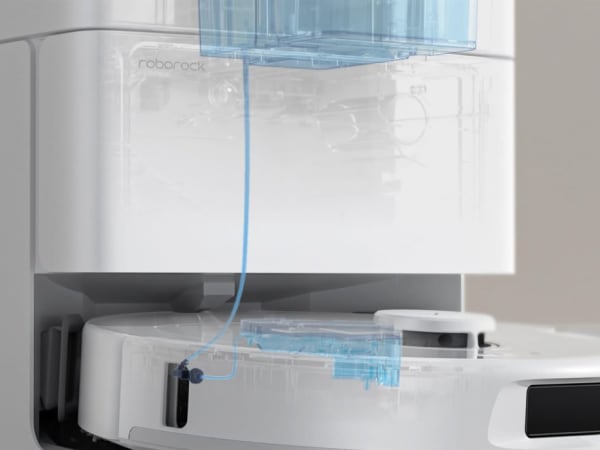
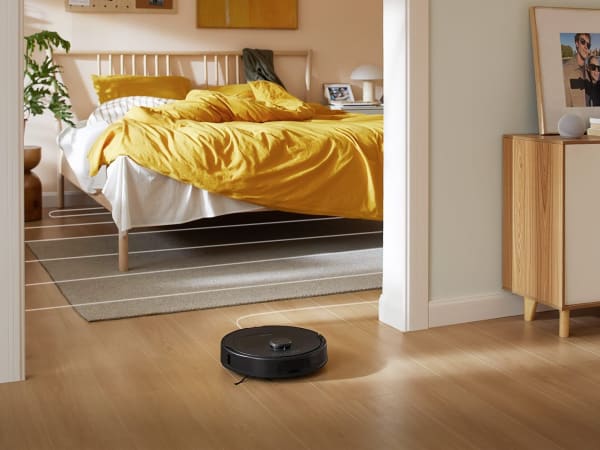
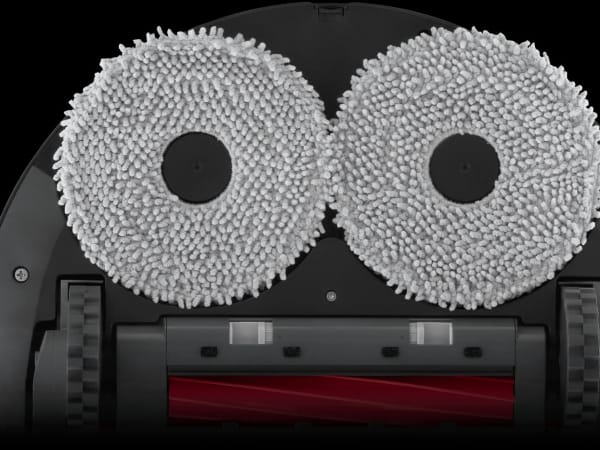
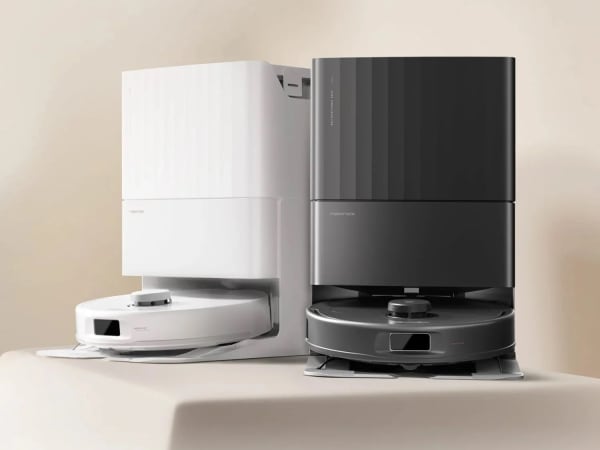
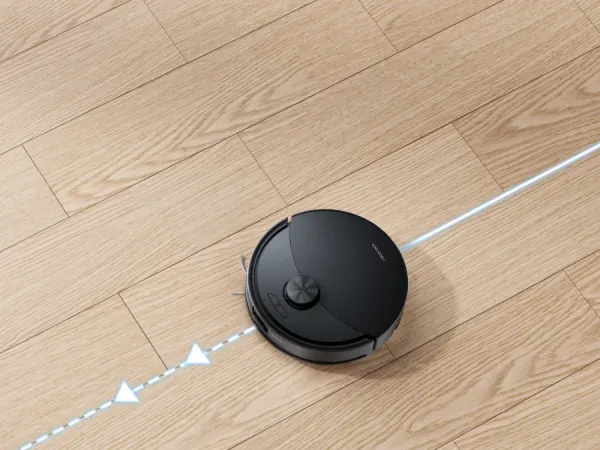
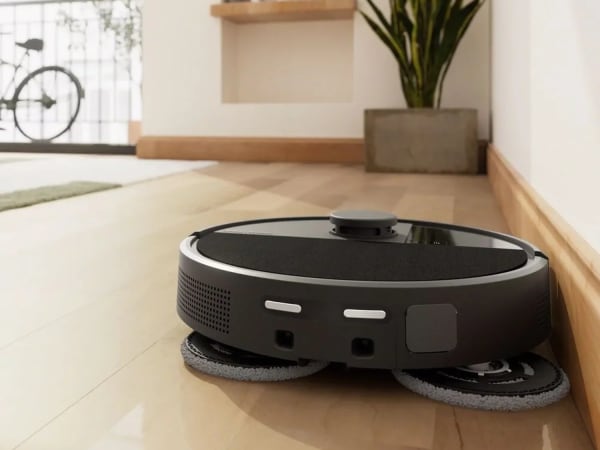
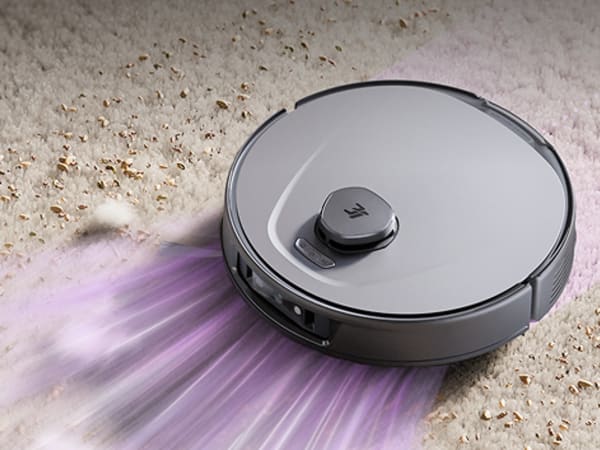
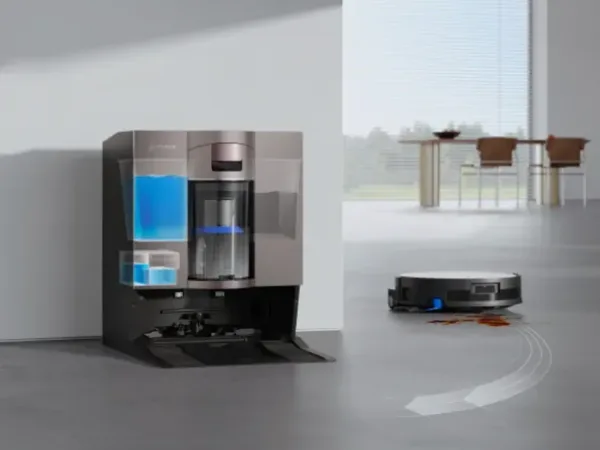
The Roborock Qrevo S is a versatile robot vacuum and mop designed to provide efficient home cleaning. Equipped with a powerful 7000 Pa suction, it effectively removes debris from various floor types, including carpets and hard surfaces. The device features dual liftable spinning mops that rotate at up to 200 RPM, ensuring thorough cleaning of stubborn stains. Its multifunctional dock not only empties the dustbin but also refills the water tank and washes the mop pads, reducing manual maintenance. With advanced LiDAR navigation, the Qrevo S maps your home for precise cleaning routes, avoiding obstacles and optimizing coverage. The 5200mAh battery offers up to 180 minutes of runtime, suitable for larger homes. Compatible with smart home systems like Alexa and Google Home, it allows for convenient voice control and scheduling through the Roborock app.
Quick Overview & Key Facts
Roborock Qrevo S is a robot vacuum cleaner made by Roborock in China, launched in 2025 and built for residential and small offices. Its estimated price is $700-$900. Featured in “Roborock Qrevo S Delivers 7000Pa Power at Budget Prices” and “Roborock Qrevo S Revolutionizes Home Cleaning”.
- Dimensions
- 35.0 x 35.3 x 9.6 cm
- Weight
- 11.56 kg
- Mobility
- Wheeled
- Top speed
- 0.3 m/s
- Battery runtime
- 180 minutes
- Charging time
- Approximately 4 hours
- Sensors
- LiDAR, structured light, cliff, bump, wheel encoders, dust sensor
- Operating environment
- Indoor use; operates best in typical household environments
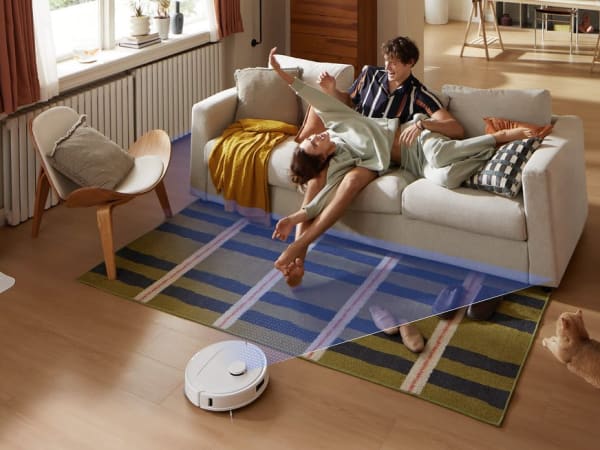
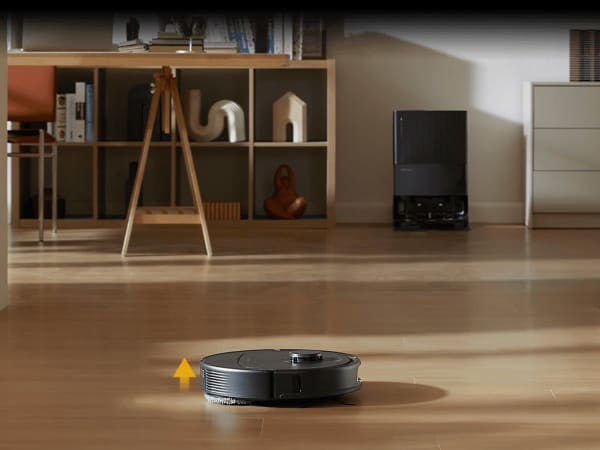
Image Gallery
Below images are from Roborock's official sources
Review Videos
Watch expert reviews and demonstrations of this robot

Robot Specifications
Values without a Confirmed badge are compiled from public sources and may not be manufacturer-verified.
Not yet published by Roborock: hardware ports.
Latest News About Roborock Qrevo S
Stay updated with the latest articles and developments
Compare This Robot With Others
See how Roborock Qrevo S stacks up against other leading robotics models in detailed side-by-side technical comparisons.
More Robots from Roborock
Explore other robots from this manufacturer
Robots From Other Categories
Discover complementary robots from different categories that work well together



Frequently Asked Questions
Get answers to common questions about this robot
Q1. What are Qrevo S's primary capabilities?
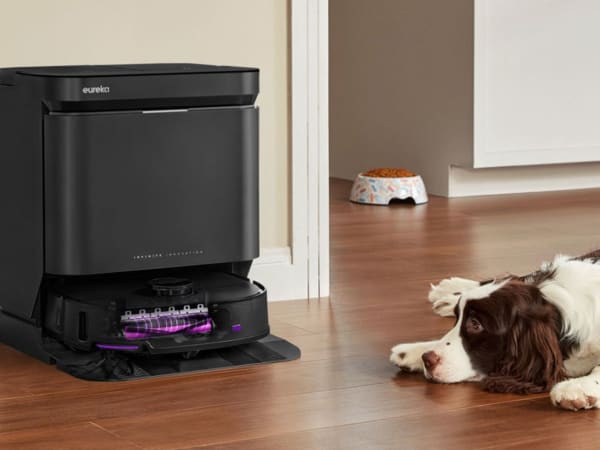
The Qrevo S functions as an autonomous cleaning robot combining vacuuming and mopping capabilities. It features 7,000Pa HyperForce suction for debris extraction, dual liftable spinning mops for floor cleaning, and a multifunctional dock that automatically empties the dustbin, washes mop pads, dries them, and refills the water tank. The robot can map multiple floor levels and create virtual barriers for customized cleaning routes.
Q2. How to operate Qrevo S?
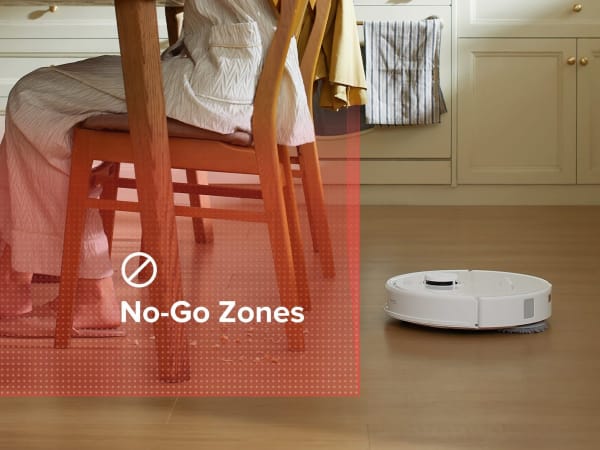
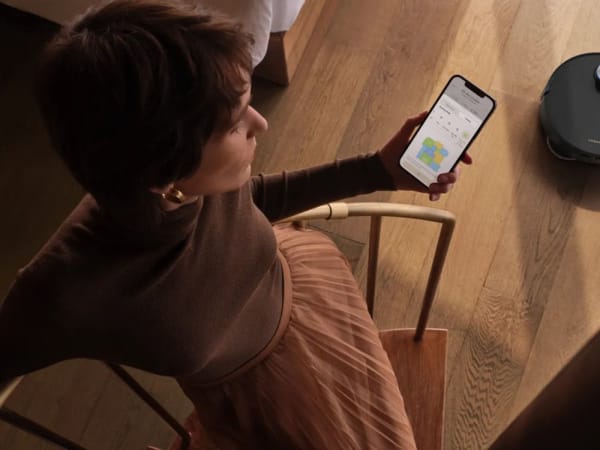
Start the Qrevo S through the Roborock mobile app, voice commands via Alexa or Google Home, or the physical controls on the robot itself. Set your preferred cleaning mode, water flow level, and suction power through the app. Schedule automated cleaning sessions, create no-go zones, and monitor real-time cleaning progress from your smartphone. The robot will automatically return to its dock when the battery is low or cleaning is complete.
Q3. What is the maximum carrying capacity of Qrevo S?
The Qrevo S is not designed as a carrying robot but rather as a floor cleaning unit. Its dustbin capacity is 330ml, and the dock's disposable bag capacity is 2.7L. The robot itself weighs 11.56kg and is designed to navigate floors independently rather than transport objects.
Q4. How long can Qrevo S operate on a single charge?
The Qrevo S offers up to 180 minutes of runtime on a single charge with its 5200mAh lithium-ion battery. In Quiet mode, it can operate for over four hours. The charging time is approximately four hours, and the battery life is estimated at 3-5 years depending on usage patterns and maintenance.
Q5. What safety features does Qrevo S have?
The Qrevo S includes Reactive Tech Obstacle Avoidance using structured light sensors to detect and navigate around obstacles in real-time. It features ScratchSafe wheels and brushes to protect furniture, a Sensient sensor array for environmental awareness, and can recognize up to 62 different objects. The mop pads automatically lift 10mm on carpeted surfaces to prevent water damage, and virtual barriers allow you to restrict access to specific areas.
Q6. How to maintain Qrevo S?
The multifunctional dock handles most maintenance automatically through its three-stage mop washing process (pre-wash, rinse, and high-speed spin drying). Manually empty the dock's 2.7L disposable bag periodically, check the water tanks regularly, and clean the E11-rated washable air filter. The anti-tangle brush with spiral blade design requires occasional hair removal from the ends. Replace consumables as needed and keep the dock's base plate clean to minimize leaks.
Q7. What surfaces can Qrevo S navigate?
The Qrevo S effectively navigates hard floors, tiles, and carpets with its adaptive route algorithms and floating brush design. It can cross thresholds up to 20mm high and handles uneven surfaces through its floating brush mechanism that maintains optimal contact. The 30 adjustable water flow levels allow precise dampness control for different flooring types, from delicate hardwood to rough tile surfaces.
Q8. How does Qrevo S handle obstacles?
The Qrevo S uses Reactive Tech Obstacle Avoidance powered by structured light technology combined with LiDAR navigation to detect and avoid obstacles in real-time. It can recognize 62 different object types and creates detailed maps of your home to optimize cleaning routes. The robot seamlessly navigates around furniture, pets, and clutter while maintaining efficient coverage without getting stuck.
Q9. What is Qrevo S's maximum speed?
The specific maximum speed is not officially specified by Roborock. However, the robot features adaptive route algorithms and operates efficiently across various cleaning modes. In standard operation, it maintains optimal speed for thorough coverage while balancing battery efficiency and cleaning effectiveness across different floor types.
Q10. What are common use cases for Qrevo S?
The Qrevo S is ideal for maintaining clean homes with mixed flooring types, particularly for households with pets that shed hair and debris. It's suitable for busy professionals seeking automated cleaning solutions, families with multiple floor levels requiring multi-level mapping, and anyone wanting to reduce manual mopping and vacuuming tasks. The customizable water flow and suction settings make it adaptable for various cleaning scenarios.
Q11. How to reset Qrevo S?
Access the reset function through the Roborock app under device settings or perform a factory reset by holding the power button for an extended period. Consult the user manual for specific reset procedures, as different resets serve different purposes—soft resets for troubleshooting and factory resets for complete system restoration. Always back up your mapping data before performing a factory reset.
Q12. How to control Qrevo S?
Control the Qrevo S through three primary methods
Q13. How to connect Qrevo S to Wi-Fi?
Open the Roborock app and follow the Wi-Fi setup wizard to connect the Qrevo S to your home network. The robot supports standard Wi-Fi connectivity for cloud integration and remote control. Ensure your Wi-Fi network is stable and within range of the robot's location. Once connected, you can access all app features including scheduling, mapping, and voice assistant integration.
Q14. What is Qrevo S's warranty?
The Roborock Qrevo S includes a standard 2-year warranty covering manufacturing defects and hardware failures. The warranty typically covers the robot unit and dock components but may have specific exclusions for wear items like brushes and filters. Register your device with Roborock to activate warranty coverage and access customer support services during the warranty period.
Q15. How to update Qrevo S's software?
Software updates for the Qrevo S are typically delivered automatically through the Roborock app when connected to Wi-Fi. Check the app's settings menu to manually trigger update checks or view your current firmware version. Updates improve performance, add new features, and enhance obstacle recognition capabilities. Ensure the robot is adequately charged before initiating updates to prevent interruption during the installation process.
Rating and Reviews
Share your experience and help others decide!
Loading...
User Reviews
No user reviews. Be the first one to review!
User Comments (No Login needed)
Share your thoughts, experiences, or questions about this robot.
Comments appear after moderator review.