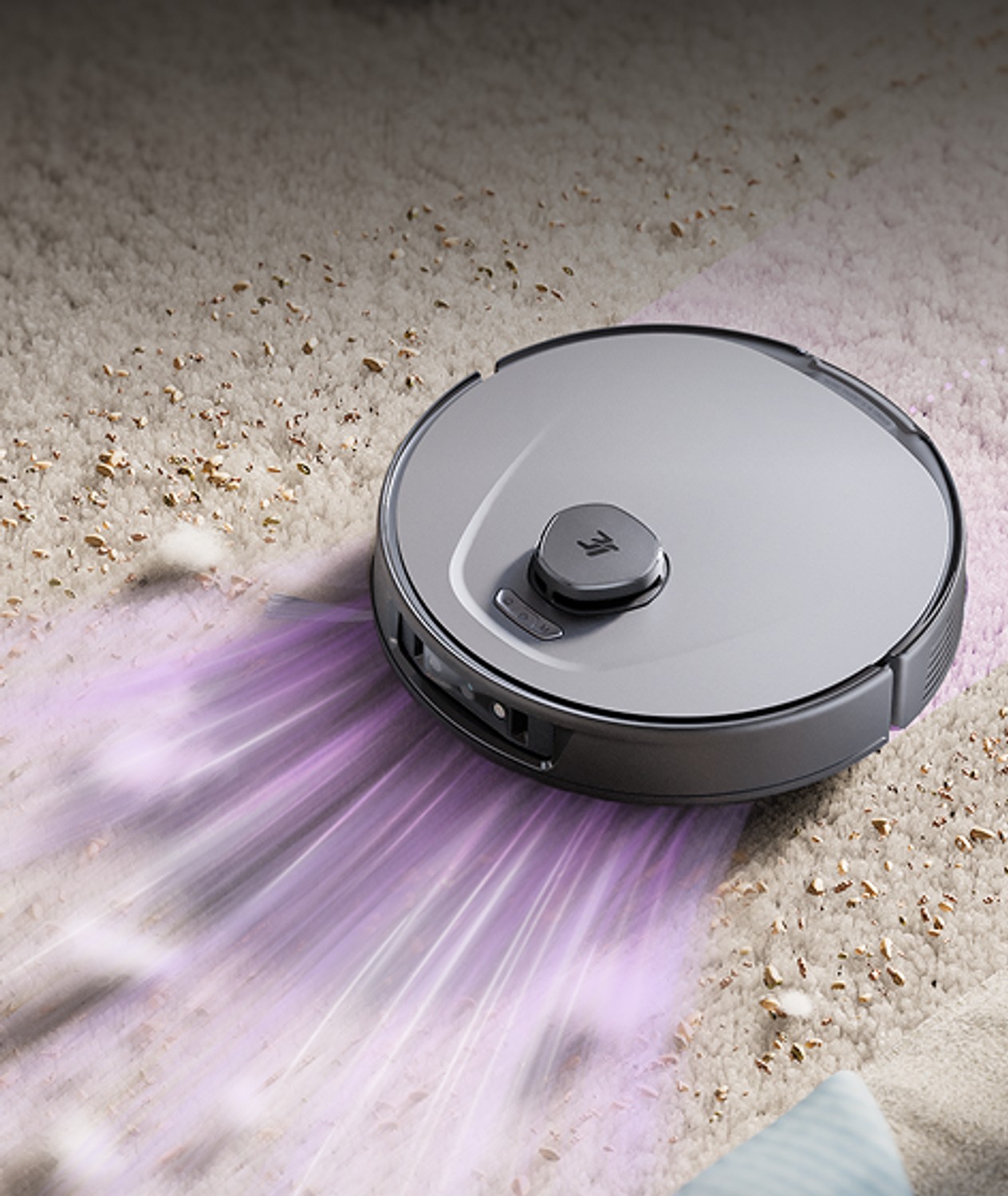
3i P10 Ultra
Last updated:
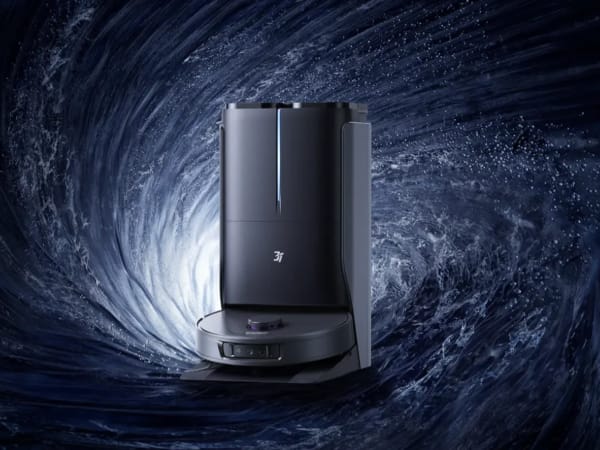
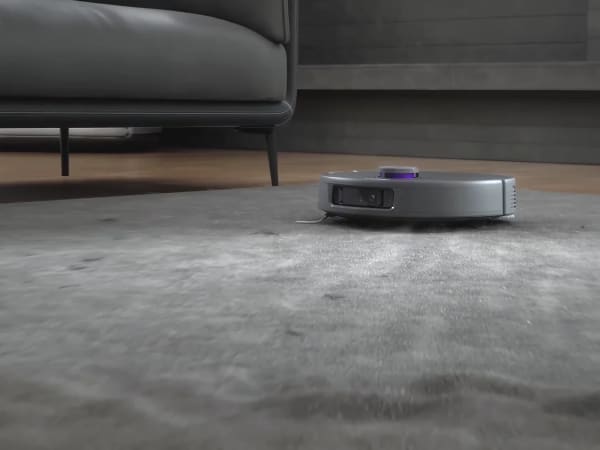
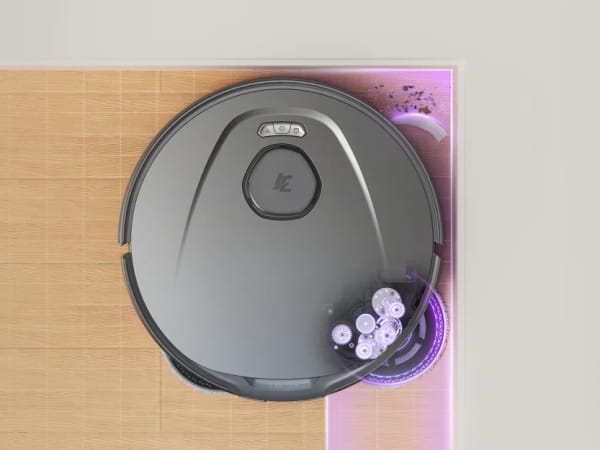
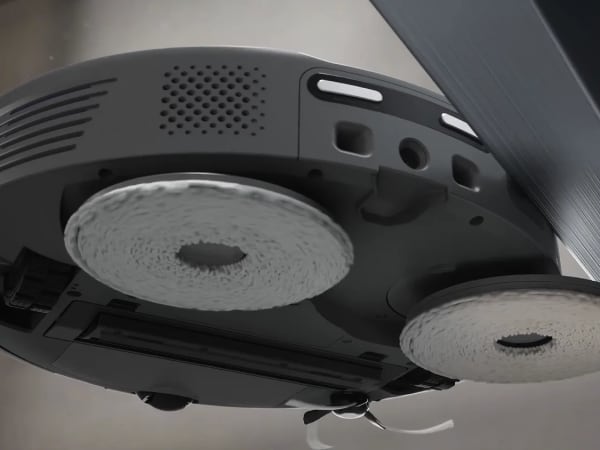
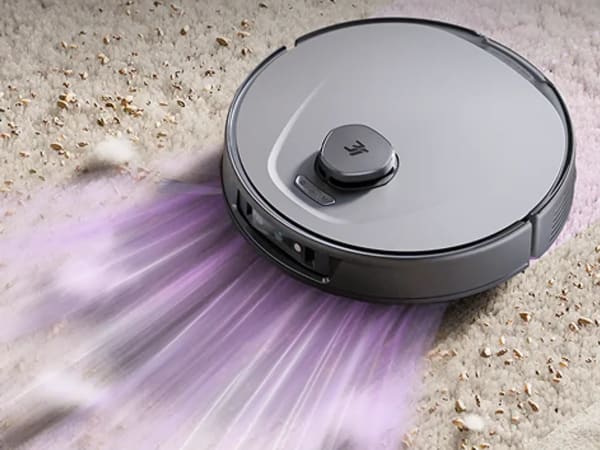
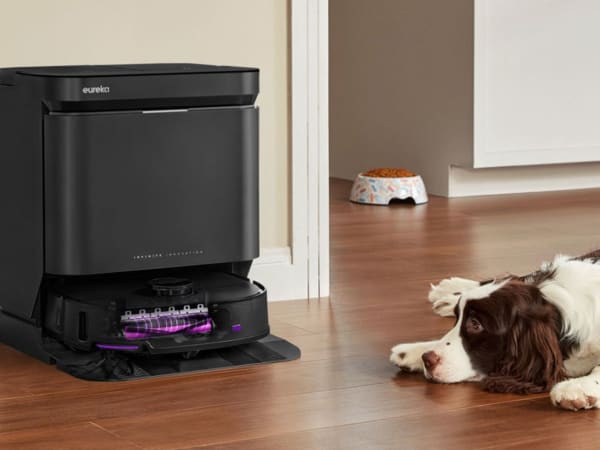
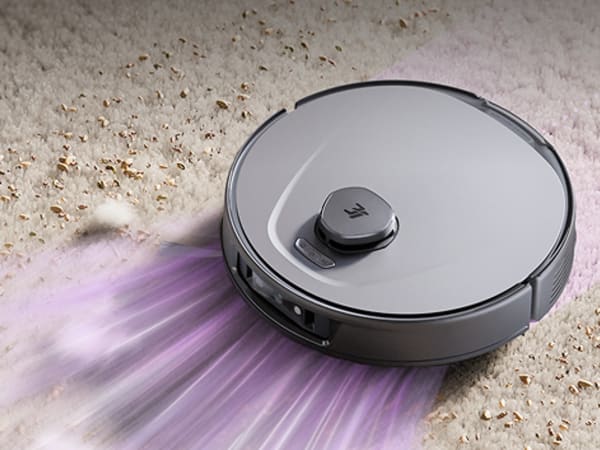
The 3i P10 Ultra is a flagship robot vacuum and mop combo designed for deep and thorough cleaning. It features an 18,000 Pa suction system that effectively lifts dust, hair, and debris from hardwood floors and carpets. The UltraReach™ mop extends up to 1.2 inches to clean edges and corners with dual spinning mops rotating at 220 RPM, continuously dampened for tackling dried-on dirt. The robot uses advanced navigation with LiDAR, dual 3D structured light sensors, and an AI camera to create a detailed 3D map for precise obstacle avoidance and smart route planning. Its all-in-one self-maintenance station washes mops with 140°F hot water and detergent, dries them with heated air, refills water, and auto-empties dust into a 3L bag lasting up to 70 days. It supports voice control via Alexa and Google Assistant and offers anti-tangle brushes with an automatic TangleCut blade for hassle-free maintenance.
Quick Overview & Key Facts
3i P10 Ultra is a robot vacuum cleaner made by 3i in China, launched in 2025 and built for residential homes, mixed hard floors and carpets, and pet hair management. Its estimated price is USD 700-1100. Featured in “P10 Ultra's 18,000 Pa Suction Dominates Spring Cleaning 2025” and “3i P10 Ultra Slashes to €600 in Prime Day Flash Sale”.
- Dimensions
- 34 cm diameter x 10 cm height (13.4 in diameter x 3.94 in height)
- Weight
- 4.5 kg (9.9 lbs)
- Mobility
- Wheeled with brush roll and suction system
- Top speed
- 0.3 m/s
- Handles
- Dust and debris only
- Battery runtime
- 180 minutes (3 hours)
- Charging time
- 4-5 hours
- Sensors
- LiDAR, dual 3D structured light sensors, AI camera, ultrasonic sensor, cliff sensors, bump sensors
- Operating environment
- Indoor, hardwood, carpet, mixed floors
Image Gallery
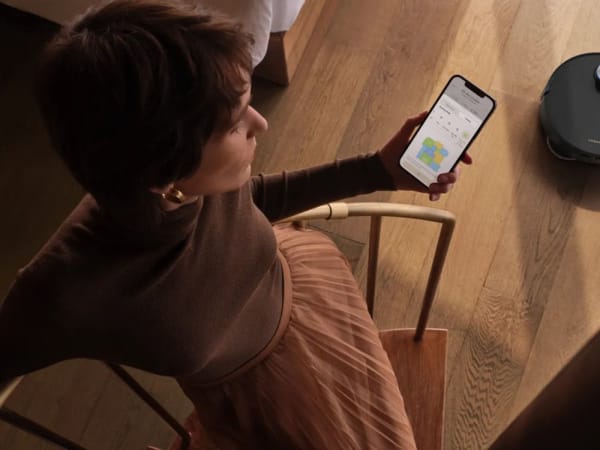
Below images are from 3i's official sources
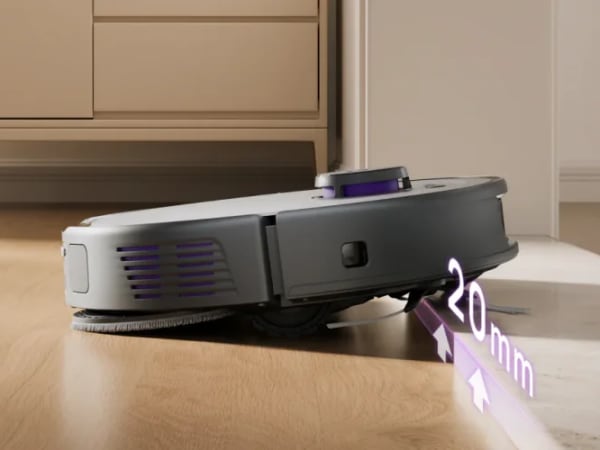
Review Videos
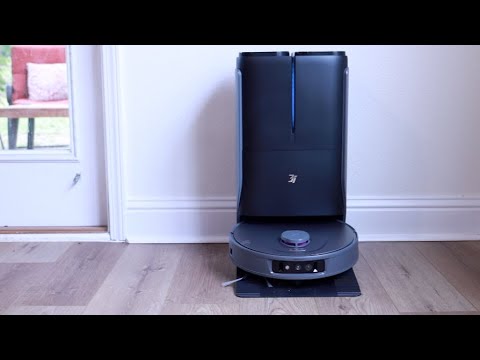
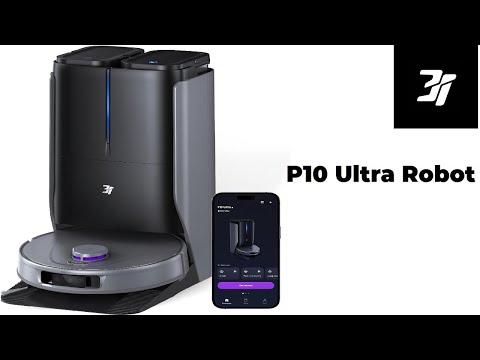
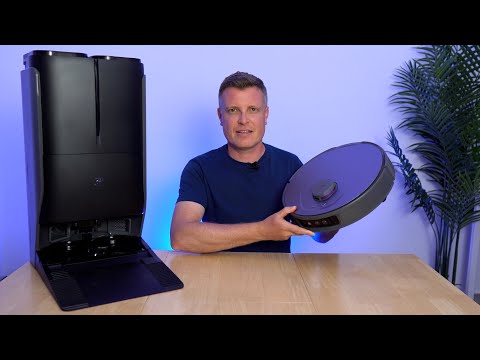
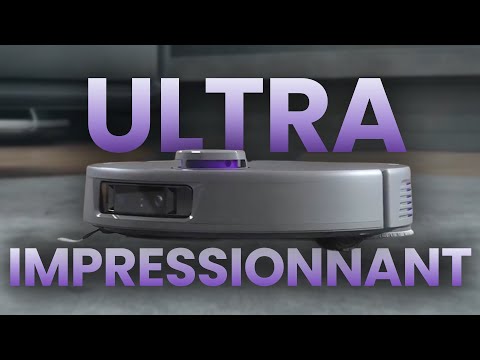
Watch expert reviews and demonstrations of this robot
Robot Specifications
Values without a Confirmed badge are compiled from public sources and may not be manufacturer-verified.
Not yet published by 3i: EMC compliance and modular attachments.
Latest News About 3i P10 Ultra
Stay updated with the latest articles and developments
Compare This Robot With Others
See how 3i P10 Ultra stacks up against other leading robotics models in detailed side-by-side technical comparisons.
More Robots from 3i
Explore other robots from this manufacturer
Robots From Other Categories
Discover complementary robots from different categories that work well together

Frequently Asked Questions
Get answers to common questions about this robot
Q1. How to troubleshoot 3i P10 Ultra?
Restart the device, check for blockages in brushes or suction paths, ensure the mop pads are properly installed and clean, verify that the docking station is powered and connected, and update the firmware through the app. Review error codes in the app for guided solutions.
Q2. How to set up 3i P10 Ultra?
Place the docking station on a flat surface near a power outlet, fill the clean water and detergent tanks, power on the robot, connect it to Wi-Fi using the 3i app, and run the initial mapping cycle to scan and save your home layout.
Q3. What are 3i P10 Ultra's primary use-cases?
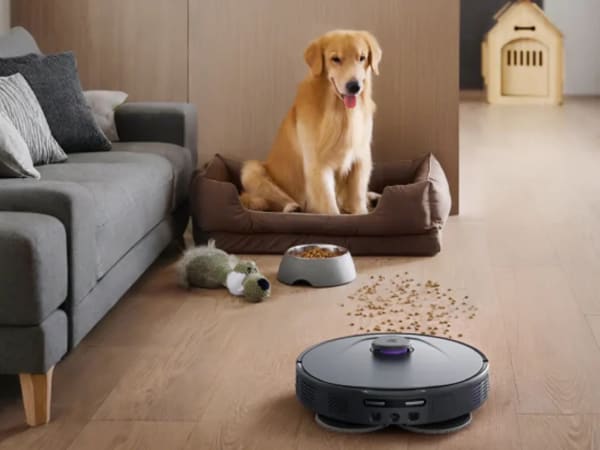
It is designed for deep vacuuming and mopping of hard floors and carpets, precise edge and corner cleaning with its extendable mop, and efficient cleaning in homes with pets, furniture, and complex layouts.
Q4. How to operate 3i P10 Ultra?
Use the 3i mobile app to start, pause, schedule, or customize cleaning tasks. Adjust suction levels, mop intensity, and room-specific settings. Voice control is available through Amazon Alexa and Google Assistant.
Q5. How to maintain 3i P10 Ultra?
Replace the dust bag approximately every 70 days, refill clean water and detergent tanks as needed, inspect and clean brushes and sensors periodically, and allow the base station to automatically wash and dry the mop pads after each cleaning cycle.
Q6. What safety features does 3i P10 Ultra have?
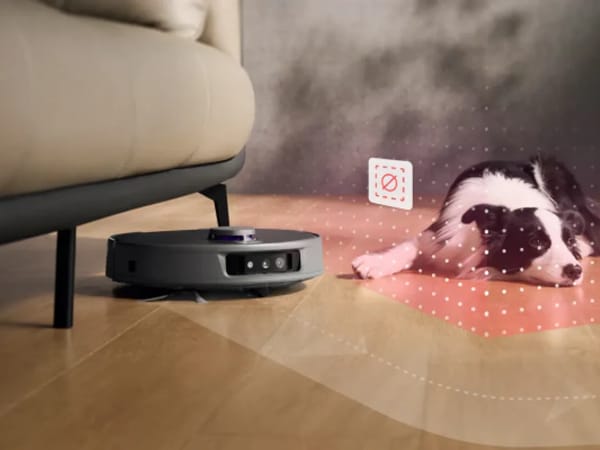
It uses LiDAR, dual 3D structured-light sensors, and an AI camera for obstacle detection, collision avoidance, and cliff prevention, ensuring safe navigation around furniture, stairs, and pets.
Q7. How does 3i P10 Ultra handle different surfaces?
The robot detects carpets using ultrasonic sensors, increases suction up to 18,000 Pa, and automatically lifts the mop to prevent wetting carpets, while dual spinning mops thoroughly clean hard floors.
Q8. How to clean 3i P10 Ultra?
The all-in-one station automatically washes mop pads with 140°F hot water, dries them with heated air, and empties dust into a disposable bag. Brushes, filters, and sensors should be cleaned manually as part of routine maintenance.
Q9. How does 3i P10 Ultra navigate?
It creates an accurate 3D map using LiDAR, dual 3D structured-light sensors, and an AI camera, enabling precise obstacle avoidance, efficient route planning, and consistent coverage across multiple rooms and floors.
Q10. What are common 3i P10 Ultra problems?
Common issues may include temporary Wi-Fi connection drops, sensor blockage from dust, delayed mop drying due to high humidity, or difficulty recognizing very dark carpets or loose tassels, most of which can be resolved with cleaning or firmware updates.
Rating and Reviews
Share your experience and help others decide!
Loading...
User Reviews
No user reviews. Be the first one to review!
User Comments (No Login needed)
Share your thoughts, experiences, or questions about this robot.
Comments appear after moderator review.