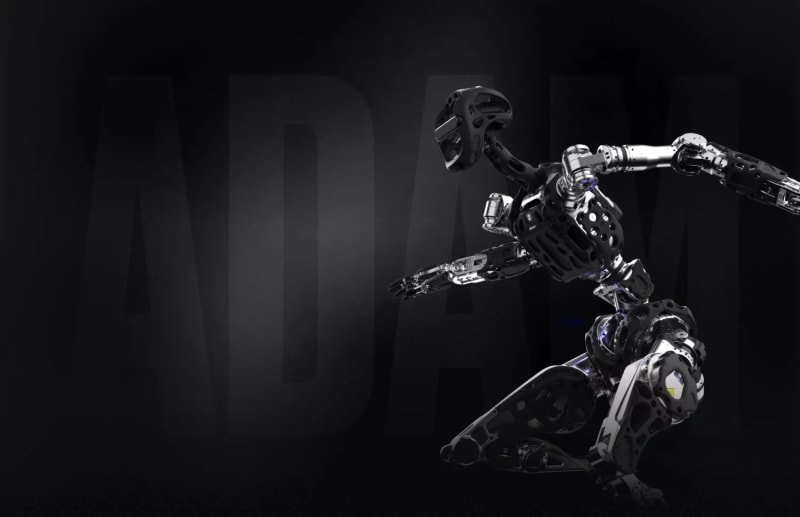
Adam-U
Last updated:
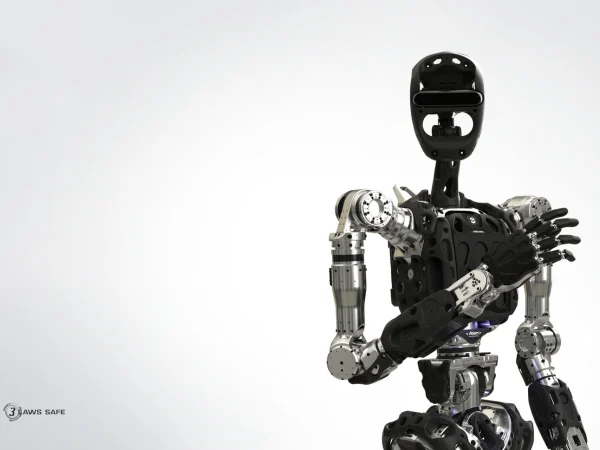
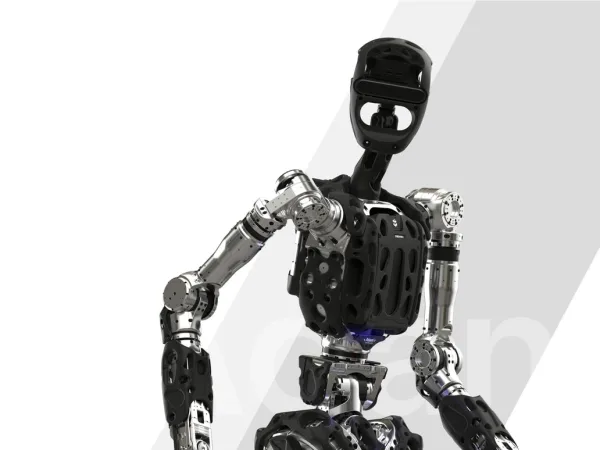
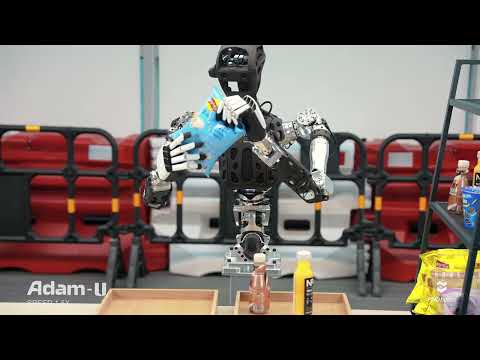
Adam-U is an advanced humanoid robot platform designed primarily for data acquisition and manipulation training. It features 31 degrees of freedom, including a 2-DOF head, 6-DOF dexterous hands, and a 3-DOF waist with a braking system for stability and flexibility. Adam-U integrates high-precision motion capture technology and tactile dexterous hands, enabling precise human-like manipulation and real-time data collection. Its biomimetic structure enhances usability for reinforcement and imitation learning, making it ideal for research institutions and industrial R&D. The robot supports a comprehensive ecosystem from hardware to software, facilitating AI development, human-robot interaction, and complex manipulation tasks on a stationary platform.
Quick Overview & Key Facts
Adam-U is a humanoid robot made by PNDbotics in China, launched in 2025 and built for robotics research, AI development, and industrial manipulation training. Its estimated price is $45,000. Featured in “PNDbotics pushes Adam-U as a stationary humanoid built for manipulation data, teleoperation training” and “PNDbotics' Adam-U Ultra Masters Tasks in Hours”.
- Dimensions
- Adjustable height 135-177 cm x 60 cm width x 40 cm depth
- Weight
- 61 kg
- Mobility
- Stationary humanoid (no locomotion)
- Handles
- Tools, small objects, research equipment
- Battery runtime
- 4 hours
- Charging time
- 2 hours
- Sensors
- Binocular vision system, inertial measurement units (IMUs), tactile sensors on hands, force sensors in actuators, motion capture integration
- Operating environment
- Indoor research and industrial environments, temperature 10°C to 35°C
What Can Adam-U Do?
Core operational tasks and activities demonstrated or performed by Adam-U.
Real-World Applications of Adam-U
Industries, working environments, and deployment suitability for Adam-U.
Adam-U Capabilities
Inherent physical, perceptual, and cognitive abilities built into Adam-U.
Download Media Cards
Story CardExport high-resolution story cards summarizing Adam-U's operational tasks, real-world applications, and capabilities.
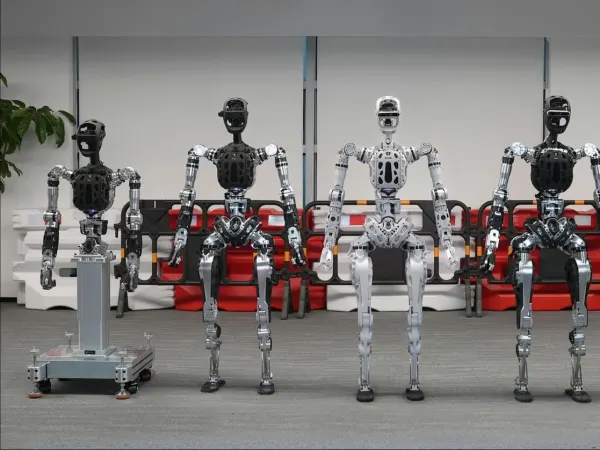
Image Gallery
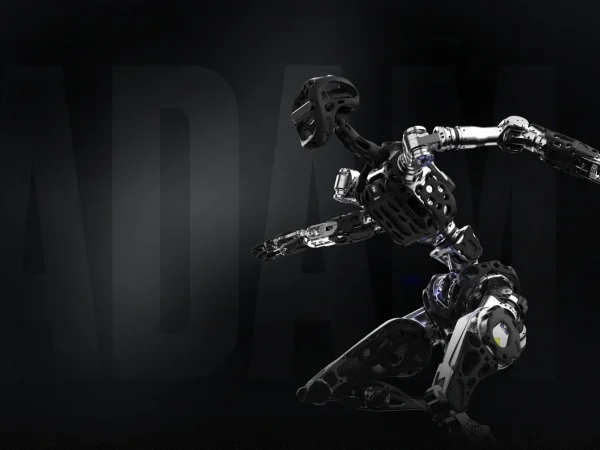
Below images are from PNDbotics's official sources
Review Videos
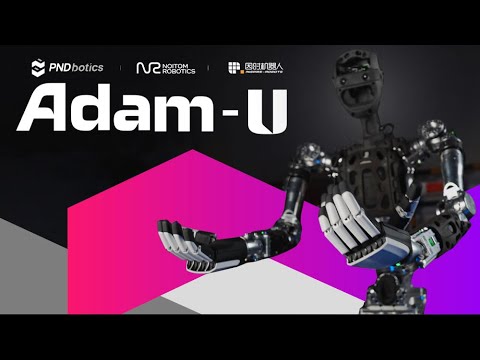
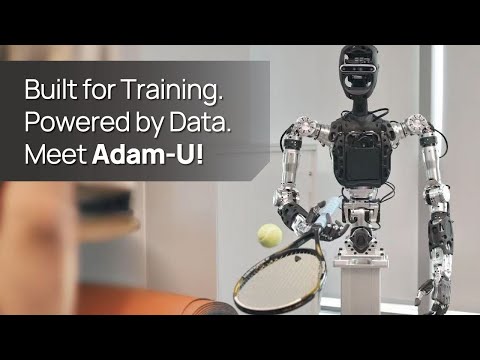
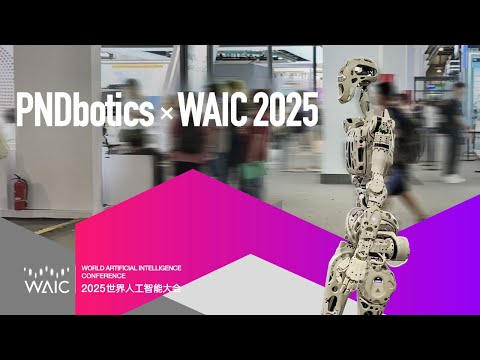
Watch expert reviews and demonstrations of this robot
Robot Specifications
ConfirmedValues marked Confirmed were checked against the manufacturer's official data; select the badge to open the source. Values without a Confirmed badge are compiled from public sources and may not be manufacturer-verified.
Not yet published by PNDbotics: warranty terms, safety certifications, EMC compliance, IP rating, noise level, expected lifespan, maintenance schedule, firmware version and 5 more.
Robot Timeline
Key milestones in this robot's development and rollout
PNDbotics' Adam humanoid plays keytar with a band at the VOYAGEX music festival in Changchun.
Source: New Atlas ↗
PNDbotics launches Adam-U, a 31-degree-of-freedom upper-body data-collection platform with Noitom and Inspire Robots, at WAIC 2025 with a $45,000 pre-order price.
Source: Interesting Engineering ↗
Latest News About Adam-U
Stay updated with the latest articles and developments
More Humanoid Robots
Discover more robots in the same category


Robots From Other Categories
Discover complementary robots from different categories that work well together

Frequently Asked Questions
Get answers to common questions about this robot
Q1. What is Adam-U, and what problem is it designed to solve?
Adam-U is a humanoid robot developed by PNDbotics as a data-collection and training platform for precise capture, manipulation, and coordinated movements. According to the manufacturer, it addresses challenges in reinforcement and imitation learning workflows for humanoid robotics.
Q2. What are the main capabilities and key features of Adam-U?
Adam-U features precision quasi-direct-drive joints and a vision-language-action AI model preloaded with over 10,000 real-world data samples. PNDbotics states it supports autonomous manipulation tasks without initial calibration.
Q3. Who is Adam-U built for, and which industries can benefit from it?
Adam-U targets researchers, developers, and educators in robotics. The company positions it for applications in industrial, commercial, research, and educational settings.
Q4. Is Adam-U a commercial product or still a research prototype?
Adam-U functions as a complementary data-collection platform alongside full humanoid models like Adam. As of 2025, it remains in prototype stages for training and development purposes.
Q5. Is Adam-U currently available for purchase, and when is it expected to ship?
Adam-U availability follows PNDbotics' announcements for early commercial deployments. Shipping depends on pre-order fulfillment through distributors, with no specific timelines confirmed as of 2026.
Q6. How does Adam-U actually work in real-world environments?
Adam-U operates via AI-driven control for manipulation and movement in dynamic settings. According to PNDbotics, it learns new skills from task-specific data within hours using provided samples and post-training services.
Q7. When was Adam-U announced or officially launched?
PNDbotics unveiled Adam-U alongside Adam at WAIC 2025. The Adam-U Ultra variant was announced in January 2026.
Q8. How is Adam-U different from other robots in the same category?
Adam-U emphasizes data collection for training with preloaded VLA models and quasi-direct-drive joints. PNDbotics describes it as a platform integrating stability, modularity, and rapid skill acquisition distinct from general humanoid execution models.
Q9. Does Adam-U require additional development or customization after purchase?
Yes, its open-source SDK and modular design support developer customization. The manufacturer provides tools for extending capabilities in research and application-specific tasks.
Q10. What is the future roadmap or planned upgrades for Adam-U?
PNDbotics has announced plans to advance from data-collection platforms toward broader integration in industrial and service applications. Upgrades target enhanced AI models and deployment efficiency.
Rating and Reviews
Share your experience and help others decide!
Loading...
User Reviews
No user reviews. Be the first one to review!
User Comments (No Login needed)
Share your thoughts, experiences, or questions about this robot.
Comments appear after moderator review.