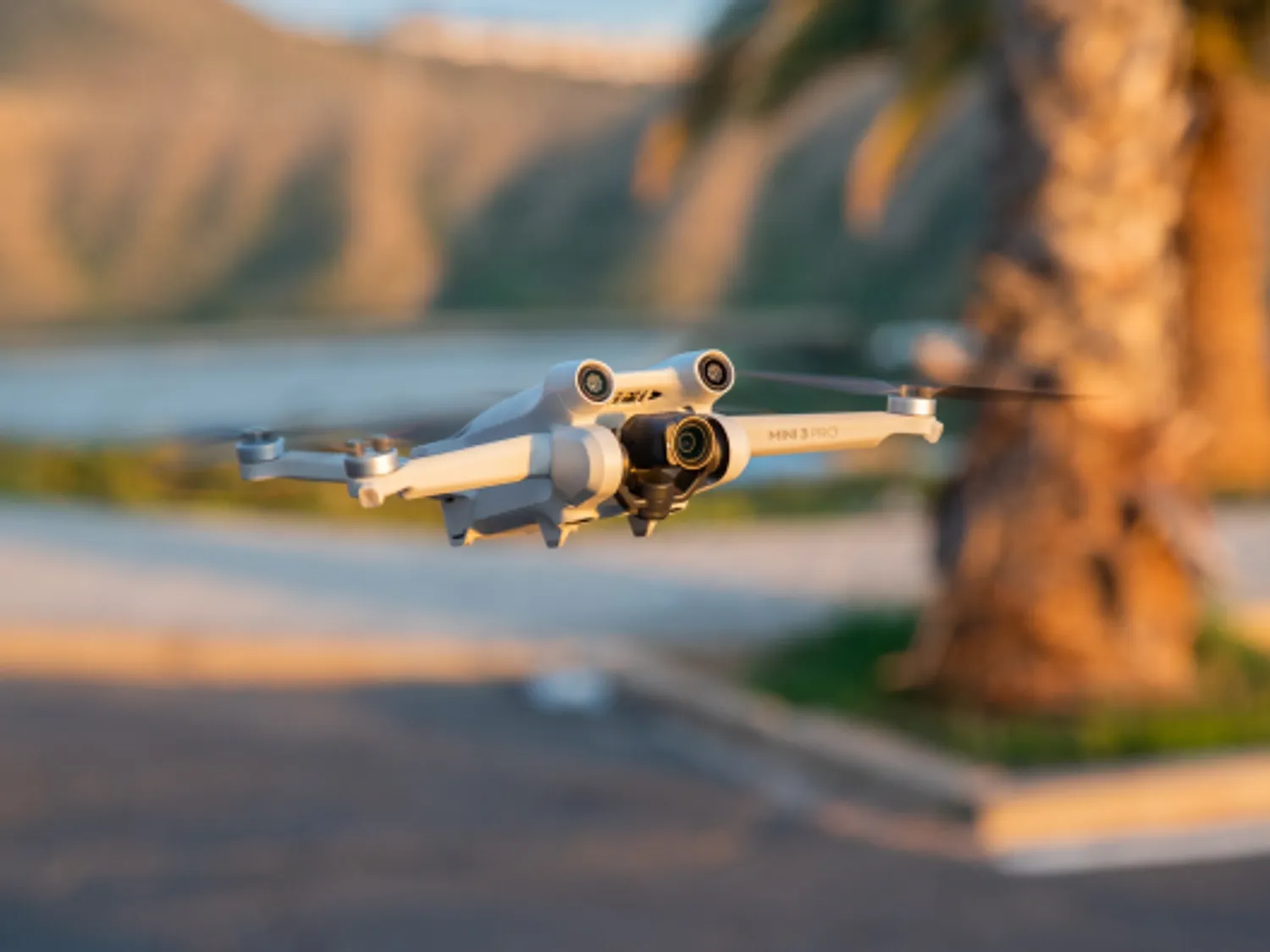
DJI Mini 5 Pro
Last updated:
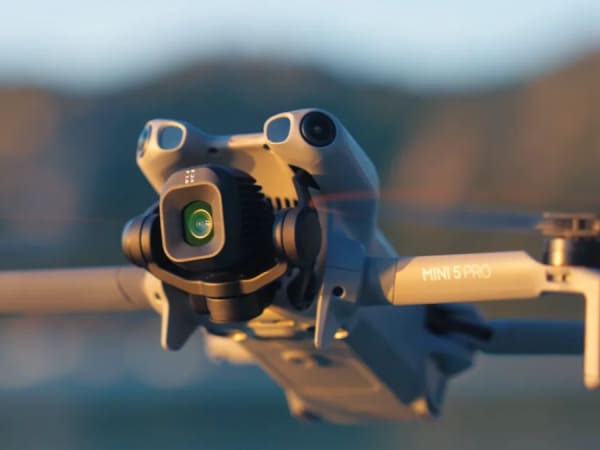
The DJI Mini 5 Pro is a compact, lightweight drone designed for creators seeking professional-level imaging in a sub-250g form factor. It features a 50MP 1-inch CMOS sensor with an f/1.8 aperture, enabling rich detail capture and excellent low-light performance. The camera supports 4K video at up to 60fps HDR and 4K at 120fps for slow-motion, with 10-bit recording and advanced color profiles like D-Log M and HLG. Its gimbal rotates 225° for true vertical shooting, expanding creative possibilities. Flight time reaches up to 52 minutes with the Plus battery, and it includes omnidirectional obstacle sensing with LiDAR and vision sensors for safer flights. The drone supports O4+ transmission technology with up to 20 km range, enhanced ActiveTrack, and intelligent flight modes, making it ideal for both hobbyists and professionals.
Quick Overview & Key Facts
DJI Mini 5 Pro is a drone made by DJI in China, launched in 2025 and built for photography, videography, and surveying. Its estimated price is $759 (drone only) to $1,159 (Fly More Combo Plus). Featured in “DJI Mini 5 Pro Slashes to $1099 with 31% Discount March 2026” and “DJI Mini 5 Pro Unleashes 1-Inch 50MP Sensor, 4K/120fps Power”.
- Dimensions
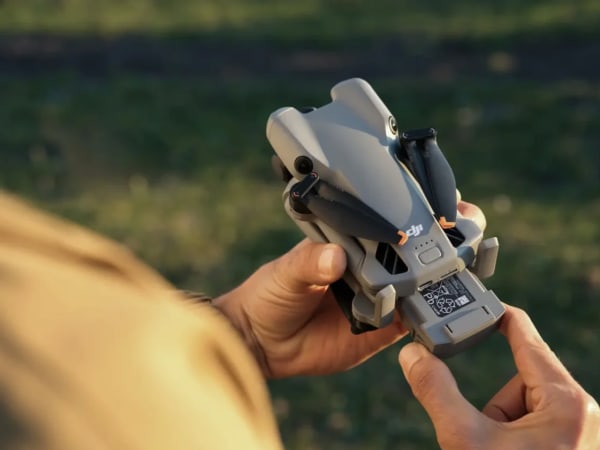
- 15.8 x 8.5 x 6.4 cm (folded)
- Weight
- 249 g (under 250 g to meet sub-250g drone regulations)
- Mobility
- Multirotor quadcopter (rotary wing)
- Top speed
- Maximum 19 m/s (68.4 km/h)
- Handles
- Camera payload only (no dust/debris or water payload)
- Charging time
- Approximately 1.5 hours (varies by charger)
- Sensors
- GPS, IMU, barometer, ultrasonic, vision sensors
- Operating environment
- Indoor, outdoor
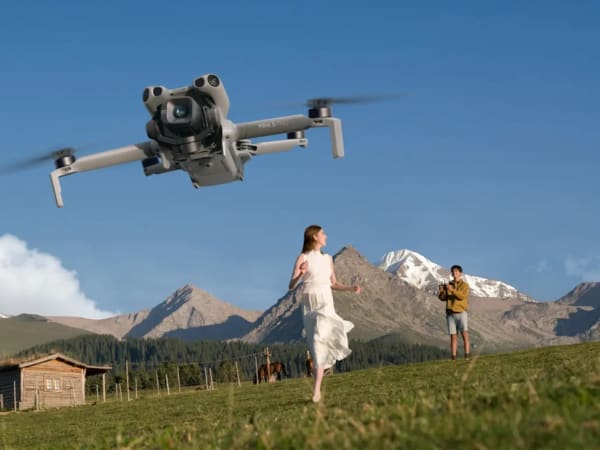
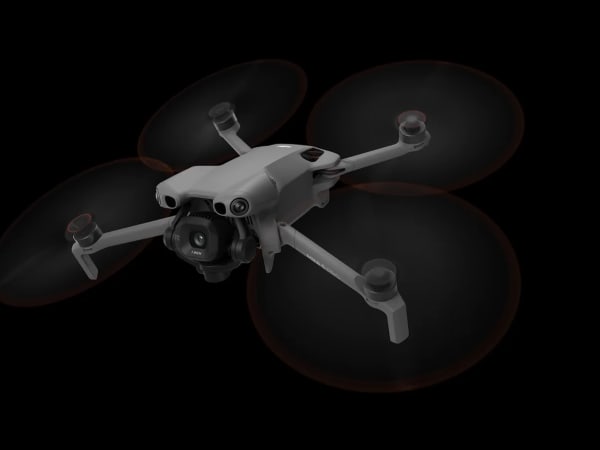
Image Gallery
Below images are from DJI's official sources
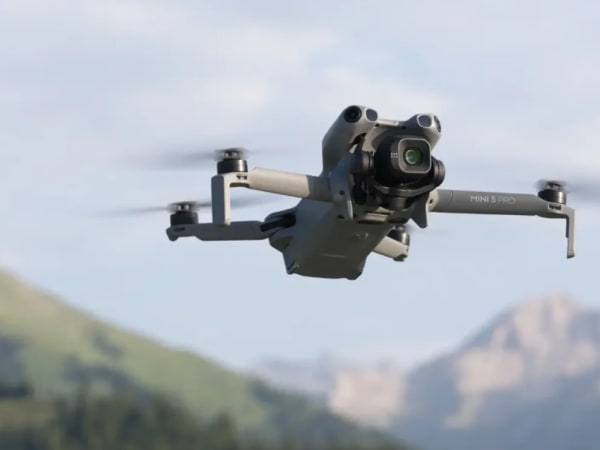
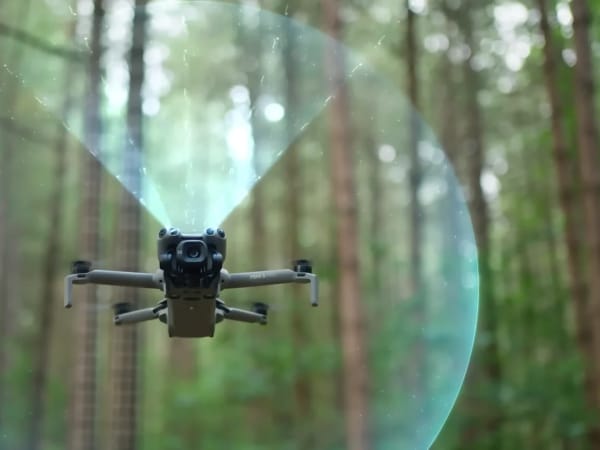
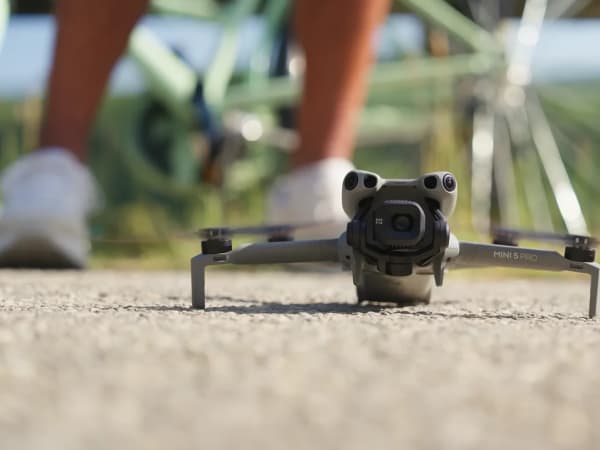
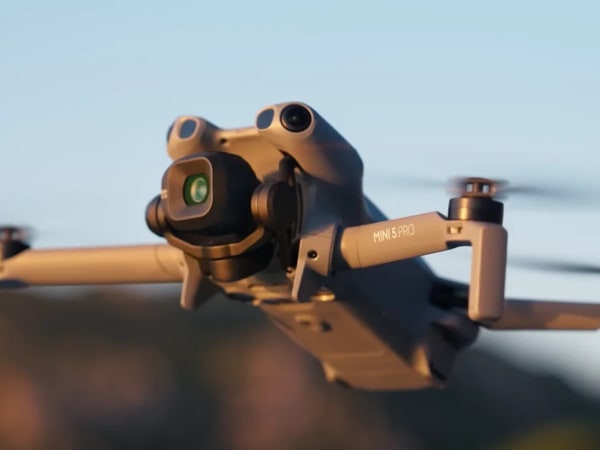
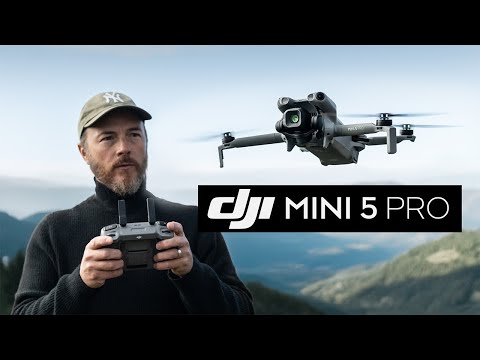
Review Videos
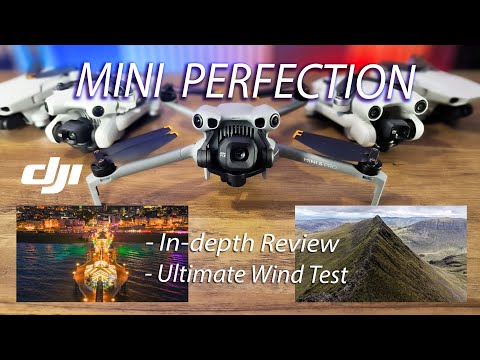
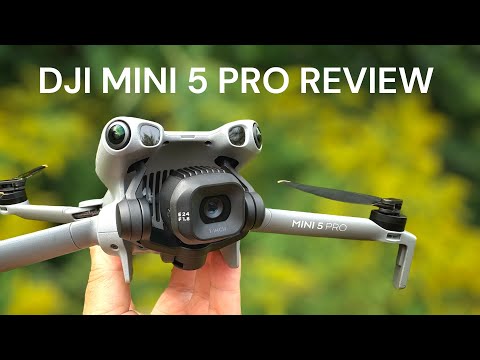
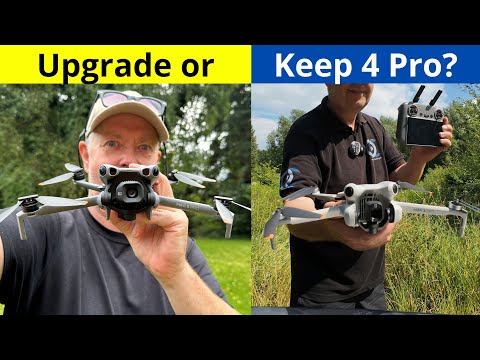
Watch expert reviews and demonstrations of this robot
Robot Specifications
Values without a Confirmed badge are compiled from public sources and may not be manufacturer-verified.
Latest News About DJI Mini 5 Pro
Stay updated with the latest articles and developments
More Robots from DJI
Explore other robots from this manufacturer
More Drones
Discover more robots in the same category

Robots From Other Categories
Discover complementary robots from different categories that work well together


Frequently Asked Questions
Get answers to common questions about this robot
Q1. What is DJI Mini 5 Pro, and what problem is it designed to solve?
DJI Mini 5 Pro is a sub-250g quadcopter drone from DJI. According to the manufacturer, it addresses portability and regulatory constraints for aerial imaging in consumer and light commercial applications.
Q2. What are the main capabilities and key features of DJI Mini 5 Pro?
The drone features a 1-inch CMOS sensor for 50MP photos and 4K video up to 60fps HDR or 120fps slow-motion, omnidirectional obstacle sensing with forward LiDAR, and a rotating gimbal, as per DJI specifications.
Q3. Who is DJI Mini 5 Pro built for, and which industries can benefit from it?
It targets hobbyists, content creators, and small-scale businesses in photography, videography, and inspection. Reviewers note suitability for creators needing compact, regulation-friendly aerial tools.
Q4. Is DJI Mini 5 Pro a commercial product or still a research prototype?
DJI Mini 5 Pro is a commercial consumer drone product, available through retail channels as of 2025, distinct from research prototypes.
Q5. Is DJI Mini 5 Pro currently available for purchase, and when is it expected to ship?
As of 2026, it is available for purchase via authorized distributors. Shipping follows standard pre-order fulfillment timelines per retailer policies.
Q6. How does DJI Mini 5 Pro actually work in real-world environments?
It operates via OcuSync 4+ transmission for control up to 20km, with binocular vision, LiDAR, and ActiveTrack for navigation in varied lighting, including low-light conditions, according to testing reports.
Q7. When was DJI Mini 5 Pro announced or officially launched?
DJI announced the Mini 5 Pro in 2025, with commercial availability following reviewer evaluations that year.
Q8. How is DJI Mini 5 Pro different from other robots in the same category?
Compared to prior Mini series models, it incorporates a larger 1-inch sensor, forward LiDAR for night sensing, and extended gimbal rotation, positioning it for enhanced low-light imaging in the sub-250g drone segment.
Q9. Does DJI Mini 5 Pro require additional development or customization after purchase?
No, it functions as a ready-to-fly consumer drone with firmware updates via the DJI app; no custom development is required for standard use.
Q10. What is the future roadmap or planned upgrades for DJI Mini 5 Pro?
DJI has announced plans for software enhancements to transmission and tracking features, targeting improved performance in future firmware releases.
Rating and Reviews
Share your experience and help others decide!
Loading...
User Reviews
No user reviews. Be the first one to review!
User Comments (No Login needed)
Share your thoughts, experiences, or questions about this robot.
Comments appear after moderator review.