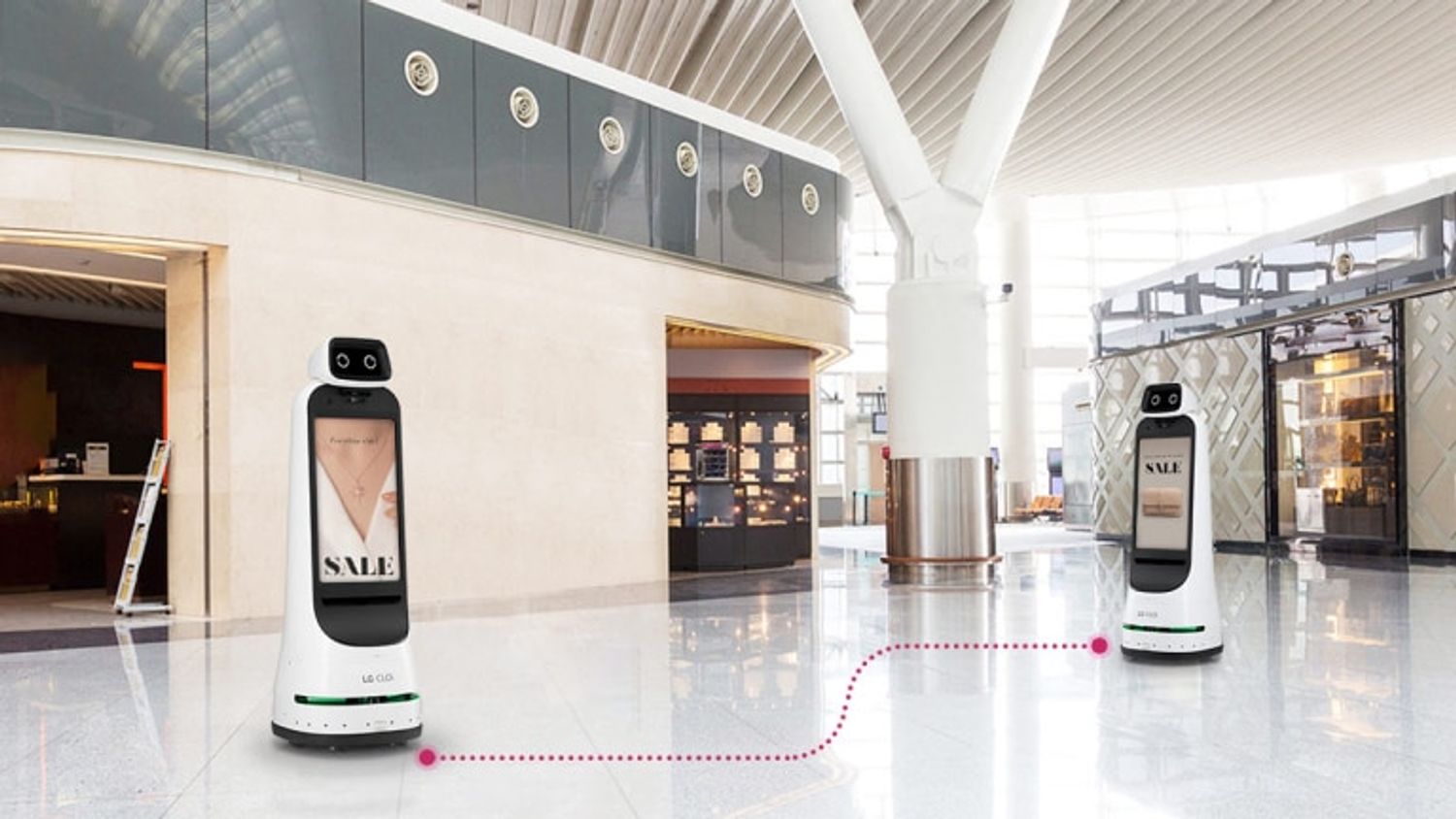
CLOi GuideBot
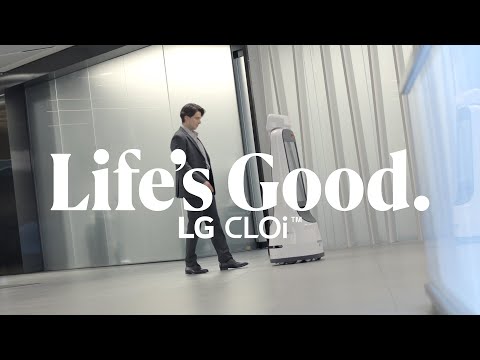
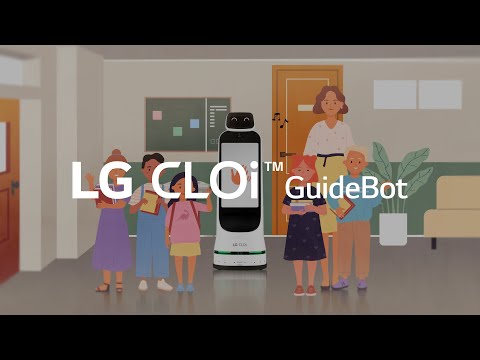
The LG CLOi GuideBot is an autonomous service robot designed to provide interactive guidance and information in various commercial and public environments such as hotels, museums, hospitals, and offices. It features dual 27-inch touchscreens for displaying menus, maps, videos, and advertisements, along with a 9.2-inch LCD “face” display for friendly interaction. The robot uses advanced sensors including LiDAR, ToF, and cameras for obstacle avoidance and navigation, enabling it to escort visitors to destinations, provide real-time route planning, and perform security patrols with video recording. It supports multi-language interaction and offers a powerful content management system for customized services and advertising. The GuideBot operates for up to nine hours on a single charge and recharges in five hours, making it a reliable assistant for continuous operation.
Quick Overview & Key Facts
CLOi GuideBot is a miscellaneous system developed by LG Electronics in South Korea and launched in 2022. Starting price is estimated at $30,000 - $40,000 USD. It is currently ranked #34 in most-viewed miscellaneous robots on Origin of Bots. It supports None (guidance and information only, no payload transport). Operating battery runtime is rated at 9 hours. Primary applications include Hospitality (hotels, resorts), museums, hospitals, corporate offices, public buildings, security patrols, retail information and advertising.
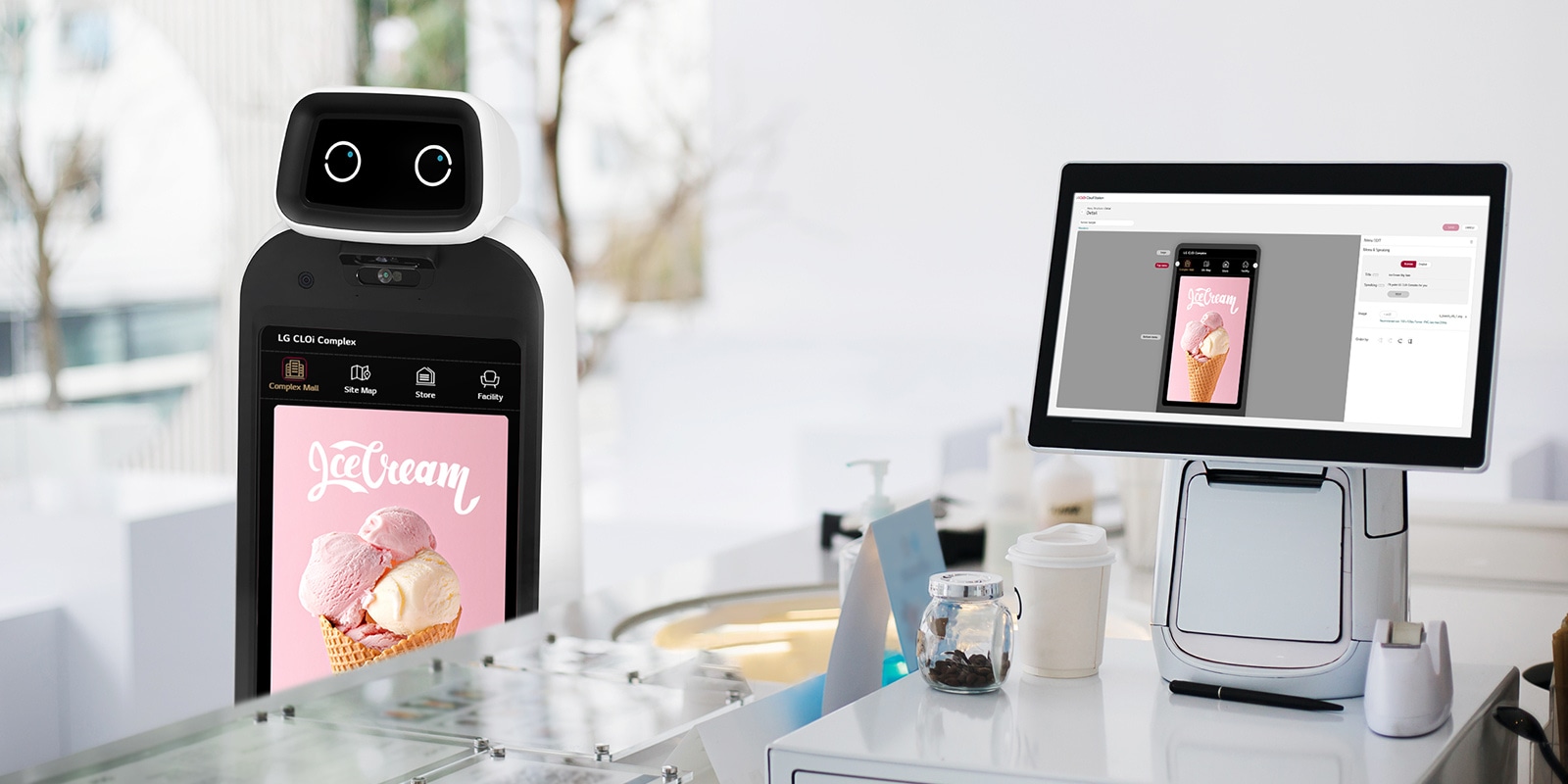
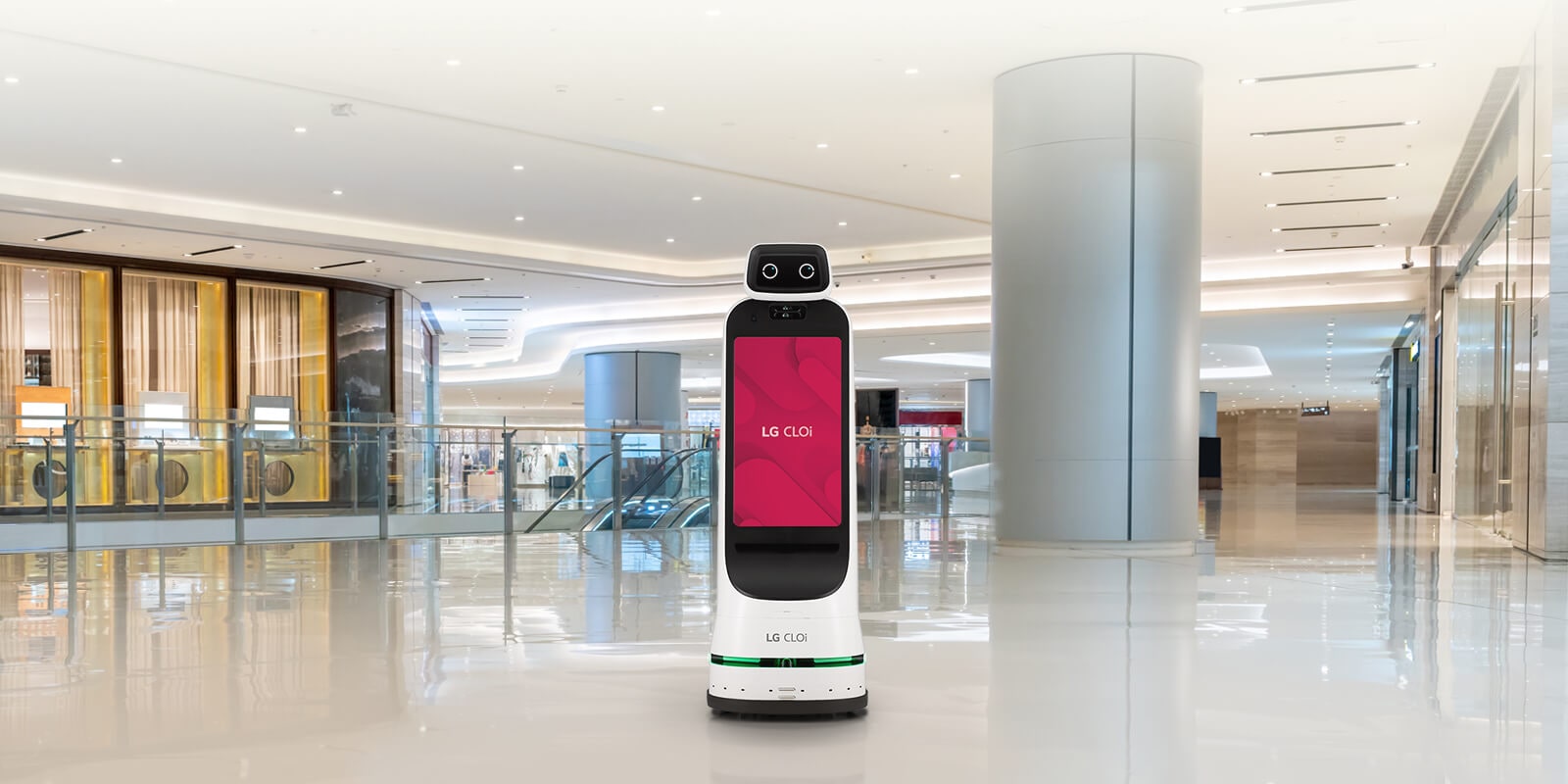
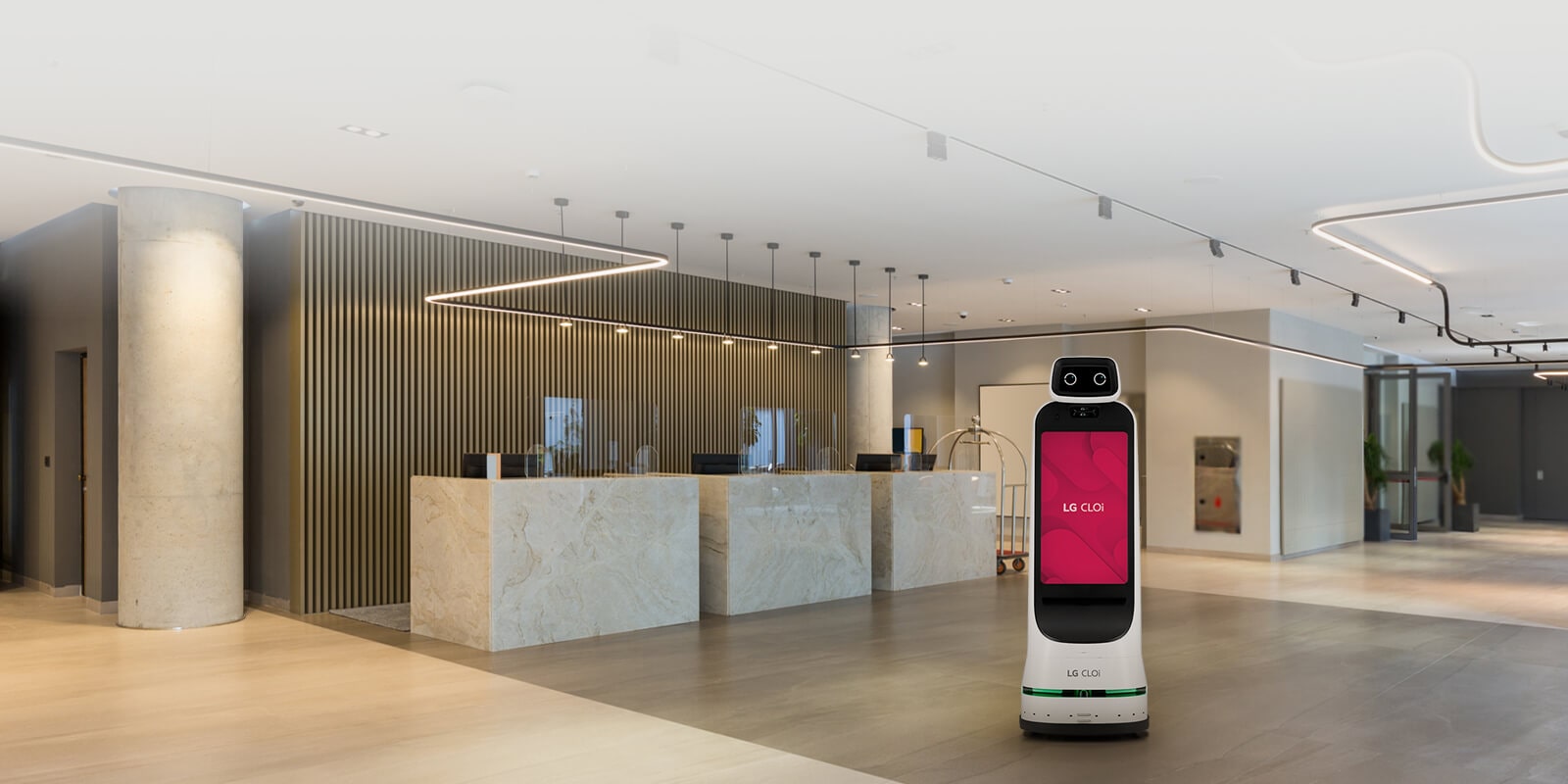
Image Gallery
Below images are from LG Electronics's official sources

Review Videos
Watch expert reviews and demonstrations of this robot
Robot Specifications
More Robots from LG Electronics
Explore other robots from this manufacturer
CloiD
Manufactured by LG Electronics
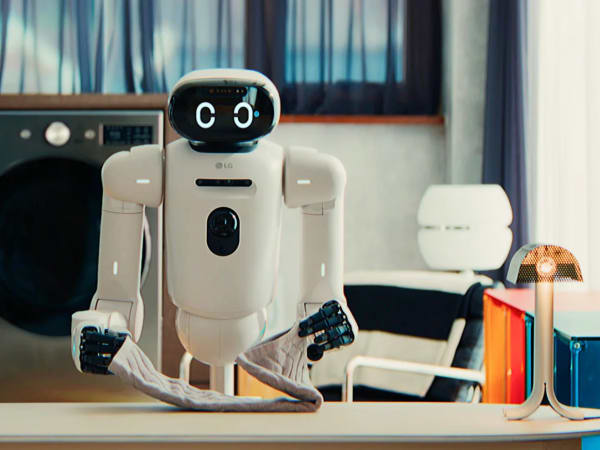
LG CLOiD is an AI-powered humanoid robot designed for household automation, featuring a wheeled base for stable indoor navigation, adjustable torso, and dual articulated arms with 7 degrees of freedom each for precise manipulation. Equipped with a head unit serving as an AI hub, it integrates cameras, sensors, display, speakers, and voice-based generative AI to enable natural human interaction via speech, gestures, and facial expressions. Core technologies include Vision Language Model (VLM) for interpreting images into language and Vision Language Action (VLA) for converting visuals into physical tasks like folding laundry, loading dishwashers, organizing refrigerators, and assisting with cooking. It learns user patterns through LG ThinQ platform connectivity, proactively handling chores to create a zero-labor home environment. With 5-finger hands for dexterous gripping, low center of gravity for safety around families, and self-driving tech from LG vacuums, CLOiD adapts to kitchens, laundry rooms, and living spaces, reducing daily effort while providing emotional comfort.
More Robots
Discover more robots in the same category



Robots From Other Categories
Discover complementary robots from different categories that work well together


Frequently Asked Questions
Get answers to common questions about this robot
Q1. How to troubleshoot CLOi GuideBot?
Troubleshoot by checking power, Wi-Fi connectivity, and software updates. Ensure all sensors are clean and free from obstruction.
Q2. How to set up CLOi GuideBot?
Set up involves connecting to Wi-Fi, configuring navigation routes, and integrating with your CMS for customized services.
Q3. What are CLOi GuideBot's primary use-cases?
Primary use-cases include wayfinding, information delivery, and advertising in hotels, offices, hospitals, and museums.
Q4. How to operate CLOi GuideBot?
Operate using touch screen interaction and voice commands. It can be programmed for scheduled tasks.
Q5. How to maintain CLOi GuideBot?
Regularly clean the exterior and ensure all sensors are free from dust. Check for software updates.
Q6. What safety features does CLOi GuideBot have?
It includes a surveillance camera for security monitoring and can patrol blind spots.
Q7. How does CLOi GuideBot handle different surfaces?
It likely uses sensors like LiDAR or ToF to navigate various surfaces, though specific details are not provided.
Q8. How to clean CLOi GuideBot?
Clean with a soft cloth and avoid harsh chemicals to protect the screen and sensors.
Q9. How does CLOi GuideBot navigate?
It uses advanced wayfinding capabilities and real-time route planning to navigate.
Q10. What are common CLOi GuideBot problems?
Common issues may include connectivity problems or sensor obstructions.
Q11. How to reset CLOi GuideBot?
Reset by powering off, waiting a few seconds, and then powering back on. Check user manual for specific instructions.
Q12. How to control CLOi GuideBot?
Control through touch screen interaction, voice commands, and API connections for customization.
Q13. How to connect CLOi GuideBot to Wi-Fi?
Connect via the robot's interface or through a dedicated app, following standard Wi-Fi setup procedures.
Q14. What is CLOi GuideBot's warranty?
Warranty details are typically provided by the manufacturer or seller; check your purchase agreement.
Q15. How to update CLOi GuideBot's software?
Update software through the robot's interface or a dedicated app, ensuring you have the latest features and security patches.
User Comments (No Login needed)
Share your thoughts, experiences, or questions about this robot.
Comments are reviewed before posting.