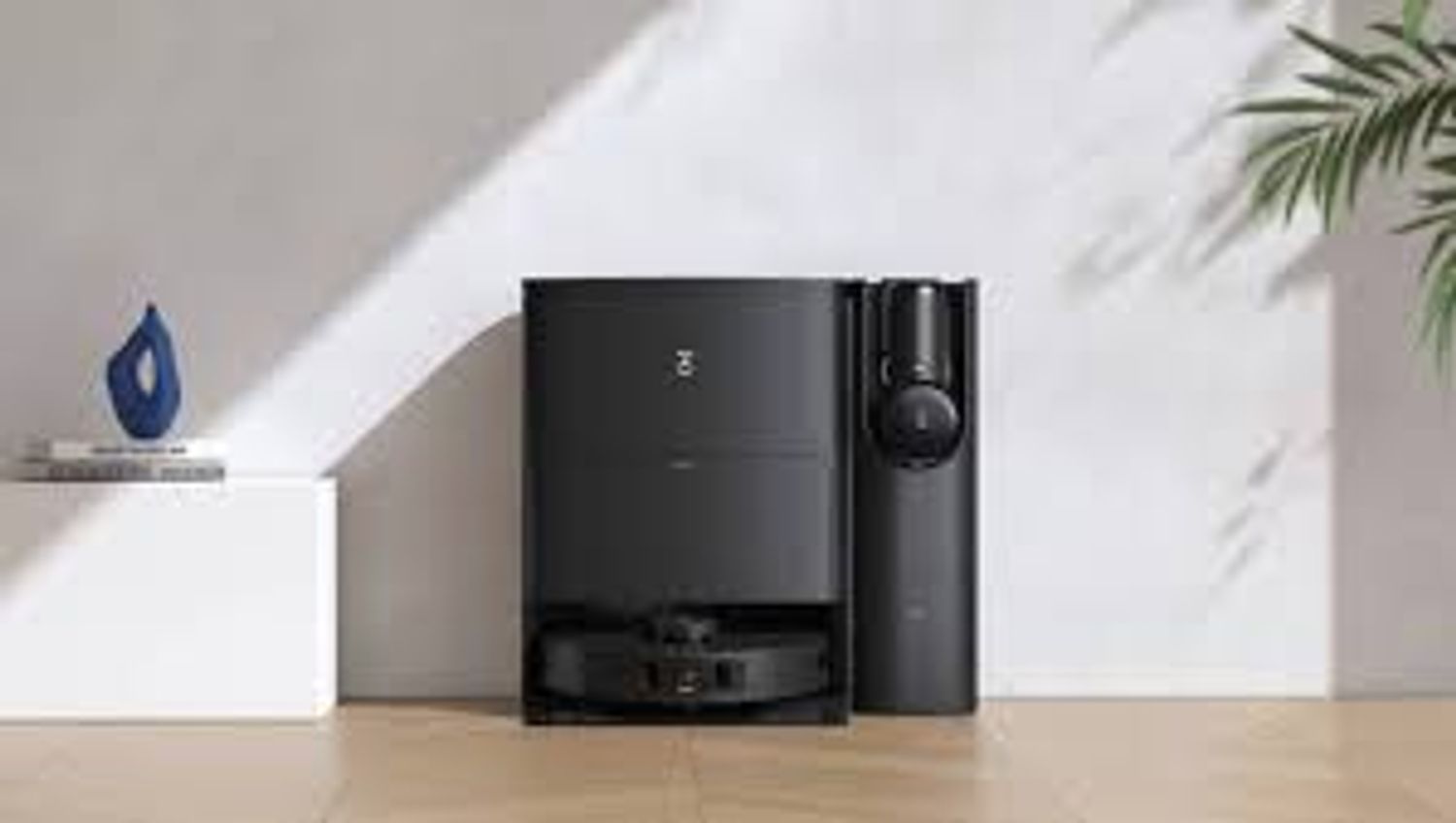
Ecovacs Deebot T30S Combo
Last updated:
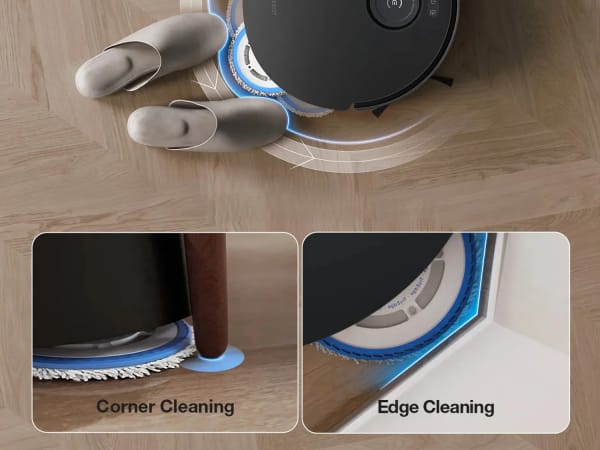
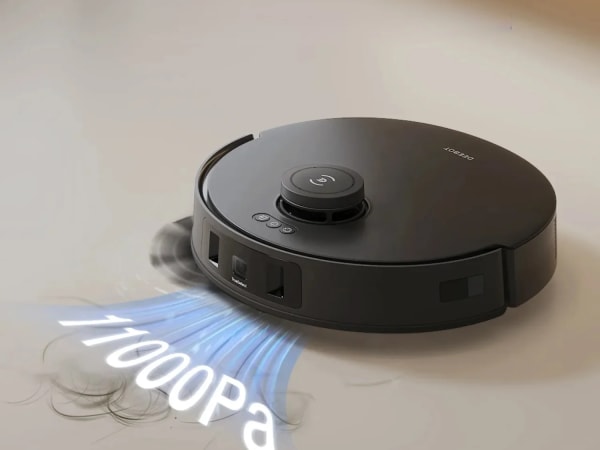
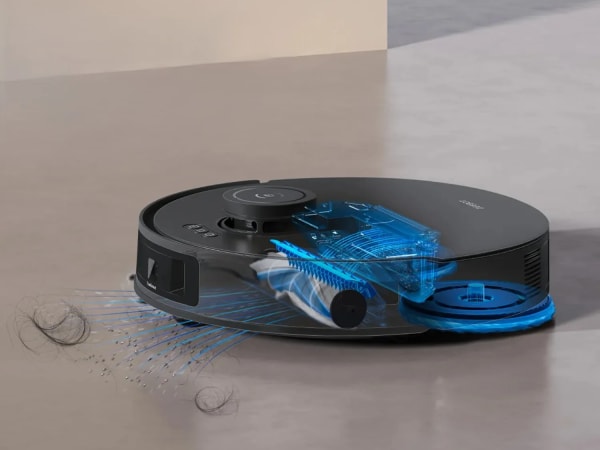
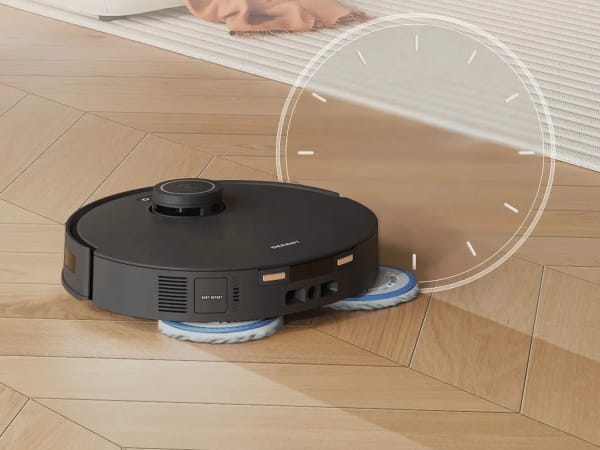
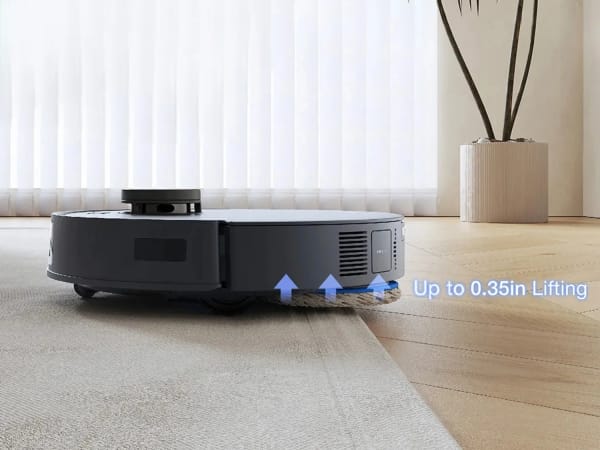
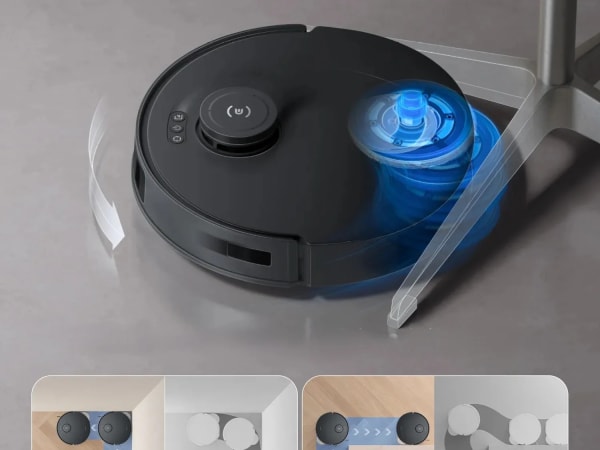
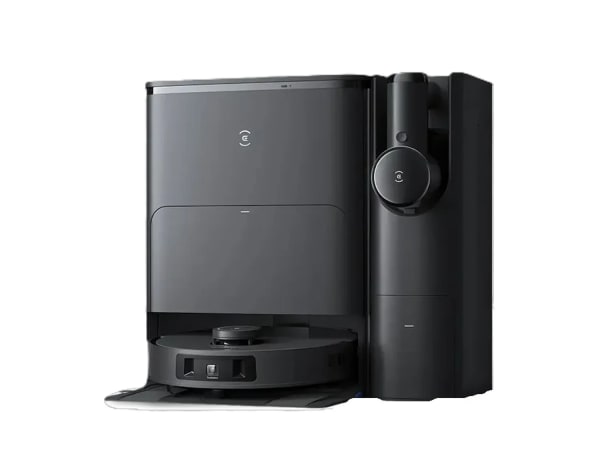
The Ecovacs Deebot T30S Combo is a high-performance robotic vacuum and mop combo featuring powerful 11,000 Pa suction and an advanced OZMO Turbo 2.0 dual-plate rotating mop system for deep cleaning and stain removal. It uses TrueMapping LiDAR navigation with 3D structured light obstacle avoidance for precise, efficient cleaning and carpet detection with automatic mop lifting to prevent wetting carpets. The all-in-one Omni Station automates dust emptying, mop washing, water refilling, and drying, enhancing convenience. It supports multiple cleaning modes including vacuum, mop, combined, and scheduled cleaning, with app and voice control integration. The robot is designed for mixed floor types and offers smart zone and room cleaning capabilities.
Quick Overview & Key Facts
Ecovacs Deebot T30S Combo is a robot vacuum cleaner made by Ecovacs in China, launched in 2024 and built for premium residential vacuuming and mopping, mixed floor homes, and pet hair removal. Its estimated price is MSRP $1,199.99 (often about $999). Featured in “Ecovacs T30S Combo Slashes to Rp9.99M in March 2026 Promo” and “Ecovacs T30S Combo Revolutionizes Cleaning with TruEdge and 11,000Pa Power”.
- Dimensions
- Diameter 35 cm x Height 10 cm (14 x 4 inches)
- Weight
- 4 kg (9 lbs)
- Mobility
- Wheeled robot with brush roll and suction
- Top speed
- 0.3 m/s (Dynamically adjusted
- Handles
- Dust, debris, and liquid mopping residue
- Battery runtime
- About 200 minutes
- Charging time
- 4-5 hours
- Sensors
- LiDAR, RGB camera, 3D structured light sensors, ultrasonic carpet detection, cliff sensors, bump sensors
- Operating environment
- Indoor, suitable for carpet, hardwood, tile, and mixed floors
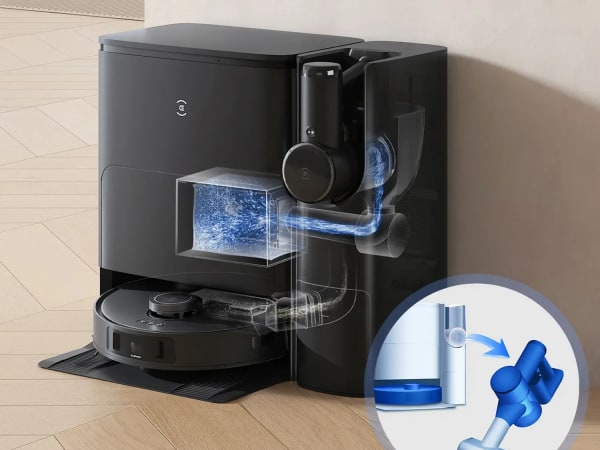
Image Gallery
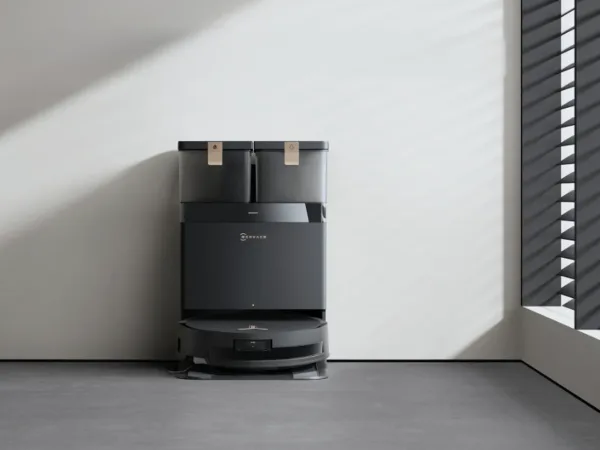
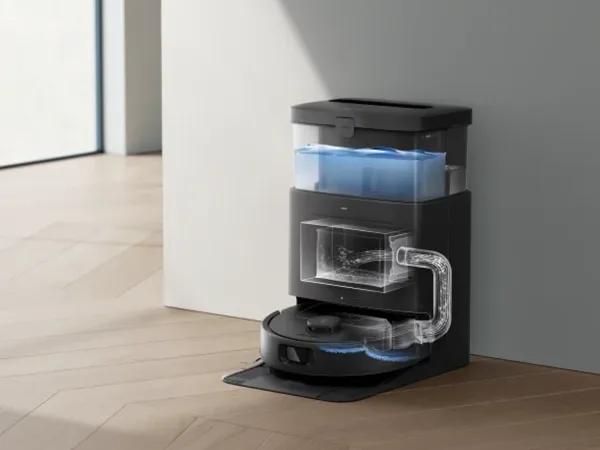
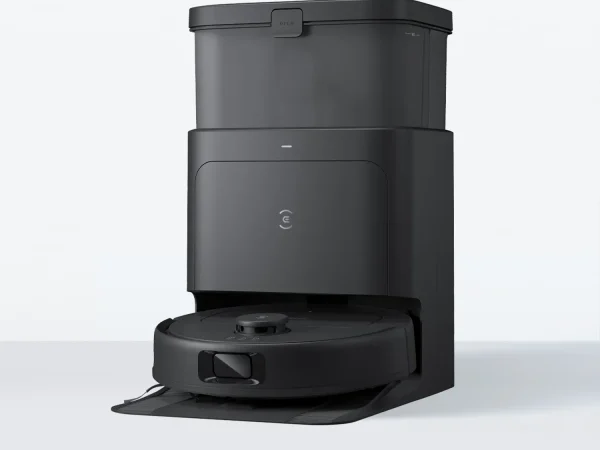
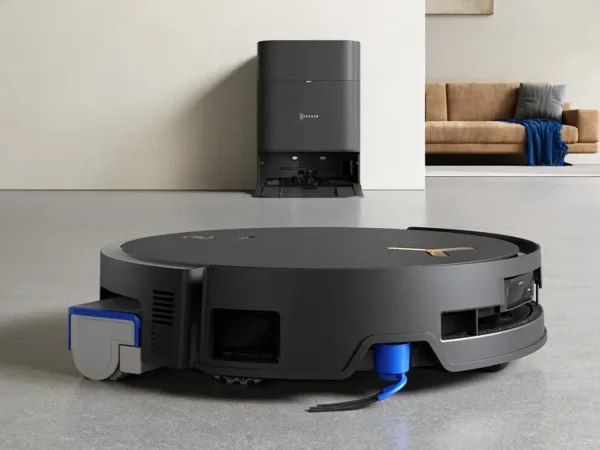
Below images are from Ecovacs's official sources
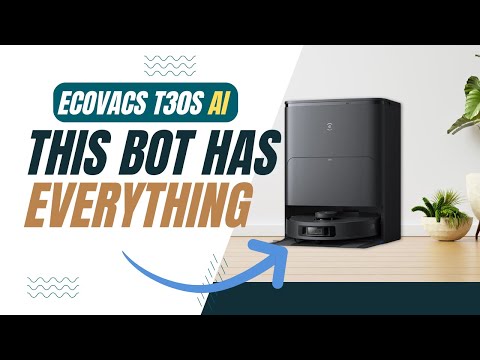
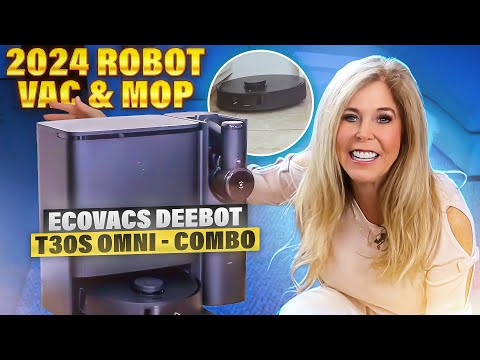
Review Videos
Watch expert reviews and demonstrations of this robot


Robot Specifications
Values without a Confirmed badge are compiled from public sources and may not be manufacturer-verified.
Not yet published by Ecovacs: EMC compliance and modular attachments.
Latest News About Ecovacs Deebot T30S Combo
Stay updated with the latest articles and developments
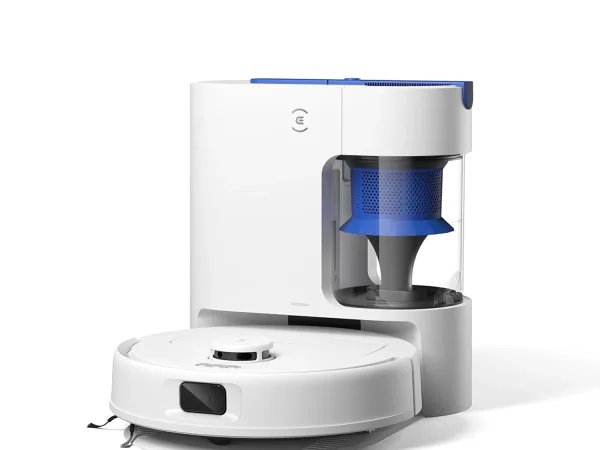
More Robots from Ecovacs
Explore other robots from this manufacturer
Robots From Other Categories
Discover complementary robots from different categories that work well together

Frequently Asked Questions
Get answers to common questions about this robot
Q1. What is Ecovacs Deebot T30S Combo, and what problem is it designed to solve?
The Ecovacs Deebot T30S Combo is a robot vacuum and mop system paired with a handheld vacuum, designed to address automated floor cleaning in households by combining robotic navigation with portable spot cleaning.
Q2. What are the main capabilities and key features of Ecovacs Deebot T30S Combo?
According to the manufacturer, it includes TrueMapping 2.0 for rapid mapping, TrueDetect 3D 3.0 for obstacle avoidance, OZMO Turbo 2.0 mopping, TruEdge edge cleaning, and ZeroTangle anti-tangle technology, with compatibility for YIKO voice assistant.
Q3. Who is Ecovacs Deebot T30S Combo built for, and which industries can benefit from it?
It targets residential users for home floor maintenance; the manufacturer positions it for households with varied floor types, though commercial cleaning services may adapt similar models for light-duty applications.
Q4. Is Ecovacs Deebot T30S Combo a commercial product or still a research prototype?
The Ecovacs Deebot T30S Combo is a commercial product available through Ecovacs distribution channels, featuring consumer-oriented hardware and software rather than prototype components.
Q5. Is Ecovacs Deebot T30S Combo currently available for purchase, and when is it expected to ship?
As of 2026, it is listed for purchase on Ecovacs websites and select retailers; shipping follows standard distributor fulfillment for in-stock orders.
Q6. How does Ecovacs Deebot T30S Combo actually work in real-world environments?
It uses LiDAR and structured light sensors for mapping and obstacle avoidance, auto-lifts mops on carpets, adjusts suction via algorithms, and integrates with apps for scheduled cleaning in homes with thresholds up to 20mm.
Q7. When was Ecovacs Deebot T30S Combo announced or officially launched?
Ecovacs announced the Deebot T30S Combo in 2024, with product pages and reviews appearing that year on official sites and testing platforms.
Q8. How is Ecovacs Deebot T30S Combo different from other robots in the same category?
Per manufacturer details, it distinguishes itself with a combo handheld vacuum, dual auto-empty stations, 11,000Pa suction in a straight-duct design, and Intelligent Housekeeper Mode 2.0 for environment-based adjustments.
Q9. Does Ecovacs Deebot T30S Combo require additional development or customization after purchase?
No, it operates out-of-box with app setup for mapping and routines; the manufacturer states it includes pre-configured modes without needing user development.
Q10. What is the future roadmap or planned upgrades for Ecovacs Deebot T30S Combo?
Ecovacs has announced plans for software updates via the ECOVACS HOME app, targeting enhanced YIKO 2.0 voice features and expanded mapping compatibility, with no hardware revisions detailed as of 2026.
Rating and Reviews
Share your experience and help others decide!
Loading...
User Reviews
No user reviews. Be the first one to review!
User Comments (No Login needed)
Share your thoughts, experiences, or questions about this robot.
Comments appear after moderator review.