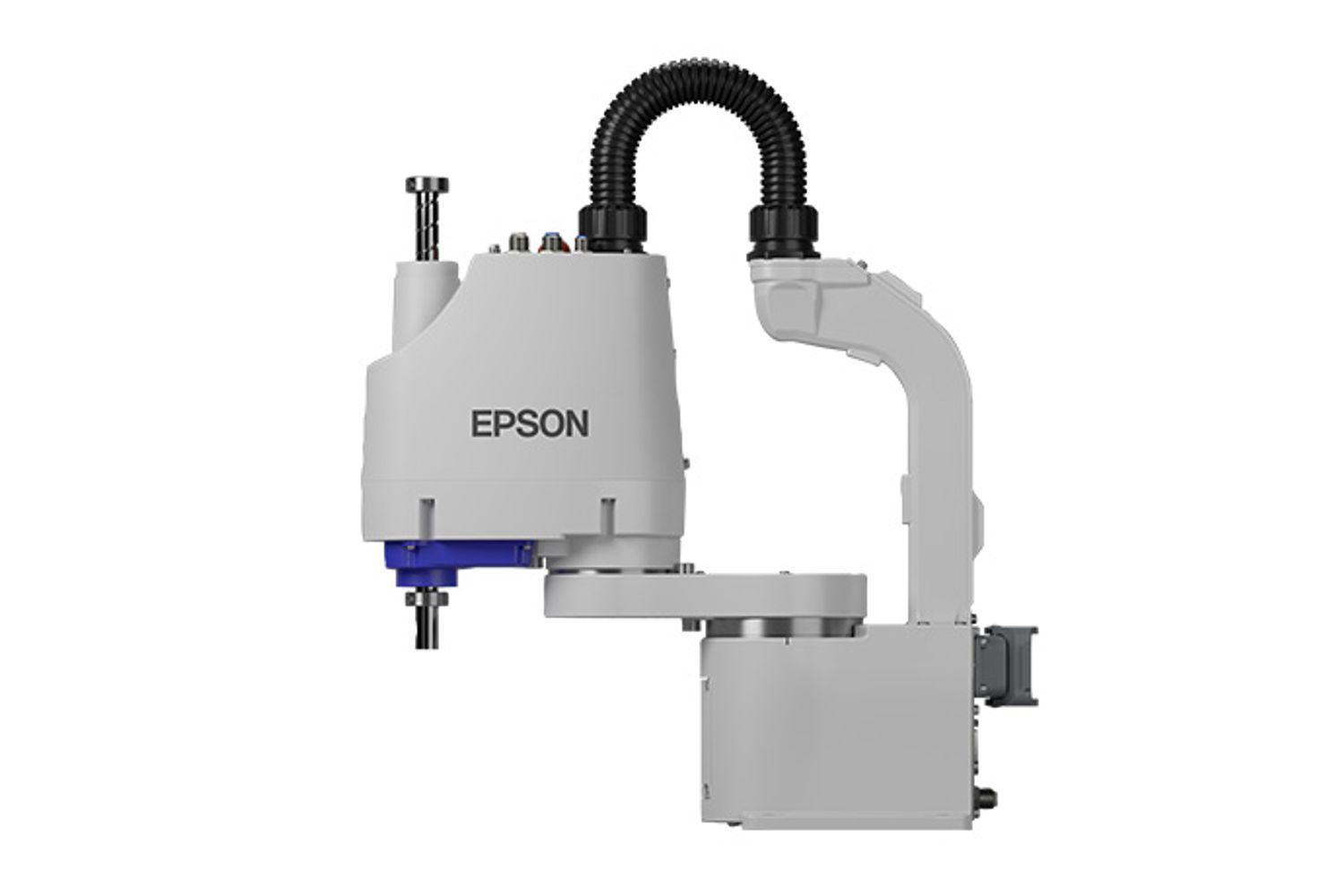
Epson G6 Series
The Epson G6 Series is a high-speed, high-precision SCARA robot designed for industrial automation. With a compact footprint and advanced arm design, it delivers smooth motion, low vibration, and high rigidity for demanding tasks. The G6 Series supports payloads up to 6 kg and offers arm lengths of 450, 550, and 650 mm, making it ideal for pick-and-place, assembly, dosing, and small-part handling. Its modular mounting options, cleanroom and ESD variants, and robust construction ensure versatility across manufacturing environments.
Quick Overview & Key Facts
Epson G6 Series is a industrial system developed by Epson in Japan and launched in 2018. Starting price is estimated at USD 10,000 - 25,000. It is currently ranked #11 in most-viewed industrial robots on Origin of Bots. It supports Small parts, mechanical/electrical components, dispensers, grippers. Operating battery runtime is rated at 24/7 continuous. Primary applications include High-speed assembly, pick-and-place, lab automation (blood analysis/test tube handling), electronics kitting, and medical device manufacturing.
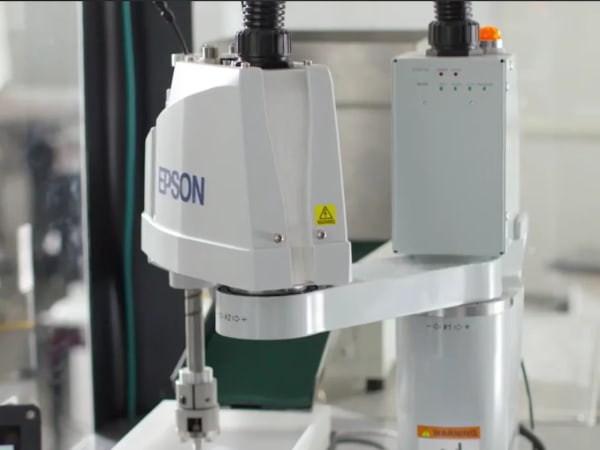
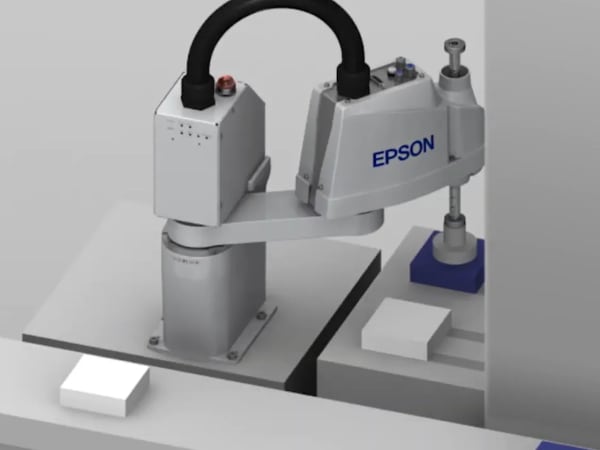
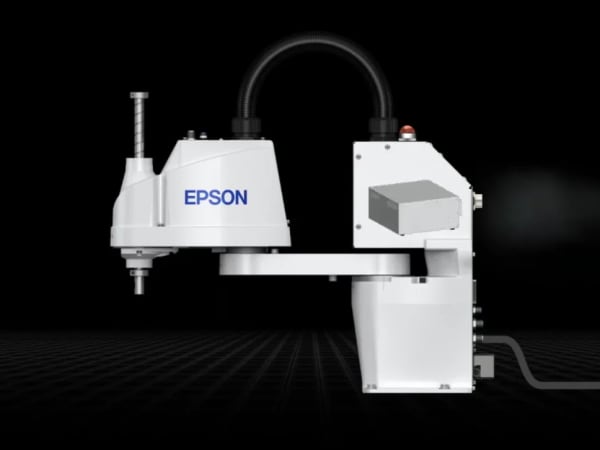
Image Gallery
Below images are from Epson's official sources
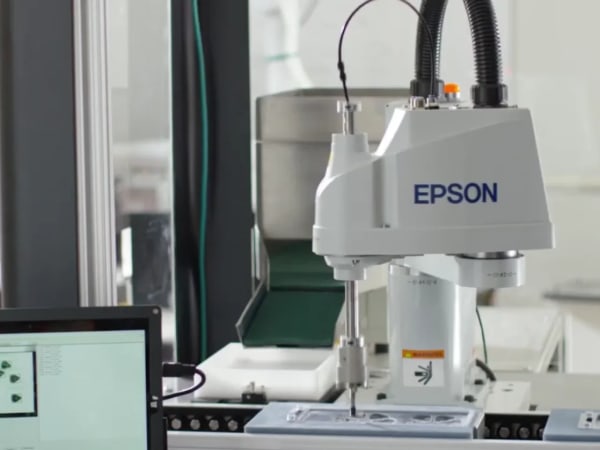
Review Videos
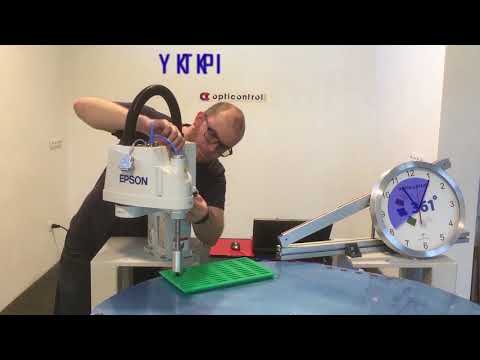
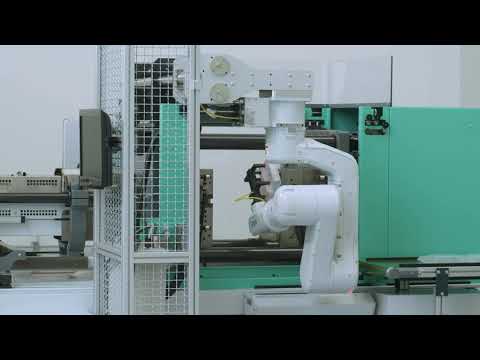
Watch expert reviews and demonstrations of this robot

Robot Specifications
More Robots
Discover more robots in the same category
Robots From Other Categories
Discover complementary robots from different categories that work well together


Frequently Asked Questions
Get answers to common questions about this robot
Q1. What are Epson G6 Series's primary capabilities?
The Epson G6 Series is a high-speed SCARA (Selective Compliance Articulated Robot Arm) designed for precision assembly, pick-and-place operations, component equipping, and dosing applications. It features exceptional speed and accuracy with a compact, rigid aluminum design that delivers 2.5 times greater rigidity than standard cast aluminum arms, enabling precise execution of repetitive industrial tasks with minimal vibration.
Q2. How to operate Epson G6 Series?
Operation begins with proper system initialization and motion range configuration through pulse settings or mechanical stops for each joint. The robot is controlled via a teach pendant or integrated control system, with operators programming trajectories and speeds through the controller interface. Always ensure the safeguarded area is clear before enabling full-speed operation, as the system operates in restricted mode during setup for operator safety.
Q3. What is the maximum carrying capacity of Epson G6 Series?
The Epson G6 Series has a rated payload of 3 kg and a maximum payload capacity of 6 kg, making it suitable for handling small to medium-weight components in assembly and manufacturing environments. This payload capacity remains consistent across all arm length variants (450mm, 550mm, and 650mm).
Q4. How long can Epson G6 Series operate on a single charge?
The Epson G6 Series is a stationary industrial robot arm that operates continuously when connected to power; it does not operate on battery charge. The system is designed for 24/7 operation in factory environments with appropriate electrical supply and does not have autonomous mobility or battery limitations.
Q5. What safety features does Epson G6 Series have?
The G6 Series includes emergency stop functionality that halts operations when activated, though operators should note that the manipulator cannot stop immediately after pressing the emergency stop switch. The system operates in restricted mode during setup with low speeds and reduced power to protect operators. Optional third-party safety certifications are available, and the robot features a low-vibration base design that minimizes unexpected movements and improves operational safety.
Q6. How to maintain Epson G6 Series?
Regular maintenance involves monitoring the reduction gear unit and electromagnetic brake for wear, as shock loads or unexpected movements can shorten their lifespan. Inspect cable connections regularly, ensure the monocoque aluminum profile remains clean and undamaged, and verify mechanical stops are properly calibrated. Avoid operating the robot with unexpected trajectory deviations, and follow the manufacturer's maintenance schedule outlined in the technical manual.
Q7. What surfaces can Epson G6 Series navigate?
The Epson G6 Series is a stationary robotic arm, not a mobile robot, so it does not navigate surfaces. Instead, it is mounted on tabletops, ceilings, or walls depending on the model variant, with a compact mounting base featuring fitting holes for reproducible positioning. The robot's work envelope is fixed based on its mounting location and arm length configuration.
Q8. How does Epson G6 Series handle obstacles?
The G6 Series uses shiftable mechanical stops that allow individual reduction of the work envelope to avoid obstacles or restricted areas. Operators can configure Cartesian (rectangular) range settings in the XY coordinate system for joints #1 and #2 to prevent collisions. The robot's high-rigidity design and precise repeatability (±0.015 mm) enable accurate path planning around fixed obstacles in the workspace.
Q9. What is Epson G6 Series's maximum speed?
The Epson G6 Series achieves maximum operating speeds of 7,170 mm/s for the 550mm arm length and 7,900 mm/s for the 650mm arm length, with Z-axis speeds reaching 1,100 mm/s for standard models and 2,350 mm/s for extended Z-stroke variants. Standard cycle times range from 0.35 to 0.39 seconds depending on arm length, making it ideal for high-speed assembly applications.
Q10. What are common use cases for Epson G6 Series?
The G6 Series excels in production of mechanical and electrical parts, precision assembly operations, pick-and-place applications, component equipping with small parts, dosing, and feeding tasks. Its combination of high speed, precision, and compact design makes it particularly suitable for cleanroom environments and applications requiring ISO clean or ESD compliance, available in specialized variants.
Q11. How to reset Epson G6 Series?
To reset the G6 Series, first ensure the manipulator is in a safe position and not moving. Access the controller's reset function through the teach pendant or control interface, which will clear any error states and return the system to its initialized state. For emergency situations, press the Emergency Stop switch, then follow the system's recovery procedures outlined in the technical manual before resuming normal operation.
Q12. How to control Epson G6 Series?
The Epson G6 Series is controlled through a teach pendant interface or integrated controller that allows operators to program motion trajectories, set speeds, and configure joint parameters. The system supports pulse range settings for all joints and mechanical stop adjustments for motion range customization. Advanced control features include outstanding interpolation capabilities and precise speed control for executing complex assembly sequences.
Q13. How to connect Epson G6 Series to Wi-Fi?
The Epson G6 Series is a traditional industrial SCARA robot designed for factory floor integration with wired connections to control systems and power supplies. While the robot itself does not feature built-in Wi-Fi connectivity, it can be integrated into networked manufacturing systems through industrial controllers and communication protocols. Consult the technical manual for specific integration options with your facility's automation infrastructure.
Q14. What is Epson G6 Series's warranty?
Specific warranty details for the Epson G6 Series are not provided in standard product documentation. Warranty coverage typically varies by region, distributor, and purchase agreement. Contact Epson directly or your authorized distributor for comprehensive warranty information, coverage terms, and any extended service plans available for your specific G6 model variant.
Q15. How to update Epson G6 Series's software?
Software updates for the Epson G6 Series should be performed through the controller's firmware update interface, typically accessed via the teach pendant or connected computer. Consult the technical manual for specific update procedures, as improper updates may affect robot performance. Always back up existing configurations before updating, and ensure the system is in a safe state with no active operations during the update process.
Rating and Reviews
Share your experience and help others decide!
Loading...
User Reviews
No user reviews. Be the first one to review!
User Comments (No Login needed)
Share your thoughts, experiences, or questions about this robot.
Comments are reviewed before posting.