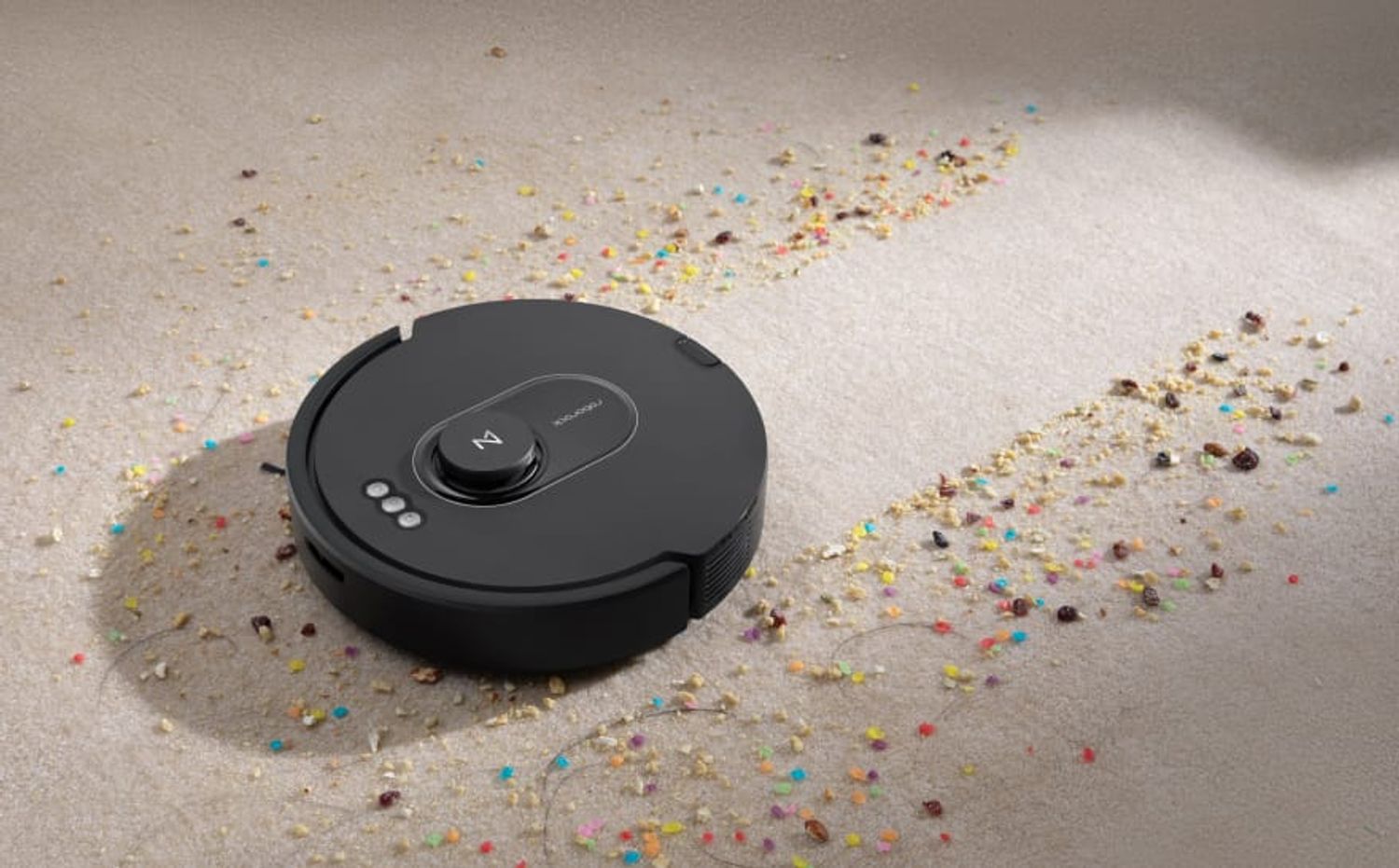
Roborock Q5 Max+
Last updated:
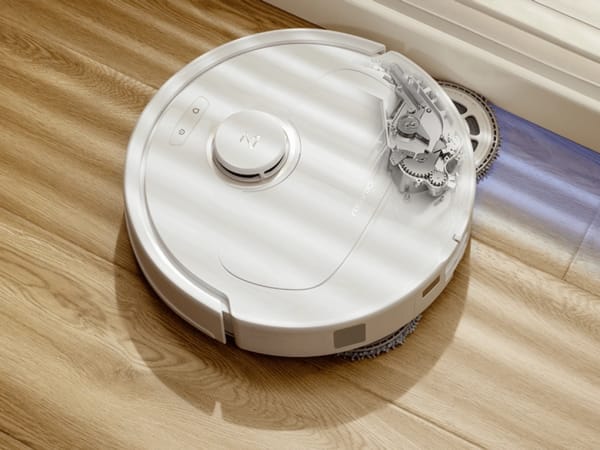
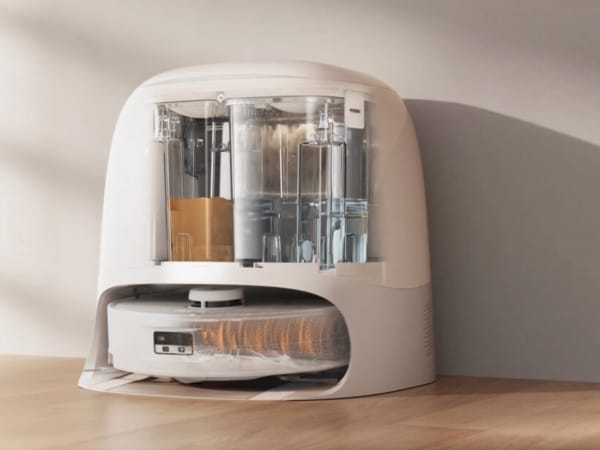
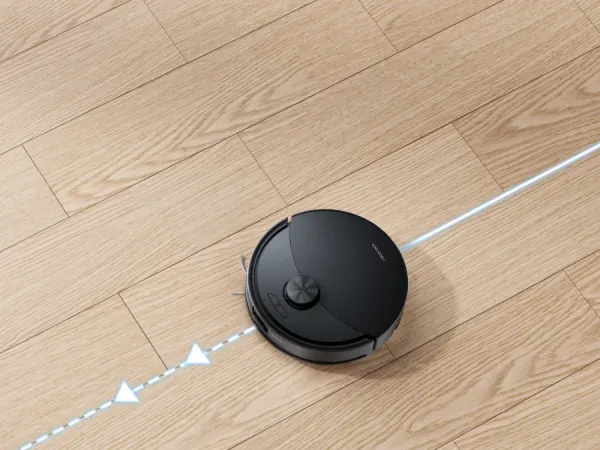
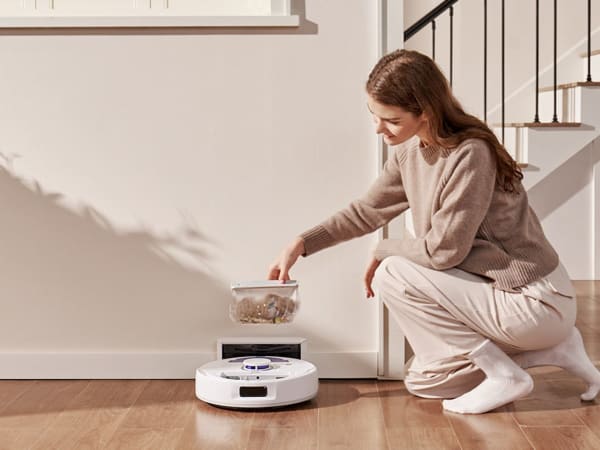
The Roborock Q5 Max+ is a mid-range, vacuum-only robot cleaner designed for efficient and thorough floor cleaning. It features a powerful 5500 Pa suction motor combined with a DuoRoller™ brush system that excels at picking up dust, debris, and pet hair. The robot uses PreciSense® LiDAR navigation for precise mapping and optimized cleaning routes, supporting multi-level and 3D map displays. It offers smart features such as suggested No-Go Zones to avoid obstacles and prevent falls. The Q5 Max+ comes with an auto-empty dock (RockDock® Plus) that holds up to 2.5 liters of dust, reducing manual emptying to about seven weeks. It supports custom cleaning schedules and room-specific cleaning via app control, making it a convenient and hands-free cleaning solution for mixed floor types. It does not have mopping capabilities, focusing solely on vacuuming performance.
Quick Overview & Key Facts
Roborock Q5 Max+ is a robot vacuum cleaner made by Roborock in China, launched in 2024. Its estimated price is $450-$550. Featured in “Q5 Max+ Dominates Pet Hair Pickup in 2026 Testing” and “Roborock Q5 Max+ Vacuums 5500Pa with DuoRoller Power”.
- Dimensions
- 13.9 x 13.8 x 3.8 inches (35.3 x 35.1 x 9.7 cm)
- Weight
- 16 lbs (7.26 kg)
- Mobility
- Wheeled robot with brush roll and suction system
- Battery runtime
- 240 minutes (4 hours)
- Charging time
- 3 hours
- Sensors
- PreciSense® LiDAR, cliff sensors, bump sensors
- Operating environment
- Indoor use on hardwood, carpet, tile, and mixed floors
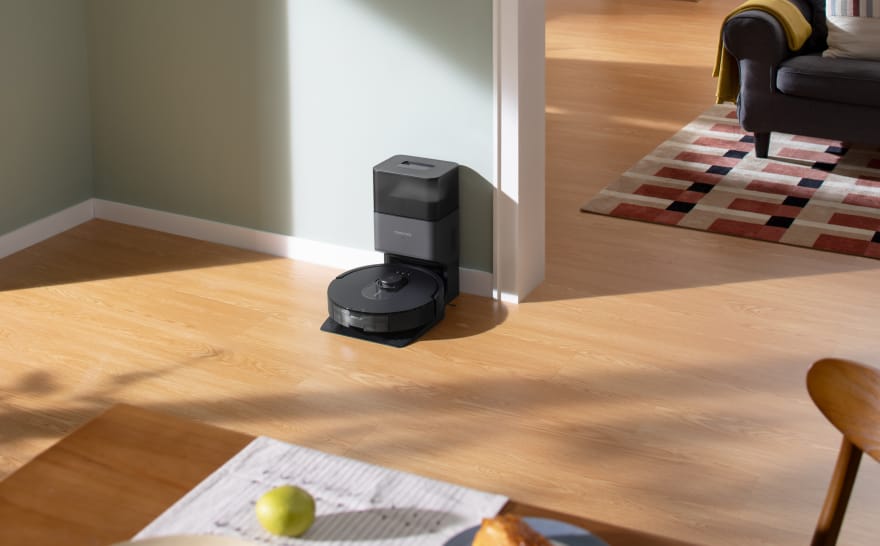
Image Gallery
Below images are from Roborock's official sources






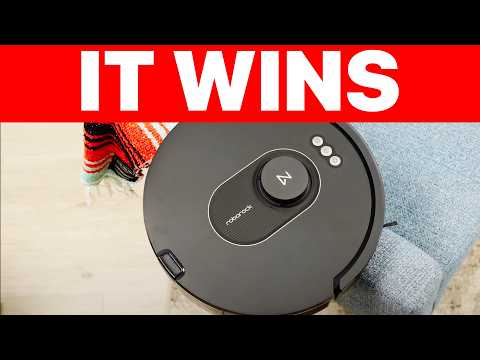
Review Videos
Watch expert reviews and demonstrations of this robot


Robot Specifications
Values without a Confirmed badge are compiled from public sources and may not be manufacturer-verified.
Not yet published by Roborock: EMC compliance and modular attachments.
Latest News About Roborock Q5 Max+
Stay updated with the latest articles and developments
More Robots from Roborock
Explore other robots from this manufacturer
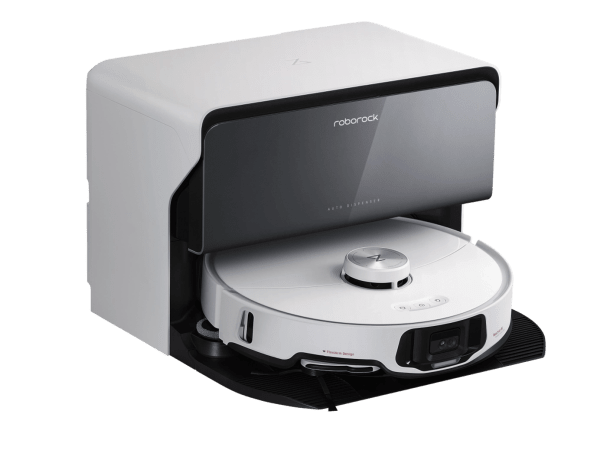
Robots From Other Categories
Discover complementary robots from different categories that work well together


Frequently Asked Questions
Get answers to common questions about this robot
Q1. How to troubleshoot Roborock Q5 Max+?
Check for sensor misalignment, brush wear, or battery issues. Clean sensors and brushes regularly, ensure dustbin is empty, and restart the device if unresponsive. Replace worn parts as needed for optimal performance.
Q2. How to set up Roborock Q5 Max+ ?
Place the robot on its charging dock, power it on, and download the Roborock app. Follow in-app instructions to connect to Wi-Fi, map your home, and customize cleaning preferences.
Q3. What are Roborock Q5 Max+'s primary use-cases?
It is designed for vacuuming various floor types including hardwood, tile, and carpet, efficiently removing dust, debris, and pet hair with strong suction and dual roller brushes.
Q4. How to operate Roborock Q5 Max+?
Use the Roborock app or voice commands via Alexa, Siri, or Google Home to start, pause, or schedule cleaning. Select cleaning modes and customize routes through the app.
Q5. How to maintain Roborock Q5 Max+?
Regularly empty the dustbin or auto-empty dock, clean brushes and sensors, replace filters and brushes when worn, and keep the charging dock area clear.
Q6. What safety features does Roborock Q5 Max+ have?
It includes child lock, scratch-safe wheels and brushes, and PreciSense LiDAR navigation to avoid obstacles and prevent falls.
Q7. How does Roborock Q5 Max+ handle different surfaces?
It automatically adjusts suction power up to 5500 Pa and uses DuoRoller brushes to effectively clean hardwood, tile, and carpets, lifting dirt and pet hair efficiently.
Q8. How to clean Roborock Q5 Max+?
Remove and empty the dustbin or let the auto-empty dock handle it, clean the DuoRoller brushes from hair and debris, wipe sensors gently, and clean filters regularly.
Q9. How does Roborock Q5 Max+ navigate?
It uses PreciSense LiDAR technology for precise mapping and adaptive route algorithms to optimize cleaning paths and avoid obstacles.
Q10. What are common Roborock Q5 Max+problems?
Typical issues include sensor misalignment, brush wear, battery degradation, and dustbin maintenance needs, which can be resolved with cleaning or part replacement.
Q11. How to reset Roborock Q5 Max+ ?
Press and hold the power button for about 10 seconds until the device restarts, or use the app’s reset option to restore factory settings.
Q12. How to control Roborock Q5 Max+?
Control it via the Roborock app, voice assistants like Alexa, Siri, and Google Home, or the physical buttons on the device.
Q13. How to connect Roborock Q5 Max+ to Wi-Fi?
Use the Roborock app to follow the step-by-step Wi-Fi setup, ensuring your phone is on a 2.4 GHz network and the robot is near the router during setup.
Q14. What is Roborock Q5 Max+'s warranty?
Typically, it includes a one-year limited warranty covering manufacturing defects; check the official warranty card or retailer for exact terms.
Q15. How to update Roborock Q5 Max+'s software?
Use the Roborock app to check for firmware updates and install them over Wi-Fi to improve performance and add features.
Rating and Reviews
Share your experience and help others decide!
Loading...
User Reviews
No user reviews. Be the first one to review!
User Comments (No Login needed)
Share your thoughts, experiences, or questions about this robot.
Comments appear after moderator review.