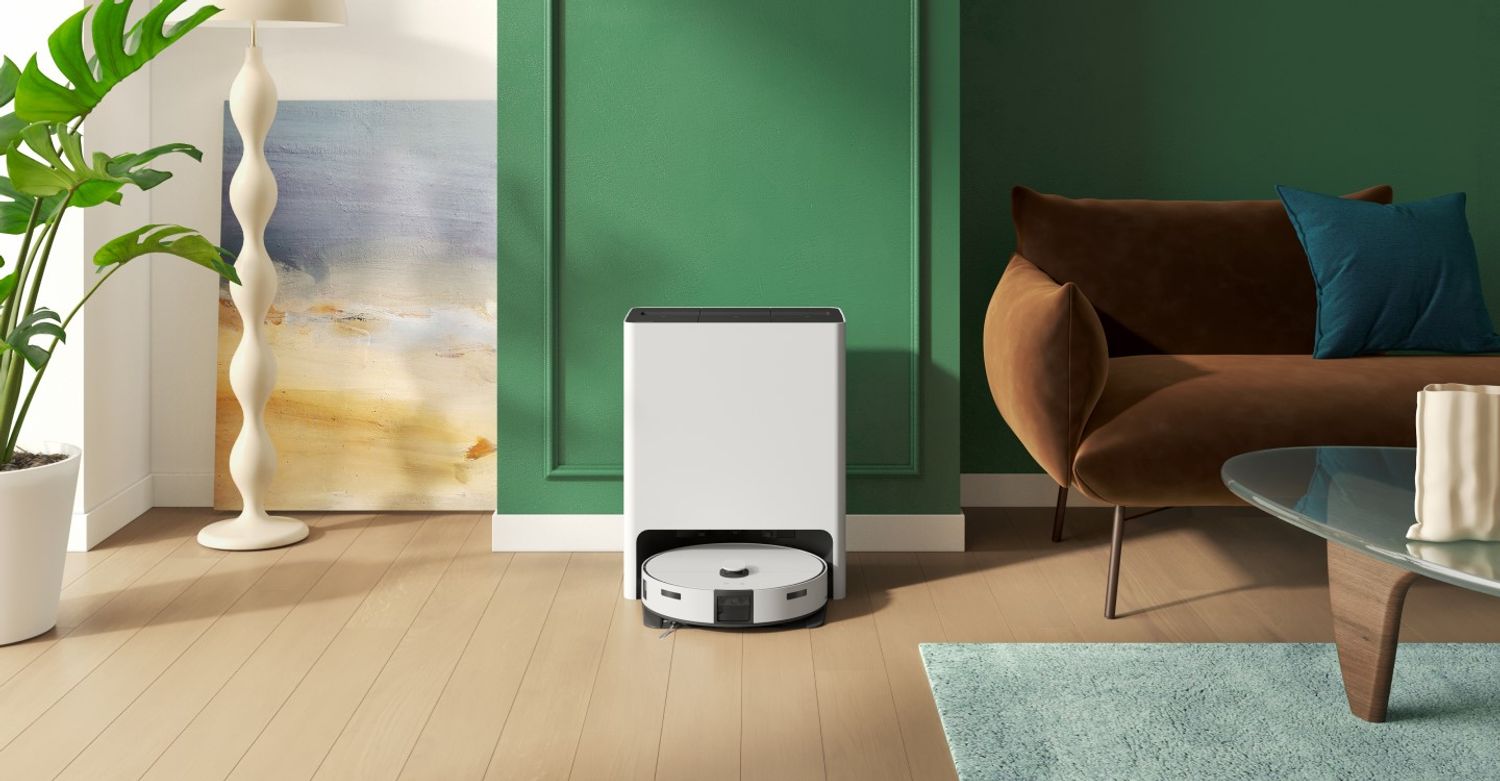
Samsung Jet Bot AI+
Last updated:
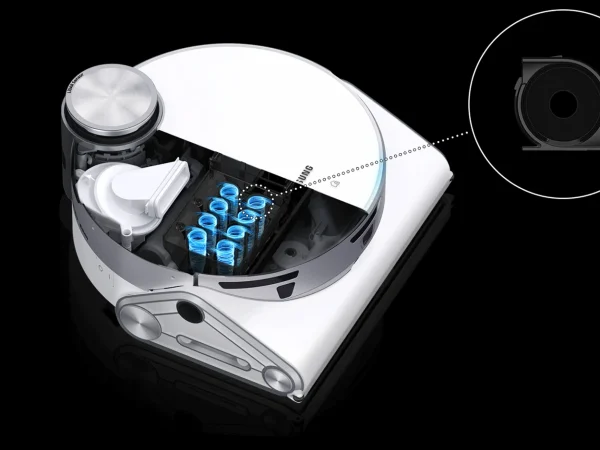
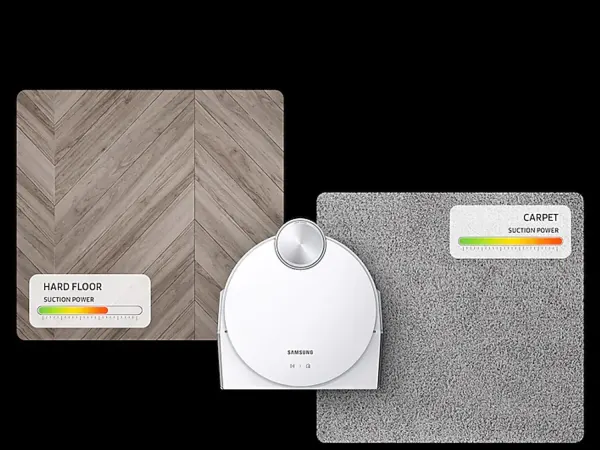
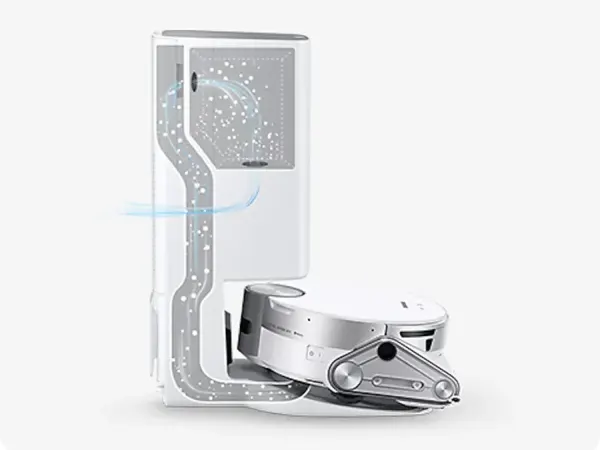
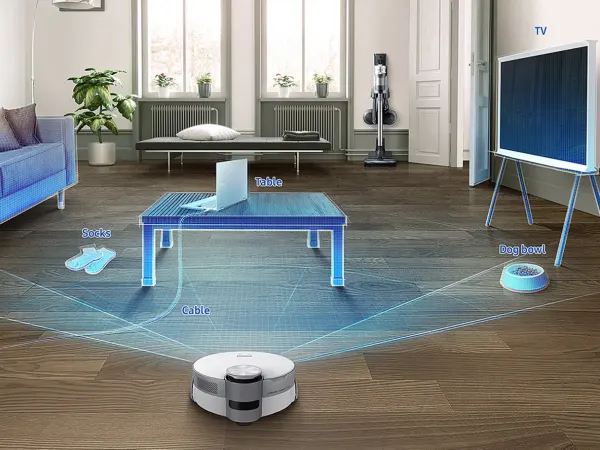
The Samsung JetBot AI+ 2.0 is a premium robotic vacuum cleaner featuring advanced AI-powered object recognition and 3D active stereo sensors for precise navigation and obstacle avoidance. It integrates an Intel AI solution to deliver efficient and personalized cleaning, adapting to various home environments. The vacuum includes a self-emptying Clean Station with a large dust bag capacity, reducing maintenance frequency. It supports multi-surface cleaning with a powerful suction system and a 5-layer filtration system that traps 99.99% of micro dust. Connectivity options include Wi-Fi and compatibility with Samsung SmartThings, Alexa, Google Assistant, and Bixby for voice control and scheduling. The device offers up to 120 minutes of runtime per charge and automatically docks and resumes cleaning. Its compact design and washable filters enhance convenience and hygiene.
Quick Overview & Key Facts
Samsung Jet Bot AI+ is a robot vacuum cleaner made by Samsung in South Korea, launched in 2021. Its estimated price is $899. Featured in “Samsung’s Jet Bot Steam Ultra Masters Liquid Detection, Qualcomm AI Inside”.
- Dimensions
- 35.1 x 35.1 x 9.9 cm (13.8 x 13.8 x 3.9 inches)
- Weight
- 9.2 kg (20.3 lbs) including Clean Station
- Mobility
- Wheeled robot with brush roll and suction system
- Top speed
- 0.3 m/s _
- Battery runtime
- Up to 120 minutes
- Charging time
- Approximately 3.5 hours
- Sensors
- 3D active stereo-type camera sensor, LiDAR, cliff sensors, bump sensors, dust sensor, obstacle sensors
- Operating environment
- Indoor use on carpet, hardwood, tile, and mixed floors
Image Gallery
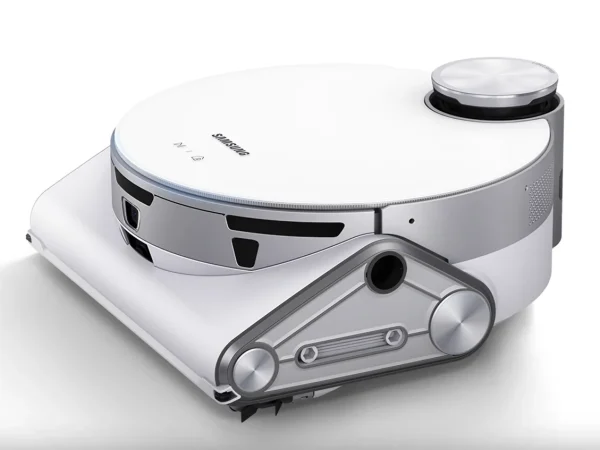
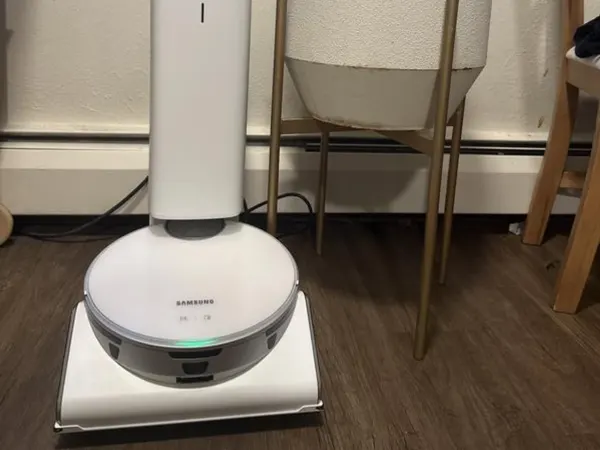
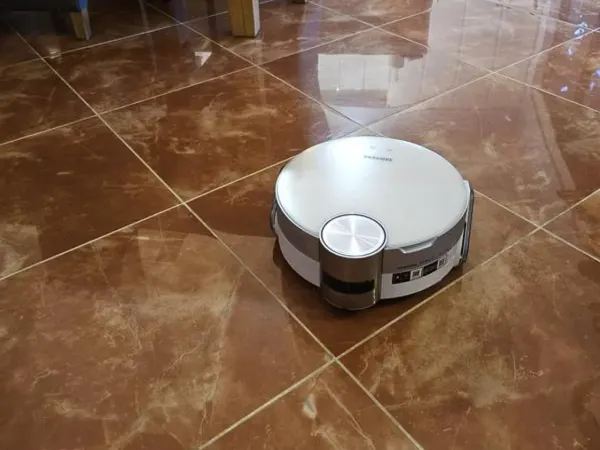
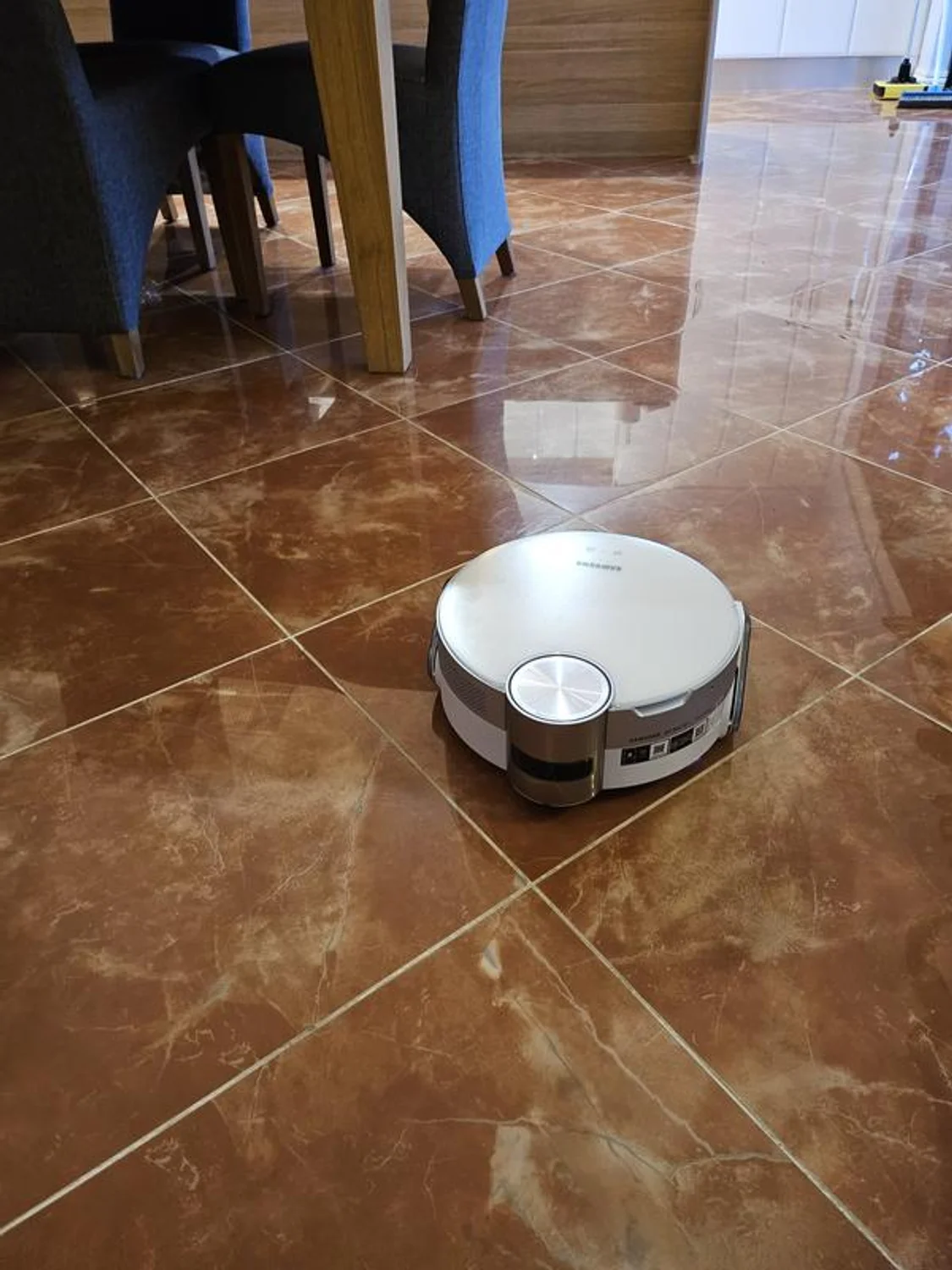
Below images are from Samsung's official sources
Review Videos
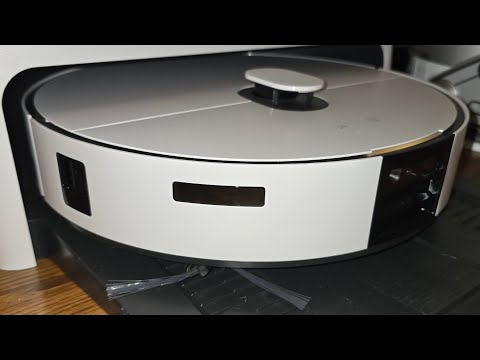
Watch expert reviews and demonstrations of this robot


Robot Specifications
Values without a Confirmed badge are compiled from public sources and may not be manufacturer-verified.
Not yet published by Samsung: EMC compliance and modular attachments.
Latest News About Samsung Jet Bot AI+
Stay updated with the latest articles and developments
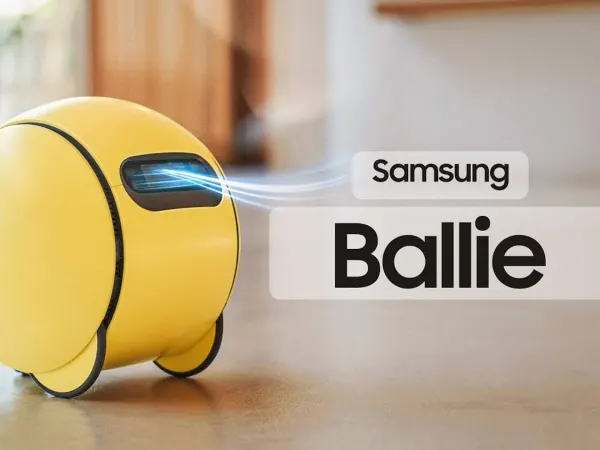
More Robots from Samsung
Explore other robots from this manufacturer

Robots From Other Categories
Discover complementary robots from different categories that work well together
Frequently Asked Questions
Get answers to common questions about this robot
Q1. What is Samsung JetBot AI+ 2.0, and what problem is it designed to solve?
Samsung JetBot AI+ 2.0 is a robotic vacuum cleaner developed by Samsung, equipped with AI object recognition. According to the manufacturer, it addresses floor cleaning challenges by navigating obstacles and mapping rooms autonomously.
Q2. What are the main capabilities and key features of Samsung JetBot AI+ 2.0?
Key capabilities include 3D object recognition, LiDAR mapping, and pet waste avoidance. It supports app-based scheduling, live video streaming via SmartThings, and voice control with Bixby, per Samsung specifications.
Q3. Who is Samsung JetBot AI+ 2.0 built for, and which industries can benefit from it?
It targets residential users, particularly pet owners and households seeking automated cleaning. Samsung positions it for home environments, with potential monitoring uses in domestic settings.
Q4. Is Samsung JetBot AI+ 2.0 a commercial product or still a research prototype?
Samsung JetBot AI+ 2.0 is a commercial robotic vacuum available through retail channels. It incorporates production-ready AI sensors, distinguishing it from research prototypes.
Q5. Is Samsung JetBot AI+ 2.0 currently available for purchase, and when is it expected to ship?
As of 2026, it is listed for purchase on Samsung's business and consumer sites. Shipping follows standard distributor timelines after order placement.
Q6. How does Samsung JetBot AI+ 2.0 actually work in real-world environments?
It uses LiDAR for mapping, 3D sensors for obstacle detection down to 1cm, and AI to classify objects like cables or pet waste. Real-world tests show efficient navigation in varied lighting via SmartThings app integration.
Q7. When was Samsung JetBot AI+ 2.0 announced or officially launched?
Samsung announced the JetBot AI+ series around 2021, with updates like Bespoke models following. The manufacturer has not specified a distinct 2.0 launch date in public statements.
Q8. How is Samsung JetBot AI+ 2.0 different from other robots in the same category?
It features active stereo 3D sensors and Intel AI for object classification, unlike basic LiDAR models. Samsung notes superior small-obstacle avoidance compared to non-AI variants in its lineup.
Q9. Does Samsung JetBot AI+ 2.0 require additional development or customization after purchase?
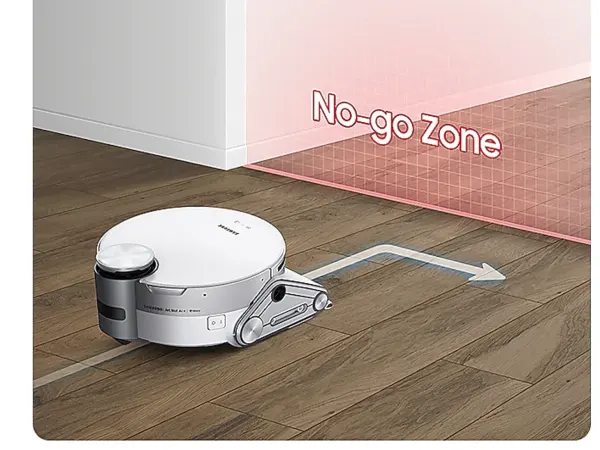
No, it operates out-of-box with app setup for mapping and zones. According to Samsung, users can schedule and monitor via SmartThings without further development.
Q10. What is the future roadmap or planned upgrades for Samsung JetBot AI+ 2.0?
Samsung has announced plans to enhance AI navigation and SmartThings integration. The company targets expanded pet monitoring and multi-device syncing in future updates.
Rating and Reviews
Share your experience and help others decide!
Loading...
User Reviews
No user reviews. Be the first one to review!
User Comments (No Login needed)
Share your thoughts, experiences, or questions about this robot.
Comments appear after moderator review.