
Shark AV2511AE AI Robot Vacuum
Last updated:
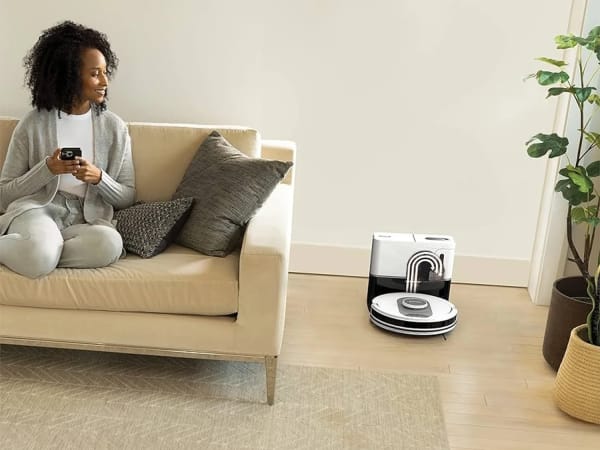
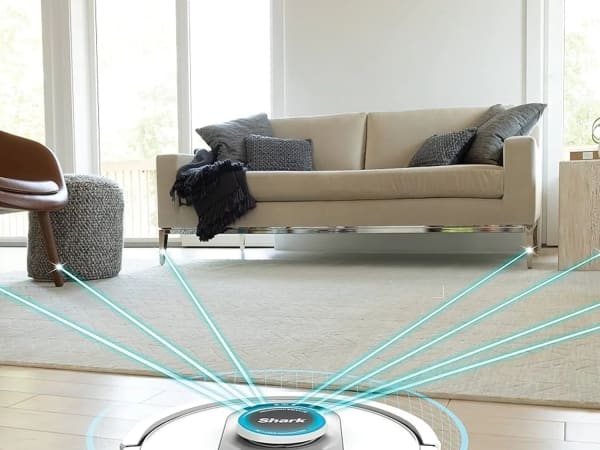
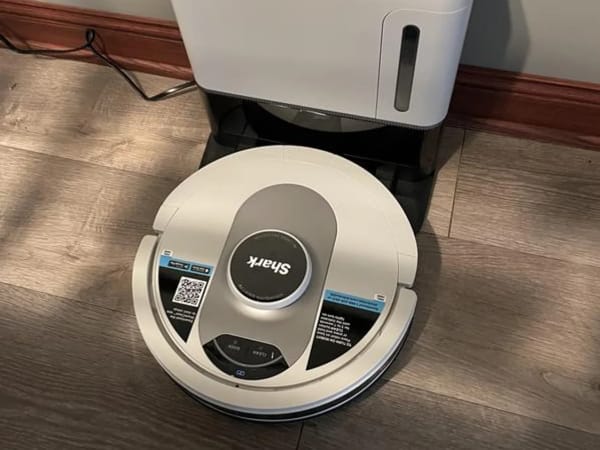
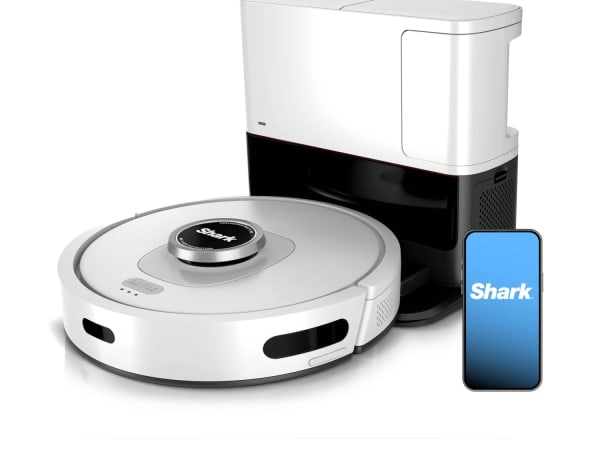
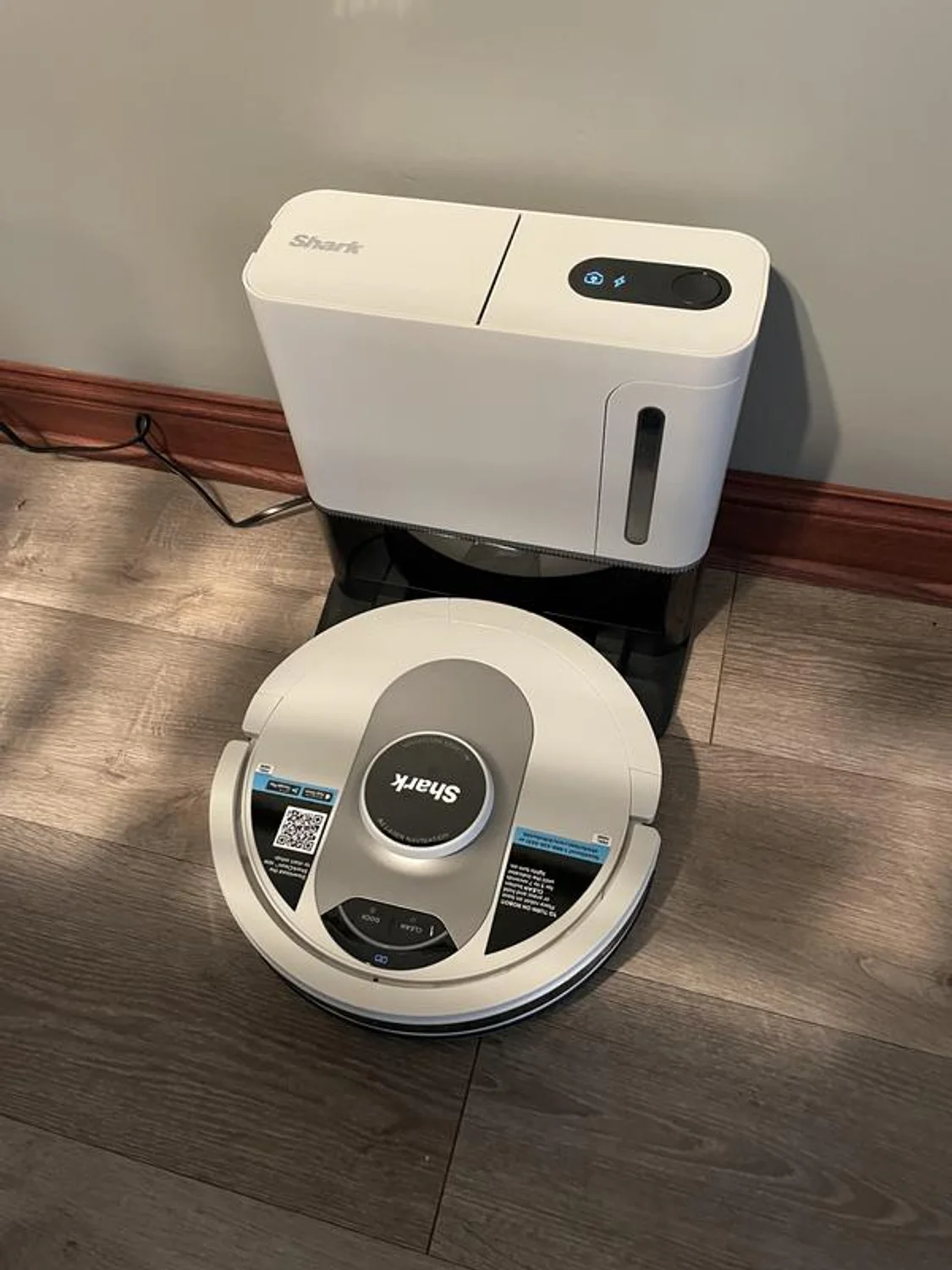
The Shark AV2511AE AI Robot Vacuum features powerful suction and advanced Matrix Clean Navigation™ for deep cleaning across all floor types. It uses 360° LiDAR vision for precise home mapping and obstacle avoidance, enabling methodical cleaning with multiple passes over dirt and debris. The vacuum includes a self-cleaning brushroll designed to pick up pet hair and prevent hair wrap. Its bagless self-emptying base holds up to 60 days of dirt and debris without requiring disposal bags. The robot supports Wi-Fi connectivity, voice control via Alexa and Google Assistant, and offers scheduled, spot, edge, and auto cleaning modes. It is ideal for homes with pets and mixed flooring, providing a runtime of 120 minutes with recharge-and-resume capability.
Quick Overview & Key Facts
Shark AV2511AE AI Robot Vacuum is a robot vacuum cleaner made by SharkNinja in United States, launched in 2022 and built for residential floor cleaning, pet hair management, and mixed flooring homes. Its estimated price is $600. Featured in “Shark AI Ultra AV2511AE Boosts 60-Day Self‑Empty Power with LiDAR Precision”.
- Dimensions
- 21.4 x 33.2 x 35.3 cm (8.43 x 13.08 x 13.9 inches)
- Weight
- 6.92 kg (15.25 lbs)
- Mobility
- Wheeled robot with brushroll and suction system
- Top speed
- 0.3 m/s
- Handles
- Dust and debris only
- Battery runtime
- 120 minutes
- Charging time
- 3.5 hours
- Sensors
- 360° LiDAR, cliff sensors, bump sensors, object detection sensors
- Operating environment
- Indoor use on carpet, hardwood, tile, and mixed floors
Image Gallery
Below images are from SharkNinja's official sources
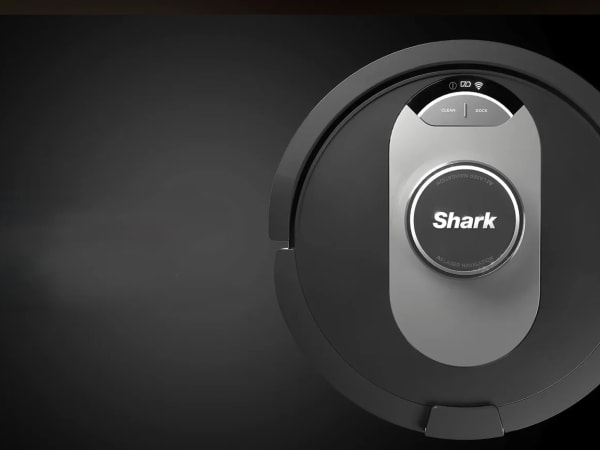
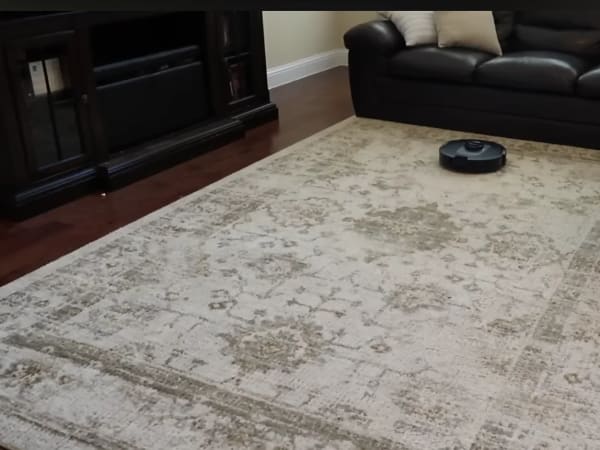
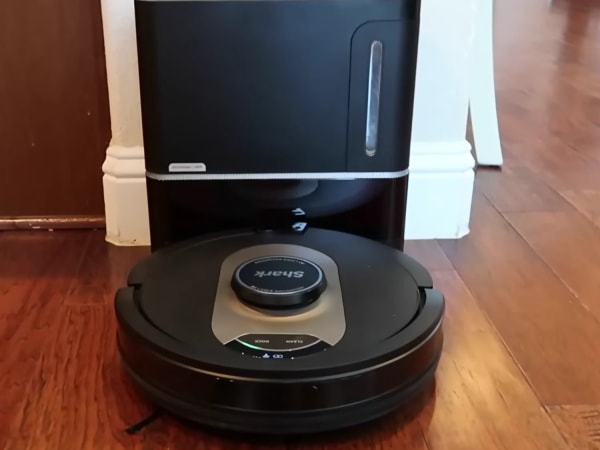
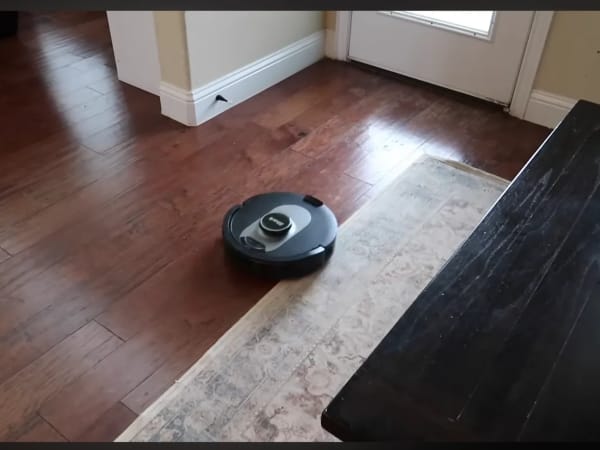
Review Videos
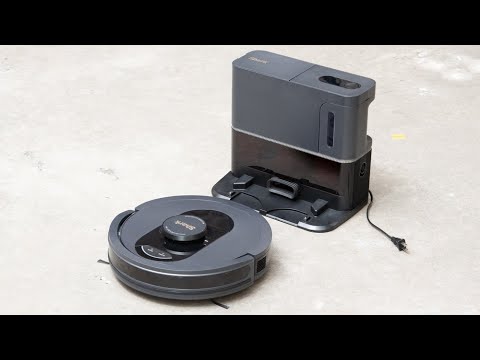
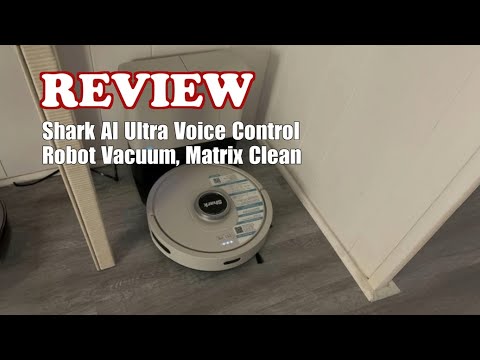
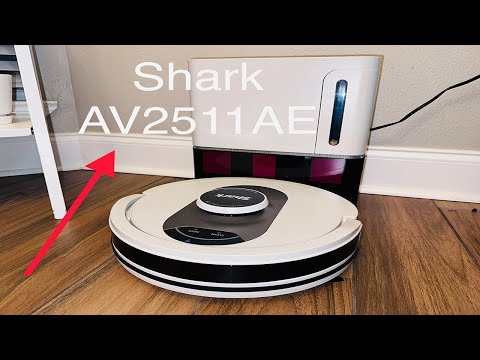
Watch expert reviews and demonstrations of this robot
Robot Specifications
Values without a Confirmed badge are compiled from public sources and may not be manufacturer-verified.
Not yet published by SharkNinja: modular attachments.
Latest News About Shark AV2511AE AI Robot Vacuum
Stay updated with the latest articles and developments
More Robots from SharkNinja
Explore other robots from this manufacturer
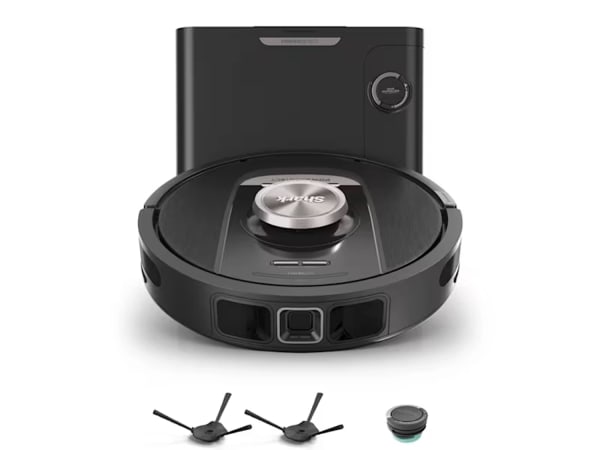
Shark PowerDetect Robot
Manufactured by SharkNinja
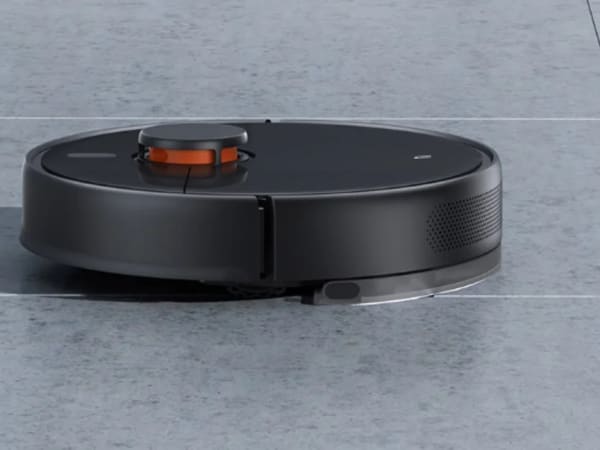
The Shark PowerDetect Robot is a 2-in-1 vacuum and mop with advanced NeverTouch Pro base for up to a month of hands-free maintenance, automatically emptying debris into a 60-day bagless bin and refilling its water tank. Featuring PowerDetect technologies like DirtDetect for boosting suction on hidden dirt, FloorDetect to adjust brush speed for floor types, EdgeDetect with air blasts and extending mop for edges, and NeverStuck to lift over obstacles and thresholds. LiDAR navigation with 3D sensors ensures obstacle avoidance and efficient room-by-room mapping. It handles multisurface floors, avoids wetting carpets during mopping, and offers app-based scheduling, no-go zones, and voice control. Self-cleaning base with HEPA seal neutralizes odors, delivering thorough cleaning with minimal intervention for busy homes.

Robots From Other Categories
Discover complementary robots from different categories that work well together

Frequently Asked Questions
Get answers to common questions about this robot
Q1. What is Shark AV2511AE AI Robot Vacuum, and what problem is it designed to solve?
The Shark AV2511AE is a robot vacuum model from SharkNinja with self-emptying base. It is designed to automate floor cleaning in homes by handling dirt and debris collection on carpets and hard floors.
Q2. What are the main capabilities and key features of Shark AV2511AE AI Robot Vacuum?
Key features include LiDAR-based navigation for room mapping, bagless self-emptying base with 60-day capacity, Wi-Fi connectivity, and compatibility with Alexa and Google Assistant. It supports recharge-and-resume for extended cleaning.
Q3. Who is Shark AV2511AE AI Robot Vacuum built for, and which industries can benefit from it?
It is intended for residential users with homes featuring mixed flooring. According to the manufacturer, it suits households with pets or high debris, primarily in the consumer home cleaning sector.
Q4. Is Shark AV2511AE AI Robot Vacuum a commercial product or still a research prototype?
The Shark AV2511AE is a commercial robot vacuum available through retailers. It is not a research prototype, as evidenced by product listings and user reviews.
Q5. Is Shark AV2511AE AI Robot Vacuum currently available for purchase, and when is it expected to ship?
As of 2026, the Shark AV2511AE is available for purchase from retailers like Walmart. Shipping follows standard distributor fulfillment for in-stock orders.
Q6. How does Shark AV2511AE AI Robot Vacuum actually work in real-world environments?
It uses LiDAR to map homes and navigate room-by-room, collects debris in its bin, and returns to the self-emptying base to transfer contents. User reports note efficient coverage on hardwood and carpet in single-floor homes.
Q7. When was Shark AV2511AE AI Robot Vacuum announced or officially launched?
The Shark AV2511AE was released as part of Shark's AI robot vacuum series, with reviews and retail listings appearing around 2021-2022. Specific announcement dates are not detailed in product documentation.
Q8. How is Shark AV2511AE AI Robot Vacuum different from other robots in the same category?
Unlike prior Shark models using camera-based V-SLAM, it employs LiDAR navigation and offers a bagless 60-day self-empty base. It provides above-average airflow for debris pickup compared to some peers in mid-range vacuums.
Q9. Does Shark AV2511AE AI Robot Vacuum require additional development or customization after purchase?
No additional development is required post-purchase. Users perform routine maintenance like filter cleaning, with app-based setup for mapping and scheduling.
Q10. What is the future roadmap or planned upgrades for Shark AV2511AE AI Robot Vacuum?
SharkNinja has not announced specific upgrades for the AV2511AE model. The company continues to iterate on robot vacuums with features like improved obstacle avoidance in newer series.
Rating and Reviews
Share your experience and help others decide!
Loading...
User Reviews
No user reviews. Be the first one to review!
User Comments (No Login needed)
Share your thoughts, experiences, or questions about this robot.
Comments appear after moderator review.