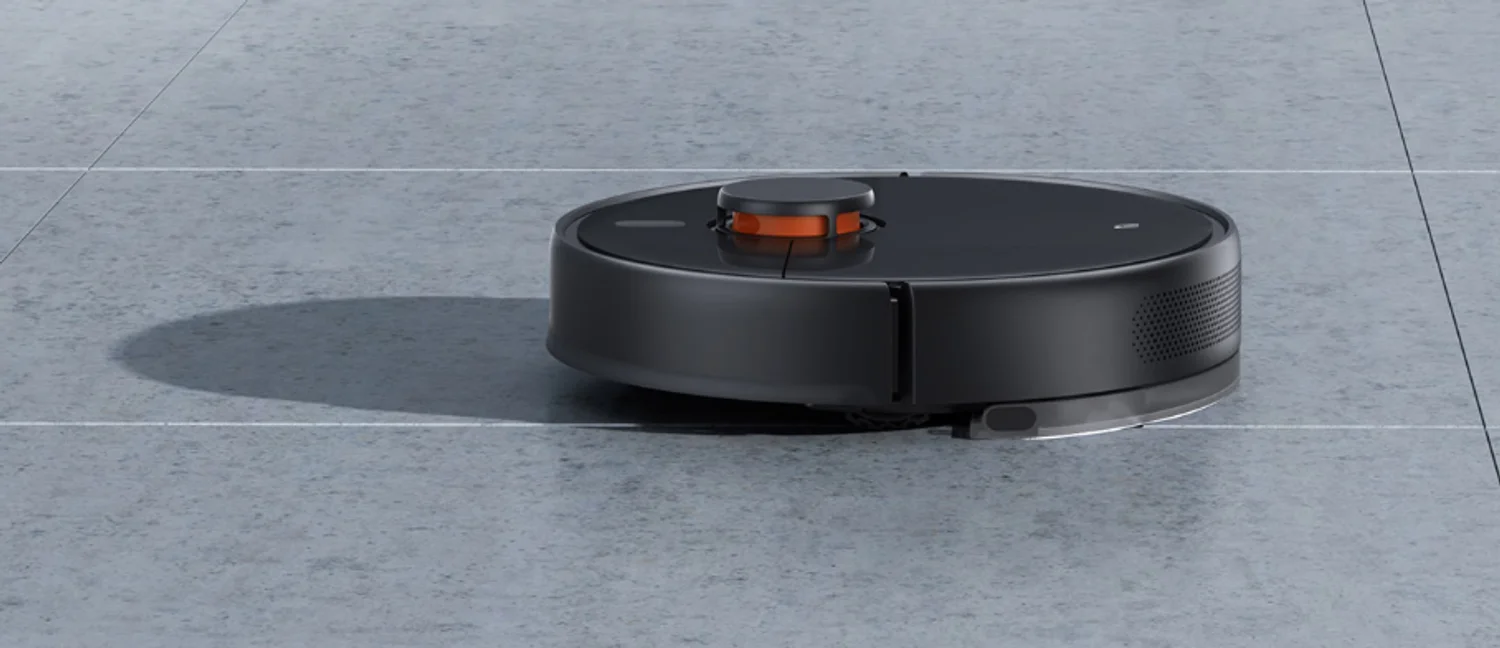
Xiaomi Mi Robot Vacuum-Mop 2 Ultra
Last updated:
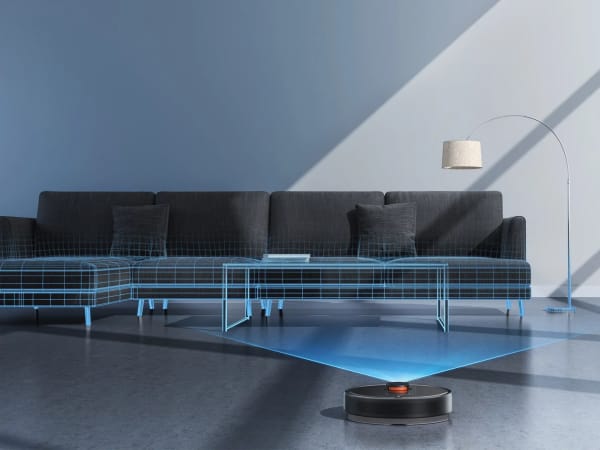
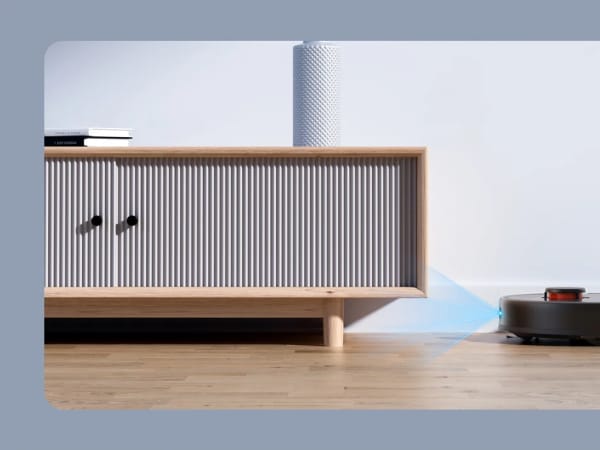
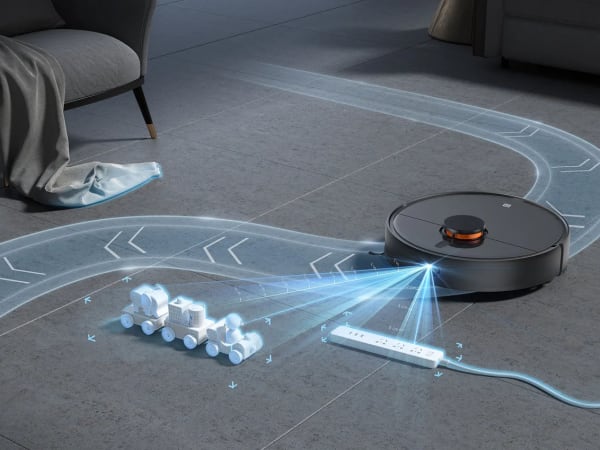
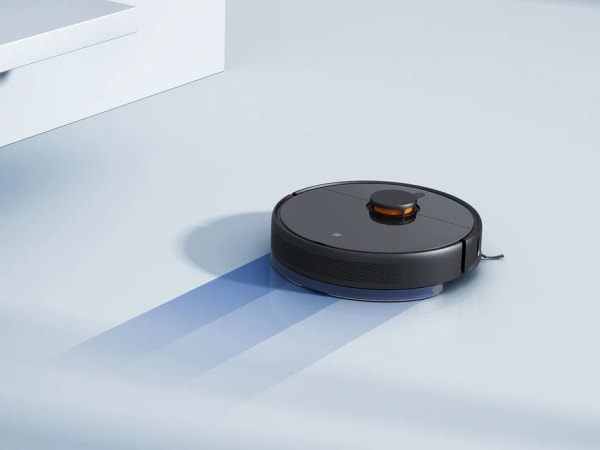
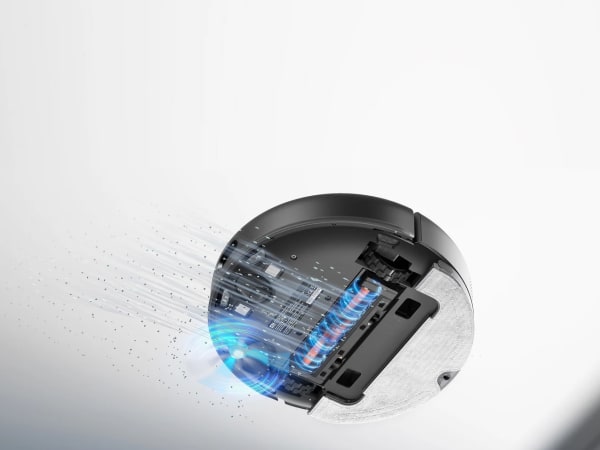
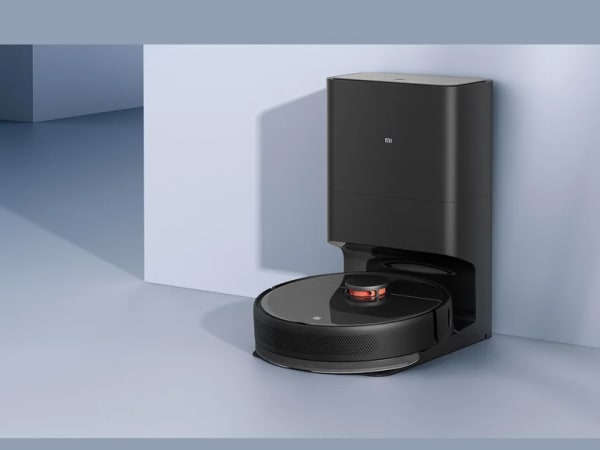
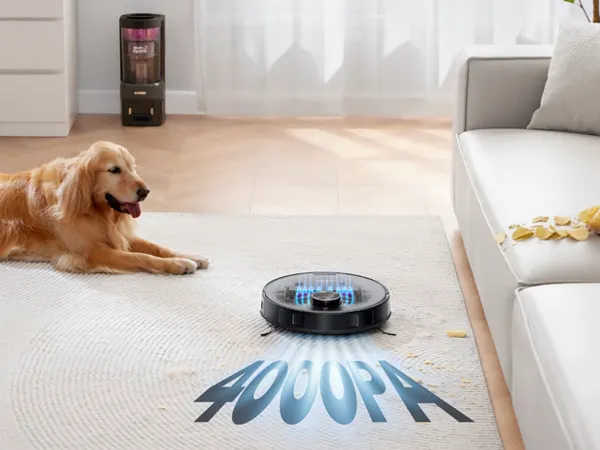
The Xiaomi Mi Robot Vacuum-Mop 2 Ultra is a high-performance robotic vacuum cleaner featuring 4,000 Pa powerful suction for deep cleaning and an all-new LDS laser navigation system for precise mapping and navigation. It incorporates advanced 3D obstacle avoidance technology to prevent collisions and falls. Equipped with a large 5,200 mAh battery, it can clean up to 240 square meters on a single charge. The vacuum supports wet mopping with a dedicated water tank and mop pads. It offers multiple cleaning modes and smart app control with Wi-Fi connectivity, enabling scheduling and remote operation. The device supports an optional auto-empty station that can hold up to 4 liters of dust, enhancing convenience by automatically emptying the dustbin. Its design includes a round shape, HEPA filtration, and compatibility with voice assistants for seamless integration into smart homes.
Quick Overview & Key Facts
Xiaomi Mi Robot Vacuum-Mop 2 Ultra is a robot vacuum cleaner made by Xiaomi in China, launched in 2023 and built for residential homes, apartments, and pet-owning households. Its estimated price is USD 350-450. Featured in “Mi Robot Vacuum-Mop 2 Ultra Delivers 16,500 Pa Dust Collection Power” and “Xiaomi Unleashes 4000Pa Mi Robot Vacuum-Mop 2 Ultra in Europe”.
- Dimensions
- 35.3 cm (Length) x 35.0 cm (Width) x 9.88 cm (Height)
- Weight
- 4.15 kg
- Mobility
- Wheeled robot with brush roll and suction system
- Top speed
- 0.3 m/s
- Handles
- Dust, debris, and liquid mopping solution
- Battery runtime
- Up to 150 minutes (approximate
- Charging time
- 4-5 hours
- Sensors
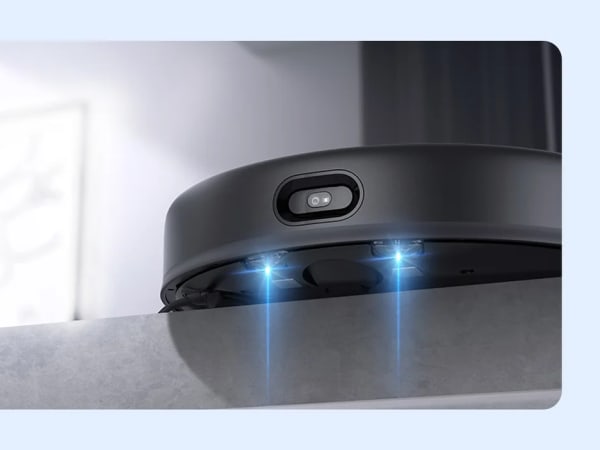
- LDS laser sensor, 3D obstacle avoidance sensors, cliff sensors, bump sensors
- Operating environment
- Indoor use on carpet, hardwood, tile, and mixed floors
Image Gallery
Below images are from Xiaomi's official sources
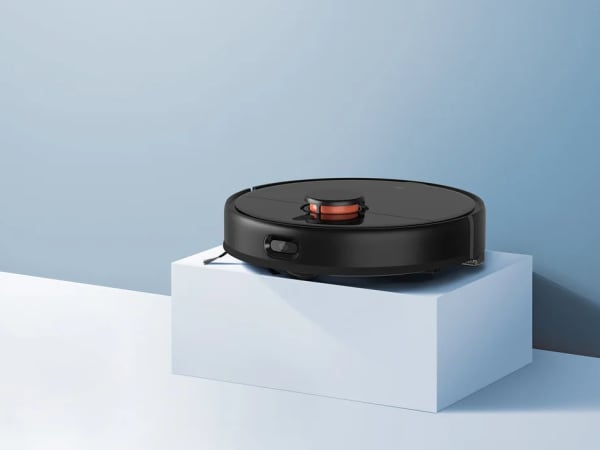
Review Videos
Watch expert reviews and demonstrations of this robot
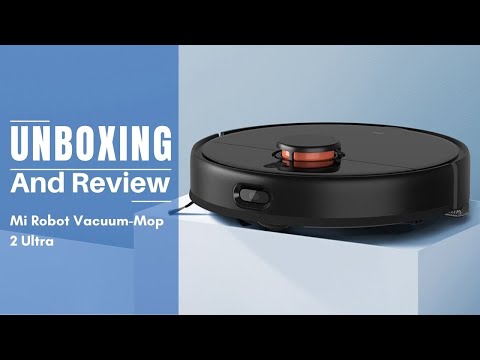
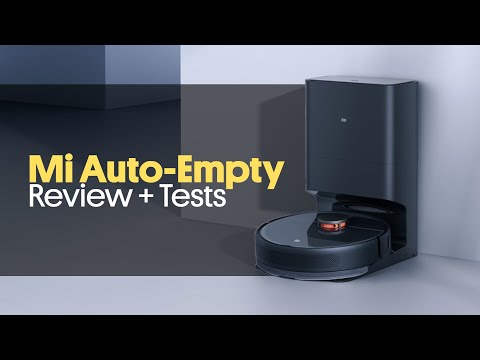
Robot Specifications
Values without a Confirmed badge are compiled from public sources and may not be manufacturer-verified.
Latest News About Xiaomi Mi Robot Vacuum-Mop 2 Ultra
Stay updated with the latest articles and developments
More Robots from Xiaomi
Explore other robots from this manufacturer
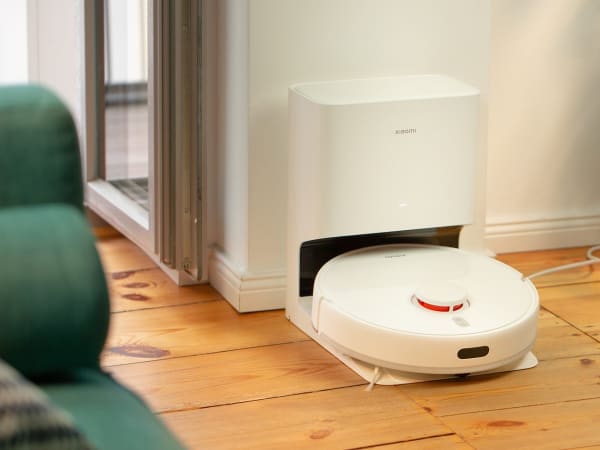
Xiaomi Robot Vacuum Cleaner X10
Manufactured by Xiaomi
The Xiaomi Robot Vacuum Cleaner X10 is a versatile home cleaning device that combines powerful suction with advanced navigation technology. Equipped with both vacuuming and mopping capabilities, it ensures comprehensive cleaning of various floor types. Its advanced laser sensors facilitate precise mapping and navigation, allowing it to clean efficiently without missing spots. With a substantial runtime of up to 240 minutes, it can handle extensive cleaning tasks on a single charge. The device also features auto-emptying functionality, providing up to 60 days of hands-free cleaning. Integration with smart home systems enables remote control and scheduling, enhancing user convenience.
More Home Cleaning Robots
Discover more robots in the same category
Robots From Other Categories
Discover complementary robots from different categories that work well together

Frequently Asked Questions
Get answers to common questions about this robot
Q1. What is Xiaomi Mi Robot Vacuum-Mop 2 Ultra, and what problem is it designed to solve?
The Xiaomi Mi Robot Vacuum-Mop 2 Ultra is an autonomous floor-cleaning robot that combines vacuuming and mopping functions in a single device. It addresses the need for automated household cleaning by enabling users to maintain floor hygiene without manual intervention, particularly for larger residential spaces.
Q2. What are the main capabilities and key features of Xiaomi Mi Robot Vacuum-Mop 2 Ultra?
The device features 4,000 Pa suction power, LDS laser navigation with 3D obstacle avoidance, a 5,200 mAh battery enabling coverage of up to 240 square meters per charge, wet mopping with adjustable water flow control, a 550 ml dustbin, and Wi-Fi connectivity for app-based scheduling and remote operation. It supports voice control integration with Google Assistant and Alexa.
Q3. Who is Xiaomi Mi Robot Vacuum-Mop 2 Ultra built for, and which industries can benefit from it?
The device targets residential users seeking automated floor maintenance, particularly households with larger floor areas or multiple rooms. Primary users include homeowners seeking convenience and those with mobility limitations. While designed for domestic use, the cleaning automation principles apply to small commercial spaces such as offices and retail environments.
Q4. Is Xiaomi Mi Robot Vacuum-Mop 2 Ultra a commercial product or still a research prototype?
The Xiaomi Mi Robot Vacuum-Mop 2 Ultra is a commercial product available for consumer purchase. It is not a prototype but a production model with established specifications and retail distribution channels.
Q5. Is Xiaomi Mi Robot Vacuum-Mop 2 Ultra currently available for purchase, and when is it expected to ship?
The device is currently available for purchase through authorized retailers and distributors. Availability and shipping timelines vary by region and distributor. An optional auto-empty station accessory is sold separately and compatible with the vacuum-mop unit.
Q6. How does Xiaomi Mi Robot Vacuum-Mop 2 Ultra actually work in real-world environments?
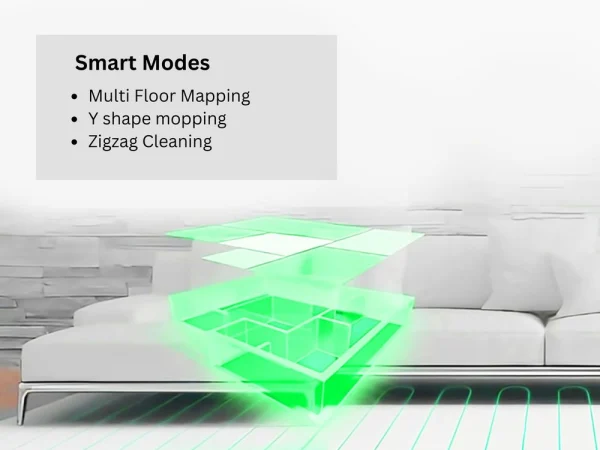
The robot uses LDS laser scanning to map the home environment in real-time, creating navigation paths while detecting obstacles through 3D ToF camera technology. It operates in multiple modes—vacuum-only, mop-only, or combination mode—with adjustable suction power and water flow. The device automatically returns to its charging dock when battery depletes and supports scheduled cleaning via the Mi Home app.
Q7. When was Xiaomi Mi Robot Vacuum-Mop 2 Ultra announced or officially launched?
Specific announcement and launch dates are not detailed in available product documentation. The device is currently in active commercial distribution as a production model.
Q8. How is Xiaomi Mi Robot Vacuum-Mop 2 Ultra different from other robots in the same category?
The device incorporates a dual-channel dust collection system with 16,500 Pa airflow for 10-second auto-emptying capability (when paired with the optional auto-empty station). Its combination of LDS laser navigation with 3D ToF obstacle avoidance, adjustable water flow mopping, and multi-mode operation distinguishes it within the consumer robot vacuum segment.
Q9. Does Xiaomi Mi Robot Vacuum-Mop 2 Ultra require additional development or customization after purchase?
The device operates as a complete product upon purchase without requiring customization. Users can configure cleaning preferences through the Mi Home app, including suction power levels, water flow intensity, and virtual boundary settings. Firmware updates are delivered over-the-air to add features and improve functionality.
Q10. What is the future roadmap or planned upgrades for Xiaomi Mi Robot Vacuum-Mop 2 Ultra?
The manufacturer has indicated that additional features are planned for delivery through over-the-air software updates. Specific details regarding future hardware revisions or capability expansions have not been publicly disclosed.
Rating and Reviews
Share your experience and help others decide!
Loading...
User Reviews
No user reviews. Be the first one to review!
User Comments (No Login needed)
Share your thoughts, experiences, or questions about this robot.
Comments appear after moderator review.