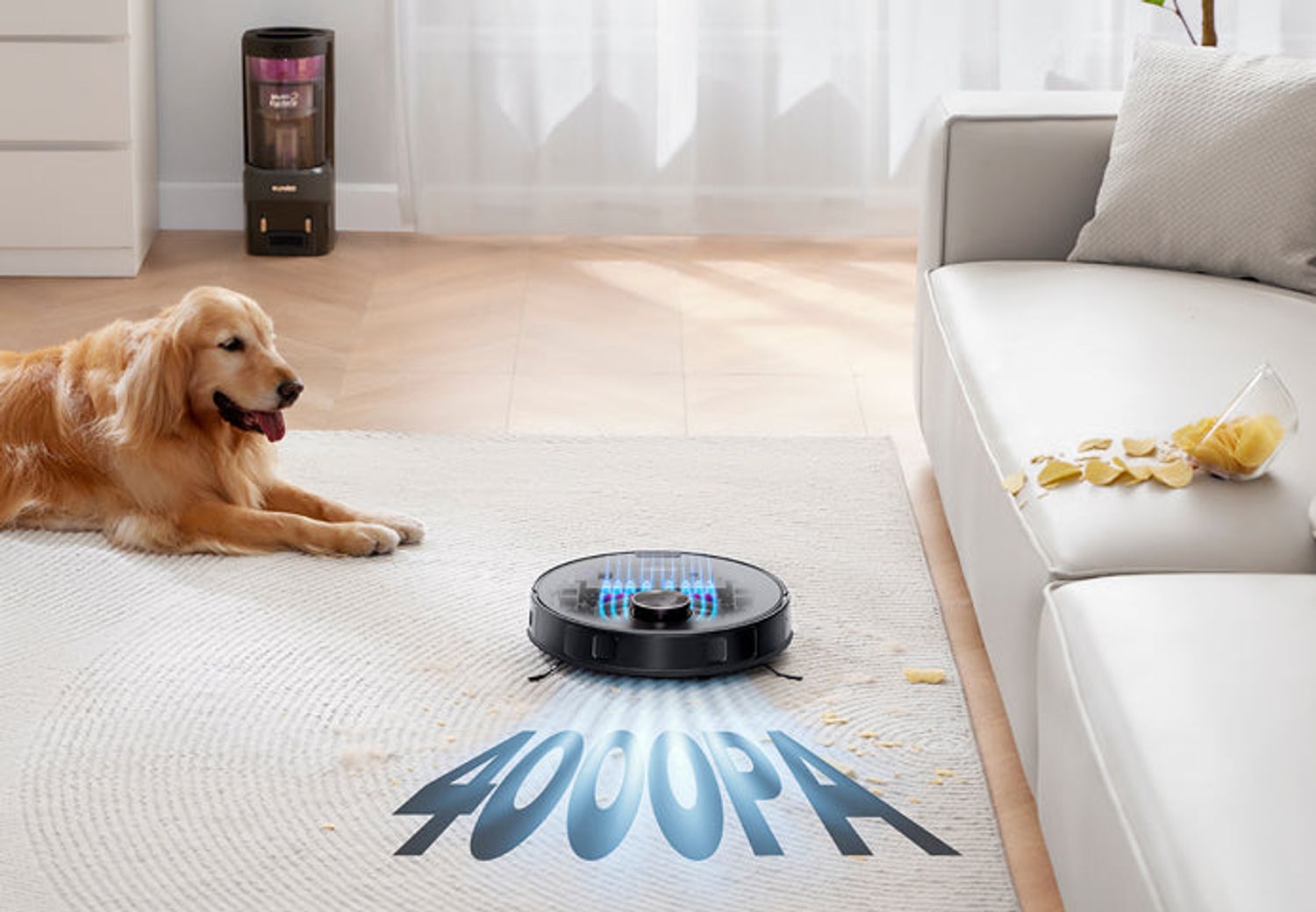
Eureka NERE10SW
Last updated:
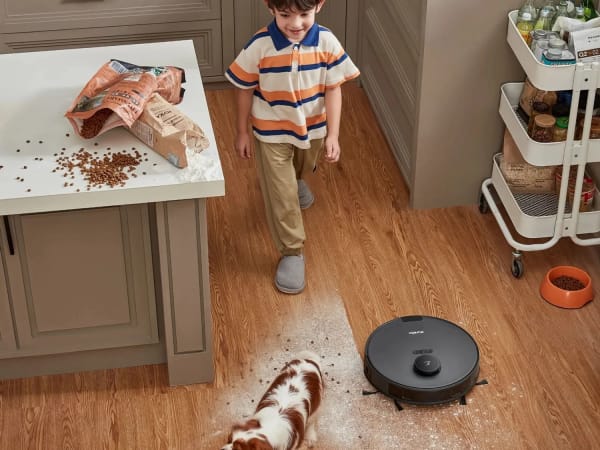
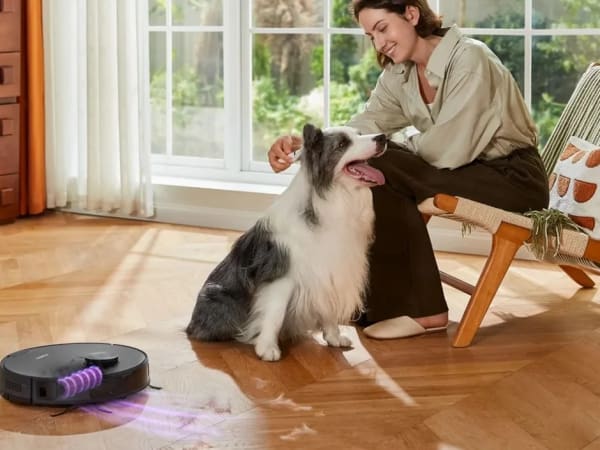
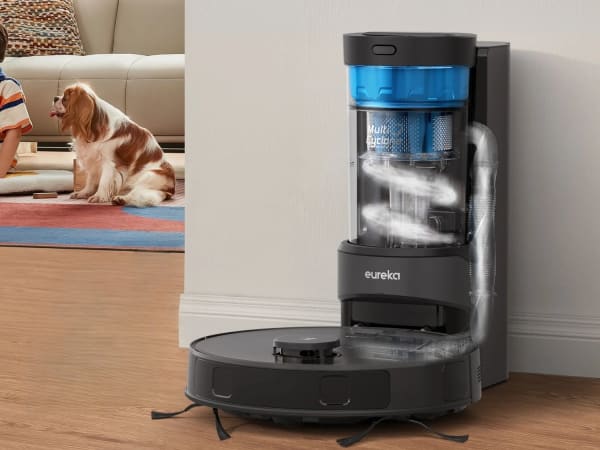
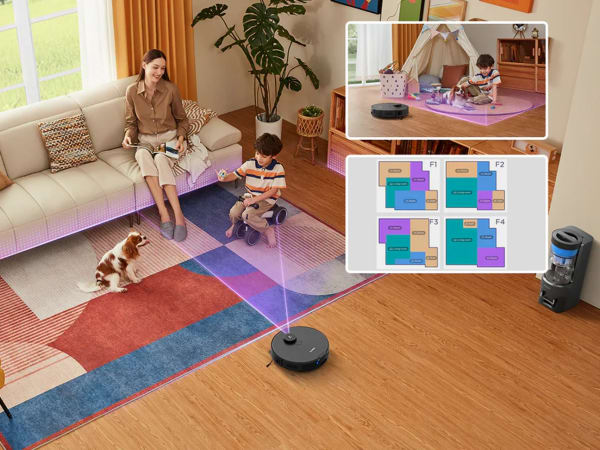
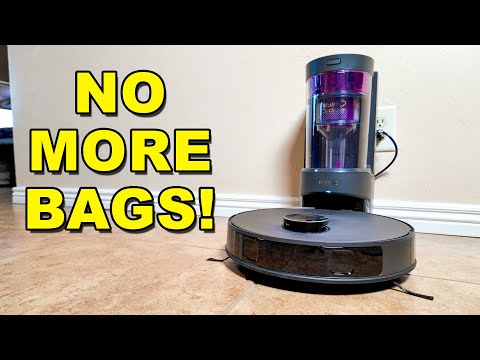
The Eureka NERE10SW is a versatile robotic vacuum and mop combo designed for efficient home cleaning. It features powerful 4000Pa suction capable of handling pet hair, dust, and debris on multiple floor types including carpets and hardwood. Equipped with advanced LiDAR navigation, it maps your home for precise cleaning paths and supports virtual no-go zones. The robot offers multiple cleaning modes such as auto, spot, zone, and scheduled cleaning. Its self-emptying bagless base holds up to 45 days of dirt, reducing maintenance frequency. The mop function includes an auto-lifting mop pad that raises on carpets to prevent wetting. Control is via a dedicated app with voice assistant compatibility, enabling remote scheduling and monitoring. With a runtime of 180 minutes and auto-recharge/resume capabilities, it suits medium to large homes. The device balances mid-range pricing with premium features typically found in higher-end models.
Quick Overview & Key Facts
Eureka NERE10SW is a robot vacuum cleaner made by Eureka in United States, launched in 2023 and built for residential homes, apartments, and pet owners. Its estimated price is $350-$450. Featured in “Eureka NERE10SW Achieves 4000Pa Suction in Compact Design During 2026 Trials” and “Eureka NERE10SW Conquers Mid-Level Vac Throne”.
- Dimensions
- 35.1 x 35.1 x 9.9 cm (13.8 x 13.8 x 3.9 inches)
- Weight
- 10.7 kg (23.6 lbs)
- Mobility
- Wheeled with brush roll and suction
- Top speed
- 0.3 m/s
- Handles
- Dust/debris, water for mopping, detachable mop pad
- Battery runtime
- 180 minutes (3 hours)
- Charging time
- 4 hours
- Sensors
- LiDAR, cliff sensors, bump sensors, mop lift sensor
- Operating environment
- Indoor, suitable for carpet, hardwood, tile, mixed floors
Image Gallery
Below images are from Eureka's official sources
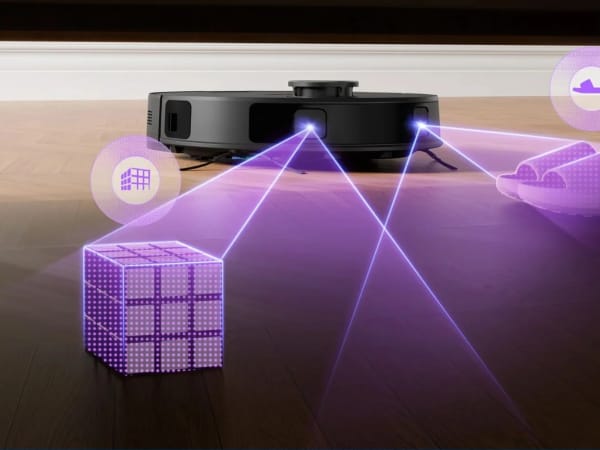
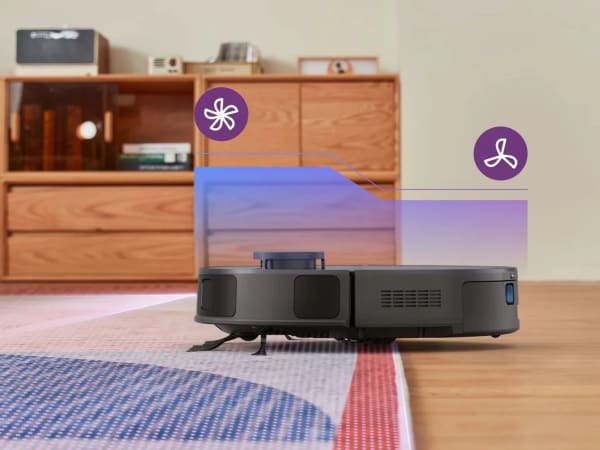
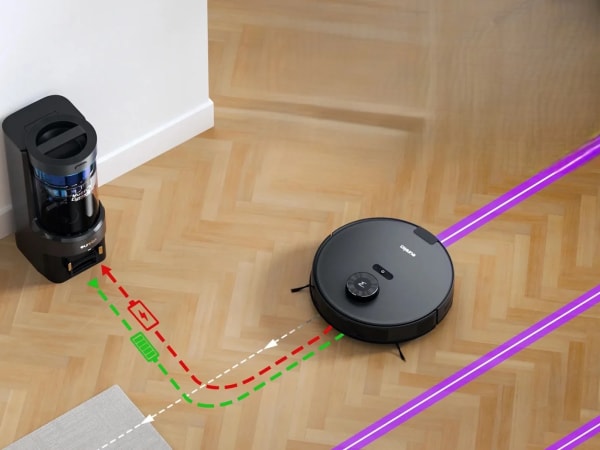
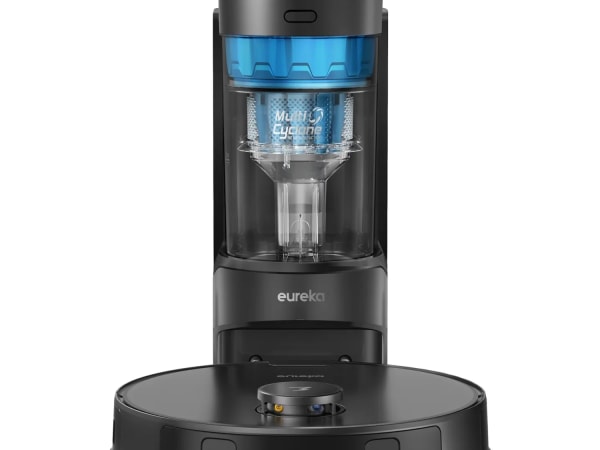
Review Videos
Watch expert reviews and demonstrations of this robot
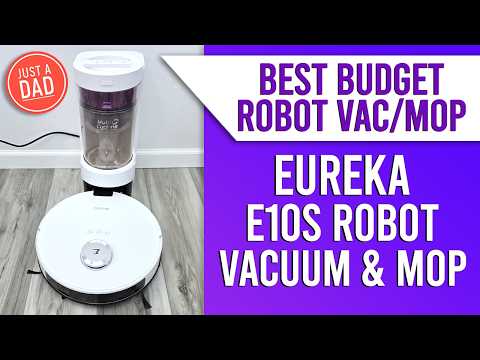
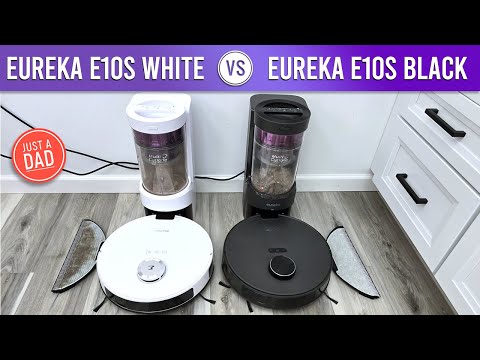
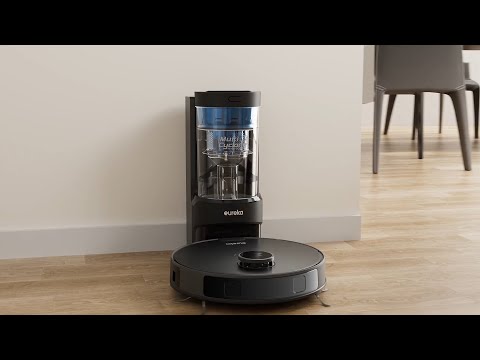
Robot Specifications
Values without a Confirmed badge are compiled from public sources and may not be manufacturer-verified.
Latest News About Eureka NERE10SW
Stay updated with the latest articles and developments
More Robots from Eureka
Explore other robots from this manufacturer
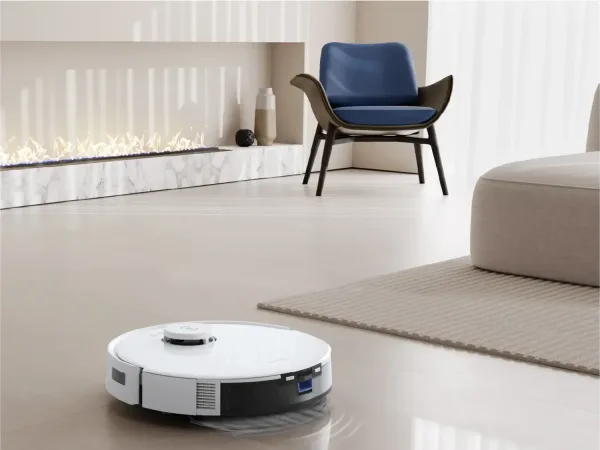
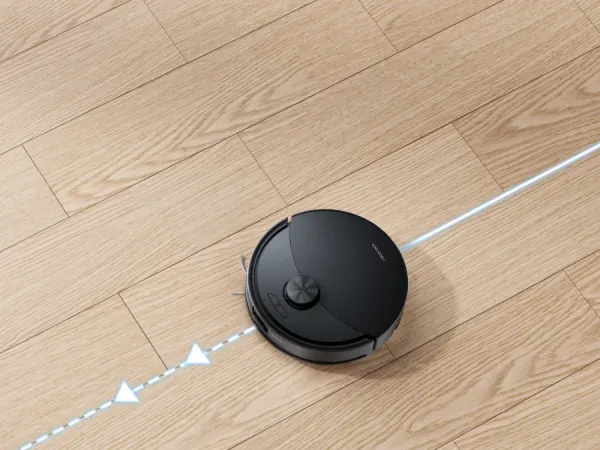
Eureka J15 Max Ultra
Manufactured by Eureka
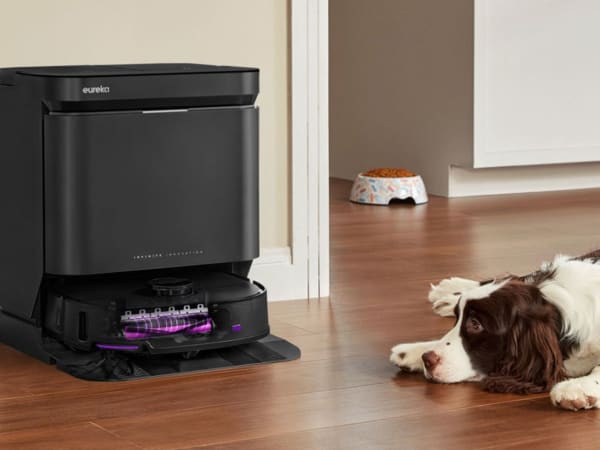
The Eureka J15 Max Ultra is a premium robot vacuum and mop featuring 22,000 Pa suction power via a proprietary aluminum fan, rivaling corded models for deep cleaning on carpets and hard floors. Dual IntelliView AI 2.0 navigation uses infrared and Full HD vision sensors to detect 200+ objects, 30 stain types including transparent liquids, and auto-adapts by lifting brushes or switching to mopping. Allroad technology overcomes thresholds up to 4.5 cm, while extendable side brushes and ScrubExtend mops reach corners and edges. Double anti-tangle DragonClaw brushes and FlexiRazor self-cleaning minimize maintenance. The all-in-one base washes mops at 80°C hot water, dries at 55°C, self-cleans, and provides 75-day hands-free dust collection. With 360-minute runtime, LiDAR, and app control, it offers fully autonomous whole-home cleaning, pet hair handling, and spill response for effortless floors.
Robots From Other Categories
Discover complementary robots from different categories that work well together

Frequently Asked Questions
Get answers to common questions about this robot
Q1. What is Eureka NERE10SW, and what problem is it designed to solve?
The Eureka NERE10SW is a self-emptying robotic vacuum cleaner with mopping capability, designed by Eureka for automated floor cleaning in homes, addressing dust, pet hair, and debris accumulation on various surfaces.
Q2. What are the main capabilities and key features of Eureka NERE10SW?
It incorporates LiDAR navigation for mapping, HEPA filtration, multi-cyclone technology, voice control via Alexa and Google Assistant, and a self-emptying dust station with 45-day capacity, according to manufacturer specifications.
Q3. Who is Eureka NERE10SW built for, and which industries can benefit from it?
Eureka NERE10SW targets residential users in homes with carpets, hardwood, and mixed floors; it serves household cleaning needs rather than commercial or industrial sectors.
Q4. Is Eureka NERE10SW a commercial product or still a research prototype?
Eureka NERE10SW is a commercial product available through retailers like Walmart and Home Depot, with a 1-year limited warranty, not a research prototype.
Q5. Is Eureka NERE10SW currently available for purchase, and when is it expected to ship?
As of 2026, Eureka NERE10SW is available for purchase online via retailers including Walmart, with shipping fulfillment handled by distributors.
Q6. How does Eureka NERE10SW actually work in real-world environments?
It uses LiDAR sensors, cliff and bump detection for navigation, app-based scheduling, zone cleaning, and auto-lifting mop for multi-surface operation in typical home settings.
Q7. When was Eureka NERE10SW announced or officially launched?
Eureka NERE10SW was introduced as a commercial model through retailer listings by Eureka, with product pages active prior to 2026 availability.
Q8. How is Eureka NERE10SW different from other robots in the same category?
Eureka NERE10SW distinguishes itself with a self-emptying base offering 45-day dust capacity, combined vacuum-mop functionality, and integration with Eureka's app for mapping, unlike basic models without auto-empty.
Q9. Does Eureka NERE10SW require additional development or customization after purchase?
No, Eureka NERE10SW operates out-of-box with included accessories like brushes and dock; users access features via the Eureka app without required development.
Q10. What is the future roadmap or planned upgrades for Eureka NERE10SW?
Eureka has not publicly detailed a specific roadmap for NERE10SW; ongoing support includes app updates and warranty coverage, per available product information.
Rating and Reviews
Share your experience and help others decide!
Loading...
User Reviews
No user reviews. Be the first one to review!
User Comments (No Login needed)
Share your thoughts, experiences, or questions about this robot.
Comments appear after moderator review.