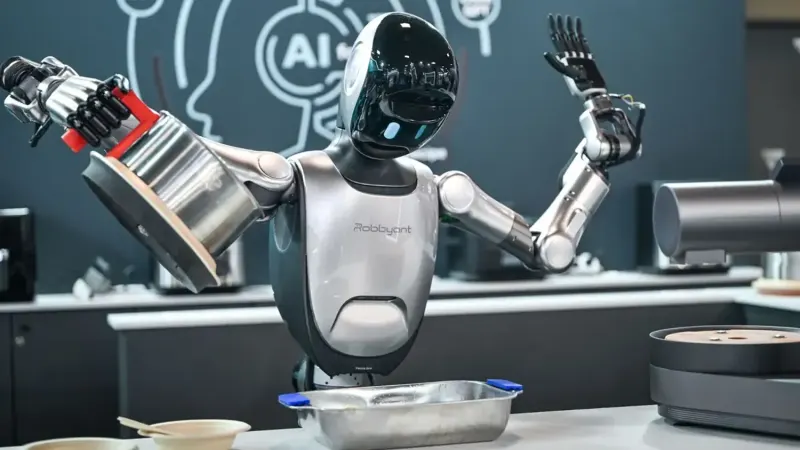
Robbyant R1
Last updated:
The Robbyant R1 a Humanoid Robot Chef, part of the R1 series, is designed to perform various tasks such as cooking, serving as a tour guide, sorting medicine, and providing medical consultations. It is equipped with advanced AI capabilities, allowing it to adapt to different environments and tasks. Demonstrations include cooking shrimp and assisting in pharmacies.
Quick Overview & Key Facts
Robbyant R1 is a humanoid robot made by Ant Group in China, launched in 2025 and built for autonomous item fetching, tray delivery, and beverage serving.
- Dimensions
- 160 cm x 60 cm x 60 cm
- Weight
- 110 kg (243 lbs)
- Mobility
- Wheeled (Omnidirectional mobile base, speed up to 1.5 m/s)
- Top speed
- 1.5 m/s (5.4 km/h) Max speed
- Handles
- Commercial service payload (tray delivery, beverage serving, item fetching)
- Battery runtime
- 8 hours (typical for continuous operation)
- Charging time
- 4 hours (industry standard for similar robots)
- Operating environment
- Indoor
What Can Robbyant R1 Do?
Core operational tasks and activities demonstrated or performed by Robbyant R1.
Real-World Applications of Robbyant R1
Industries, working environments, and deployment suitability for Robbyant R1.
Robbyant R1 Capabilities
Inherent physical, perceptual, and cognitive abilities built into Robbyant R1.
Download Media Cards
Story CardExport high-resolution story cards summarizing Robbyant R1's operational tasks, real-world applications, and capabilities.
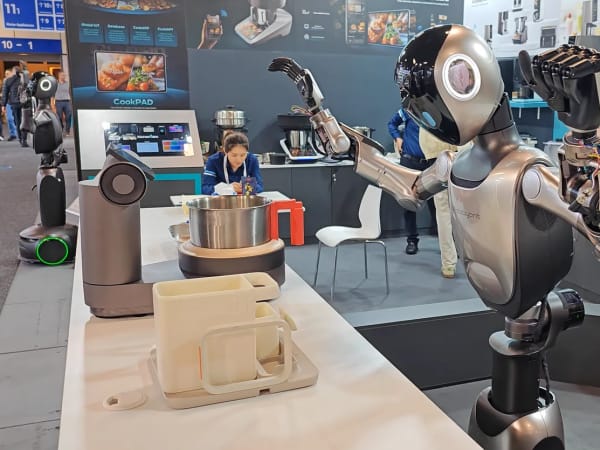
Image Gallery
Below images are from Ant Group's official sources
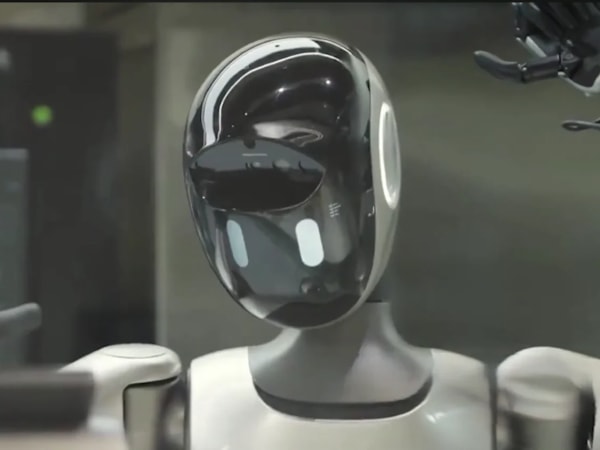
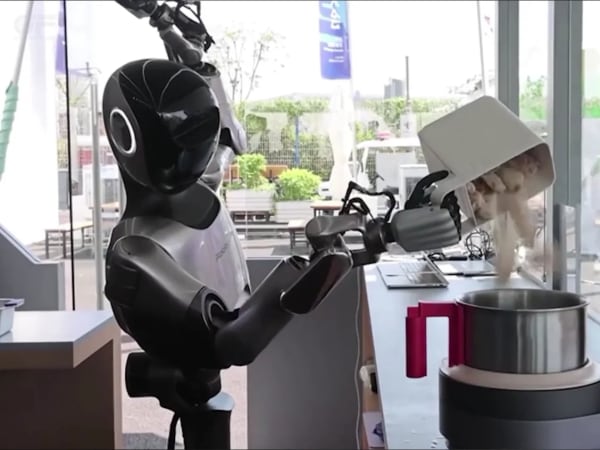
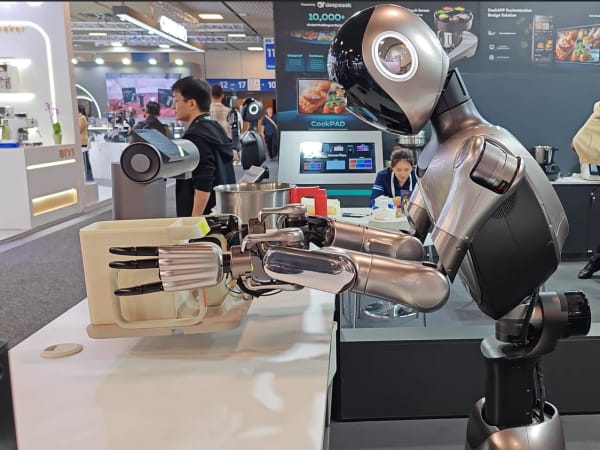
Review Videos
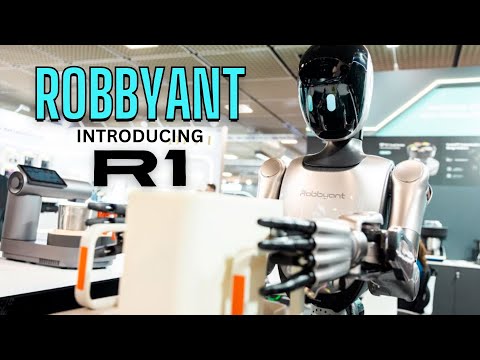
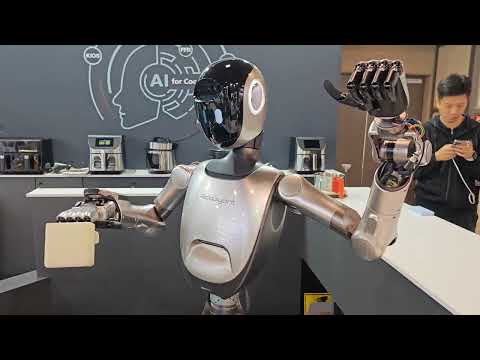
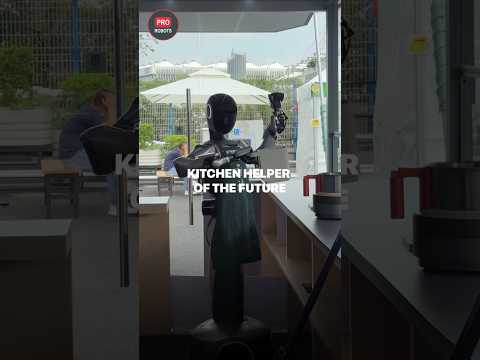
Watch expert reviews and demonstrations of this robot

Robot Specifications
Values without a Confirmed badge are compiled from public sources and may not be manufacturer-verified.
Not yet published by Ant Group: warranty terms, safety certifications, EMC compliance, IP rating, noise level, expected lifespan, maintenance schedule, firmware version and 7 more.
Robot Timeline
Key milestones in this robot's development and rollout
Ant Group's robotics arm Robbyant unveils the R1 humanoid, aimed at commercial kitchens, tour guiding and healthcare, at IFA 2025 in Berlin.
Source: Robotics Business News ↗
More Humanoid Robots
Discover more robots in the same category
Robots From Other Categories
Discover complementary robots from different categories that work well together
Frequently Asked Questions
Get answers to common questions about this robot
Q1. What is Robbyant R1 (Humanoid Robot Chef), and what problem is it designed to solve?
Robbyant R1 is a wheeled humanoid robot developed by Robbyant, a robotics unit of Ant Group in China. According to the manufacturer, it addresses repetitive tasks in commercial kitchens by automating cooking processes and supporting staff.
Q2. What are the main capabilities and key features of Robbyant R1 (Humanoid Robot Chef)?
The robot features multimodal perception for object recognition, spatial awareness, and autonomous task planning using Ant Group's BaiLing AI model. It coordinates manipulation for handling ingredients and kitchen tools in hospitality settings.
Q3. Who is Robbyant R1 (Humanoid Robot Chef) built for, and which industries can benefit from it?
Robbyant R1 targets commercial deployments in hospitality, kitchens, tourism, healthcare, and public services. The manufacturer positions it for institutional roles such as tour guiding and medical assistance.
Q4. Is Robbyant R1 (Humanoid Robot Chef) a commercial product or still a research prototype?
As of 2025, Robbyant R1 is listed as in production by the manufacturer. It is presented as a service robot for real-world applications rather than a research prototype.
Q5. Is Robbyant R1 (Humanoid Robot Chef) currently available for purchase, and when is it expected to ship?
Availability details are managed through Ant Group channels. The company has indicated production status, with shipping timelines dependent on commercial deployments.
Q6. How does Robbyant R1 (Humanoid Robot Chef) actually work in real-world environments?
In kitchens, it uses spatial perception to locate materials, plans workflows autonomously, and executes tasks like cooking with adaptation to layouts. Customization options support varied environments.
Q7. When was Robbyant R1 (Humanoid Robot Chef) announced or officially launched?
Robbyant R1 was unveiled in 2025 by Ant Group's robotics unit, with a public presentation at IFA 2025 in Berlin.
Q8. How is Robbyant R1 (Humanoid Robot Chef) different from other robots in the same category?
Unlike bipedal humanoids emphasizing mobility, Robbyant R1 uses a wheeled base and prioritizes embodied AI for task execution in structured spaces like kitchens, per manufacturer descriptions.
Q9. Does Robbyant R1 (Humanoid Robot Chef) require additional development or customization after purchase?
The manufacturer offers customization for kitchen layouts and workflows. It integrates ready AI models, though adaptation may be needed for specific deployments.
Q10. What is the future roadmap or planned upgrades for Robbyant R1 (Humanoid Robot Chef)?
Ant Group has announced plans to expand R1 applications from hospitality to broader service roles, with ongoing AI enhancements for recipe learning and task autonomy.
Rating and Reviews
Share your experience and help others decide!
Loading...
User Reviews
- amanshakya02★★★★★5 / 5
when is it available in the market?
Helpful: 0
User Comments (No Login needed)
Share your thoughts, experiences, or questions about this robot.
Comments appear after moderator review.