Roborock Q7 Max
AI ChatLast updated:
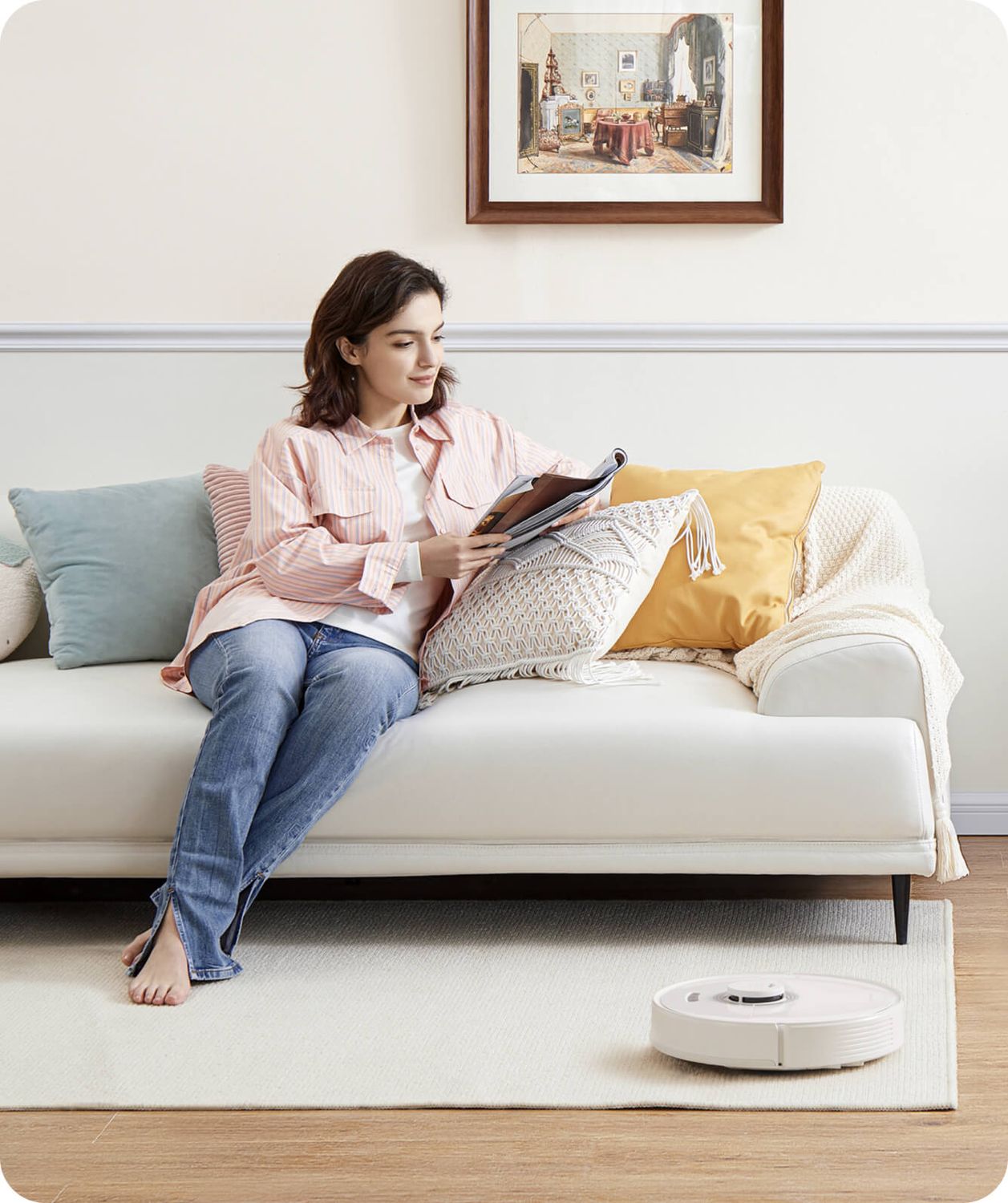
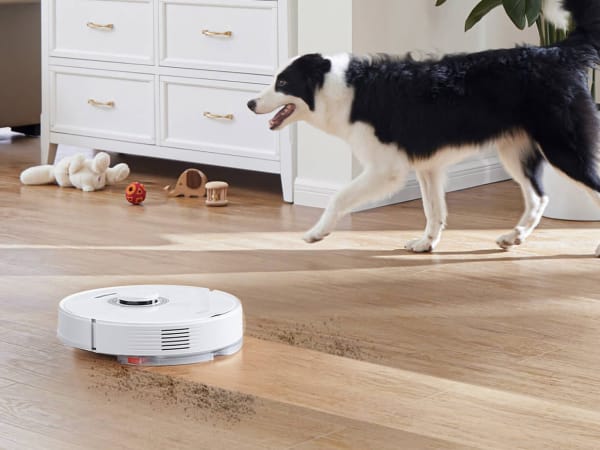
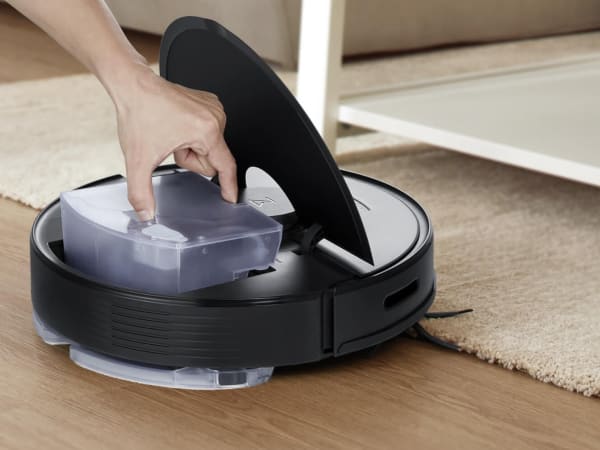
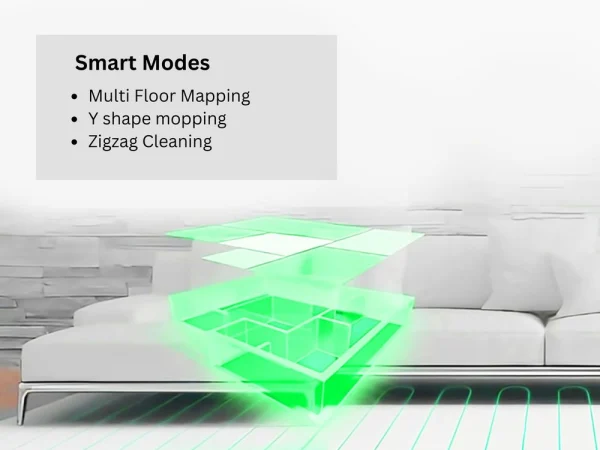
The Roborock Q7 Max is a versatile robot vacuum and mop combo featuring powerful 4200 Pa suction to effectively lift dirt from carpets and hard floors. Equipped with PreciSense Precision LiDAR navigation, it creates precise 3D maps for efficient path planning, multi-level mapping, and custom cleaning routines via the intuitive Roborock app. The all-rubber brush resists hair tangles and agitates debris thoroughly, while the consistent 300g mop pressure ensures streak-free mopping with a 340ml water tank. Supporting simultaneous vacuuming and mopping, it handles mixed surfaces with auto carpet boost and obstacle climbing up to 20mm. With up to 180 minutes of runtime on its 5200mAh battery, it covers large areas autonomously, offers spot cleaning, edge modes, and no-go zones. Ideal for pet owners and busy households, it delivers reliable, hands-free cleaning with app scheduling and voice control compatibility.
Quick Overview & Key Facts
Roborock Q7 Max is a robot vacuum cleaner made by Roborock in China, launched in 2022 and built for home cleaning, pet hair removal, and mixed flooring. Its estimated price is $400-$600. Featured in “Roborock Q7 Max+ Jumps to 10,000Pa Suction in 2026 Refresh” and “Q7 Max+ Hits Record Low Price During Cyber Monday Sale”.
- Dimensions
- 35 x 35 x 9.65 cm
- Weight
- 3.8 kg (8.38 lbs)
- Mobility
- Wheeled robot with brush roll and suction
- Top speed
- 0.3 m/s
- Battery runtime
- 180 minutes
- Charging time
- 4 hours
- Sensors
- LiDAR, cliff sensors, bump sensors, ultrasonic
- Operating environment
- Indoor use on hardwood, tile, carpet, mixed floors
Image Gallery
Below images are from Roborock's official sources

Review Videos
Watch expert reviews and demonstrations of this robot
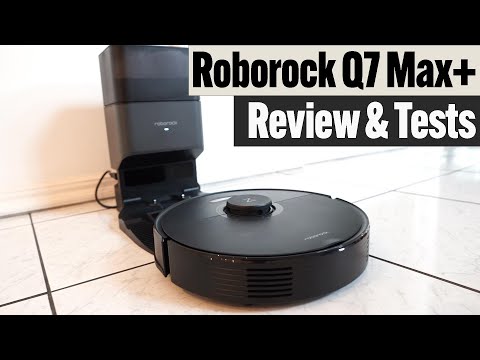
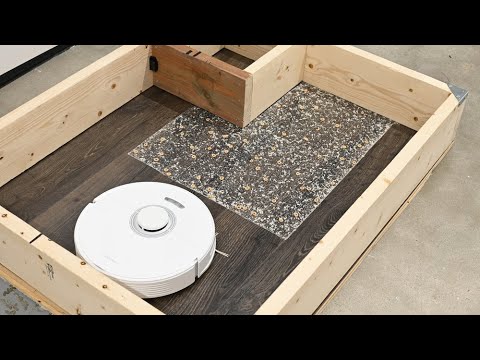
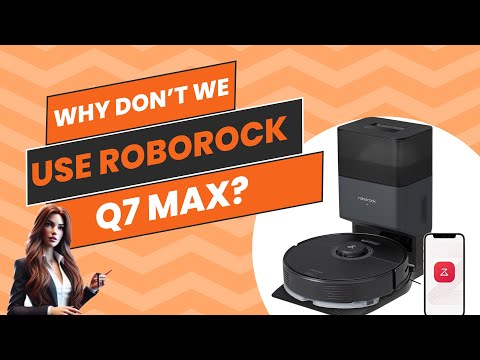
Robot Specifications
Values without a Confirmed badge are compiled from public sources and may not be manufacturer-verified.
Not yet published by Roborock: EMC compliance and modular attachments.
Latest News About Roborock Q7 Max
Stay updated with the latest articles and developments
Compare This Robot With Others
See how Roborock Q7 Max stacks up against other leading robotics models in detailed side-by-side technical comparisons.

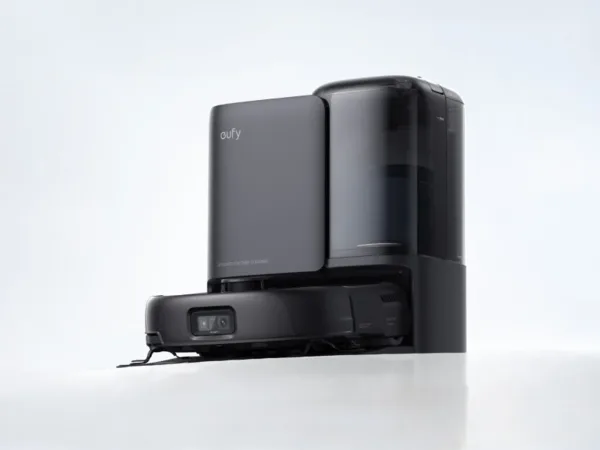
More Robots from Roborock
Explore other robots from this manufacturer

Robots From Other Categories
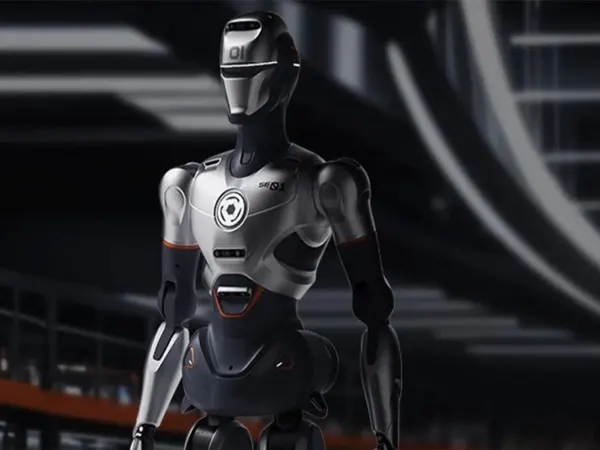
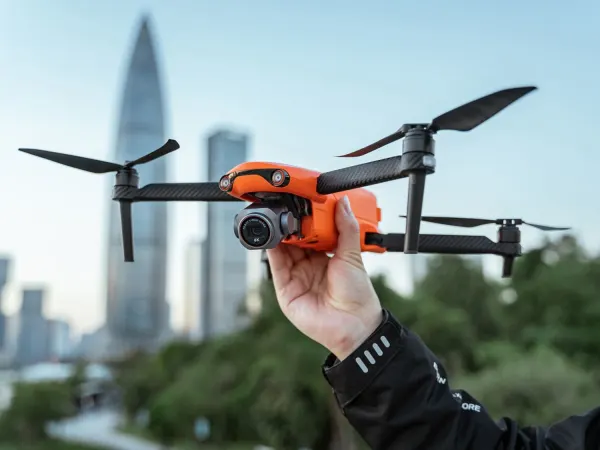
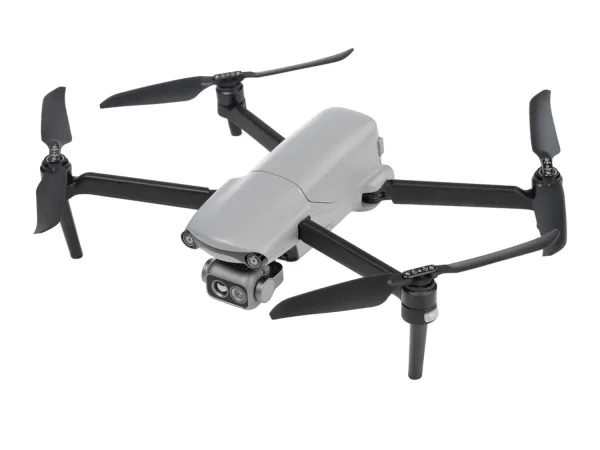
Discover complementary robots from different categories that work well together

Frequently Asked Questions
Get answers to common questions about this robot
Q1. How to troubleshoot Roborock Q7 Max?
Restart the robot, check for blockages in brushes or wheels, ensure the dustbin and water tank are properly seated, update firmware via the app, and reset Wi-Fi if connectivity issues persist.
Q2. How to set up Roborock Q7 Max?
Unbox and charge fully, install the app, connect the robot to Wi-Fi, place the auto-empty dock, and follow in-app instructions for mapping and initial cleaning.
Q3. What are Roborock Q7 Max’s primary use-cases?
Vacuuming and mopping hard floors and carpets, handling pet hair, automated home cleaning with custom schedules, and managing debris in multi-surface homes.
Q4. How to operate Roborock Q7 Max?
Use the Roborock app or onboard buttons to start, pause, or schedule cleaning; select suction and mop water flow levels; and monitor cleaning progress remotely.
Q5. How to maintain Roborock Q7 Max?
Regularly empty the dustbin or rely on auto-empty dock, clean brushes and sensors weekly, refill water tank for mopping, and replace filters and brushes as recommended.
Q6. What safety features does Roborock Q7 Max have?
Cliff sensors to prevent falls, obstacle detection to avoid collisions, automatic suction adjustment on carpets, and safe auto-return to dock when battery is low.
Q7. How does Roborock Q7 Max handle different surfaces?
It uses 4200 Pa suction with automatic carpet detection to boost power and a 300g consistent mop pressure for hard floors, adapting cleaning intensity accordingly.
Q8. How to clean Roborock Q7 Max?
Remove and wash the mop pad, empty and clean the dustbin, wipe sensors and wheels with a dry cloth, and clean brushes to prevent hair tangles.
Q9. How does Roborock Q7 Max navigate?
It employs PreciSense Precision LiDAR and 3D mapping to scan rooms, create accurate maps, and plan efficient cleaning paths.
Q10. What are common Roborock Q7 Max problems?
Possible issues include Wi-Fi connectivity drops, brush tangles, sensor dirt causing navigation errors, and occasional app syncing delays.
Q11. How to reset Roborock Q7 Max?
Hold the power button for about 10 seconds until the robot restarts, or use the app’s reset option to restore factory settings.
Q12. How to control Roborock Q7 Max?
Control via the Roborock app for scheduling, suction and mop settings, zone cleaning, and firmware updates; also supports voice commands through smart home assistants.
Q13. How to connect Roborock Q7 Max to Wi-Fi?
Power on the robot, open the Roborock app, follow prompts to select your 2.4 GHz Wi-Fi network, enter the password, and complete pairing.
Q14. What is Roborock Q7 Max's warranty?
Typically, it includes a 1-year limited warranty covering manufacturing defects; check local policies for exact terms.
Q15. How to update Roborock Q7 Max's software?
Use the Roborock app to check for firmware updates; download and install updates over Wi-Fi to improve performance and add features.
Rating and Reviews
Share your experience and help others decide!
Loading...
User Reviews
No user reviews. Be the first one to review!
User Comments (No Login needed)
Share your thoughts, experiences, or questions about this robot.
Comments appear after moderator review.