
AgiBot X2-N
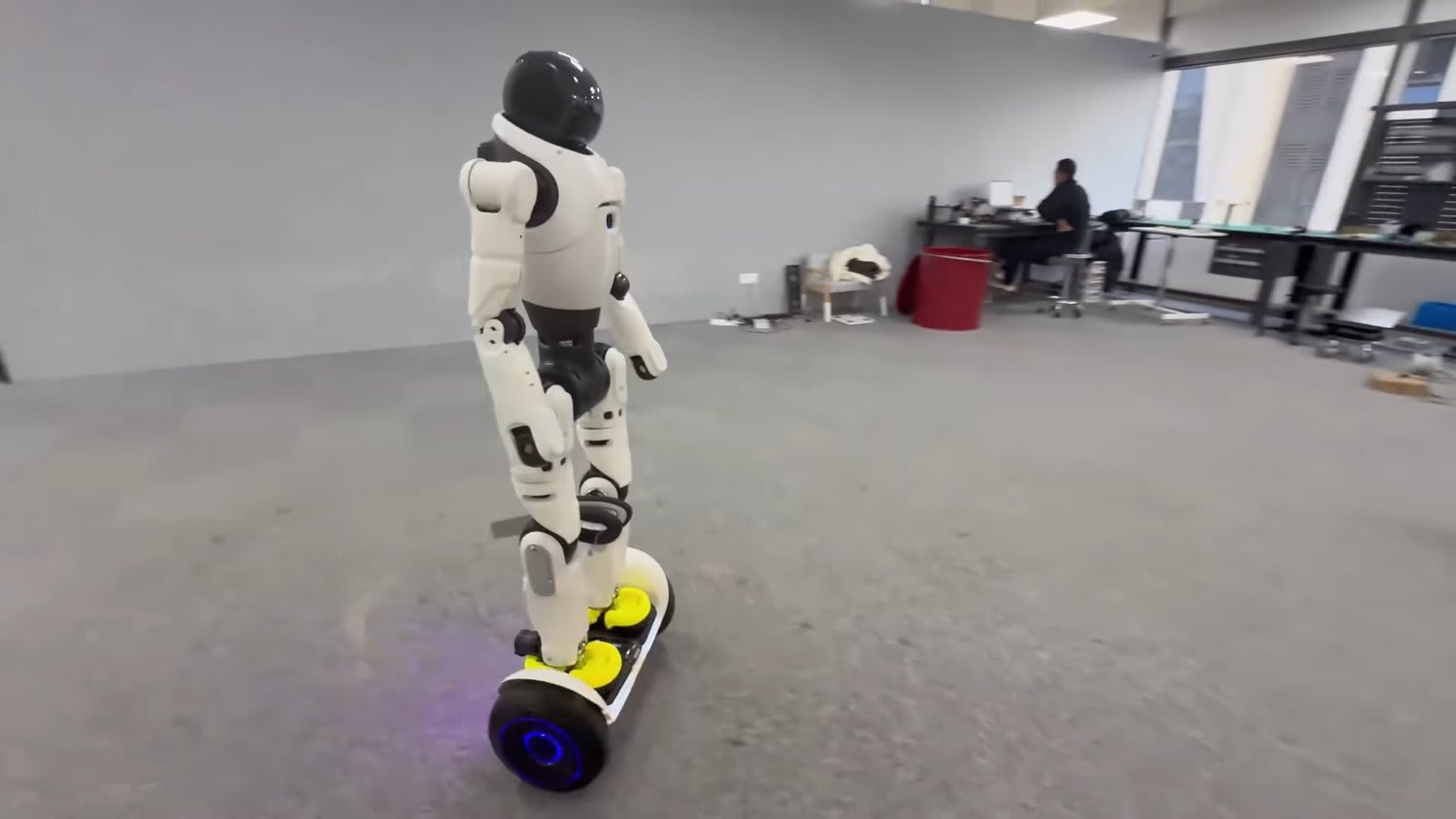
The AgiBot X2 is a versatile general-purpose humanoid robot designed to combine advanced motion intelligence, interaction intelligence, and task intelligence. It features a flexible material exterior and is equipped with proprietary components such as Xyber-Edge for precise motion control, Xyber-DCU for decision-making, and Xyber-BMS for intelligent power management. The robot demonstrates remarkable agility, capable of walking, running, turning, and performing complex movements like dancing, riding scooters, balance boards, and bicycles. It also excels in multimodal interaction, responding to human emotions through facial and voice recognition with lifelike expressions and body language. The X2 is intended for real-world applications requiring dynamic mobility and interactive capabilities.
Quick Overview & Key Facts
AgiBot X2-N is a humanoid system developed by AgiBot in China and launched in 2023. Starting price is estimated at $13,500 - $15,000 USD (Estimated). It is currently ranked #36 in most-viewed humanoid robots on Origin of Bots. It features a payload capacity of 5.4 kg single-arm payload (peak lift ~15 kg). Operating battery runtime is rated at 2 hours. Primary applications include Bipedal walking, flat-ground rolling, dynamic stair climbing, campus inspection, secondary algorithm development. Featured in editorial articles including “8 Most Compact Humanoid Robots in 2026”.
What Can AgiBot X2-N Do?
Core operational tasks and activities demonstrated or performed by AgiBot X2-N.
Real-World Applications of AgiBot X2-N
Industries, working environments, and deployment suitability for AgiBot X2-N.
AgiBot X2-N Capabilities
Inherent physical, perceptual, and cognitive abilities built into AgiBot X2-N.
Download Media Cards
Story CardExport high-resolution story cards summarizing AgiBot X2-N's operational tasks, real-world applications, and capabilities.
Image Gallery
Below images are from AgiBot's official sources
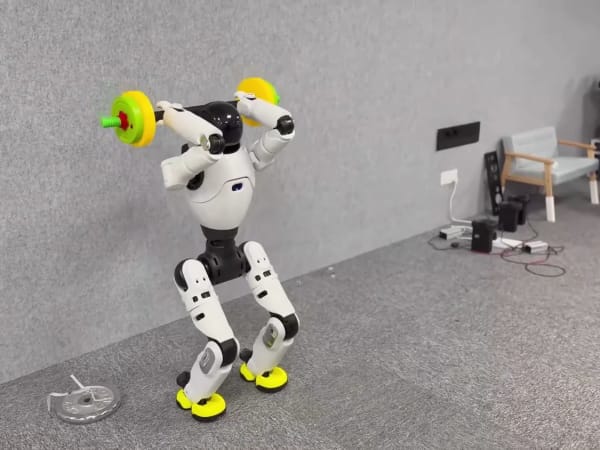
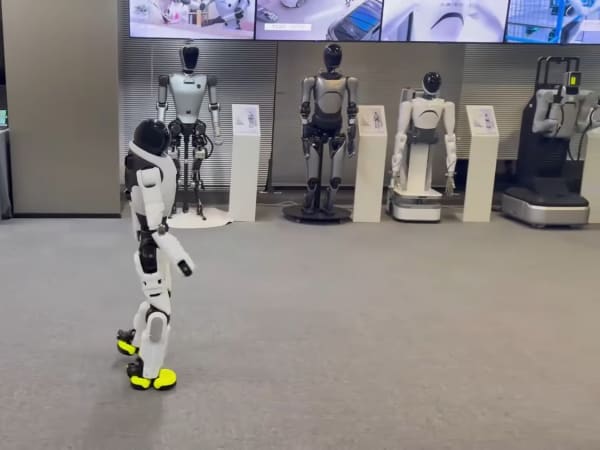
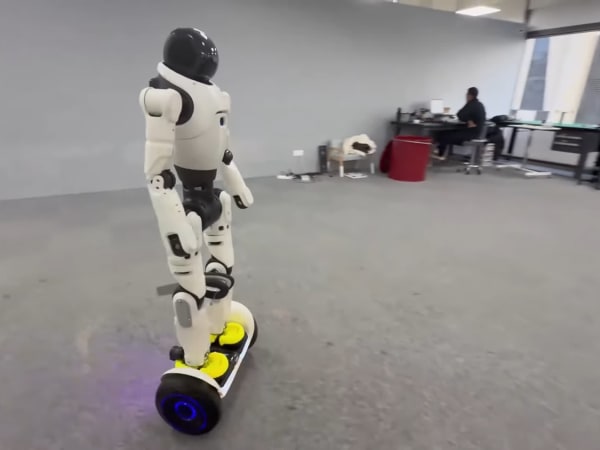
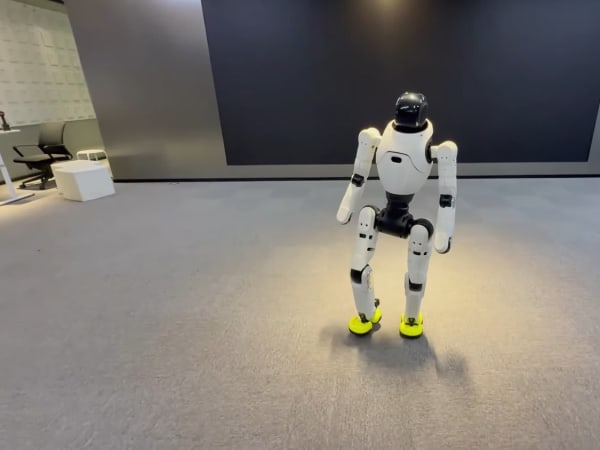
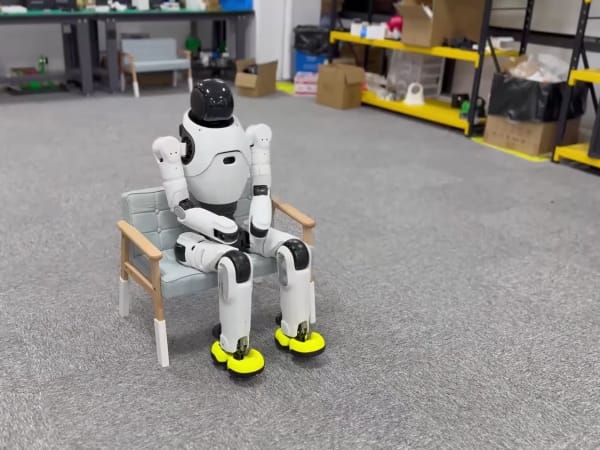
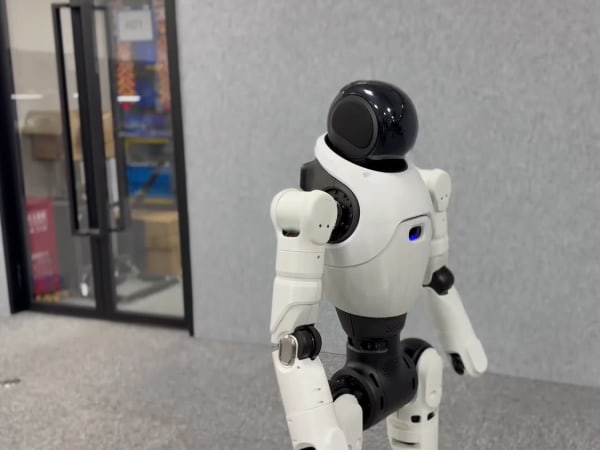
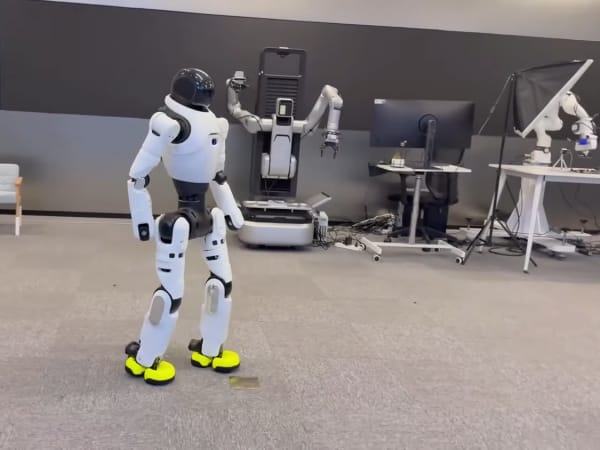
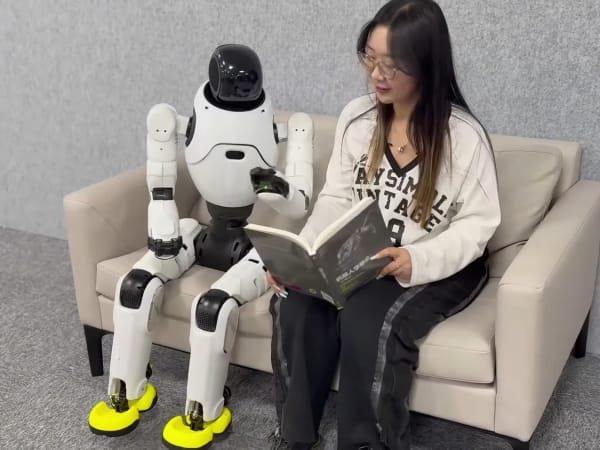
Review Videos
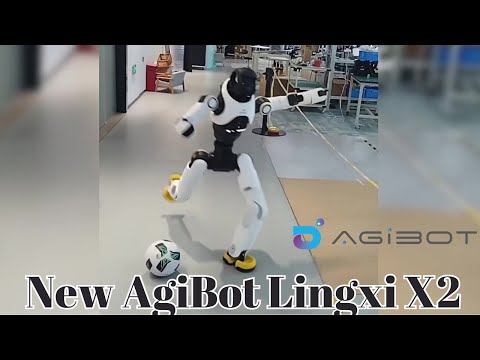
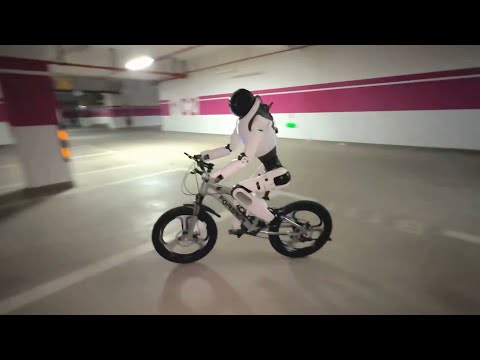
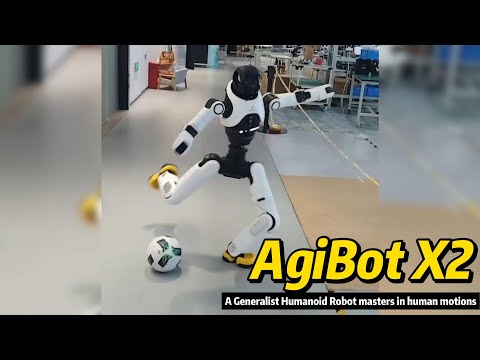
Watch expert reviews and demonstrations of this robot

Robot Specifications
Latest News About AgiBot X2-N
Stay updated with the latest articles and developments
Compare This Robot With Others
See how AgiBot X2-N stacks up against other leading robotics models in detailed side-by-side technical comparisons.
AgiBot X2-N Also Mentioned in Below Articles
Find out how this model stacks up against the world's best robots
More Robots from AgiBot
Explore other robots from this manufacturer

More Humanoid Robots
Discover more robots in the same category

Robots From Other Categories
Discover complementary robots from different categories that work well together
Frequently Asked Questions
Get answers to common questions about this robot
Q1. How to troubleshoot AgiBot X2?
Restart the robot and check for error codes via its control interface. Inspect joint modules and power system for faults. Update software to the latest version and consult logs for sensor or motor anomalies. Contact support if issues persist.
Q2. How to set up AgiBot X2?
Unbox and place on a flat surface. Connect to power and Wi-Fi. Use the companion app or control panel to calibrate sensors and joints. Perform initial diagnostics and update firmware before first use.
Q3. What are AgiBot X2's primary use-cases?
It excels in humanoid tasks like walking, running, dancing, and complex mobility such as riding scooters or bicycles. It’s suited for research, entertainment, logistics, and interactive assistance.
Q4. How to operate AgiBot X2?
Control via a dedicated app or onboard interface. Commands include walking, running, and task execution. The robot uses AI for autonomous decision-making and can respond to voice or visual inputs.
Q5. How to maintain AgiBot X2?
Regularly clean joints and sensors, check battery health, and update software. Inspect mechanical parts for wear and lubricate moving joints as needed to ensure smooth operation.
Q6. What safety features does AgiBot X2 have?
Equipped with intelligent power management, proprioceptive sensors for balance, and smooth gait transitions to prevent falls. It uses internal sensors to detect terrain and avoid hazards without external cameras.
Q7. How does AgiBot X2 handle different surfaces?
It uses proprioceptive feedback from joint torque and pressure sensors to adapt gait and balance on stairs, slopes, and flat ground, switching seamlessly between walking and rolling modes.
Q8. How to clean AgiBot X2?
Use a soft, dry cloth for external surfaces. Avoid liquids near joints and electronics. For stubborn dirt, lightly dampen cloth with water and gently wipe, ensuring no moisture enters sensor areas.
Q9. How does AgiBot X2 navigate?
It relies on internal sensors like gyros and joint torque feedback rather than cameras, enabling it to “feel” terrain changes and adjust movement in real time for autonomous navigation.
Q10. What are common AgiBot X2 problems?
Typical issues include sensor calibration drift, battery degradation, and occasional joint stiffness. Software glitches may occur but are usually resolved with updates or resets.
Q11. How to reset AgiBot X2?
Perform a soft reset via the control app or hold the physical reset button for 10 seconds. For factory reset, use the system menu to restore default settings, which clears user data and configurations.
Q12. How to control AgiBot X2?
Control is via a smartphone or PC app, supporting manual commands and autonomous modes. Voice commands and programmed routines are also supported for flexible operation.
Q13. How to connect AgiBot X2 to Wi-Fi?
Access the robot’s network settings through the control app or onboard interface. Select the desired Wi-Fi network, enter the password, and confirm connection. The robot supports standard 2.4 GHz and 5 GHz bands.
Q14. What is AgiBot X2's warranty?
Typically, AgiBot offers a one-year limited warranty covering manufacturing defects in hardware and software. Extended warranty options may be available through purchase agreements.
Q15. How to update AgiBot X2's software?
Connect the robot to Wi-Fi, open the control app, and check for updates. Download and install updates directly via the app. Ensure the robot is powered and stationary during the process to avoid interruptions.
User Comments (No Login needed)
Share your thoughts, experiences, or questions about this robot.
Comments are reviewed before posting.