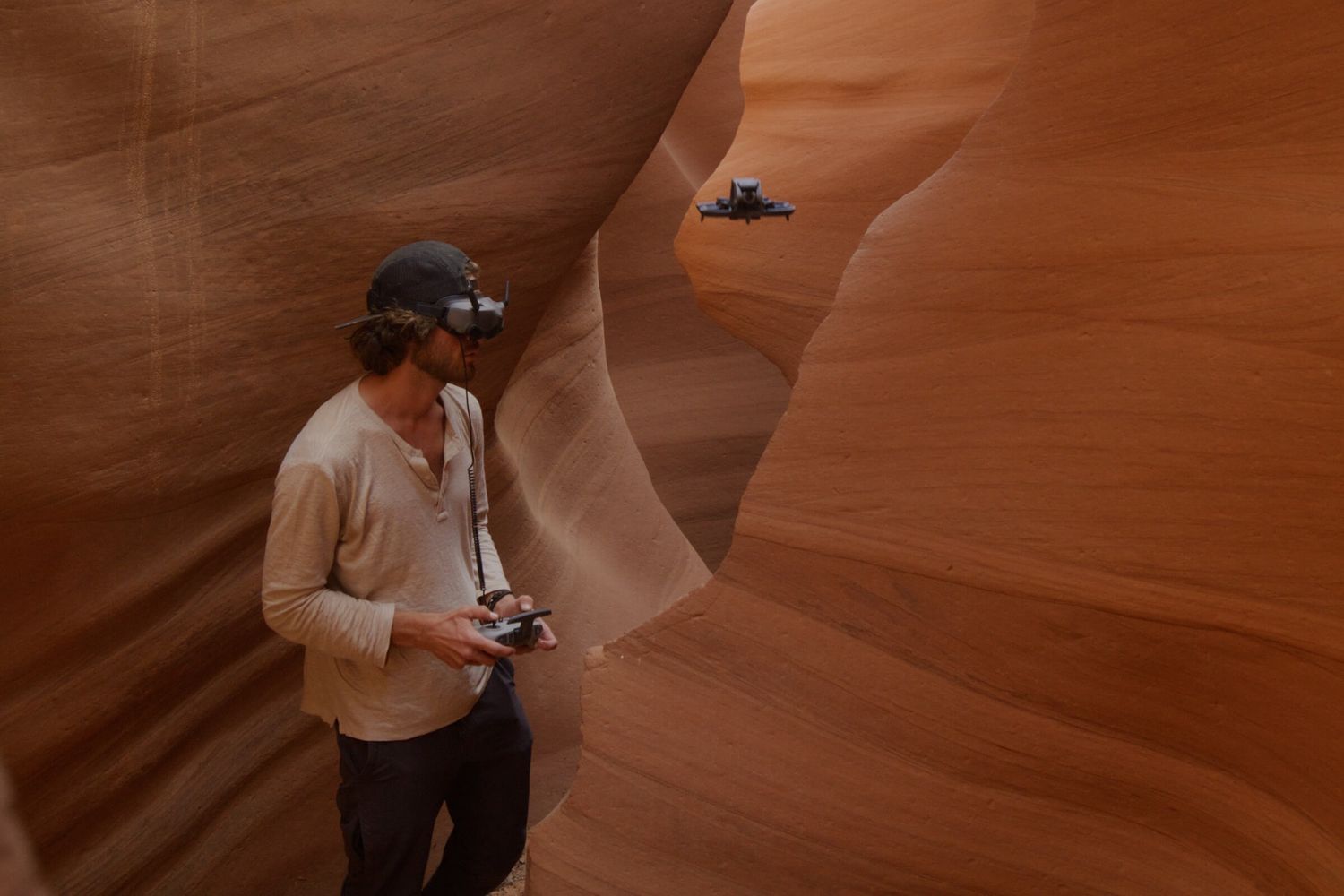
DJI Avata 360
Last updated:
The DJI Avata 360 is DJI's 360° FPV drone, launched in March 2026. Two 1/1.1-inch square CMOS sensors (64 MP each) capture 8K/60fps 360° video and 120 MP photos, and a Single Lens mode delivers traditional 4K/60fps FPV footage, with a 360° virtual gimbal for reframing after the flight. At about 455 g with integrated propeller guards it flies for up to 23 minutes and reaches 18 m/s in Sport mode. Omnidirectional obstacle sensing with forward-facing LiDAR and DJI O4+ transmission (up to 20 km FCC, 1080p/60fps live view) support flying with DJI Goggles 3 / N3 and the RC Motion 3. It starts at $479 for the drone alone.
Quick Overview & Key Facts
DJI Avata 360 is a drone made by DJI in China, launched in 2026 and built for FPV racing, aerial cinematography, and content creation. Its estimated price is $479 (drone only); $719 with RC 2; about $979 (Fly More Combo with RC 2).
- Dimensions
- 246 × 199 × 55.5 mm (L × W × H)
- Weight
- 455 g
- Mobility
- Multirotor quadcopter with integrated propeller guards
- Top speed
- 18 m/s (about 65 km/h) max horizontal speed in Sport mode
- Handles
- Camera payload only (no dust/debris or water payload)
- Battery runtime
- Up to 23 minutes (rated)
- Charging time
- About 47 minutes (0–100% with the charging hub)
- Operating environment
- Indoor and outdoor FPV flight; wind resistance up to 10.7 m/s (Level 5)
Review Videos
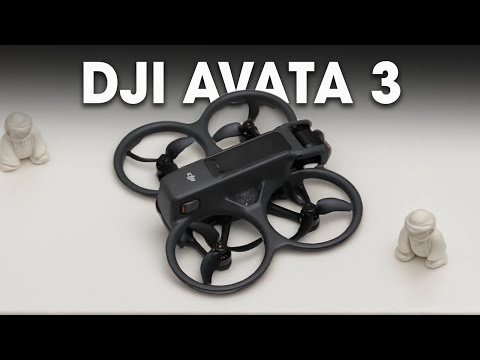
Watch expert reviews and demonstrations of this robot
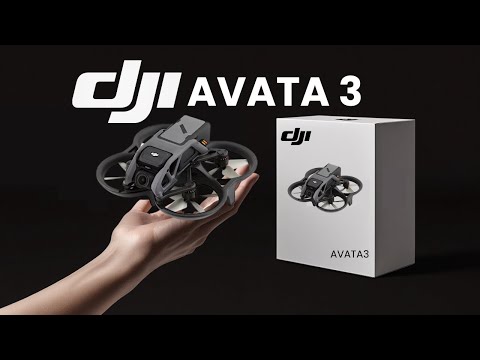
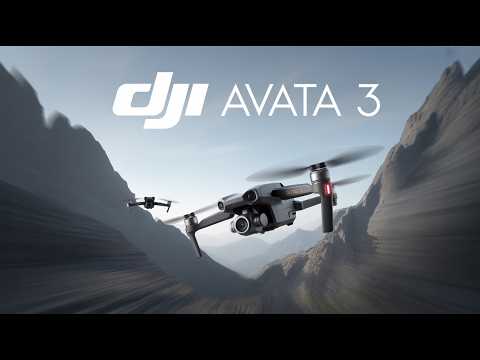
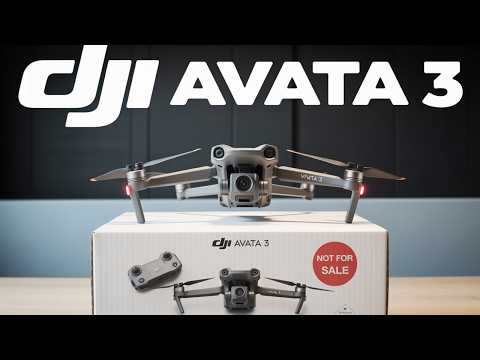
Robot Specifications
Values without a Confirmed badge are compiled from public sources and may not be manufacturer-verified.
Not yet published by DJI: IP rating.
Compare This Robot With Others
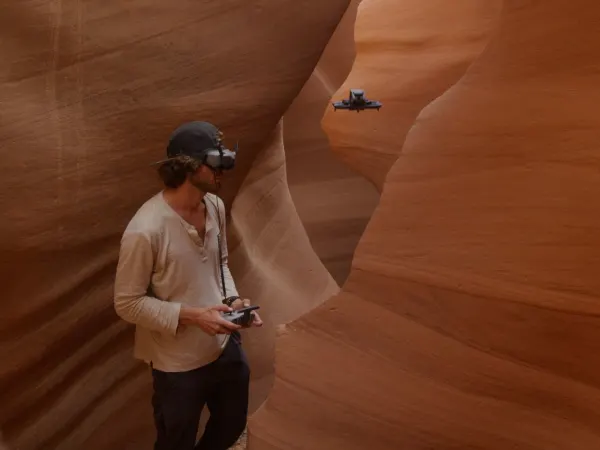
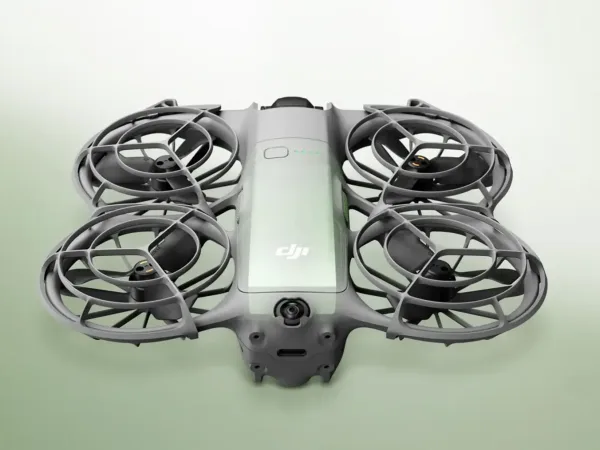
See how DJI Avata 360 stacks up against other leading robotics models in detailed side-by-side technical comparisons.
More Robots from DJI
Explore other robots from this manufacturer
More Drones
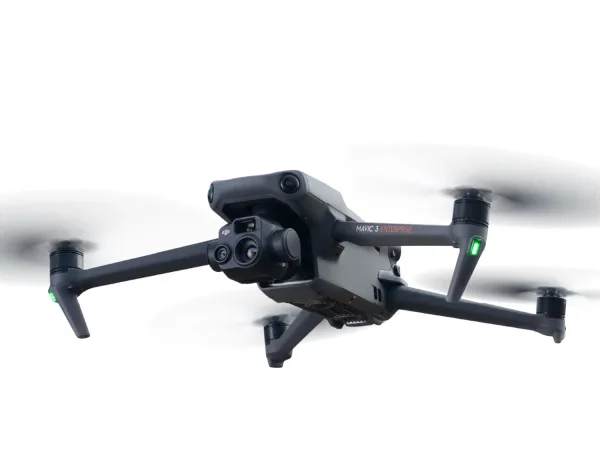
Discover more robots in the same category

Robots From Other Categories
Discover complementary robots from different categories that work well together
Frequently Asked Questions
Get answers to common questions about this robot
Q1. How to troubleshoot DJI Avata 360?
Restart the drone and controller, check battery levels, ensure firmware is updated, recalibrate sensors if needed, and inspect propellers for damage. Use DJI Fly app diagnostics for error codes and follow on-screen guidance.
Q2. How to set up DJI Avata 360?
Charge batteries, install propellers, power on drone and controller, connect via DJI Fly app, calibrate compass and IMU, and perform a pre-flight check including GPS signal and obstacle sensors.
Q3. What are DJI Avata 360's primary use-cases?
Ideal for immersive FPV flying, 360° aerial filming with 8K/60fps capture and a 360° virtual gimbal, single-lens 4K/60fps cinematic shots, indoor and low-altitude flights, and content creation.
Q4. How to operate DJI Avata 360?
Fly with a DJI RC 2, RC-N3, RC Motion 3 or FPV Remote Controller 3; watch the live feed through DJI Goggles 3, Goggles N3 or the controller screen; and rely on the obstacle sensing for safer navigation.
Q5. How to maintain DJI Avata 360?
Regularly clean propellers and sensors, check for firmware updates, store batteries properly, inspect for physical damage after flights, and keep the drone dry and dust-free.
Q6. What safety features does DJI Avata 360 have?
Integrated propeller guards and omnidirectional obstacle sensing (including at night), supplemented by forward-facing LiDAR and a bottom infrared sensor.
Q7. How does DJI Avata 360 handle different surfaces?
Its omnidirectional vision sensing, forward-facing LiDAR and bottom infrared sensor let it fly low over varied surfaces, indoors or outdoors, while avoiding collisions.
Q8. How to clean DJI Avata 360?
Use a soft brush or compressed air to remove dust from propellers and sensors; wipe the body with a damp cloth; avoid water ingress; and clean camera lens gently with a microfiber cloth.
Q9. How does DJI Avata 360 navigate?
It combines omnidirectional vision sensing, forward-facing LiDAR and a bottom infrared sensor for obstacle detection and stable low-altitude flight.
Q10. What are common DJI Avata 360 problems?
Potential issues include signal interference, sensor calibration errors, battery drain, propeller damage, and occasional video transmission lag, usually resolved by firmware updates or recalibration.
Q11. How to reset DJI Avata 360?
Power off the drone and controller, then press and hold the reset button (if available) or perform a factory reset via the DJI Fly app settings to restore default configurations.
Q12. How to control DJI Avata 360?
Control it with a DJI RC 2, RC-N2, RC-N3, RC Motion 3 or FPV Remote Controller 3, and view real-time video through DJI Goggles 3 or Goggles N3.
Q13. How to connect DJI Avata 360 to Wi-Fi?
The drone links to the controller or goggles over DJI O4+ transmission; Wi-Fi 6 is used for file transfer (up to 100 MB/s) and firmware updates through the DJI Fly app.
Q14. What is DJI Avata 360's warranty?
DJI typically offers a 12-month limited warranty covering manufacturing defects; warranty terms may vary by region and purchase channel, with options for extended coverage via DJI Care.
Q15. How to update DJI Avata 360's software?
Use the DJI Fly app connected to the drone and controller; check for firmware updates; download and install updates following on-screen instructions; ensure batteries are sufficiently charged during the process.
Rating and Reviews
Share your experience and help others decide!
Loading...
User Reviews
No user reviews. Be the first one to review!
User Comments (No Login needed)
Share your thoughts, experiences, or questions about this robot.
Comments appear after moderator review.