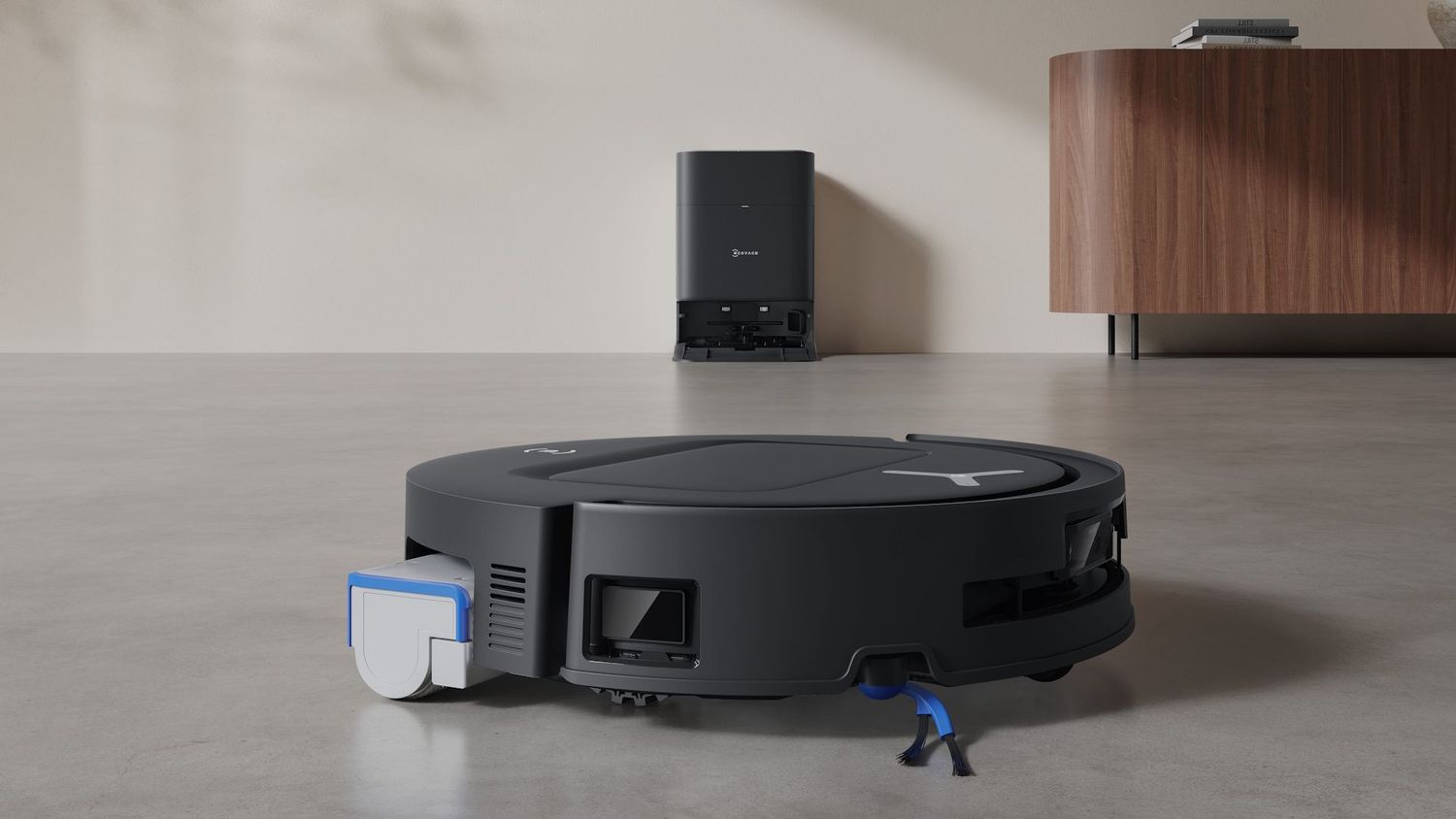
Ecovacs Deebot T80 Omni
Last updated:
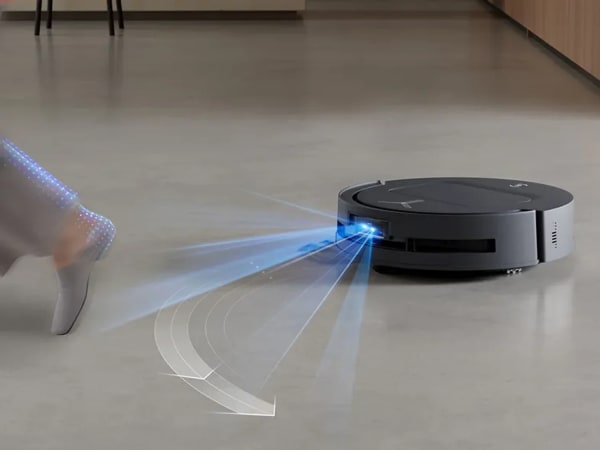
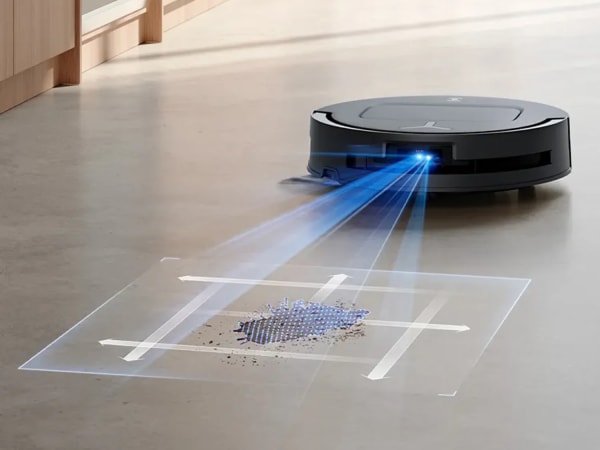
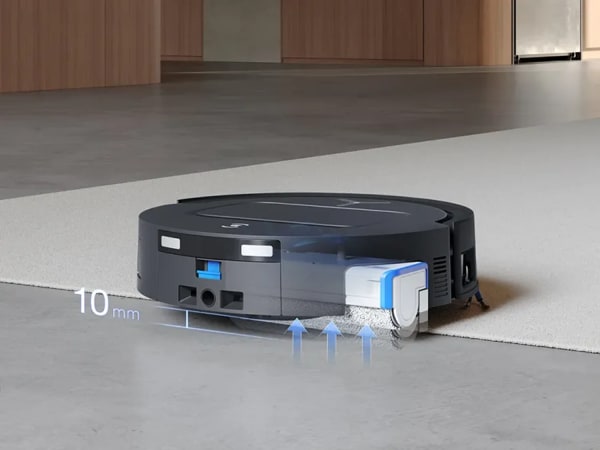
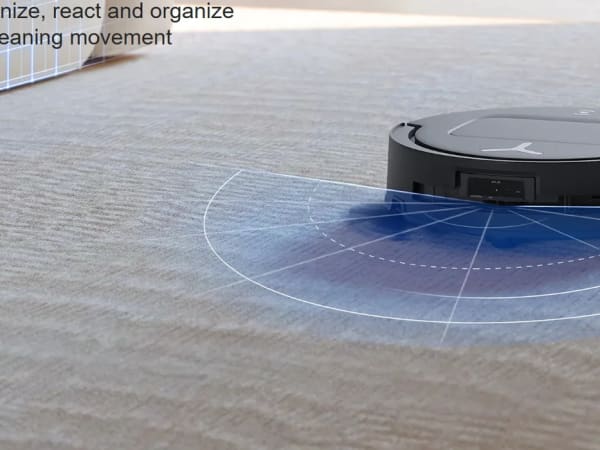
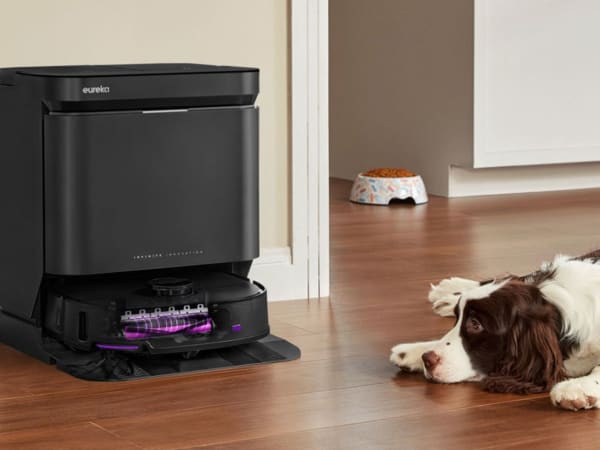
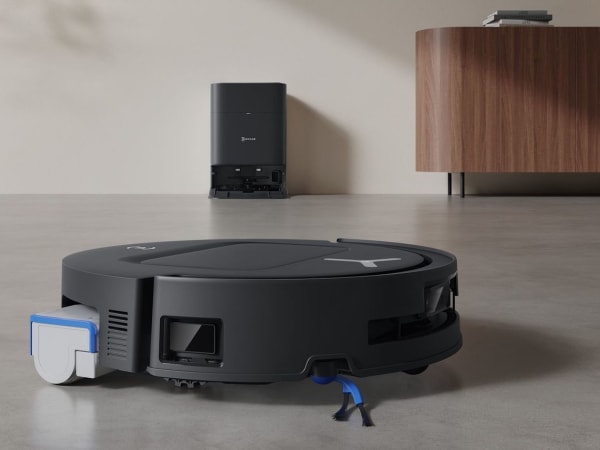
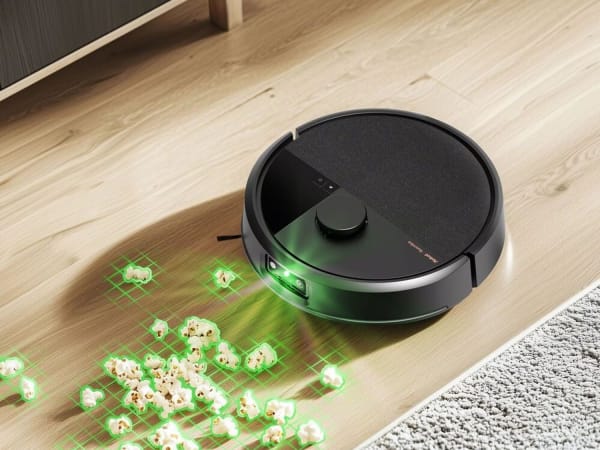
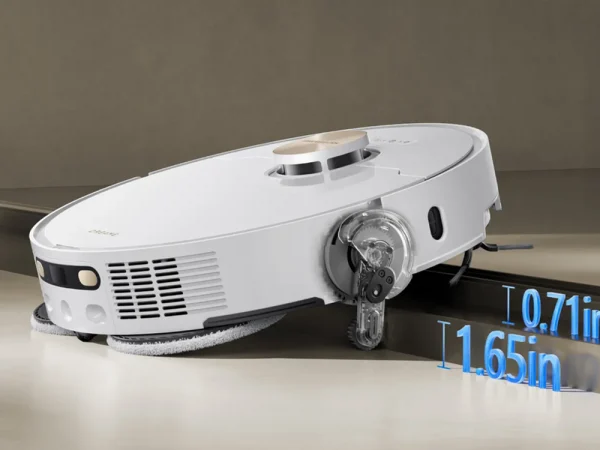
The Ecovacs T80 Omni is a high-performance robotic vacuum cleaner featuring an ultra high-speed fan delivering 18,000 Pa suction power for superior sweeping and suction. It incorporates the OZMO ROLLER mopping technology with 3,700 Pa mopping pressure and 200 rpm scrubbing speed, enabling powerful stain removal with self-cleaning and drying mop rollers. The robot dynamically extends its roller mop for edge and corner cleaning with TruEdge 2.0 and TruEdge 3D sensors, achieving near-complete coverage. It uses ZeroTangle 3.0 technology to prevent hair tangling on brushes. Navigation is powered by embedded dToF LiDAR and AIVI 3D obstacle avoidance, recognizing up to 100 objects and supporting multi-level mapping with virtual barriers. The T80 Omni offers carpet boost, live video monitoring, and smart carpet care modes, with a self-emptying station that washes and dries mop rollers and empties debris automatically. Controls include app, voice assistants, and virtual assistants.
Quick Overview & Key Facts
Ecovacs Deebot T80 Omni is a robot vacuum cleaner made by Ecovacs in China, launched in 2025 and built for automated vacuuming and mopping for mixed-floor homes, pet hair management, and multi-level residences. Its estimated price is USD 700-900. Featured in “Ecovacs T80 Omni Supercharges Home Cleaning with 99.99% Sterile OMNI Station”.
- Dimensions
- 35.0 x 35.0 x 9.8 cm
- Weight
- 4.5 kg
- Mobility
- Wheeled robot with brush roll and suction system
- Top speed
- 0.3 m/s
- Handles
- Dust, debris, and mopping residue (internal collection only)
- Battery runtime
- 220 minutes (3 hours 40 minutes)
- Charging time
- 4 hours
- Sensors
- dToF LiDAR, Single camera, LED, 3D structured light sensor, Cliff sensors, Bump sensors, TruEdge 3D edge sensor
- Operating environment
- Indoor, hardwood, tile, carpet, mixed floors
Image Gallery
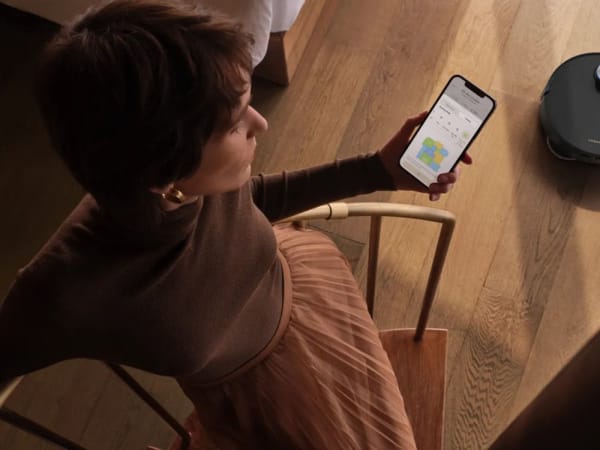
Below images are from Ecovacs's official sources
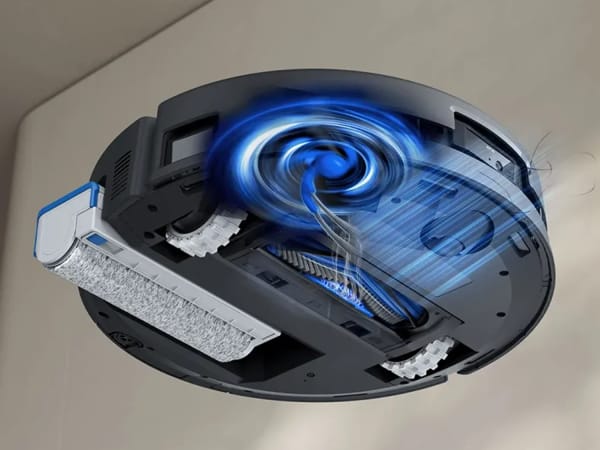
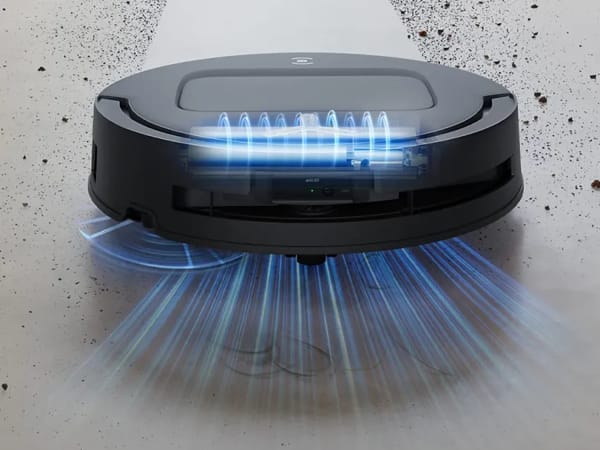
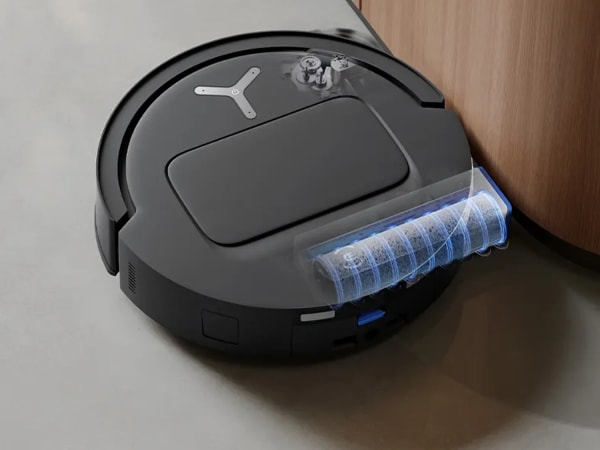
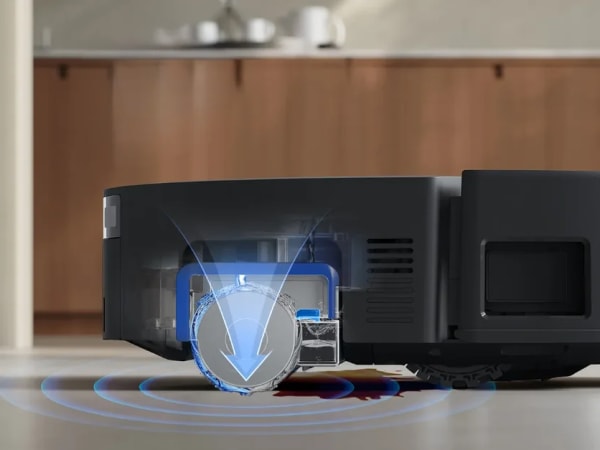
Review Videos
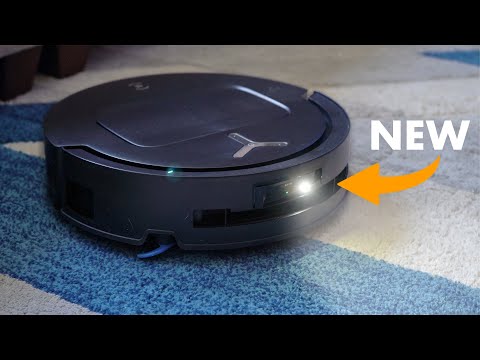
Watch expert reviews and demonstrations of this robot

Robot Specifications
Values without a Confirmed badge are compiled from public sources and may not be manufacturer-verified.
Not yet published by Ecovacs: modular attachments.
Latest News About Ecovacs Deebot T80 Omni
Stay updated with the latest articles and developments
Compare This Robot With Others
See how Ecovacs Deebot T80 Omni stacks up against other leading robotics models in detailed side-by-side technical comparisons.
More Robots from Ecovacs
Explore other robots from this manufacturer
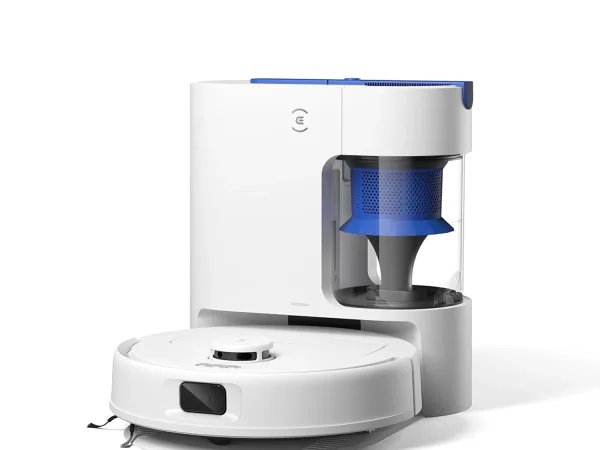
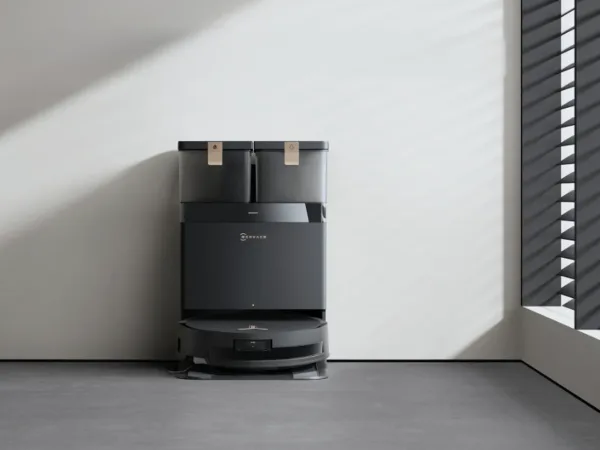
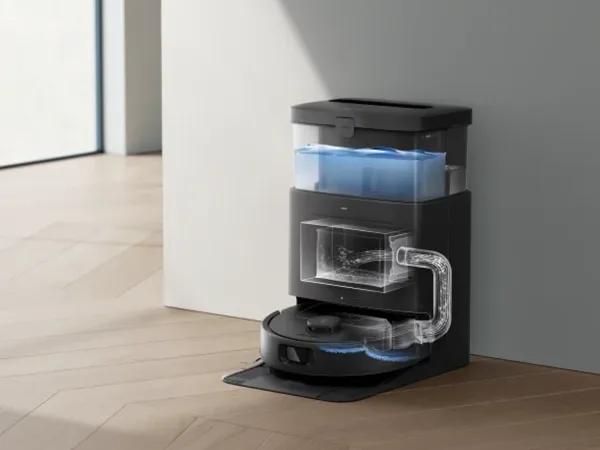
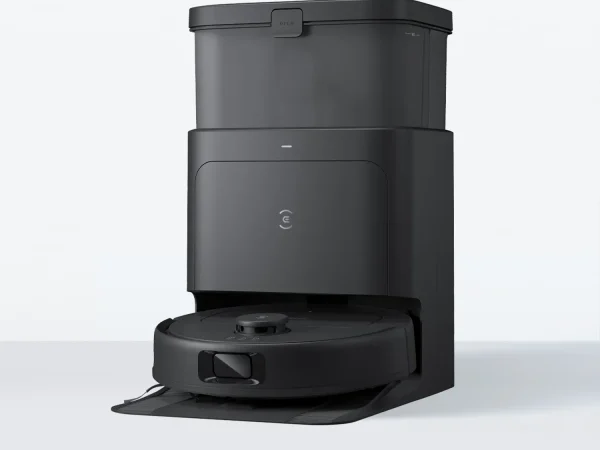
Robots From Other Categories
Discover complementary robots from different categories that work well together

Frequently Asked Questions
Get answers to common questions about this robot
Q1. How to troubleshoot Ecovacs T80 Omni?
Restart the robot, check for blockages in brushes or dustbin, ensure the dock is powered, update firmware via app, and consult error codes displayed on the app for specific issues. Regular cleaning of sensors helps maintain performance.
Q2. How to set up Ecovacs T80 Omni?
Place the charging dock on a flat surface with clearance, power it on, install the robot on the dock, download the Ecovacs app, connect the robot to Wi-Fi, and follow the app’s guided setup for mapping and preferences.
Q3. What are Ecovacs T80 Omni's primary use-cases?
It is designed for automated vacuuming and mopping of hard floors and carpets, with advanced obstacle avoidance, pet hair management, and multi-level mapping for comprehensive home cleaning.
Q4. How to operate Ecovacs T80 Omni?
Use the Ecovacs app or voice assistants to start, pause, or schedule cleaning. The robot automatically vacuums and mops with smart carpet detection and can be controlled remotely for live video monitoring.
Q5. How to maintain Ecovacs T80 Omni?
Regularly empty the 220ml dustbin, clean brushes and sensors, refill the water tank, and use the self-cleaning dock for mop washing and drying. Replace consumables as recommended for optimal performance.
Q6. What safety features does Ecovacs T80 Omni have?
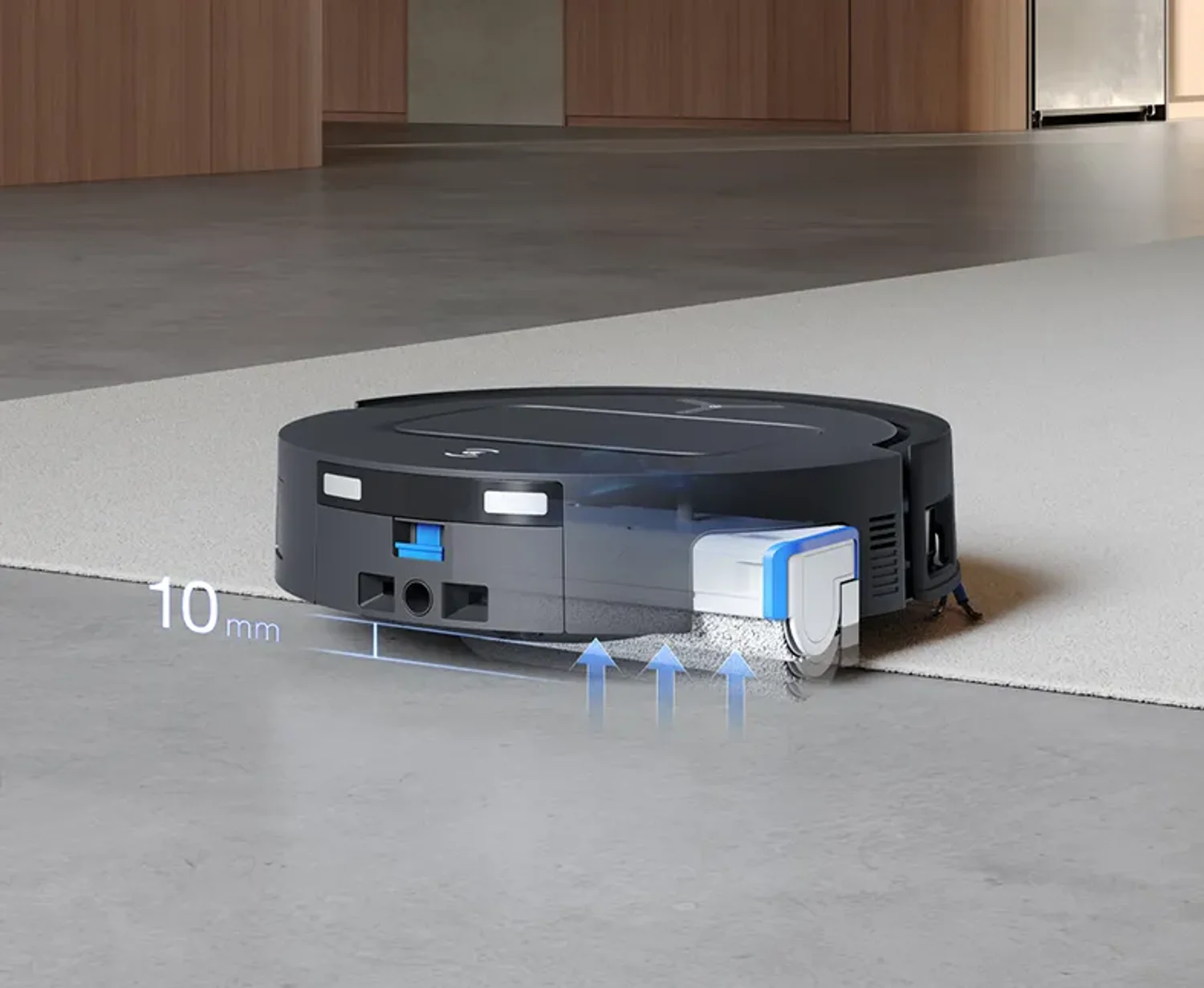
It includes 3D structured light and RGB camera obstacle detection, anti-tangle brush systems, threshold crossing up to 20mm, and edge sensors to prevent falls and collisions.
Q7. How does Ecovacs T80 Omni handle different surfaces?
It uses smart carpet recognition to vacuum carpets first and avoid wetting them during mopping, adjusts suction power up to 18,000 Pa, and employs a drum washing OZMO roller for hard floors.
Q8. How to clean Ecovacs T80 Omni?
Remove and empty the dustbin, clean the ZeroTangle 3.0 brushes, wipe sensors and cameras gently, and let the dock wash and dry the mop roller automatically after use.
Q9. How does Ecovacs T80 Omni navigate?
It uses embedded dToF Lidar combined with Vision AI and 3D sensors for precise mapping, multi-level maps, virtual barriers, and dynamic obstacle avoidance recognizing up to 100 objects.
Q10. What are common Ecovacs T80 Omni problems?
Users may experience occasional missed obstacles, app connectivity issues, or brush tangling if not maintained, but the ZeroTangle 3.0 system and firmware updates minimize these.
Q11. How to reset Ecovacs T80 Omni?
Use the Ecovacs app to perform a factory reset or press and hold the reset button on the robot (if available) until it restarts, clearing all saved maps and settings.
Q12. How to control Ecovacs T80 Omni?
Control is via the Ecovacs app, supporting scheduling, cleaning modes, mapping, and live video. It also supports voice commands through virtual assistants like Alexa or Google Assistant.
Q13. How to connect Ecovacs T80 Omni to Wi-Fi?
In the Ecovacs app, select “Add Device,” follow prompts to connect the robot to your 2.4GHz Wi-Fi network by entering credentials, and wait for confirmation of successful connection.
Q14. What is Ecovacs T80 Omni's warranty?
Typically, Ecovacs offers a one-year limited warranty covering manufacturing defects; specifics may vary by region and retailer, so check the included warranty card or official documentation.
Q15. How to update Ecovacs T80 Omni's software?
Use the Ecovacs app to check for firmware updates; when available, download and install updates over Wi-Fi to improve features, navigation, and bug fixes automatically.
Rating and Reviews
Share your experience and help others decide!
Loading...
User Reviews
No user reviews. Be the first one to review!
User Comments (No Login needed)
Share your thoughts, experiences, or questions about this robot.
Comments appear after moderator review.