Dreame L50 Ultra
Last updated:
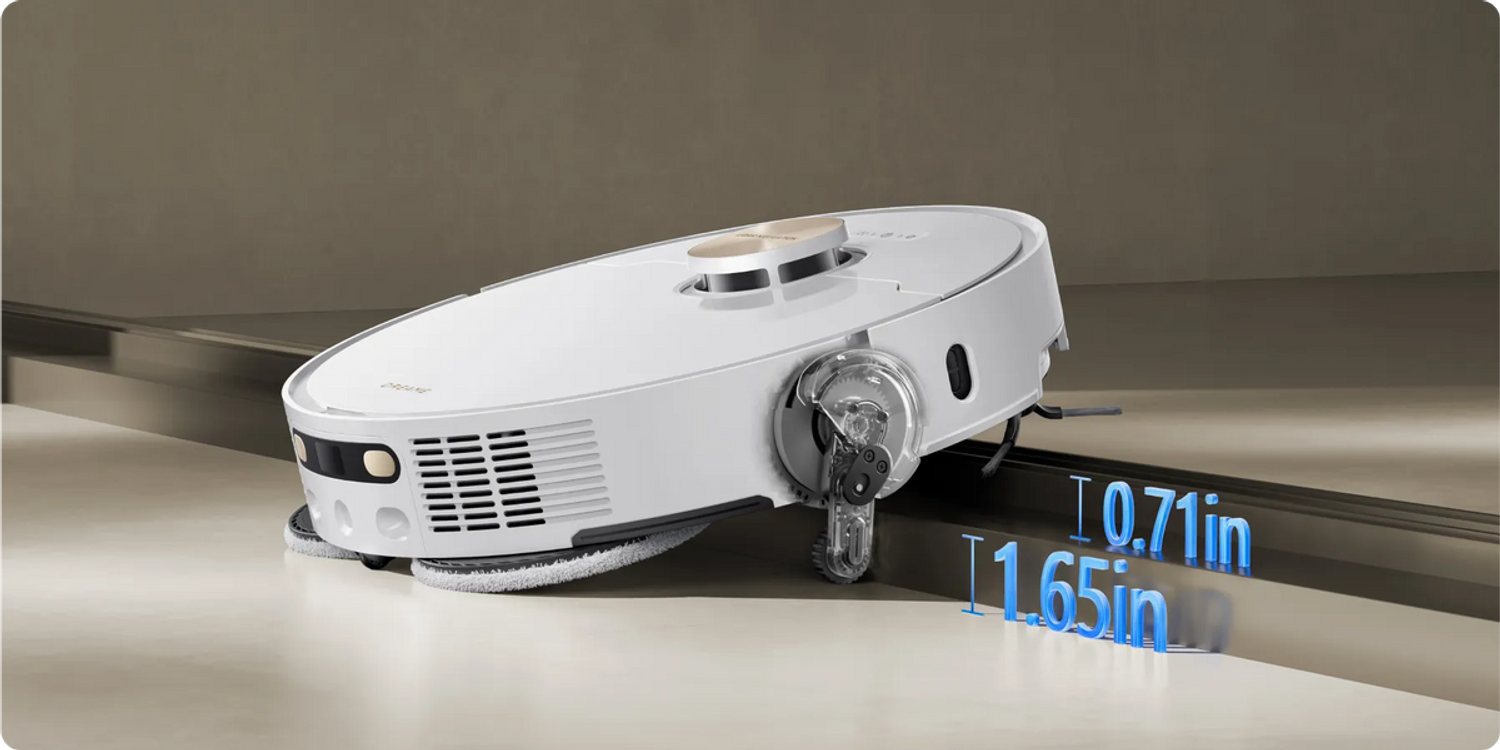
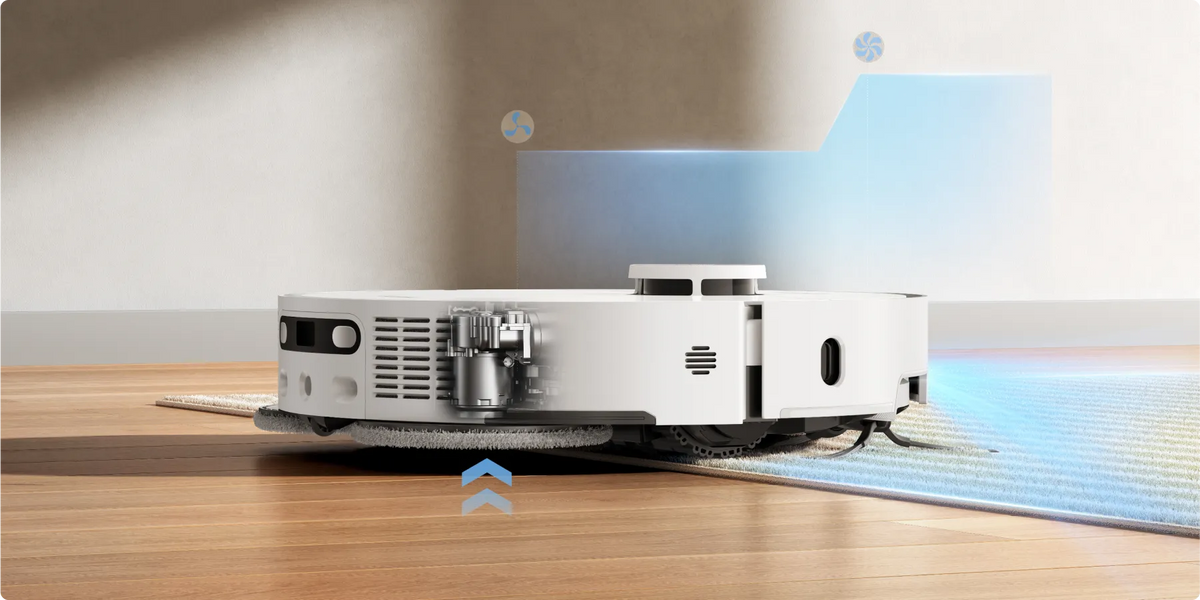
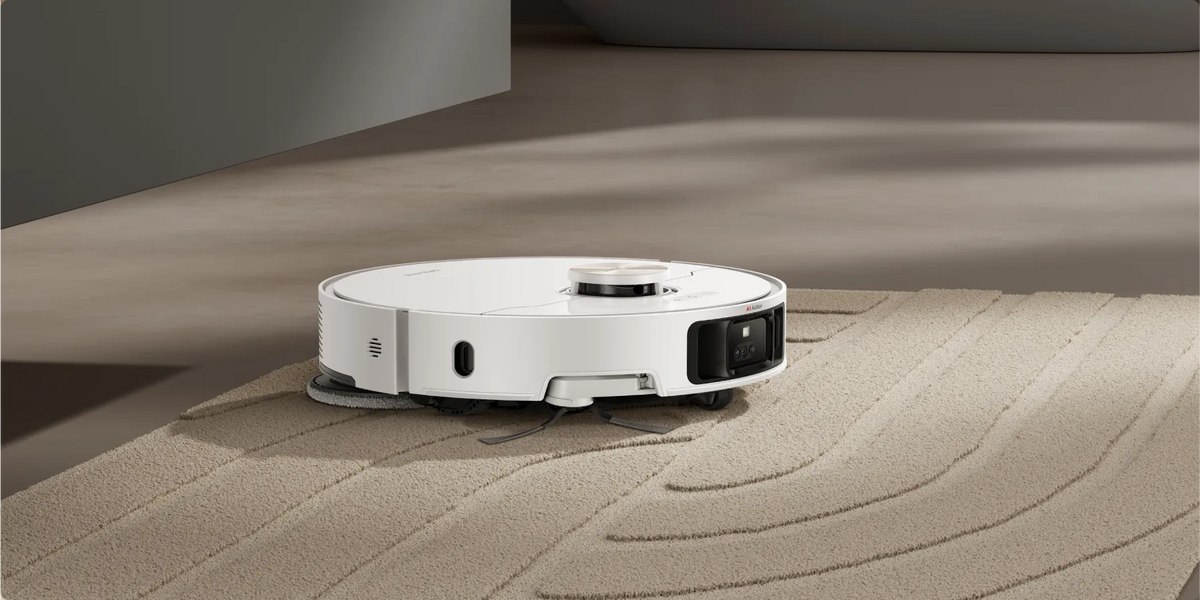
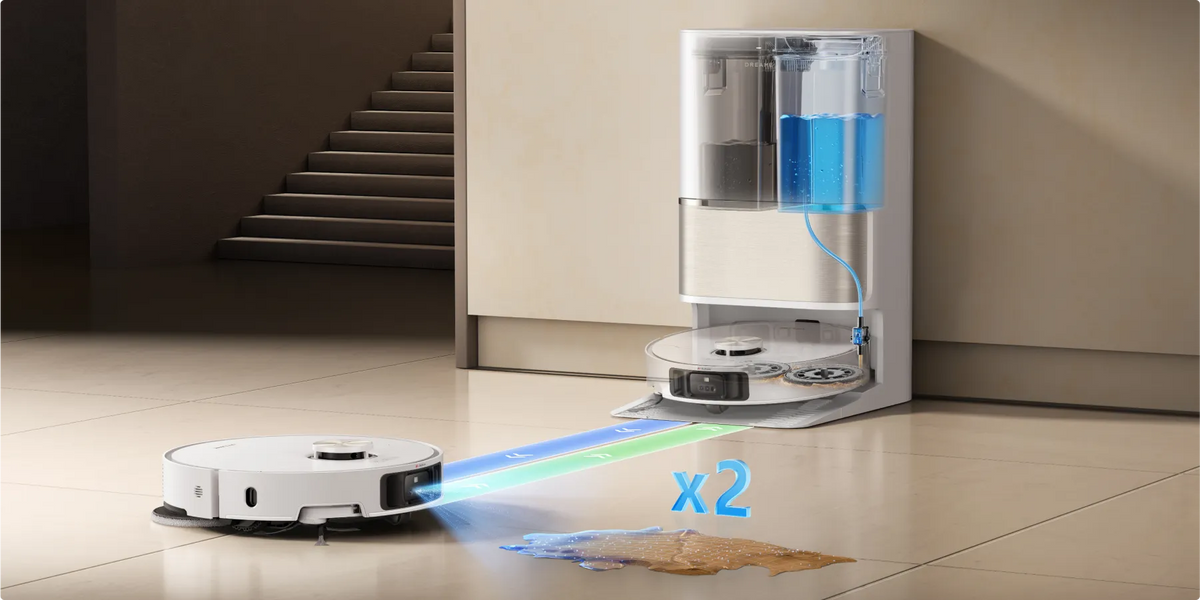
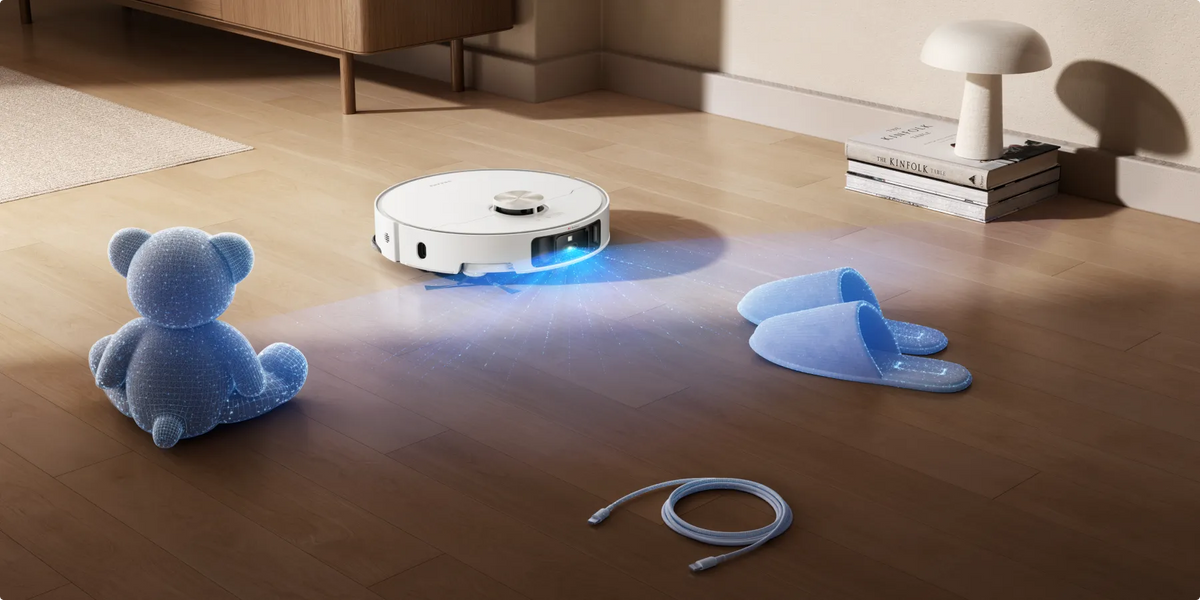
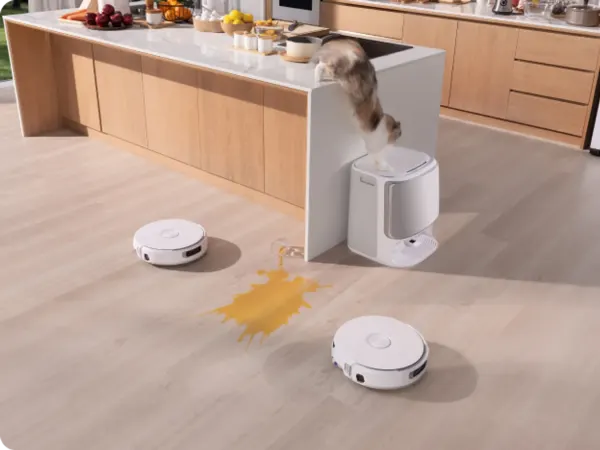
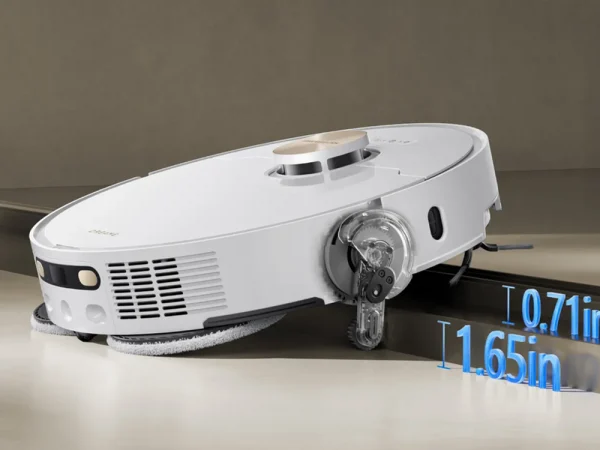
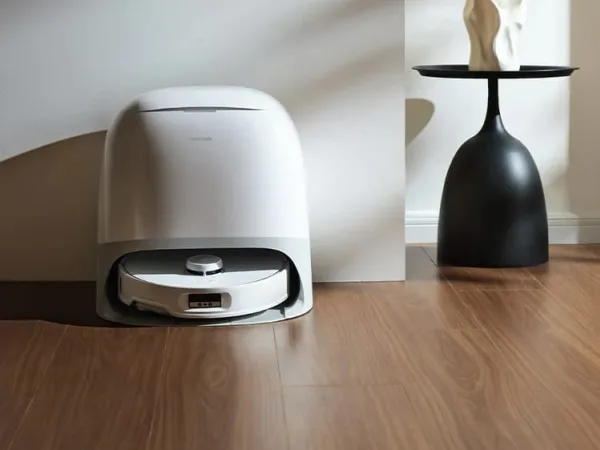
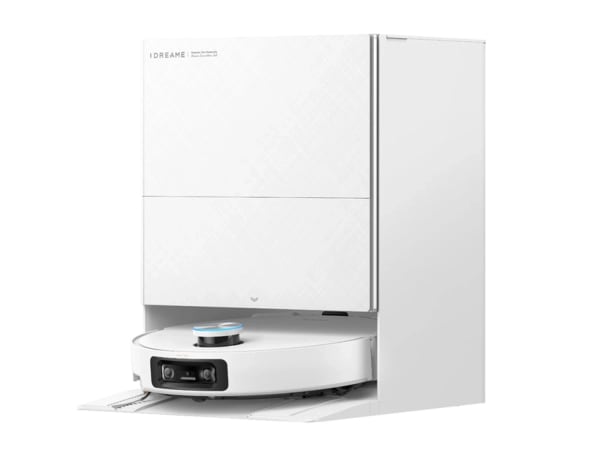
The Dreame L50 Ultra is a flagship robot vacuum and mop hybrid designed for thorough and intelligent cleaning. It features the ProLeap™ system with retractable legs allowing it to climb obstacles up to 6 cm and steps up to 4.2 cm, supported by a shock-absorbing design rated for 30,000 cleaning cycles. It delivers powerful 19,500 Pa Vormax™ suction with a HyperStream™ Detangling DuoBrush that reduces hair tangling and noise. The robot uses AI-driven obstacle avoidance combining RGB camera and 3D structured light sensors, enabling it to recognize and avoid common household hazards. Its dock includes the AceClean™ DryBoard system that cleans and dries mop pads with hot water and air, and auto-empties dust into a 3.2 L bag lasting up to 100 days. Additional features include app control, automated water refill, pet-finding mode with real-time video and voice chat, and multi-surface cleaning with mop lifting technology for carpets and hard floors.
Quick Overview & Key Facts
Dreame L50 Ultra is a robot vacuum cleaner made by Dreame in China, launched in 2025. Its estimated price is MSRP $1,599.99 (frequently discounted to $800–$1,000). Featured in “Dreame L50 Ultra Reclaims Value Crown With $600 Price Drop March 2026” and “Dreame L50 Ultra Conquers 2.36‑inch Thresholds with ProLeap Legs”.
- Dimensions
- 34.8 x 35.2 x 9.7 cm (robot)
- Weight
- 4.44 kg (robot)
- Mobility
- Wheeled robot with brush roll and suction system
- Battery runtime
- 200 minutes (3 hours 20 minutes)
- Charging time
- 4 hours
- Sensors
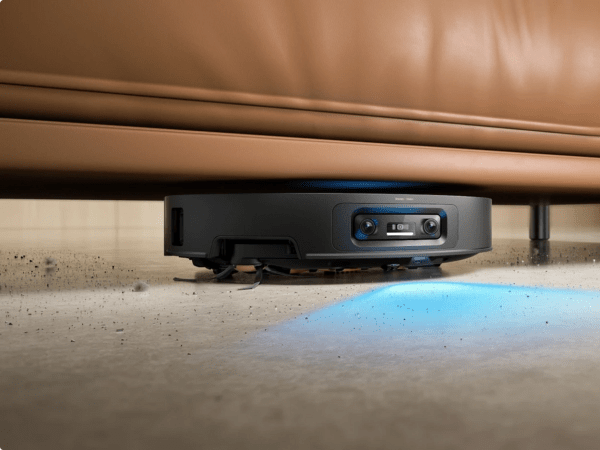
- LiDAR (spinning), RGB camera, 3D structured light sensor, cliff sensors, bump sensors, LED path illumination
- Operating environment
- Indoor, suitable for mixed floors including carpet and hardwood
Image Gallery
Below images are from Dreame's official sources
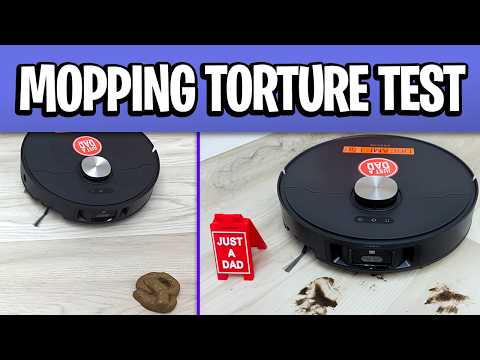
Review Videos
Watch expert reviews and demonstrations of this robot
Robot Specifications
Values without a Confirmed badge are compiled from public sources and may not be manufacturer-verified.
Not yet published by Dreame: EMC compliance, multi-robot coordination and modular attachments.
Latest News About Dreame L50 Ultra
Stay updated with the latest articles and developments
Compare This Robot With Others
See how Dreame L50 Ultra stacks up against other leading robotics models in detailed side-by-side technical comparisons.
More Robots from Dreame
Explore other robots from this manufacturer
Robots From Other Categories
Discover complementary robots from different categories that work well together
Frequently Asked Questions
Get answers to common questions about this robot
Q1. How to troubleshoot Dreame L50 Ultra?
Restart the robot and dock, check for blockages in brushes or wheels, ensure the dustbin and water tank are properly seated, and update firmware via the app. For persistent issues, consult error codes shown in the Dreamehome app.
Q2. How to set up Dreame L50 Ultra?
Place the dock on a flat surface with clearance, charge the robot fully, download the Dreamehome app, connect the robot to Wi-Fi, and follow in-app instructions to map your home for optimal cleaning.
Q3. What are Dreame L50 Ultra's primary use-cases?
It is designed for vacuuming and mopping mixed surfaces, handling pet hair, navigating multi-level homes with thresholds up to 2.36 in, and providing remote pet monitoring with two-way voice.
Q4. How to operate Dreame L50 Ultra?
Use the Dreamehome app or voice commands to start, pause, or schedule cleaning. The robot automatically vacuums and mops, avoiding obstacles and adjusting suction power based on floor type.
Q5. How to maintain Dreame L50 Ultra?
Regularly empty the dust bag in the dock, clean the HyperStream™ Detangling DuoBrush, refill the water tank, and clean mop pads via the AceClean™ DryBoard system to ensure peak performance.
Q6. What safety features does Dreame L50 Ultra have?
It uses AI with 3D structured-light and RGB cameras for obstacle avoidance, LED path illumination for low-light navigation, and smart recognition to avoid pets, people, and hazards like cables or pet waste.
Q7. How does Dreame L50 Ultra handle different surfaces?
It automatically adjusts suction up to 19,500 Pa and lifts mop pads on carpets using TripleUp Tech, while its ProLeap™ system enables climbing thresholds up to 2.36 in and crossing steps up to 1.65 in.
Q8. How to clean Dreame L50 Ultra?
Remove and clean the dustbin and filters, wipe sensors and cameras gently, clean brushes and wheels from hair and debris, and use the dock’s hot-water cleaning and drying for mop pads.
Q9. How does Dreame L50 Ultra navigate?
It uses LDS LiDAR mapping combined with AI-driven RGB and 3D structured-light sensing to create accurate maps, avoid obstacles, and plan efficient cleaning paths, even in dim lighting.
Q10. What are common Dreame L50 Ultra problems?
Users may encounter Wi-Fi connectivity issues, brush tangling if not cleaned regularly, occasional missed spots if mapping is incomplete, or error alerts requiring app troubleshooting.
Q11. How to reset Dreame L50 Ultra?
Use the Dreamehome app to perform a factory reset or press and hold the power button on the robot for about 10 seconds until it restarts, clearing settings and maps.
Q12. How to control Dreame L50 Ultra?
Control is primarily via the Dreamehome app for scheduling, mode selection, and remote monitoring; voice assistants and physical buttons on the robot provide additional control options.
Q13. How to connect Dreame L50 Ultra to Wi-Fi?
In the Dreamehome app, select the robot, enter Wi-Fi settings, choose your 2.4 GHz network, and input the password; ensure your phone is on the same network during setup.
Q14. What is Dreame L50 Ultra's warranty?
Typically, Dreame offers a 12-month limited warranty covering manufacturing defects; warranty terms may vary by region and retailer, so check your purchase documentation.
Q15. How to update Dreame L50 Ultra's software?
Updates are delivered via the Dreamehome app; ensure the robot is connected to Wi-Fi, then check for firmware updates in the app and follow prompts to install them automatically.
Rating and Reviews
Share your experience and help others decide!
Loading...
User Reviews
No user reviews. Be the first one to review!
User Comments (No Login needed)
Share your thoughts, experiences, or questions about this robot.
Comments appear after moderator review.