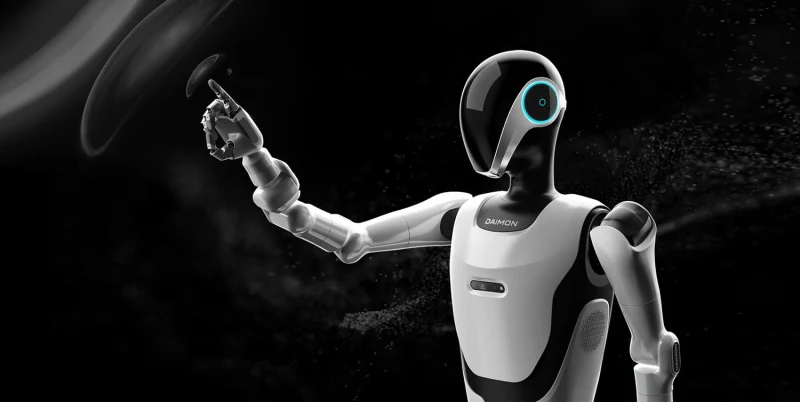
Daimon One
AI ChatLast updated:
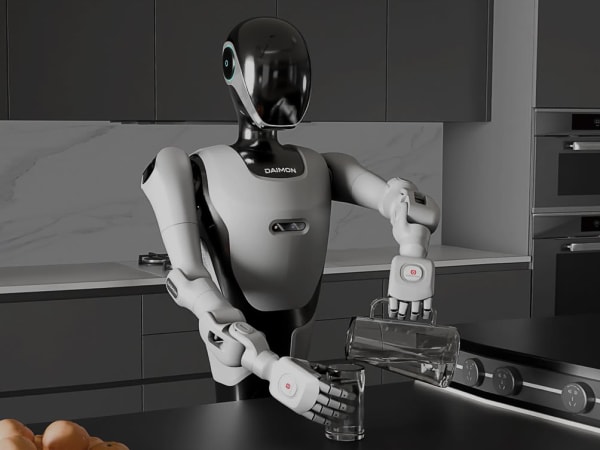
The Daimon One Humanoid is an advanced humanoid robot designed for complex manipulation and interaction tasks. It features a biomimetic robotic hand with 11 degrees of freedom and integrated millimeter-thick vision-based tactile sensors that provide high-resolution real-time feedback on force, deformation, texture, and slippage. This enables precise and adaptive grip control, allowing the robot to handle delicate objects and perform intricate assembly tasks. The robot supports teleoperation via an exoskeleton system and incorporates AI for learning and adaptability. Its design emphasizes embodied intelligence, combining tactile perception with agile operation for versatile use in industrial, research, and service environments.
Quick Overview & Key Facts
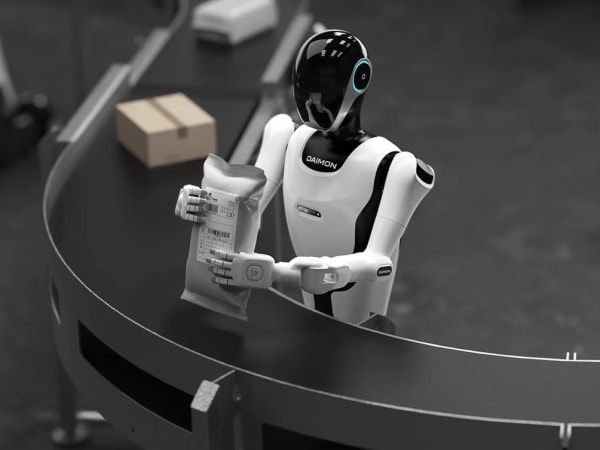
Daimon One is a humanoid robot made by Daimon Robotics in China, launched in 2025 and built for industrial automation, research and development, and precision assembly. Its estimated price is $150,000 - $250,000. Featured in “Daimon One Pushes Humanoid Teleoperation Toward Human-Centric Workspaces” and “Daimon Robotics Debuts World's First Haptic Feedback System at CES 2026”.
- Dimensions
- 60 cm x 40 cm x 180 cm
- Weight
- 75 kg
- Mobility
- Legged bipedal locomotion
- Top speed
- 1.5 km/h
- Handles
- Tools, small packages, delicate objects
- Battery runtime
- 4 hours
- Charging time
- 2 hours
- Sensors
- Vision-based tactile sensors, RGB cameras, depth cameras, IMU, force sensors, proximity sensors
- Operating environment
- Indoor and outdoor use, factory floors, labs, temperature-controlled environments
What Can Daimon One Do?
Core operational tasks and activities demonstrated or performed by Daimon One.
Real-World Applications of Daimon One
Industries, working environments, and deployment suitability for Daimon One.
Daimon One Capabilities
Inherent physical, perceptual, and cognitive abilities built into Daimon One.
Download Media Cards
Story CardExport high-resolution story cards summarizing Daimon One's operational tasks, real-world applications, and capabilities.
Image Gallery
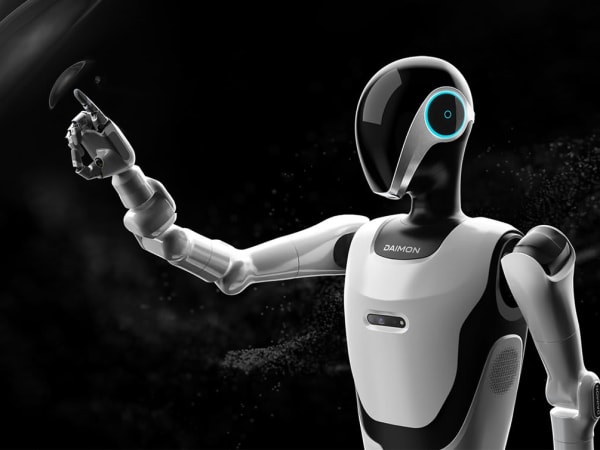
Below images are from Daimon Robotics's official sources

Review Videos
Watch expert reviews and demonstrations of this robot



Robot Specifications
Values without a Confirmed badge are compiled from public sources and may not be manufacturer-verified.
Not yet published by Daimon Robotics: warranty terms, safety certifications, EMC compliance, IP rating, noise level, expected lifespan, maintenance schedule, firmware version and 7 more.
Latest News About Daimon One
Stay updated with the latest articles and developments
Compare This Robot With Others
See how Daimon One stacks up against other leading robotics models in detailed side-by-side technical comparisons.
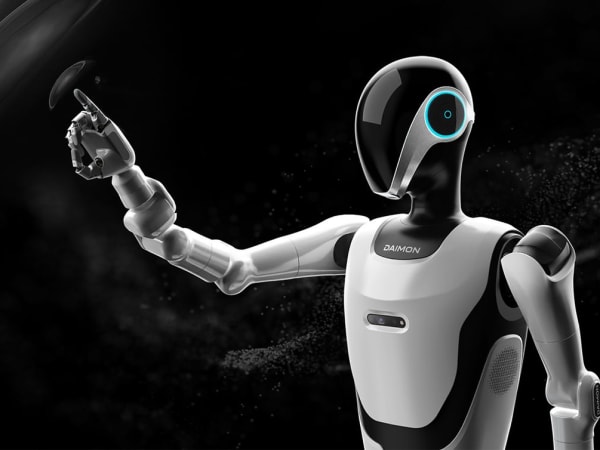
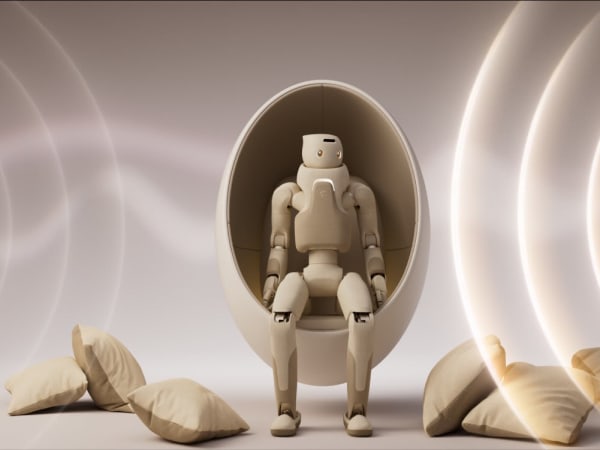

More Humanoid Robots
Discover more robots in the same category


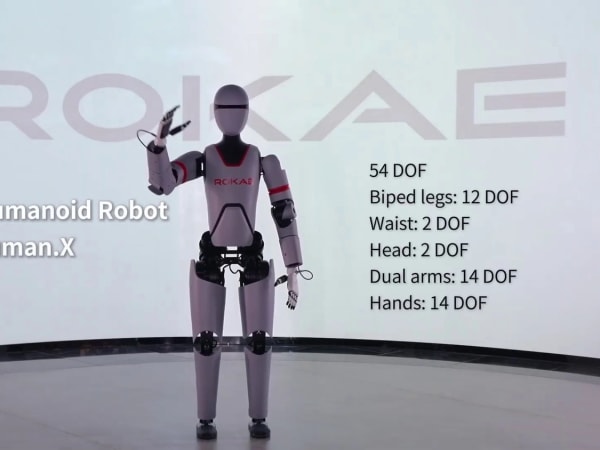

Robots From Other Categories
Discover complementary robots from different categories that work well together
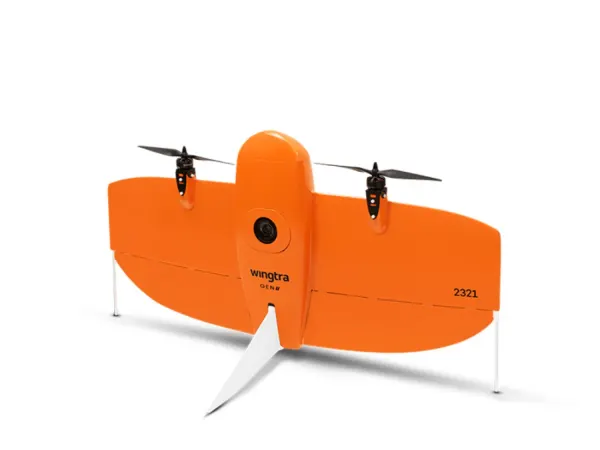


Frequently Asked Questions
Get answers to common questions about this robot
Q1. How to troubleshoot Daimon One?
Check sensor connections and USB interface first; recalibrate tactile sensors via software if feedback is inconsistent. Restart teleoperation system and verify exoskeleton data link. Consult error logs for specific faults.
Q2. How to set up Daimon One?
Connect Daimon One via USB serial port to your control system, install necessary drivers, and calibrate the tactile sensors. Set up the exoskeleton teleoperation system if remote control is needed, then run initial grasping tests to verify operation.
Q3. What are Daimon One's primary use-cases?
It is designed for delicate and complex manipulation tasks such as precision assembly, laboratory automation, intelligent manufacturing, and smart logistics requiring human-like dexterity and tactile feedback.
Q4. How to operate Daimon One?
Operate via teleoperation using the wearable exoskeleton system that captures human hand motions or through direct USB serial commands. The system supports real-time tactile feedback for precise grip adjustments.
Q5. How to maintain Daimon One?
Regularly clean tactile sensor surfaces, inspect mechanical joints for wear, update software, and recalibrate sensors to maintain ±0.2 mm repeatability and optimal grip force control.
Q6. What safety features does Daimon One have?
It includes adaptive grip force control to prevent damage to delicate objects and real-time tactile feedback to detect excessive force or slippage, ensuring safe handling during operation.
Q7. How does Daimon One handle different surfaces?
The high-resolution vision-based tactile sensors detect texture, shape, and deformation, allowing adaptive grip adjustments for various surface types, from soft to hard materials.
Q8. How to clean Daimon One?
Use a soft, lint-free cloth slightly dampened with mild cleaning solution to gently wipe the tactile sensor surfaces and robotic hand. Avoid harsh chemicals or excessive moisture to protect sensors.
Q9. How does Daimon One navigate?
Daimon One focuses on hand manipulation rather than locomotion; it uses integrated multimodal perception combining vision, tactile, and language inputs to guide precise hand movements and object interaction.
Q10. What are common Daimon One problems?
Typical issues include sensor calibration drift, communication interruptions via USB or exoskeleton link, and mechanical wear in joints, which can affect precision and tactile feedback accuracy.
Q11. How to reset Daimon One?
Power cycle the device by disconnecting and reconnecting the USB interface, then restart the teleoperation system. Perform a sensor recalibration routine through the control software to restore baseline settings.
Q12. How to control Daimon One?
Control is via USB serial commands or teleoperation through the DM-EXton wearable exoskeleton system, which captures human hand motions for intuitive, real-time robotic hand control.
Q13. How to connect Daimon One to Wi-Fi?
Daimon One primarily connects via USB for control; Wi-Fi connectivity is not standard but may be enabled through an external interface or controller if supported by your integration setup.
Q14. What is Daimon One's warranty?
The warranty typically covers hardware defects and sensor malfunctions for one year from purchase, including support for software updates and technical assistance. Specific terms depend on the vendor.
Q15. How to update Daimon One's software?
Connect Daimon One to a PC via USB, run the official update utility provided by Daimon Robotics, and follow on-screen instructions to install firmware and software updates ensuring improved performance and features.
Rating and Reviews
Share your experience and help others decide!
Loading...
User Reviews
No user reviews. Be the first one to review!
User Comments (No Login needed)
Share your thoughts, experiences, or questions about this robot.
Comments appear after moderator review.