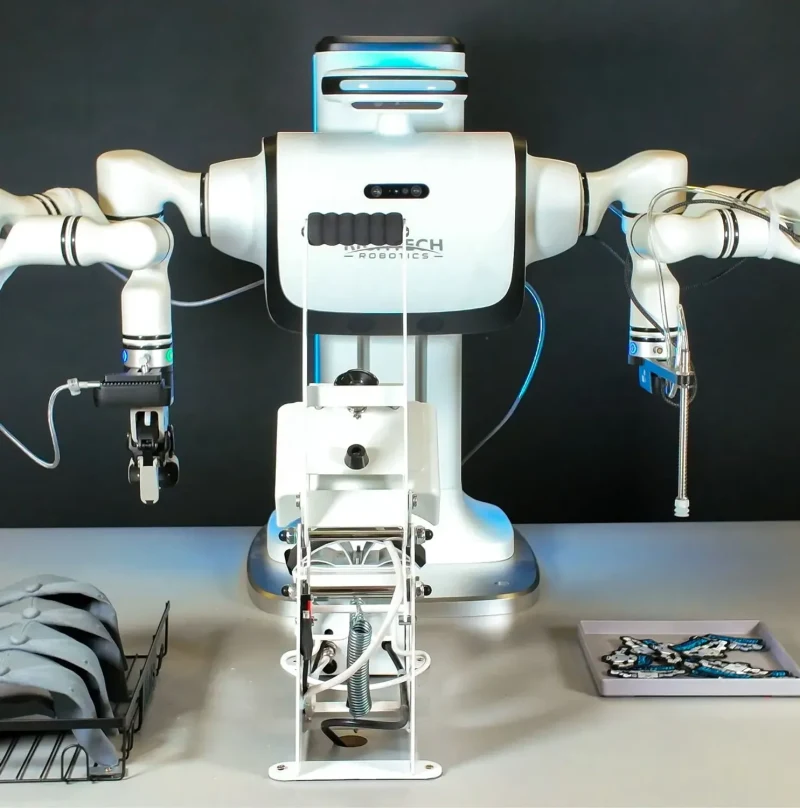
Dex
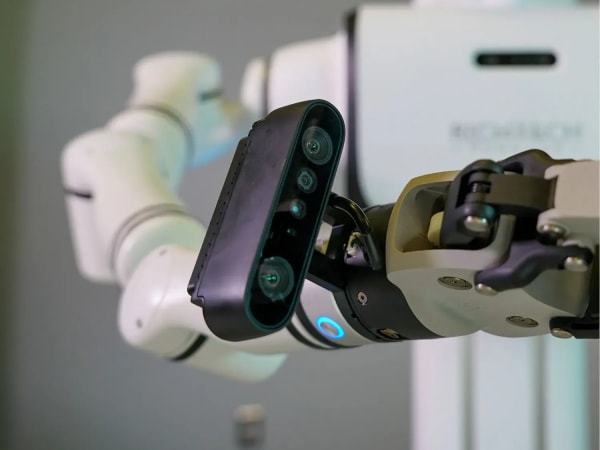
Dex is a next-generation industrial humanoid robot designed for real-world work environments, combining advanced AI with robust bipedal locomotion. It features multi-camera vision systems for precise task execution, including depth and arm-mounted cameras, enabling it to perform complex manipulation and navigation tasks. Dex is optimized for industrial applications such as manufacturing, logistics, and service roles, with capabilities for autonomous operation, teleoperation, and learned behaviors. Its humanoid design allows it to interact safely and effectively alongside humans, with integrated safety features and collaborative modes. Powered by Nvidia Jetson Thor, Dex leverages AI for enhanced perception, decision-making, and adaptability in dynamic environments.
Quick Overview & Key Facts
Dex is a humanoid system developed by Richtech Robotics in United States and launched in 2025. Starting price is estimated at $150,000 - $250,000. It is currently ranked #203 in most-viewed humanoid robots on Origin of Bots. It supports Tools, packages, precision instruments, human interaction tasks. Operating battery runtime is rated at 6 hours on full charge. Primary applications include Industrial automation, warehouse logistics, customer service, healthcare assistance, research and development. Featured in editorial articles including “Richtech's Dex Humanoid Makes CES Debut, Targeting Industrial Deployments in 2026”.
What Can Dex Do?
Core operational tasks and activities demonstrated or performed by Dex.
Real-World Applications of Dex
Industries, working environments, and deployment suitability for Dex.
Dex Capabilities
Inherent physical, perceptual, and cognitive abilities built into Dex.
Download Media Cards
Story CardExport high-resolution story cards summarizing Dex's operational tasks, real-world applications, and capabilities.
Image Gallery
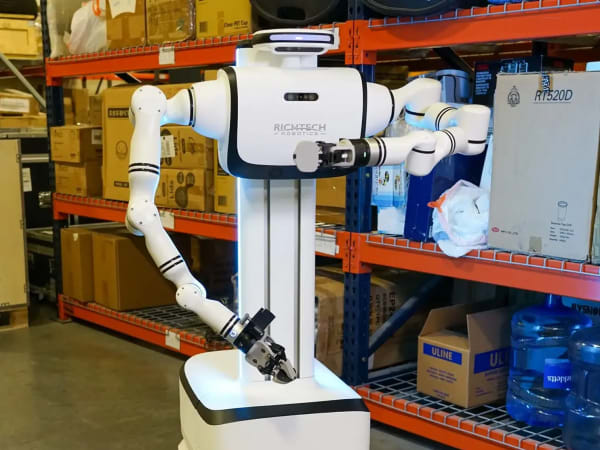
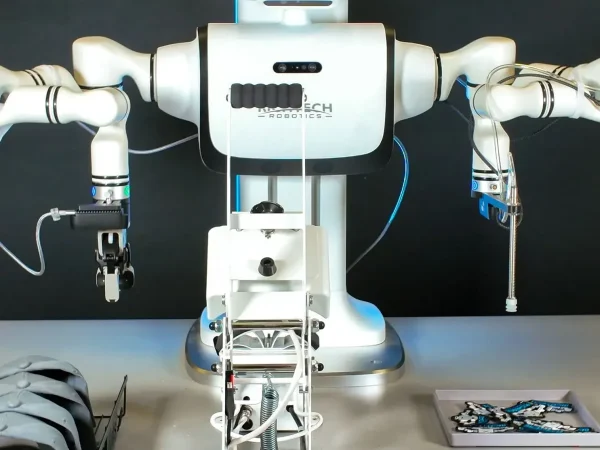
Below images are from Richtech Robotics's official sources
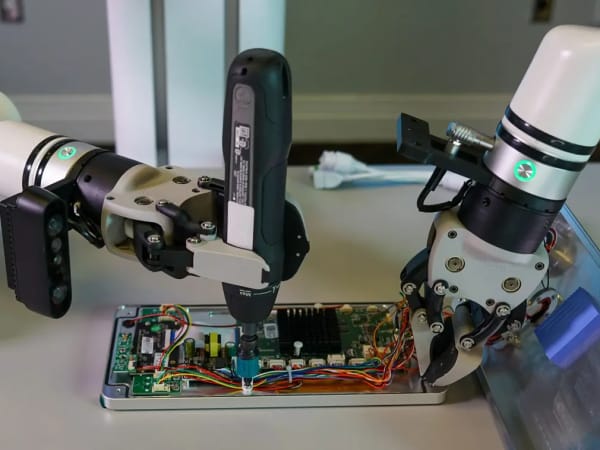
Review Videos
Watch expert reviews and demonstrations of this robot




Robot Specifications
Latest News About Dex
Stay updated with the latest articles and developments
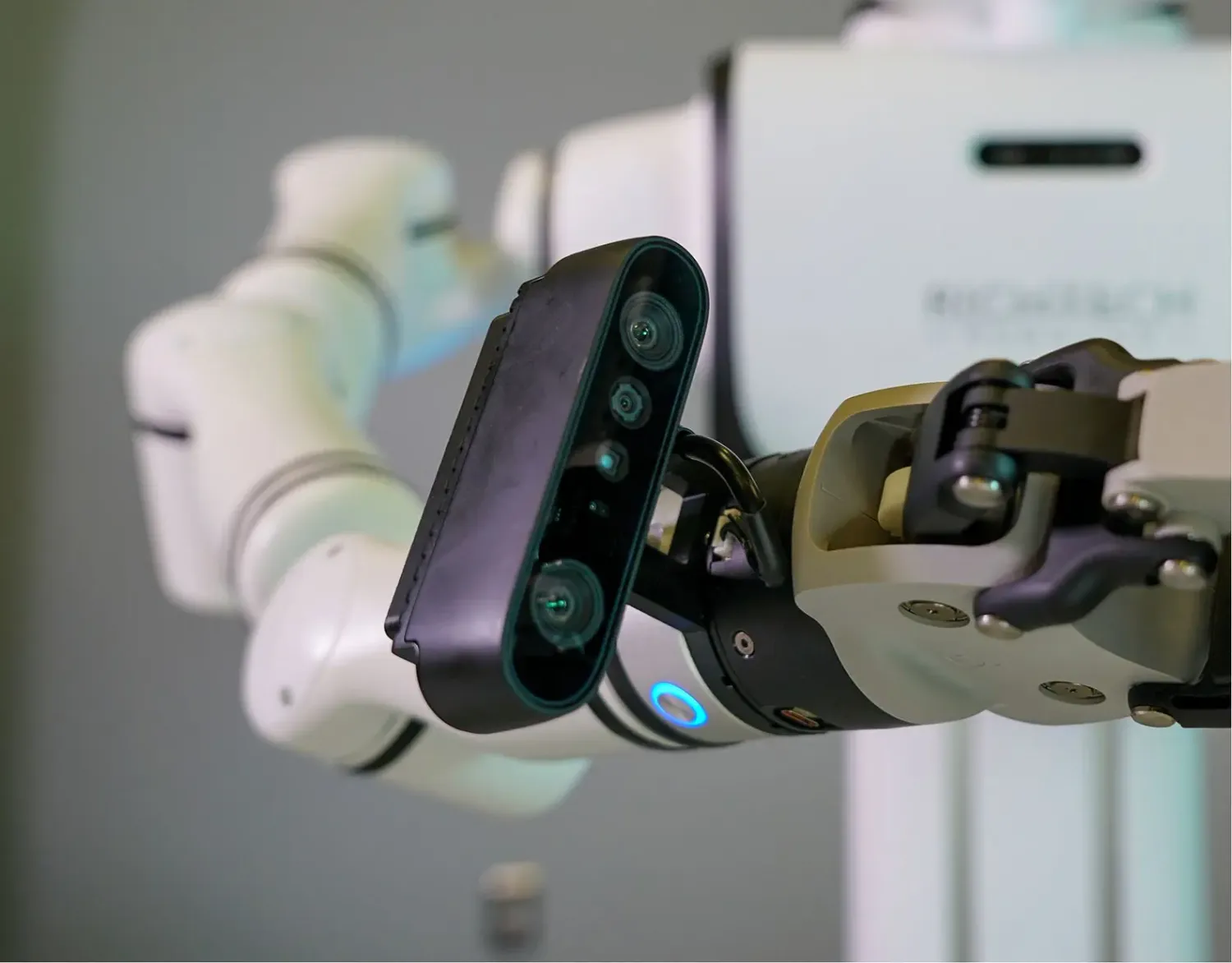
Compare This Robot With Others
See how Dex stacks up against other leading robotics models in detailed side-by-side technical comparisons.
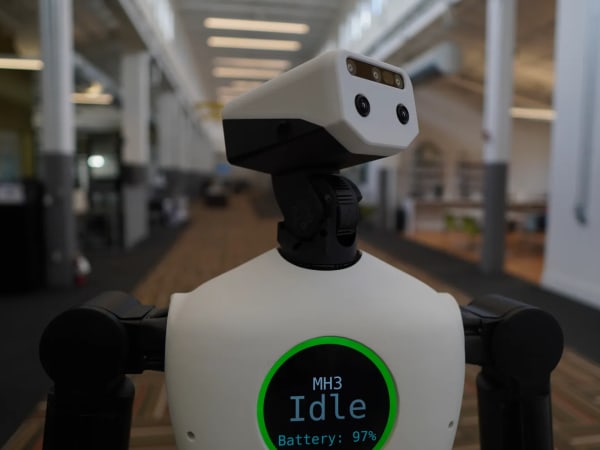
More Humanoid Robots
Discover more robots in the same category




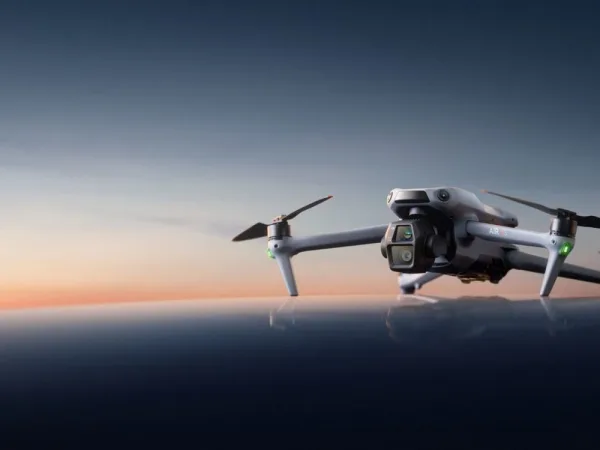
Robots From Other Categories
Discover complementary robots from different categories that work well together



Frequently Asked Questions
Get answers to common questions about this robot
Q1. What are Dex's primary capabilities?
Dex is a mobile humanoid robot designed for industrial and service tasks, featuring AI-driven vision, manipulation, and autonomous navigation to perform real-world work efficiently.
Q2. How to operate Dex?
Dex operates via an integrated AI system with touchscreen interfaces and remote control options, allowing users to command tasks, monitor status, and adjust settings easily.
Q3. What is the maximum carrying capacity of Dex?
Dex can carry payloads estimated up to 10 kilograms, suitable for handling tools, parts, or small packages in industrial environments.
Q4. How long can Dex operate on a single charge?
Dex runs up to four hours on battery power in mobile mode and can operate continuously when connected to a power source.
Q5. What safety features does Dex have?
Dex includes obstacle detection via a four-camera vision system, emergency stop functions, and compliant joint actuation to ensure safe interaction with humans and environments.
Q6. How to maintain Dex?
Regular maintenance involves cleaning sensors and joints, updating software, checking battery health, and replacing modular components as needed to ensure optimal performance.
Q7. What surfaces can Dex navigate?
Dex can traverse flat indoor surfaces such as factory floors, warehouses, and retail spaces, with limited ability on low-pile carpets or smooth ramps.
Q8. How does Dex handle obstacles?
Dex uses its multi-camera vision system and AI algorithms to detect, analyze, and navigate around obstacles autonomously, adjusting its path in real time.
Q9. What is Dex's maximum speed?
Dex moves at an estimated maximum speed of 1.2 meters per second, balancing efficiency with safety in operational settings.
Q10. What are common use cases for Dex?
Dex is used for industrial automation, material handling, customer service, inspection, and repetitive task automation in manufacturing, retail, and hospitality.
Q11. How to reset Dex?
Dex can be reset via a software command through its control interface or by performing a hardware reboot using the dedicated reset button on its chassis.
Q12. How to control Dex?
Dex is controlled through a combination of onboard touchscreen, remote desktop applications, and voice commands enabled by its AI interaction modules.
Q13. How to connect Dex to Wi-Fi?
To connect Dex to Wi-Fi, access the network settings via its touchscreen interface, select the desired network, and enter the password; it supports standard WPA2 security protocols.
Q14. What is Dex's warranty?
Dex comes with a standard one-year warranty covering hardware defects and software support, with options for extended service plans.
Q15. How to update Dex's software?
Software updates for Dex are delivered over-the-air via its secure Wi-Fi connection, with notifications prompting users to install the latest AI and system improvements.
User Comments (No Login needed)
Share your thoughts, experiences, or questions about this robot.
Comments are reviewed before posting.