
Yogi
Last updated:
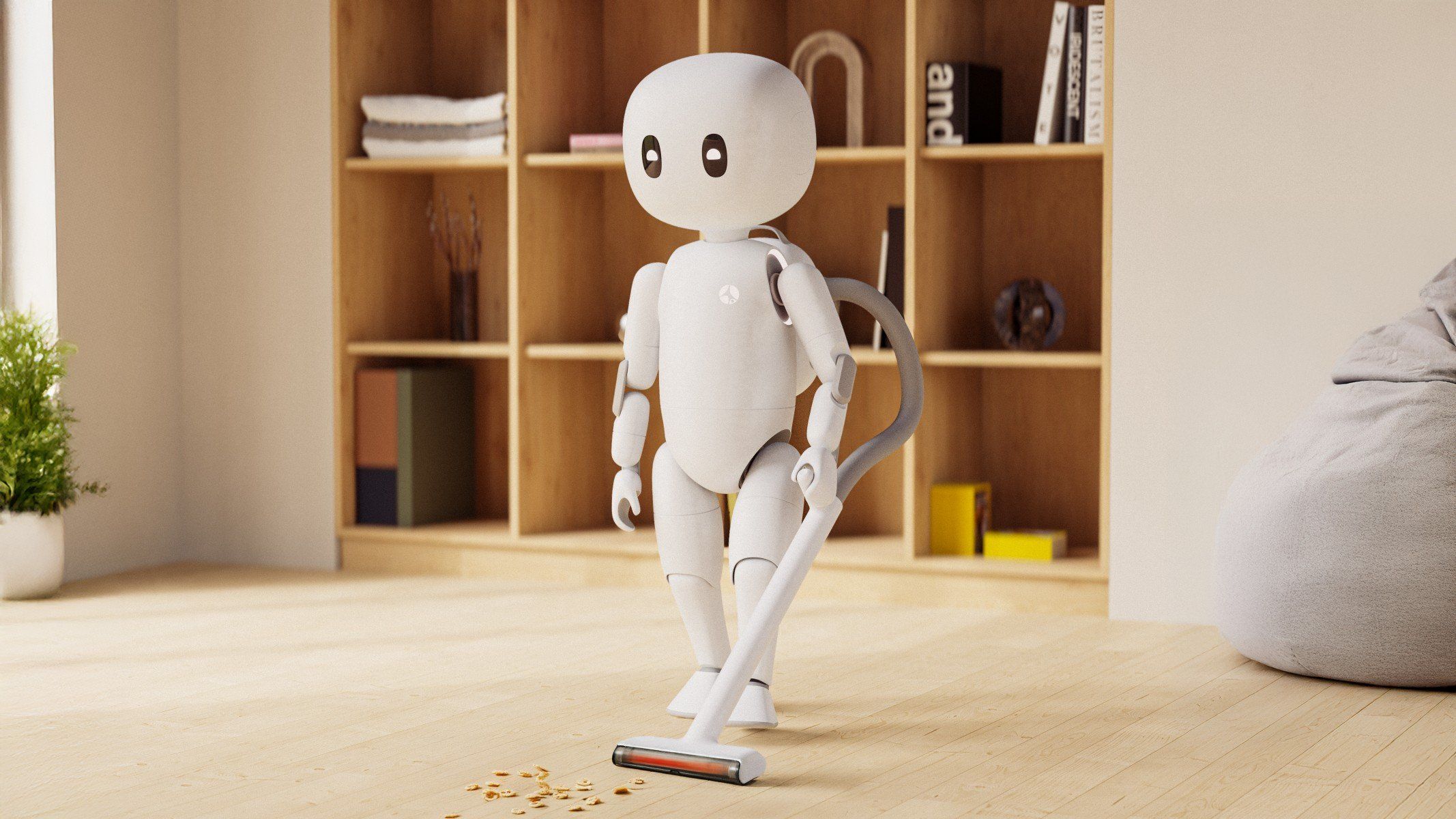
Yogi by Cartwheel Robotics is a mid-size bipedal humanoid robot designed for safe, autonomous interaction in human environments. It combines advanced locomotion, expressive motion, and AI-driven perception to navigate indoor spaces, communicate naturally, and assist with tasks requiring physical engagement. Yogi’s design emphasizes safety with soft exteriors and responsive control systems. Its capabilities include dynamic walking balance, autonomous path planning, and gesture recognition. Yogi supports research, service automation, and human-robot collaboration, blending mobility, manipulation, and interactive intelligence for real-world robotics applications.
Quick Overview & Key Facts
Yogi is a humanoid robot made by Cartwheel Robotics in United States, launched in 2025 and built for companionship in homes, hospitality guest interaction, and healthcare assistance. Featured in “Cartwheel Robotics Accelerates Yogi Debut with Reno Expansion”.
- Dimensions
- 76 cm (height) x 40 cm (shoulder width) x 30 cm (depth)
- Weight
- 8 kg
- Mobility
- Bipedal walking humanoid
- Top speed
- 1.5 km/h
- Handles
- Small packages, tools, interactive objects for companionship and assistance
- Battery runtime
- 3 hours on full charge
- Charging time
- 2 hours
- Sensors
- RGB cameras, depth sensors, microphones, tactile sensors embedded in silicone skin, inertial measurement unit (IMU), light sensor on head
What Can Yogi Do?
Core operational tasks and activities demonstrated or performed by Yogi.
Real-World Applications of Yogi
Industries, working environments, and deployment suitability for Yogi.
Yogi Capabilities
Inherent physical, perceptual, and cognitive abilities built into Yogi.
Download Media Cards
Story CardExport high-resolution story cards summarizing Yogi's operational tasks, real-world applications, and capabilities.
Image Gallery
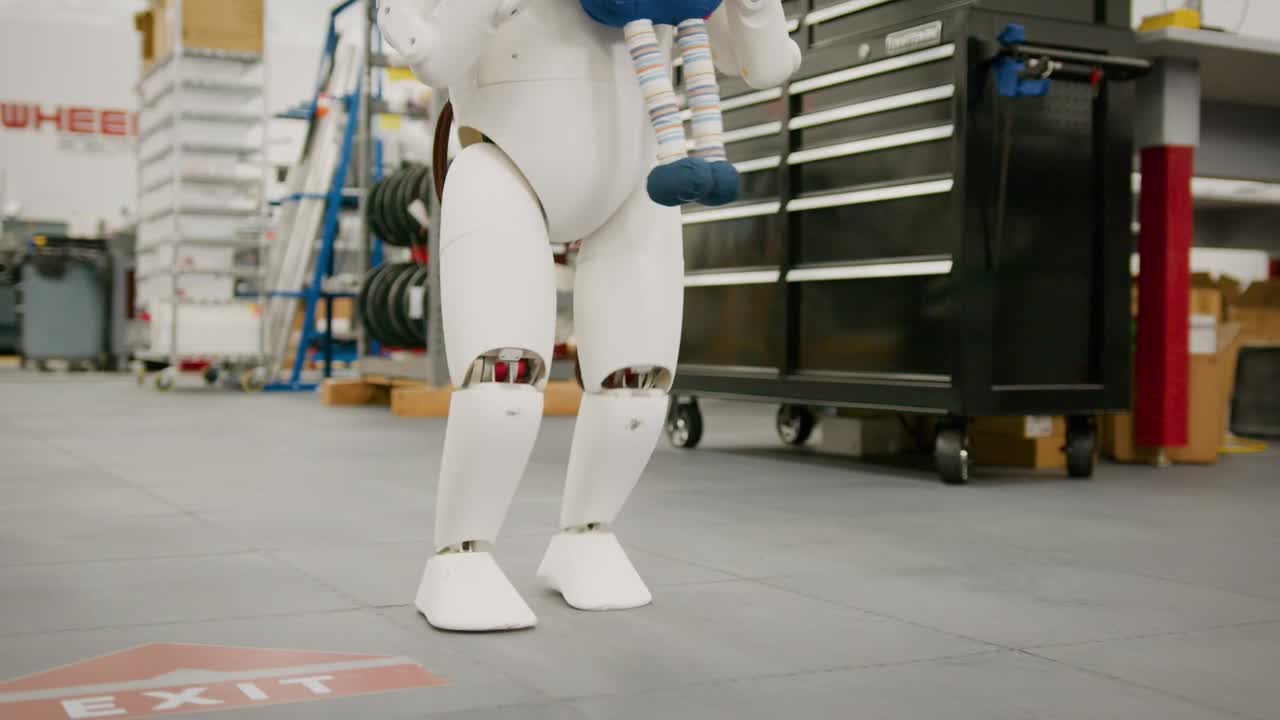
Below images are from Cartwheel Robotics's official sources


Review Videos
Watch expert reviews and demonstrations of this robot

Robot Specifications
Values without a Confirmed badge are compiled from public sources and may not be manufacturer-verified.
Not yet published by Cartwheel Robotics: warranty terms, safety certifications, EMC compliance, IP rating, noise level, expected lifespan, maintenance schedule, firmware version and 7 more.
Robot Timeline
Key milestones in this robot's development and rollout
Cartwheel Robotics shuts down after failing to raise the funding to build its toddler-sized Yogi humanoid at scale; a seven-person team had developed it in under a year with about $3 million of outside capital.
Source: Mike Kalil ↗
Latest News About Yogi
Stay updated with the latest articles and developments
More Humanoid Robots
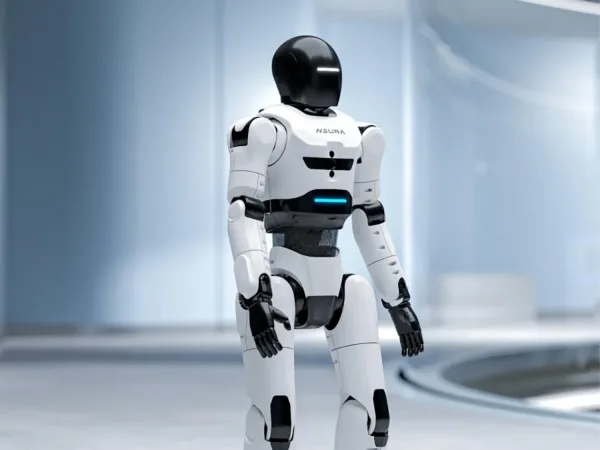
Discover more robots in the same category



Robots From Other Categories
Discover complementary robots from different categories that work well together

Frequently Asked Questions
Get answers to common questions about this robot
Q1. How to troubleshoot Yogi?
Check for connectivity issues, sensor misalignment, or actuator stiffness. Most problems resolve with a soft reset or software update via the companion app or voice command.
Q2. How to set up Yogi?
Power on Yogi, connect to Wi-Fi by selecting your network and entering the password via voice or app, then follow on-screen or voice prompts to complete initial configuration.
Q3. What are Yogi's primary use-cases?
Yogi serves as a social companion, home assistant, hospitality greeter, healthcare guide, and research platform, focusing on emotional connection and practical help.
Q4. How to operate Yogi?
Use natural voice commands and gestures for interaction. Advanced settings and diagnostics are accessible through a companion app for personalized control.
Q5. How to maintain Yogi?
Regularly clean its silicone skin with a soft damp cloth and mild soap, avoid harsh chemicals, keep software updated, and swap batteries as needed for continuous operation.
Q6. What safety features does Yogi have?
Yogi uses medical-grade silicone skin, overload-protected high-torque actuators, and soft robotics design to ensure safe, gentle, and predictable movements.
Q7. How does Yogi handle different surfaces?
Yogi’s bipedal design and advanced motion control allow smooth navigation on flat indoor surfaces; uneven terrain may require user assistance.
Q8. How to clean Yogi?
Gently wipe Yogi’s silicone exterior with a soft, damp cloth and mild soap. Avoid moisture near electronic parts and do not use harsh cleaning agents.
Q9. How does Yogi navigate?
Yogi employs proprietary motion language models, real-time trajectory generation, and onboard sensors to move naturally and avoid obstacles.
Q10. What are common Yogi problems?
Common issues include Wi-Fi drops, sensor misalignment, and actuator stiffness, typically fixed by resets or software updates.
Q11. How to reset Yogi?
Hold the power button for 10 seconds for a soft reset; for a factory reset, use the settings menu or companion app following the provided instructions.
Q12. How to control Yogi?
Control Yogi primarily through natural voice commands and gestures; the companion app offers additional control and customization options.
Q13. How to connect Yogi to Wi-Fi?
During setup, select your Wi-Fi network from the list, enter the password via voice or app, and confirm; Yogi will remember the network for future use.
Q14. What is Yogi's warranty?
Yogi comes with a one-year limited warranty covering defects in materials and workmanship, with options available for extended coverage.
Q15. How to update Yogi's software?
Connect Yogi to Wi-Fi, then initiate updates via voice command or the companion app; updates install automatically or after user confirmation.
Rating and Reviews
Share your experience and help others decide!
Loading...
User Reviews
No user reviews. Be the first one to review!
User Comments (No Login needed)
Share your thoughts, experiences, or questions about this robot.
Comments appear after moderator review.