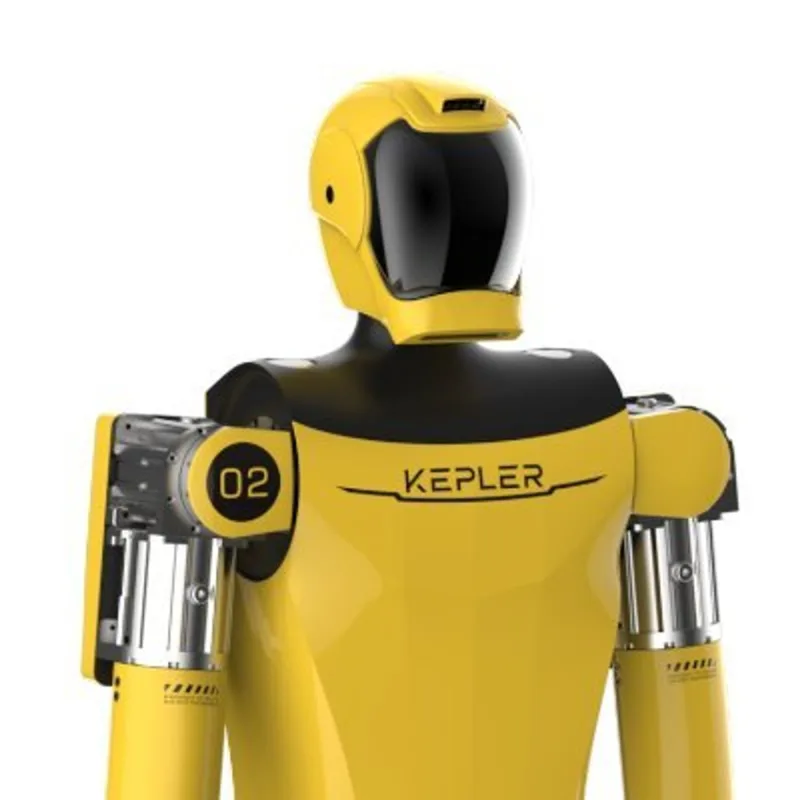
K2 Bumblebee
Last updated:
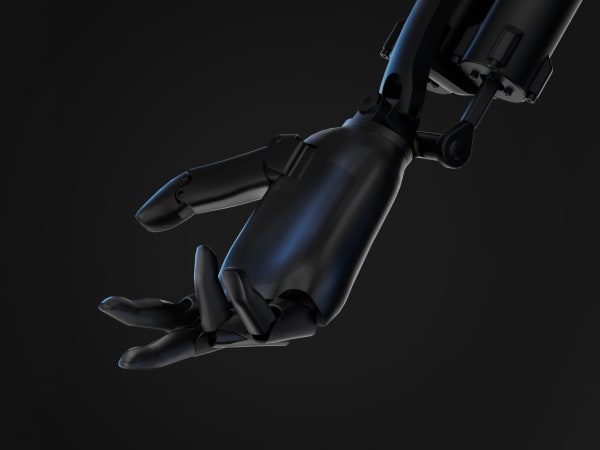
The K2 Bumblebee is a next-generation bipedal humanoid robot from Kepler Robotics, standing 175 cm tall and weighing 75 kg, engineered for industrial applications like manufacturing, logistics, and retail. Featuring 52 degrees of freedom for human-like articulation, it boasts over 80 integrated sensors including tactile sensors in every finger, infrared binocular 3D cameras, and SLAM capabilities for real-time object recognition, gesture detection, and scene understanding. Powered by Kepler's proprietary Nebula AI platform with 100 TOPS onboard compute, it executes autonomous task sequences with millimeter-level precision using planetary roller screw actuators. Capable of 15 kg per arm payloads (30 kg dual-arm), up to 8 hours runtime on a 1-hour charge, and near-zero static power consumption, the K2 demonstrates straight-knee walking gaits for agile navigation on uneven terrain, stairs, and factory floors. Its hybrid architecture enables reinforcement learning for adaptive behaviors, making it ideal for sorti
Quick Overview & Key Facts
K2 Bumblebee is a humanoid robot made by Kepler Robotics in China, launched in 2025 and built for sorting, assembly, and loading/unloading. Its estimated price is $50,000 - $70,000. Featured in “Kepler Robotics Launches Mass Production of K2 "Bumblebee," the First Commercial Hybrid-Architecture Humanoid” and “Kepler's K2 Bumblebee Conquers Factory Lines in Mass Production”.
- Dimensions
- 175 x 50 x 40 cm
- Weight
- 75 kg
- Mobility
- Bipedal humanoid with wheeled base option (optional)
- Top speed
- 5 km/h
- Handles
- Packages, tools, assembly parts
- Battery runtime
- 8 hours on full charge
- Charging time
- 2 hours
What Can K2 Bumblebee Do?
Core operational tasks and activities demonstrated or performed by K2 Bumblebee.
Real-World Applications of K2 Bumblebee
Industries, working environments, and deployment suitability for K2 Bumblebee.
K2 Bumblebee Capabilities
Inherent physical, perceptual, and cognitive abilities built into K2 Bumblebee.
Download Media Cards
Story CardExport high-resolution story cards summarizing K2 Bumblebee's operational tasks, real-world applications, and capabilities.
Image Gallery
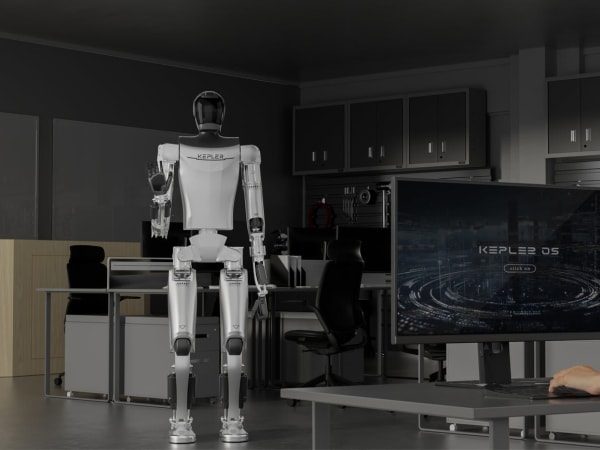
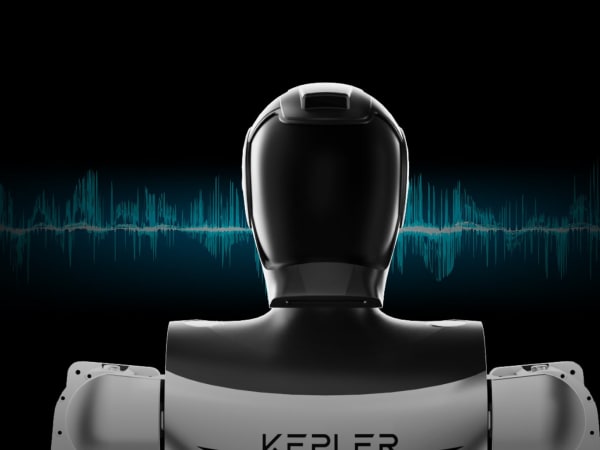
Below images are from Kepler Robotics's official sources
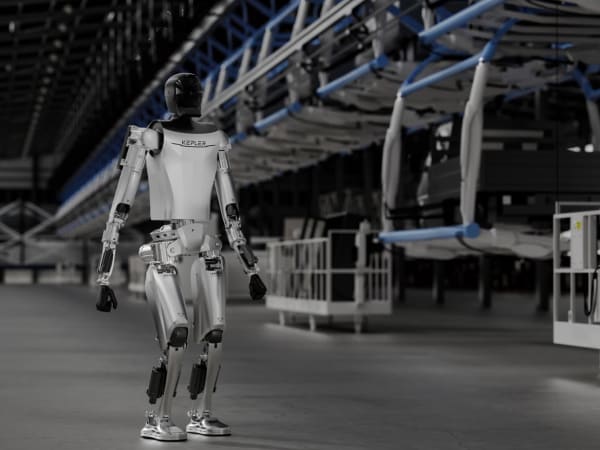
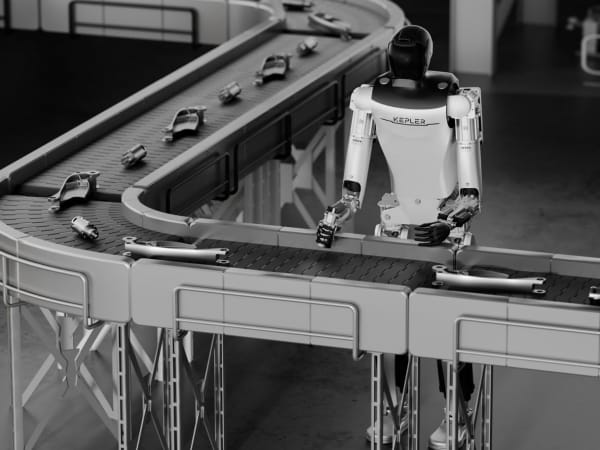

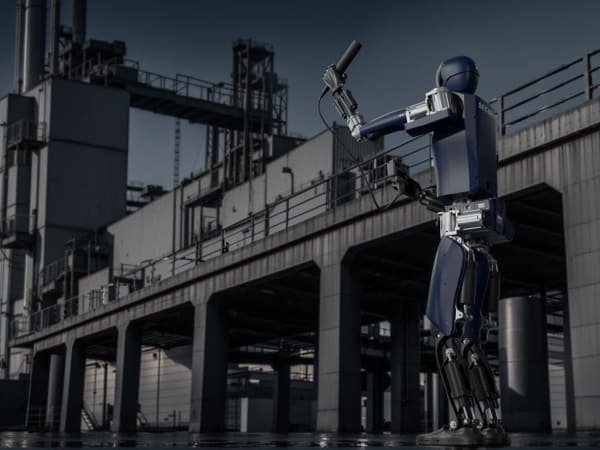
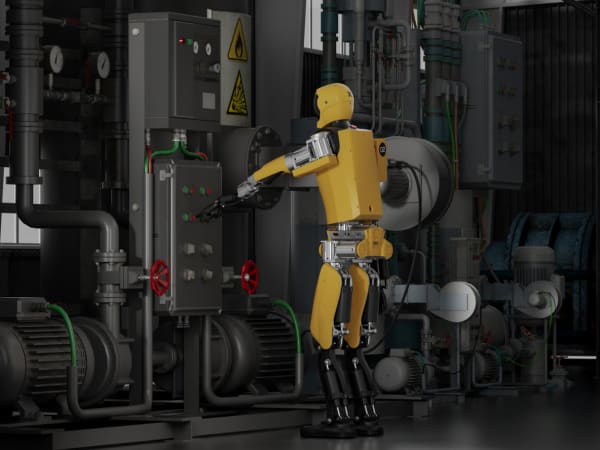
Review Videos
Watch expert reviews and demonstrations of this robot
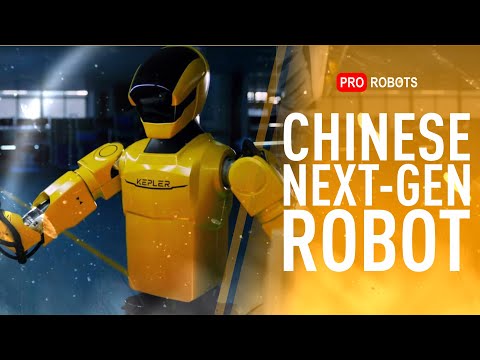

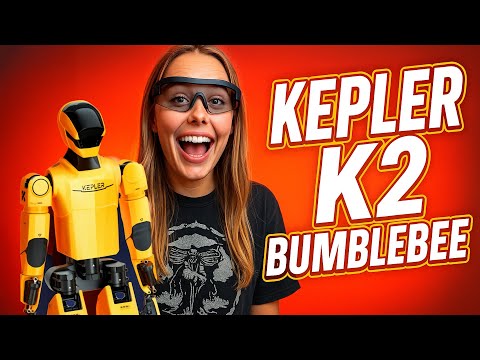
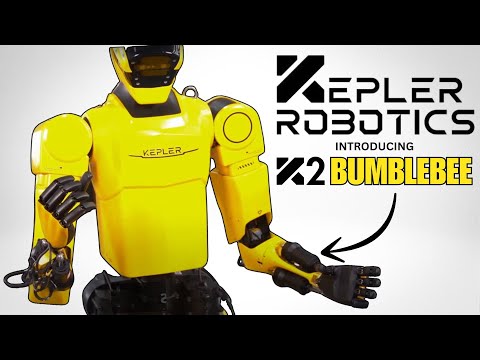
Robot Specifications
Values without a Confirmed badge are compiled from public sources and may not be manufacturer-verified.
Not yet published by Kepler Robotics: warranty terms, safety certifications, EMC compliance, IP rating, noise level, expected lifespan, maintenance schedule, firmware version and 7 more.
Robot Timeline
Key milestones in this robot's development and rollout
Kepler debuts the Forerunner K2, the humanoid later marketed as K2 Bumblebee.
Source: PR Newswire ↗
The K2 Bumblebee completes an 8-hour non-stop livestream at WAIC 2025, and Kepler opens pre-sales from ¥248,000.
Source: PR Newswire ↗
Latest News About K2 Bumblebee
Stay updated with the latest articles and developments
Compare This Robot With Others
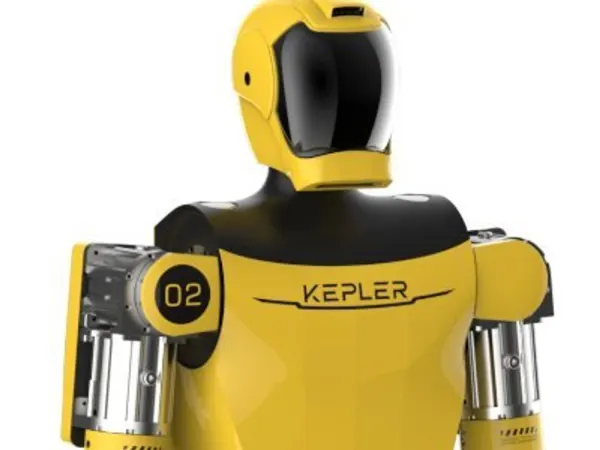
See how K2 Bumblebee stacks up against other leading robotics models in detailed side-by-side technical comparisons.

More Robots from Kepler Robotics
Explore other robots from this manufacturer
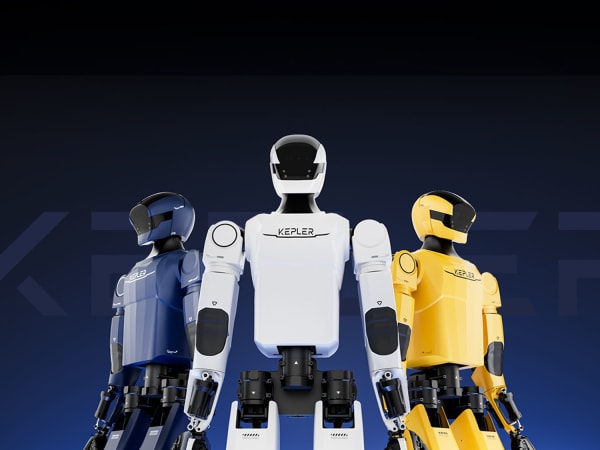
Forerunner K2
Manufactured by Kepler Robotics
The Forerunner K2 by Kepler Robotics is a fifth-generation general-purpose humanoid robot designed for industrial and collaborative applications. Standing at 175 cm tall and weighing 75 kg, it features 52 degrees of freedom for fluid, human-like movements, including a rotating/tilting head and rigid arms/legs with planetary roller screw actuators delivering up to 8,200 N peak force. Its dexterous rope-driven hands offer 11 DOF each, with 96 tactile contact points per fingertip for precise grasping up to 15 kg per hand and 25 kg total payload. Equipped with infrared binocular 3D cameras, over 80 sensors for tension/pressure/torque, and a 100 TOPS Nebula AI system, the K2 excels in visual SLAM navigation, autonomous task execution via imitation/reinforcement learning, and real-time environmental adaptation. With 8-hour runtime on a 2.33 kWh battery, improved gait stability, and cloud integration, it supports dual-arm handling in manufacturing, logistics, inspection, and high-risk operations, enabling seamless human-robot collaboration.
More Humanoid Robots
Discover more robots in the same category


Robots From Other Categories
Discover complementary robots from different categories that work well together

Frequently Asked Questions
Get answers to common questions about this robot
Q1. How to troubleshoot K2 Bumblebee?
Troubleshooting involves checking sensor data, actuator performance, and software updates. Use diagnostic tools to identify issues and consult Kepler's support resources.
Q2. How to set up K2 Bumblebee?
Set up involves unpacking, charging, and initializing the robot. Follow the user manual for detailed instructions on connecting to power and configuring settings.
Q3. What are K2 Bumblebee's primary use-cases?
K2 Bumblebee is designed for industrial tasks like assembly, logistics, and public demonstrations. It can handle carrying, loading, and unloading with a dual-arm payload capacity of 30 kg.
Q4. How to operate K2 Bumblebee?
Operation involves using natural language commands or visual programming tools. The robot can execute tasks autonomously or under manual control.
Q5. How to maintain K2 Bumblebee?
Maintenance includes regular cleaning, checking actuator wear, and updating software. Ensure all sensors are clean and free from debris.
Rating and Reviews
Share your experience and help others decide!
Loading...
User Reviews
No user reviews. Be the first one to review!
User Comments (No Login needed)
Share your thoughts, experiences, or questions about this robot.
Comments appear after moderator review.