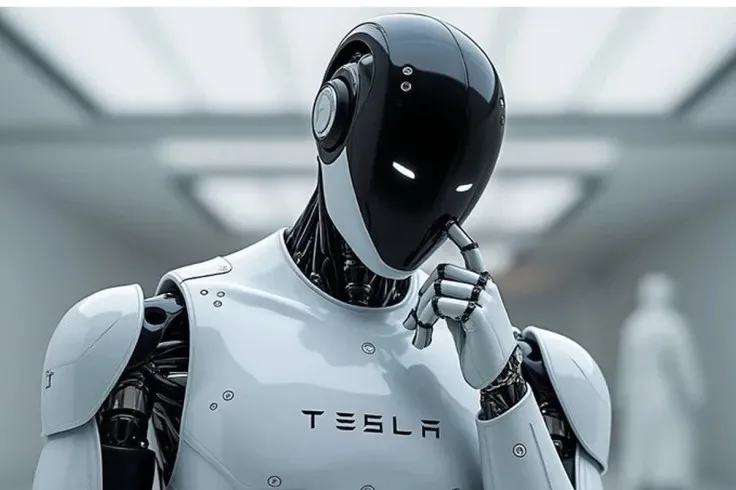
Optimus
AI ChatLast updated:
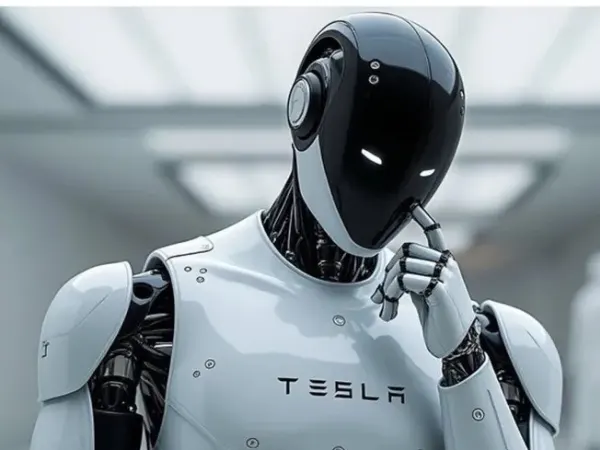
Optimus is Tesla's general-purpose humanoid robot, first announced at AI Day 2021 and shown as the slimmer, faster Gen 2 in December 2023. Tesla specified it at 173 cm tall and 57 kg, able to carry 20 kg, with hands that reached 22 degrees of freedom in 2024 and tactile sensing in the fingertips. It runs on the same neural-network approach as Tesla's Full Self-Driving system, uses cameras as its main sense, and draws power from a 2.3 kWh battery pack in its torso. Tesla has used Optimus for tasks such as sorting battery cells in its own factories and is installing its first production line in Fremont.
Quick Overview & Key Facts
Optimus is a humanoid robot made by Tesla in United States, launched in 2025 and built for repetitive and unsafe tasks in Tesla factories (such as sorting battery cells and moving parts); general-purpose and household help planned later. Its estimated price is $20,000 - $50,000. Featured in “Top 10 Heavy-Duty Industrial Humanoid Robots for Automotive & Factory Assembly in 2026” and “Top 10 Home Humanoid Robots for Domestic Tasks & Personal Assistance in 2026”.
- Dimensions
- 173cm x 55cm x 38cm
- Weight
- 57 kg (125 lbs)
- Mobility
- Bipedal (legged)
- Top speed
- Max Speed 8 km/h (5 mph)
- Handles
- Goods and tools; not designed for human transport
- Battery runtime
- About 8 hours (a full working day)
- Charging time
- 1–2 hours
- Sensors
- Vision cameras (Autopilot-derived), tactile sensing on the fingers, force and torque sensing in the feet and joints, IMU
- Operating environment
- Indoor environments; temperature range 0–40°C
What Can Optimus Do?
Core operational tasks and activities demonstrated or performed by Optimus.
Real-World Applications of Optimus
Industries, working environments, and deployment suitability for Optimus.
Optimus Capabilities
Inherent physical, perceptual, and cognitive abilities built into Optimus.
Download Media Cards
Story CardExport high-resolution story cards summarizing Optimus's operational tasks, real-world applications, and capabilities.
Image Gallery
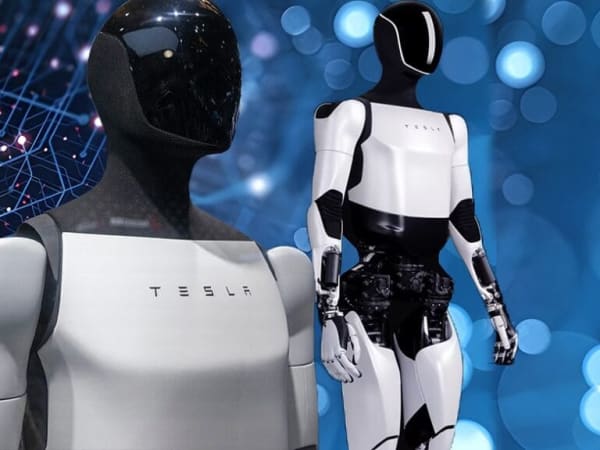
Below images are from Tesla's official sources
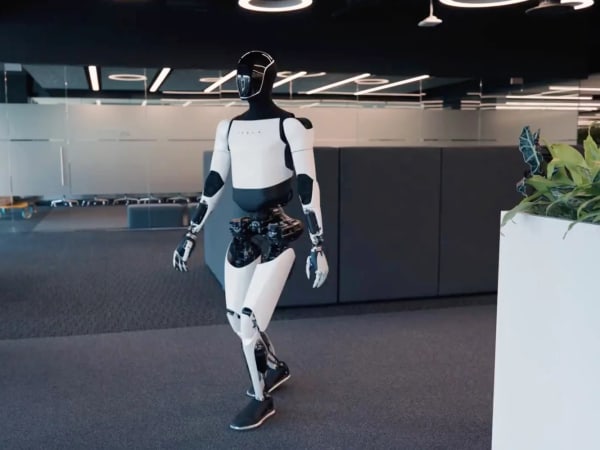
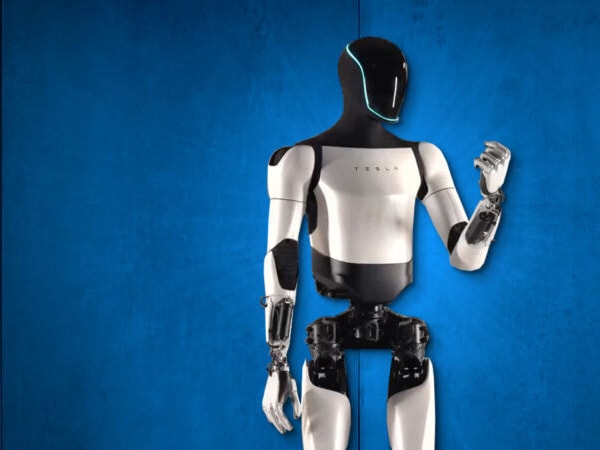
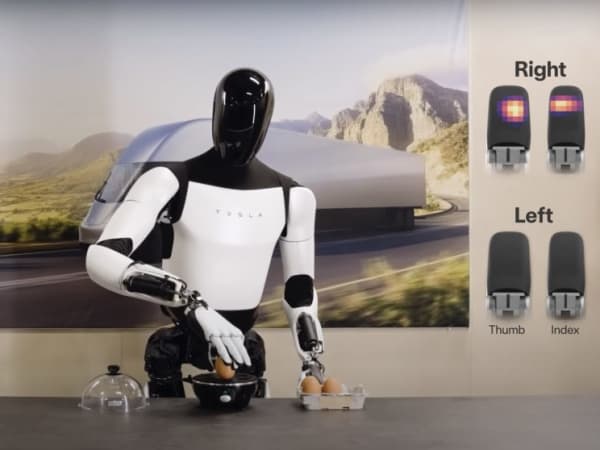
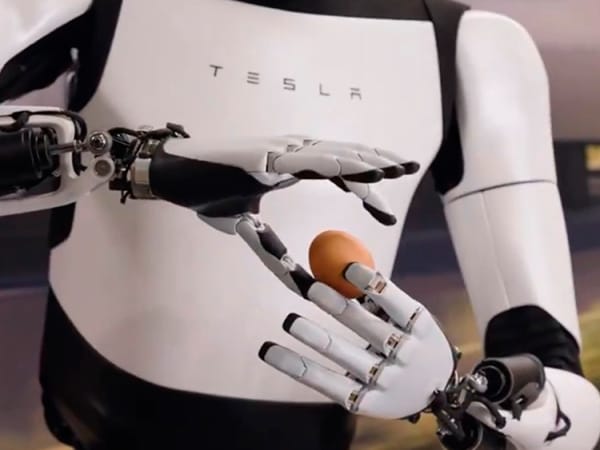
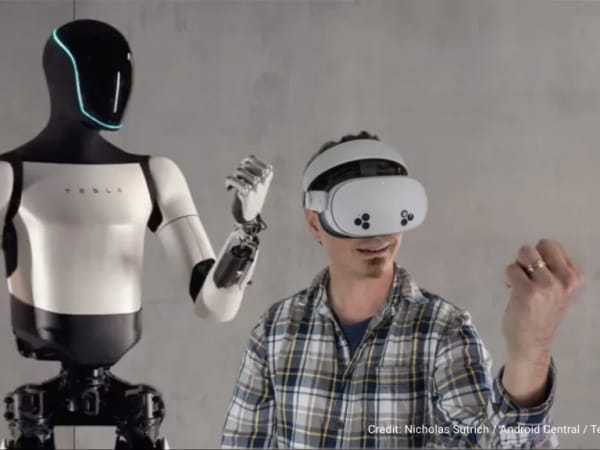
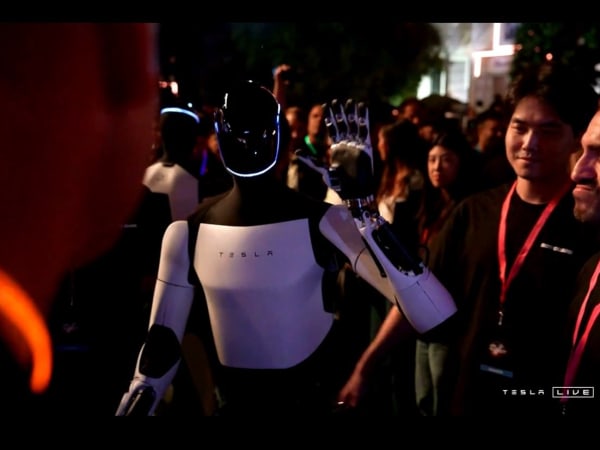
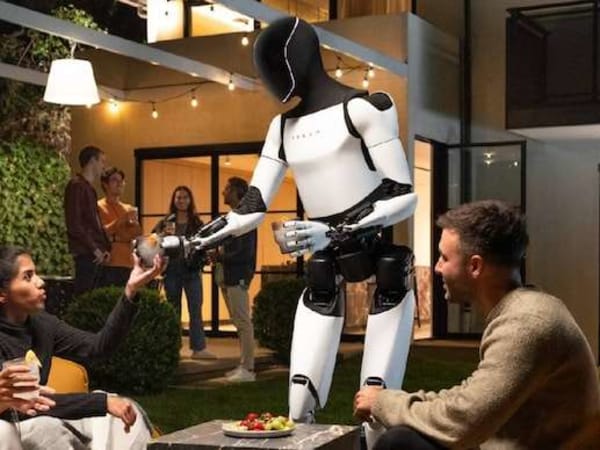
Review Videos
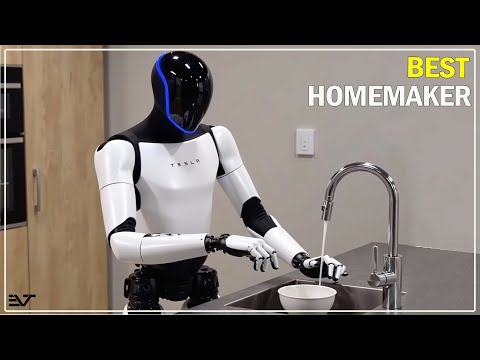
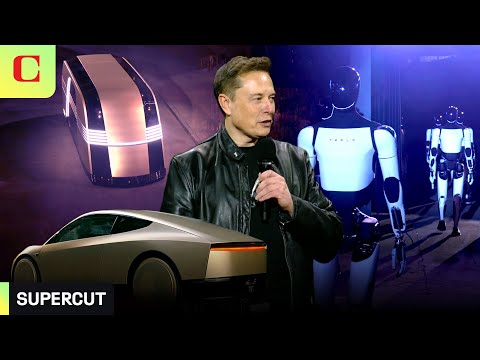
Watch expert reviews and demonstrations of this robot

Robot Specifications
Values without a Confirmed badge are compiled from public sources and may not be manufacturer-verified.
Not yet published by Tesla: warranty terms, safety certifications, EMC compliance, IP rating, noise level, expected lifespan, maintenance schedule, firmware version and 7 more.
Robot Timeline
Key milestones in this robot's development and rollout
Tesla announces a humanoid robot, then called Tesla Bot, at its AI Day event; Elon Musk says a prototype could follow the next year.
Source: CNBC ↗
First Optimus prototypes are shown on stage at Tesla's second AI Day.
Source: Euronews ↗
Tesla shows Optimus Gen 2 in a video, with faster walking, a lighter body and hands with tactile sensing.
Source: Electrek ↗
Optimus robots appear at Tesla's "We, Robot" event alongside the Cybercab robotaxi.
Source: The Verge ↗
Latest News About Optimus
Stay updated with the latest articles and developments
Compare This Robot With Others
See how Optimus stacks up against other leading robotics models in detailed side-by-side technical comparisons.
Optimus Also Mentioned in Below Articles
Find out how this model stacks up against the world's best robots
More Robots from Tesla
Explore other robots from this manufacturer
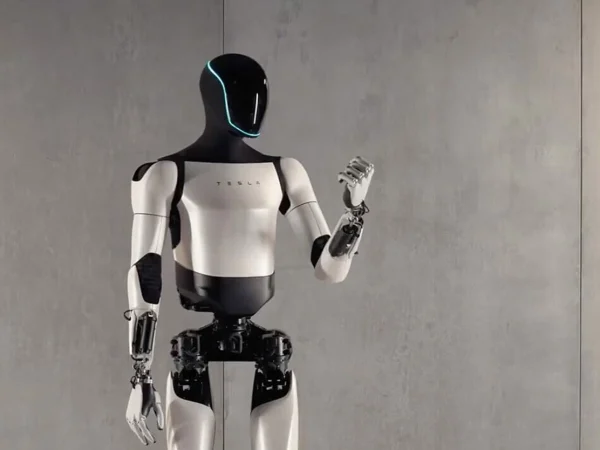
Optimus Gen 3
Manufactured by Tesla
Tesla Optimus Gen 3 is a general-purpose humanoid robot designed for both industrial and future home applications, featuring advanced bipedal locomotion and unprecedented hand dexterity. While the main body retains the Gen 2 chassis (173 cm tall, 57 kg), the "Gen 3" designation specifically refers to the upgraded 22-degree-of-freedom hands powered by 50 actuators, a 4.5x increase over previous versions. This robot excels in factory tasks such as sorting battery cells, moving items between bins, and handling fragile objects like eggs without damage. Powered by a 2.3 kWh battery and Tesla's adapted Full Self-Driving AI, it achieves walking speeds of 5–8 km/h and can carry payloads up to 20 kg per arm or deadlift 68 kg. With a runtime of 10–12 hours, Optimus Gen 3 represents a critical step toward mass-producing affordable, autonomous humanoids for repetitive and dangerous tasks.
More Humanoid Robots
Discover more robots in the same category
Robots From Other Categories
Discover complementary robots from different categories that work well together
Frequently Asked Questions
Get answers to common questions about this robot
Q1. What is Optimus, and what problem is it designed to solve?
Optimus is a humanoid robot developed by Tesla. According to the manufacturer, it is designed to perform tasks that are unsafe, repetitive, or boring, such as manufacturing assistance.
Q2. What are the main capabilities and key features of Optimus?
Optimus demonstrates capabilities including walking, object manipulation, sorting items by color, and navigating uneven terrain. It uses AI systems adapted from Tesla's autonomous driving technology for perception and control.
Q3. Who is Optimus built for, and which industries can benefit from it?
Optimus targets industrial applications like manufacturing and logistics for repetitive or hazardous tasks. Tesla has suggested potential uses in domestic settings for household assistance.
Q4. Is Optimus a commercial product or still a research prototype?
As of 2025, Optimus remains in the prototype development stage with ongoing demonstrations of generations such as Gen 2. Tesla continues to refine its hardware and AI systems.
Q5. Is Optimus currently available for purchase, and when is it expected to ship?
Optimus is not available for purchase as of 2025. The company has announced plans for initial commercial deployments targeting 2026.
Q6. How does Optimus actually work in real-world environments?
Optimus employs neural networks, computer vision, and sensors for object recognition, path planning, and bipedal navigation. It adapts to dynamic settings through AI trained on real-world data, though capabilities are in early testing.
Q7. When was Optimus announced or officially launched?
Tesla announced Optimus at its AI Day event in 2021. Subsequent generations, including Gen 2, were unveiled in 2023 and 2024.
Q8. How is Optimus different from other robots in the same category?
Optimus leverages Tesla's existing AI, batteries, and actuators from its vehicles for humanoid form. This approach aims for scalability in production compared to custom-built research robots.
Q9. Does Optimus require additional development or customization after purchase?
As a planned commercial product, Optimus would likely need task-specific programming or adaptation post-deployment. Tesla positions it for integration via over-the-air software updates.
Q10. What is the future roadmap or planned upgrades for Optimus?
Tesla plans to advance Optimus toward broader autonomy and efficiency in generations beyond Gen 2. The company targets expansion from factory use to additional sectors over time.
Rating and Reviews
Share your experience and help others decide!
Loading...
User Reviews
No user reviews. Be the first one to review!
User Comments (No Login needed)
Share your thoughts, experiences, or questions about this robot.
Comments appear after moderator review.