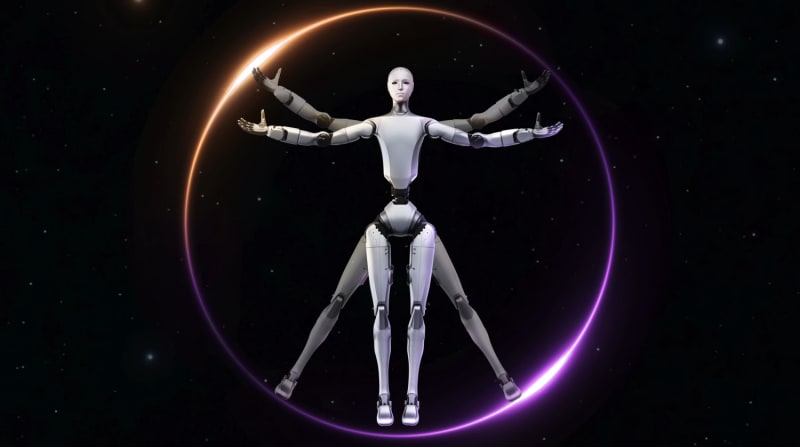
Unitree H2
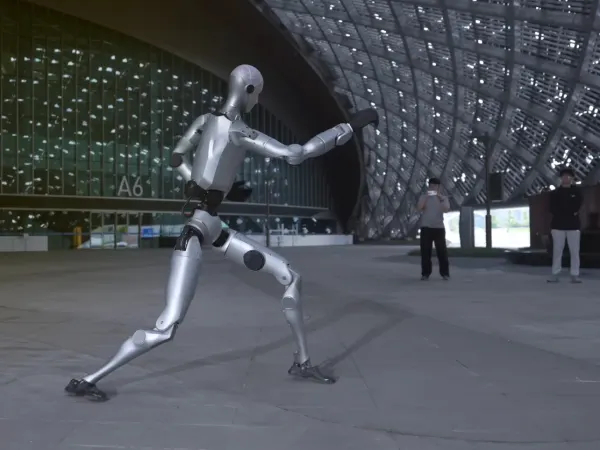
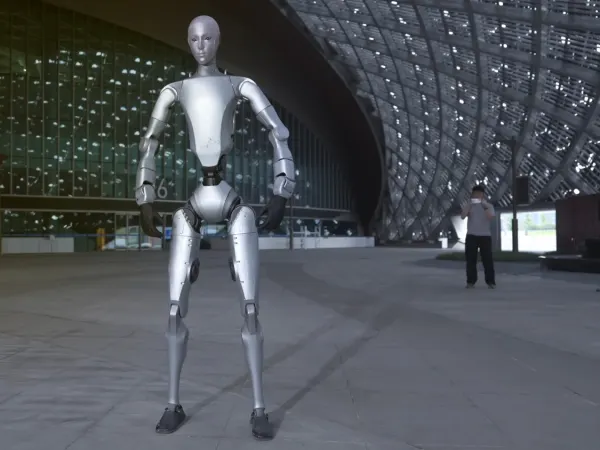
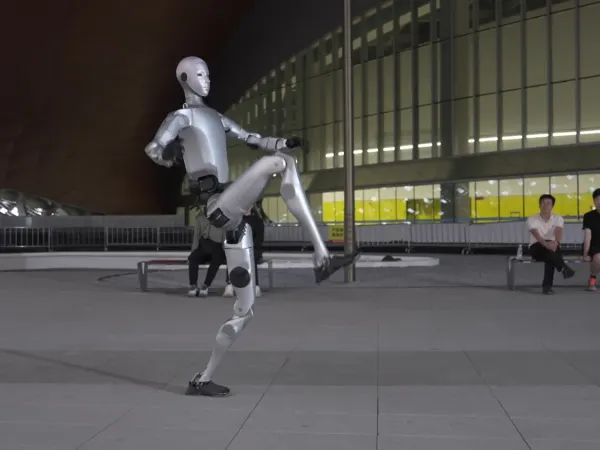
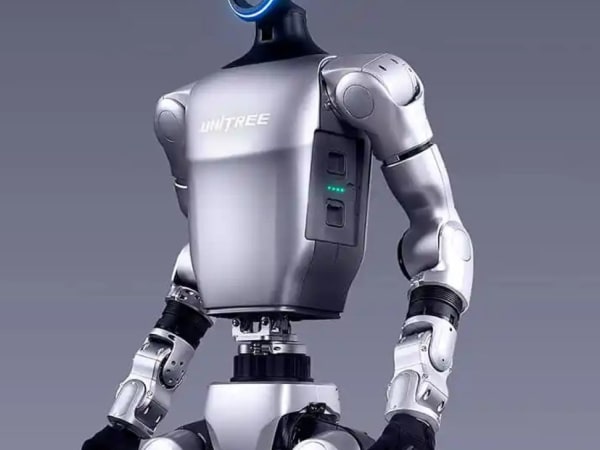
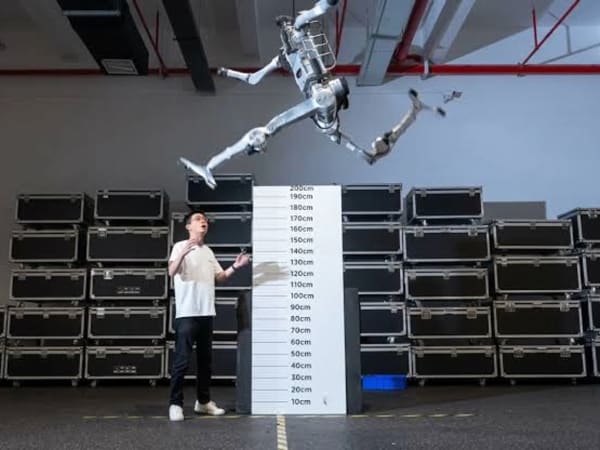
The Unitree H2 is a full-sized humanoid robot designed for versatility and dexterity. It stands at 180 cm tall and weighs 70 kg. The robot features a 31-DOF architecture, including a 3-DOF waist and 2-DOF neck, allowing for fluid movements like dance and kung-fu. It can carry a payload of 7 kg normally and up to 21 kg briefly. The H2 is equipped with advanced robotic hands for precise object manipulation.
Quick Overview & Key Facts
Unitree H2 is a humanoid system developed by Unitree Robotics in China and launched in 2025. Starting price is estimated at $80,000 to $120,000 USD (Estimated). It is currently ranked #67 in most-viewed humanoid robots on Origin of Bots. It supports Tools, packages. Operating battery runtime is rated at Not disclosed. Primary applications include Service, collaboration, research. Featured in editorial articles including “Top 8 Humanoid Robots Designed for Home Automation (2026)”, “Top 10 Humanoid Robots for Warehouse Automation (2026)”.
What Can Unitree H2 Do?
Core operational tasks and activities demonstrated or performed by Unitree H2.
Real-World Applications of Unitree H2
Industries, working environments, and deployment suitability for Unitree H2.
Unitree H2 Capabilities
Inherent physical, perceptual, and cognitive abilities built into Unitree H2.
Download Media Cards
Story CardExport high-resolution story cards summarizing Unitree H2's operational tasks, real-world applications, and capabilities.
Image Gallery
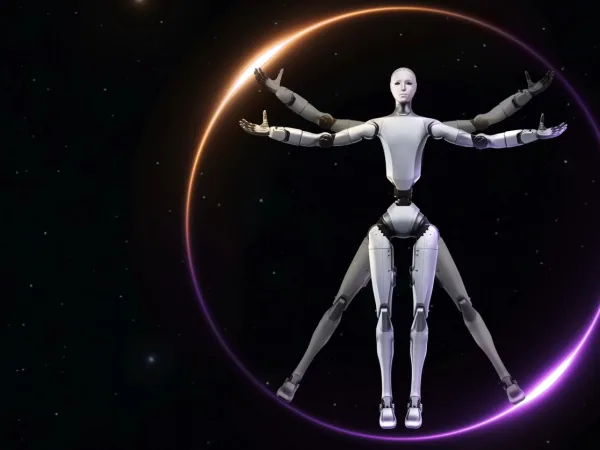
Below images are from Unitree Robotics's official sources




Review Videos
Watch expert reviews and demonstrations of this robot




Robot Specifications
Latest News About Unitree H2
Stay updated with the latest articles and developments
Compare This Robot With Others
See how Unitree H2 stacks up against other leading robotics models in detailed side-by-side technical comparisons.

Unitree H2 Also Mentioned in Below Articles
Find out how this model stacks up against the world's best robots


More Robots from Unitree Robotics
Explore other robots from this manufacturer

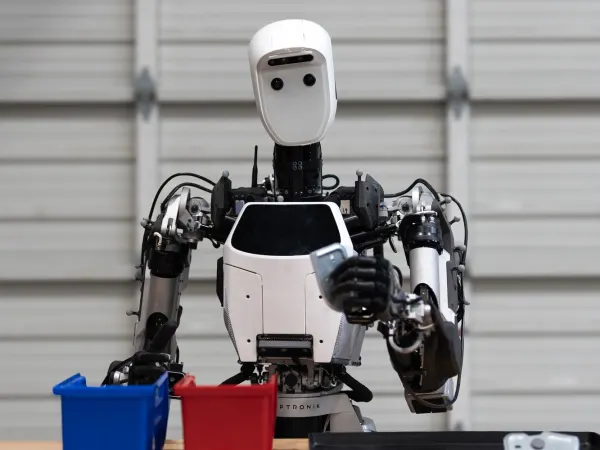
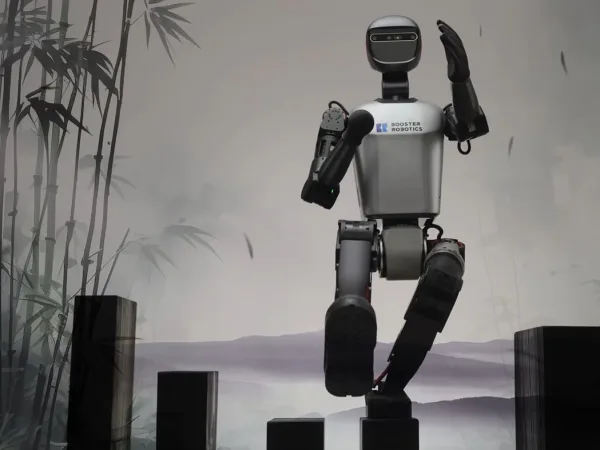
More Humanoid Robots
Discover more robots in the same category
Robots From Other Categories
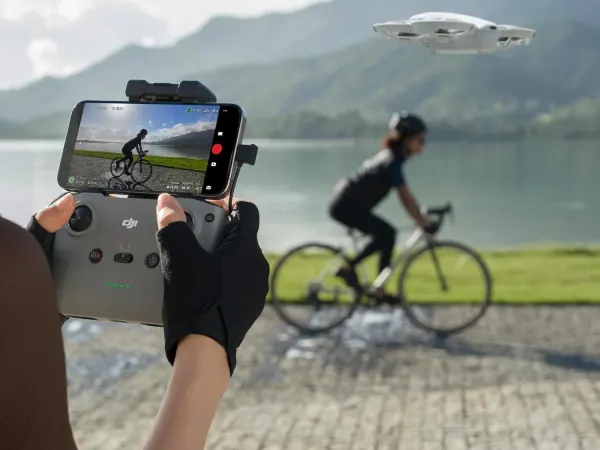
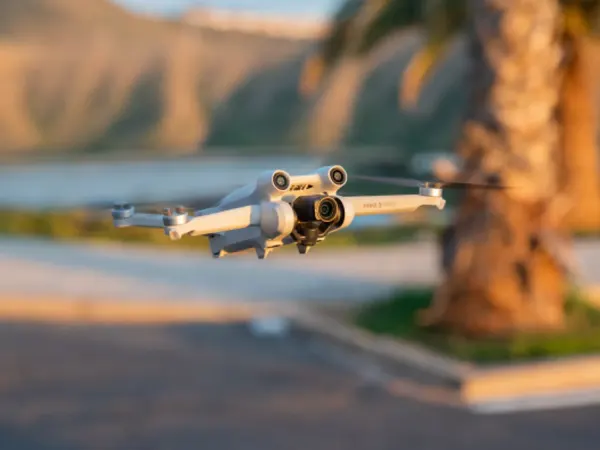
Discover complementary robots from different categories that work well together

Frequently Asked Questions
Get answers to common questions about this robot
Q1. How to troubleshoot Unitree H2?
Check system diagnostics via the onboard interface or connected PC; verify sensor calibration and joint actuators; reboot the robot if unresponsive; consult error logs for specific faults; contact support if hardware issues persist.
Q2. How to set up Unitree H2?
Unbox carefully, place on a flat surface, connect the battery, power on, and perform initial calibration through the control software; configure network settings and test joint movements before operation.
Q3. What are Unitree H2's primary use-cases?
Designed for research, entertainment, and industrial applications requiring humanoid dexterity, such as dynamic motion demonstrations, object manipulation, and human-robot interaction experiments.
Q4. How to operate Unitree H2?
Use the dedicated control software or remote interface to command movements; program sequences via SDK; operate manually or autonomously depending on task requirements.
Q5. How to maintain Unitree H2?
Regularly inspect joints and tendons for wear; keep firmware updated; clean sensors and actuators; recharge batteries properly; store in a dry, dust-free environment.
Q6. What safety features does Unitree H2 have?
Includes joint torque limits, emergency stop functions, and sensor-based obstacle detection to prevent collisions and damage during operation.
Q7. How does Unitree H2 handle different surfaces?
Its tendon-driven legs and 31 degrees of freedom enable stable locomotion on flat and moderately uneven surfaces, though optimal performance is on smooth indoor floors.
Q8. How to clean Unitree H2?
Use a soft, dry cloth for external surfaces; avoid liquids near electronic components; compressed air can remove dust from joints and sensors carefully.
Q9. How does Unitree H2 navigate?
Utilizes onboard sensors and algorithms for balance and motion control; navigation is primarily manual or pre-programmed as it lacks full autonomous navigation capabilities.
Q10. What are common Unitree H2 problems?
Potential issues include sensor misalignment, joint calibration drift, battery degradation, and software glitches, typically resolved through recalibration or updates.
Q11. How to reset Unitree H2?
Perform a system reboot via the control interface; for factory reset, follow software instructions to restore default settings, ensuring all data is backed up beforehand.
Q12. How to control Unitree H2?
Control is via a PC or mobile app using Unitree’s SDK, supporting manual commands, scripted motions, and integration with external controllers.
Q13. How to connect Unitree H2 to Wi-Fi?
Access the robot’s network settings through the control software; select the desired Wi-Fi network; enter credentials; confirm connection status before operation.
Q14. What is Unitree H2's warranty?
Typically includes a limited hardware and software warranty covering defects for one year; specifics depend on purchase agreement and region.
Q15. How to update Unitree H2's software?
Connect the robot to the internet; use the official update tool or cloud service to download and install firmware and software patches; follow on-screen instructions carefully.
Rating and Reviews
Share your experience and help others decide!
Loading...
User Reviews
No user reviews. Be the first one to review!
User Comments (No Login needed)
Share your thoughts, experiences, or questions about this robot.
Comments are reviewed before posting.