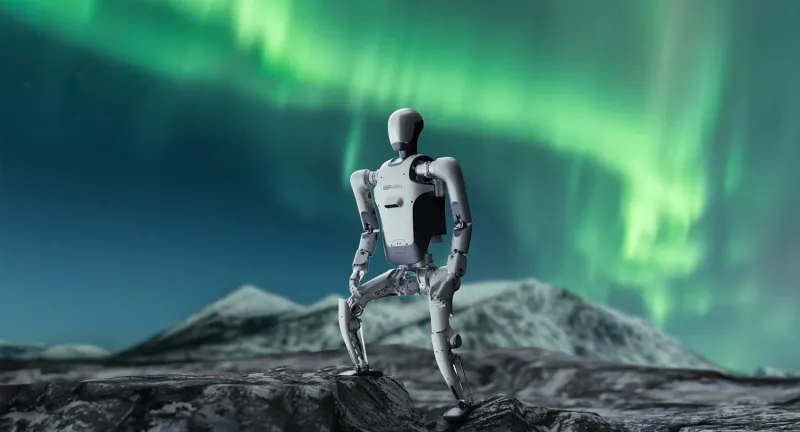
DR01
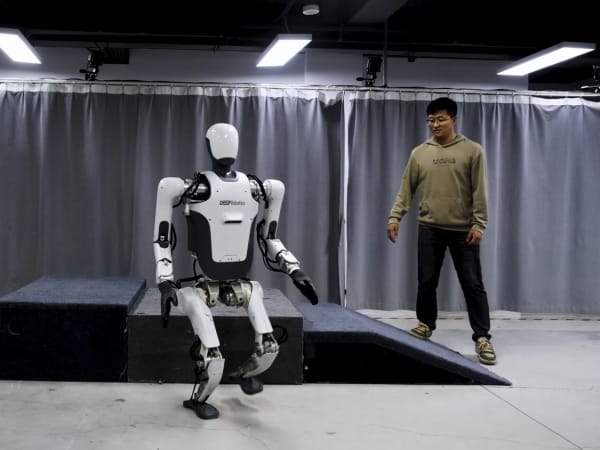
The DR01 is an advanced humanoid robot standing 1.7 meters tall and weighing 80 kg, designed for high mobility and adaptive intelligence. It features AI-driven autonomous learning capabilities that allow it to acquire new skills and adapt to changing environments. The robot can walk at speeds over 1.6 m/s, navigate obstacles such as 18 cm steps and 25° slopes, and maintain balance on uneven or slippery terrain. Equipped with proprietary lightweight J60 and high-torque J100 joints, it delivers flexible and strong movements. Its fusion perception system integrates internal and environmental sensors for real-time adaptive control, making it suitable for industrial automation, research, and complex task execution in dynamic settings.
Quick Overview & Key Facts
DR01 is a humanoid system developed by Deep Robotics in China and launched in 2024. Starting price is estimated at $150,000 - $200,000 USD. It is currently ranked #247 in most-viewed humanoid robots on Origin of Bots. It supports Small packages, tools, research equipment. Operating battery runtime is rated at 1.5 to 2 hours. Primary applications include Industrial automation, research and development, hazardous environment inspection, service robotics, education and training. Featured in editorial articles including “Deep Robotics' DR01 Humanoid Charges Toward Mass Production”.
What Can DR01 Do?
Core operational tasks and activities demonstrated or performed by DR01.
Real-World Applications of DR01
Industries, working environments, and deployment suitability for DR01.
DR01 Capabilities
Inherent physical, perceptual, and cognitive abilities built into DR01.
Download Media Cards
Story CardExport high-resolution story cards summarizing DR01's operational tasks, real-world applications, and capabilities.
Image Gallery
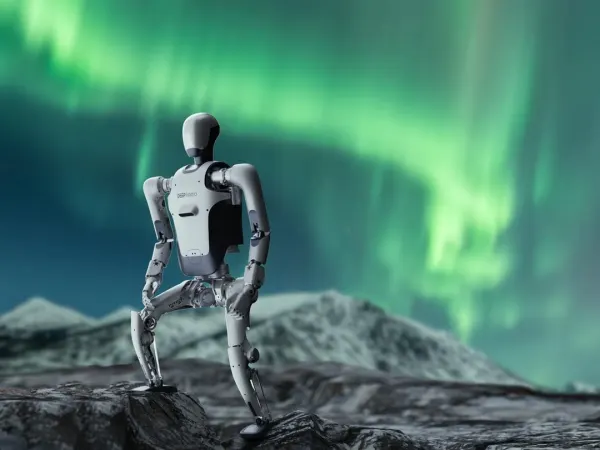
Below images are from Deep Robotics's official sources
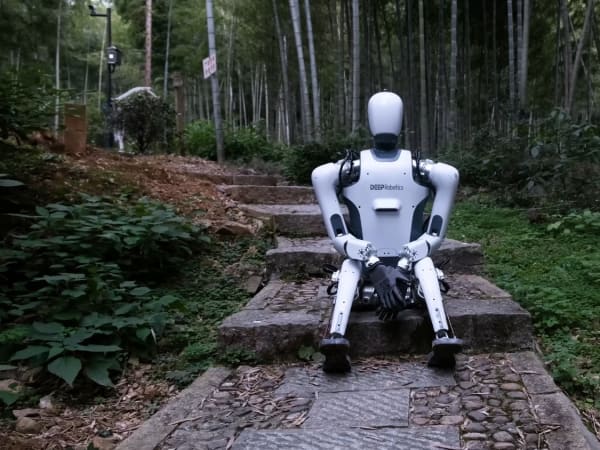
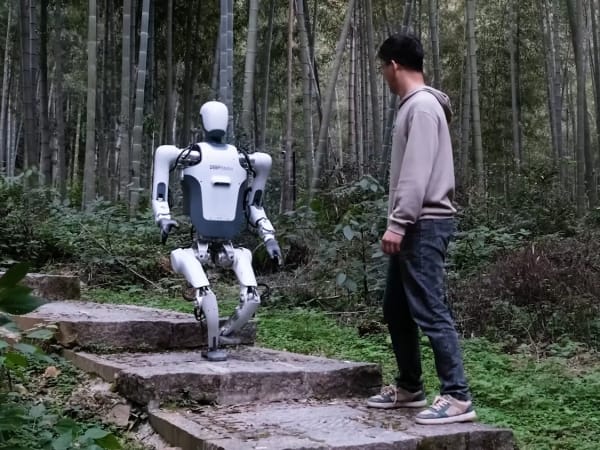
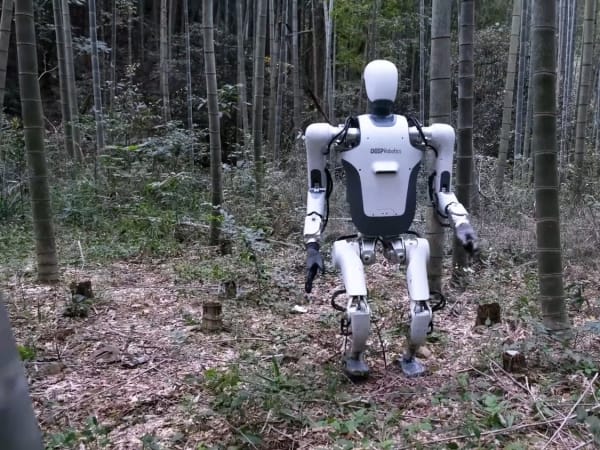

Review Videos
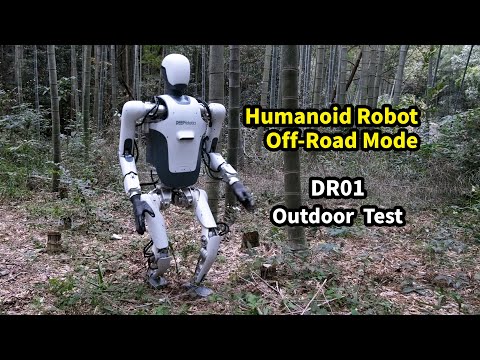
Watch expert reviews and demonstrations of this robot



Robot Specifications
Latest News About DR01
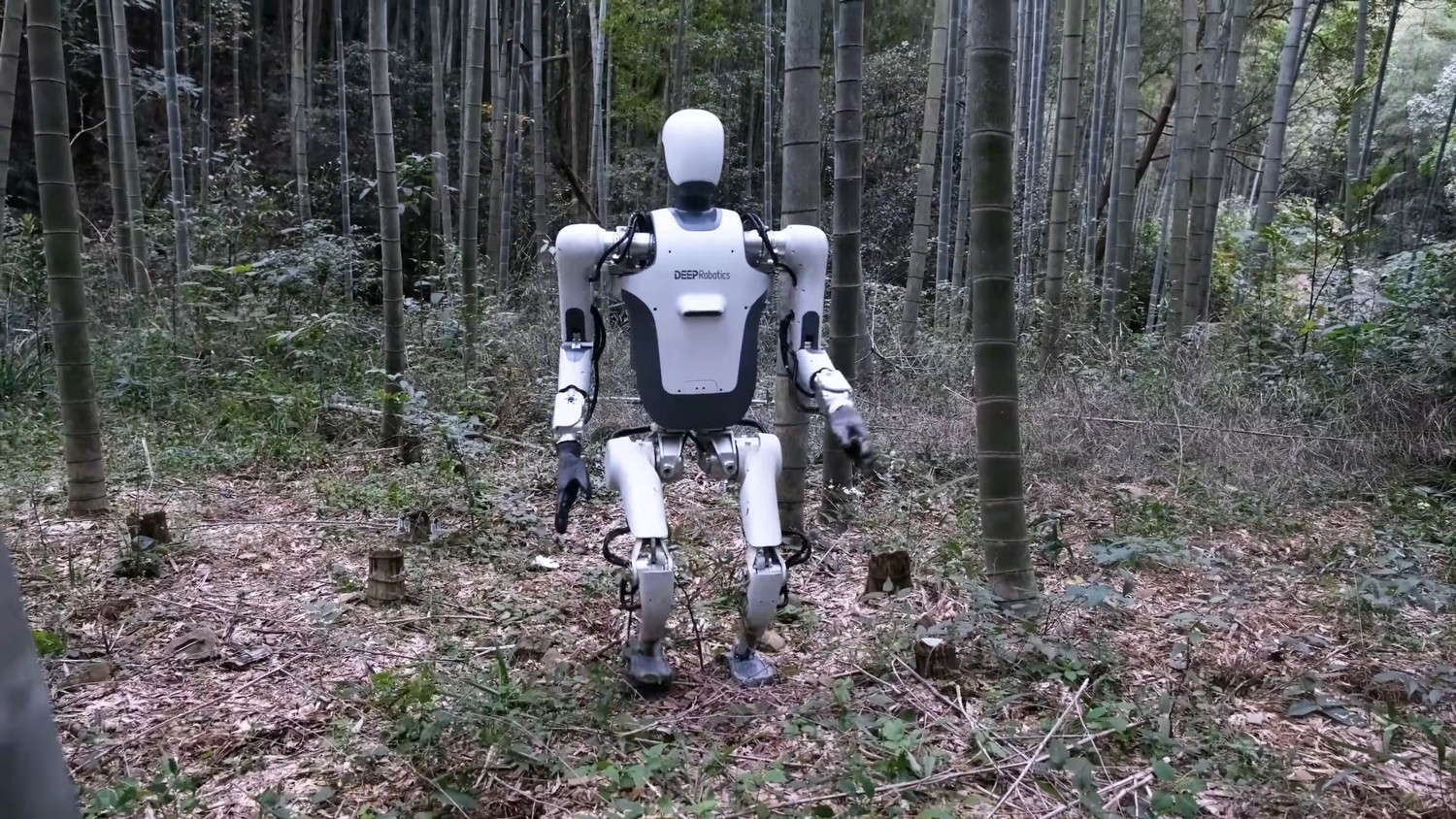
Stay updated with the latest articles and developments
More Robots from Deep Robotics
Explore other robots from this manufacturer
More Humanoid Robots
Discover more robots in the same category
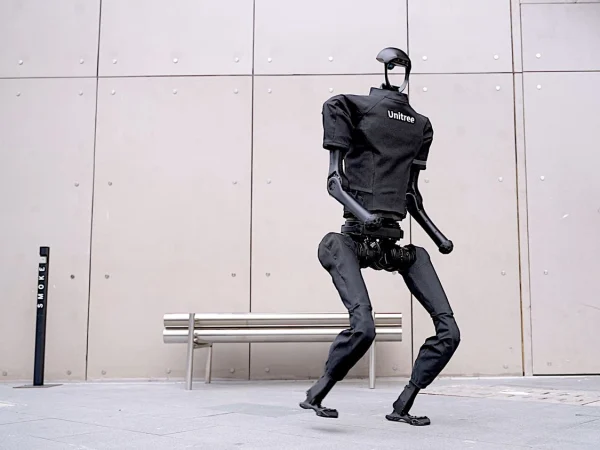

Robots From Other Categories
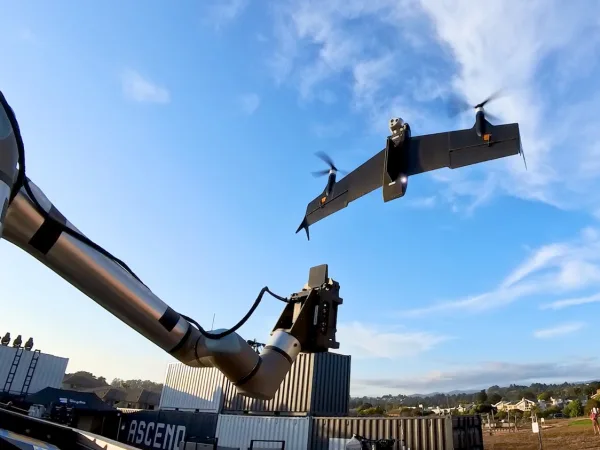
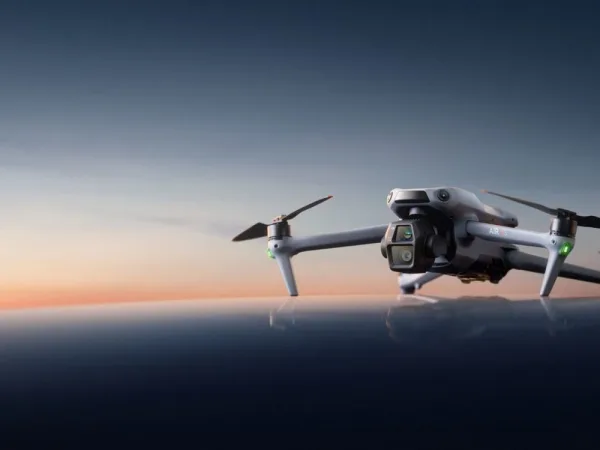
Discover complementary robots from different categories that work well together


Frequently Asked Questions
Get answers to common questions about this robot
Q1. How to troubleshoot DR01?
Check sensor connections and joint responsiveness first. Restart the robot if unresponsive. Use diagnostic software to identify hardware or software faults. Consult error logs for specific issues and recalibrate sensors if navigation errors occur.
Q2. How to set up DR01?
Place DR01 on a flat surface, power it on, and connect to the control interface via Wi-Fi. Calibrate sensors and joints through the setup software. Perform initial walking and balance tests to ensure proper function before deployment.
Q3. What are DR01's primary use-cases?
DR01 is designed for industrial automation, research, complex environment navigation, and tasks requiring adaptive mobility. It excels in dynamic settings like uneven terrain, stairs, and slopes, supporting productivity and AI development.
Q4. How to operate DR01?
Use the wireless control interface to send commands or enable autonomous mode. DR01 uses AI-driven learning to adapt movements in real-time, allowing it to walk, climb, and maintain balance on various surfaces with minimal manual input.
Q5. How to maintain DR01?
Regularly inspect joints (J60 and J100) for wear, clean sensors, and update software. Lubricate mechanical parts as recommended. Store in a dry environment and perform routine calibration to maintain optimal performance.
Q6. What safety features does DR01 have?
DR01 includes real-time environmental sensing to avoid obstacles and maintain balance. It can recover from slips and external forces, minimizing fall risk. Its lightweight joints reduce injury risk during interaction.
Q7. How does DR01 handle different surfaces?
Equipped with fusion perception algorithms, DR01 integrates sensor and environmental data to adapt its gait. It can navigate uneven terrain, 18 cm steps, 25° slopes, and slippery surfaces while maintaining stability.
Q8. How to clean DR01?
Use a soft, dry cloth to wipe joints and sensors. Avoid water or solvents on electronic components. For stubborn dirt, lightly dampen the cloth with isopropyl alcohol and gently clean, ensuring no moisture enters joints or sensors.
Q9. How does DR01 navigate?
DR01 uses fusion perception combining internal sensors and environmental data processed by AI algorithms. This enables real-time adaptive control for stable walking, obstacle negotiation, and balance recovery on complex terrains.
Q10. What are common DR01 problems?
Typical issues include sensor misalignment, joint stiffness, Wi-Fi connectivity drops, and software glitches. These can cause navigation errors or reduced mobility, usually resolved by recalibration, firmware updates, or hardware inspection.
Q11. How to reset DR01?
Perform a soft reset via the control interface to reboot software without losing data. For a full factory reset, use the system menu to restore default settings, which clears custom configurations and recalibrates sensors.
Q12. How to control DR01?
Control is primarily wireless via Wi-Fi using a dedicated app or software interface. Commands can be manual or autonomous, leveraging AI learning for adaptive movement. Remote monitoring and updates are also supported.
Q13. How to connect DR01 to Wi-Fi?
Access the robot’s network settings through the control interface, select the desired Wi-Fi network, and enter credentials. Once connected, verify signal strength and enable remote monitoring or software updates.
Q14. What is DR01's warranty?
DR01 typically comes with a one-year limited warranty covering manufacturing defects in hardware and software. Extended service plans may be available. Warranty does not cover damage from misuse or unauthorized repairs.
Q15. How to update DR01's software?
Connect DR01 to Wi-Fi, then access the update section in the control software. Download and install the latest firmware and AI model updates. Updates improve performance, security, and add new features, requiring a reboot afterward.
Rating and Reviews
Share your experience and help others decide!
Loading...
User Reviews
No user reviews. Be the first one to review!
User Comments (No Login needed)
Share your thoughts, experiences, or questions about this robot.
Comments are reviewed before posting.