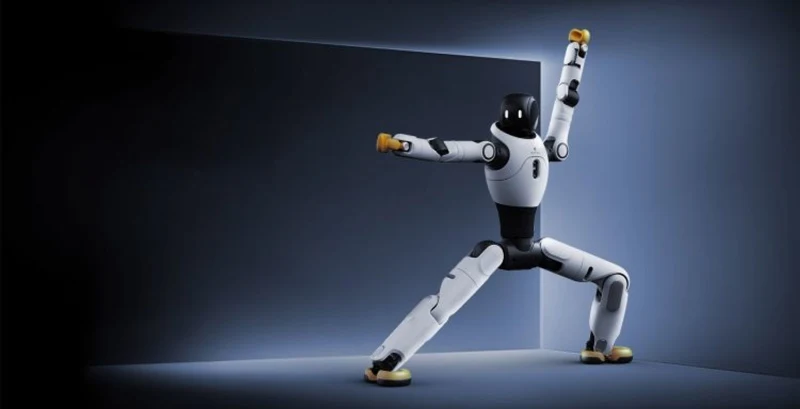
AgiBot X2
AI ChatLast updated:
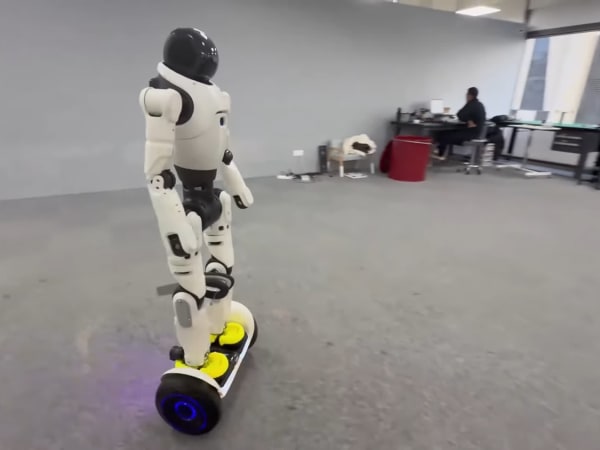
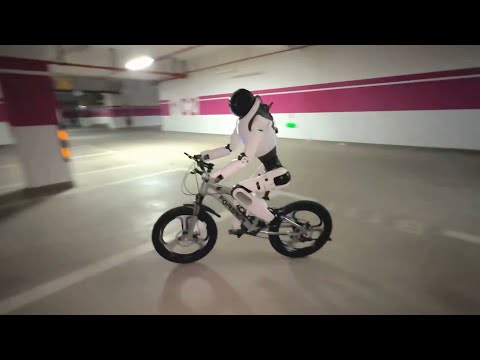
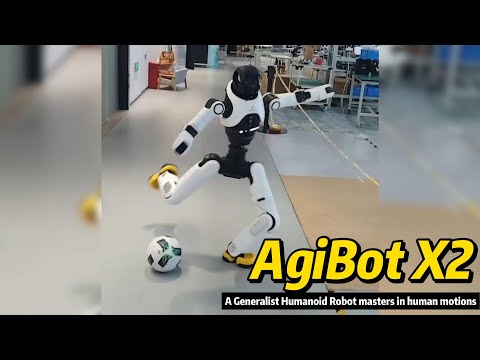
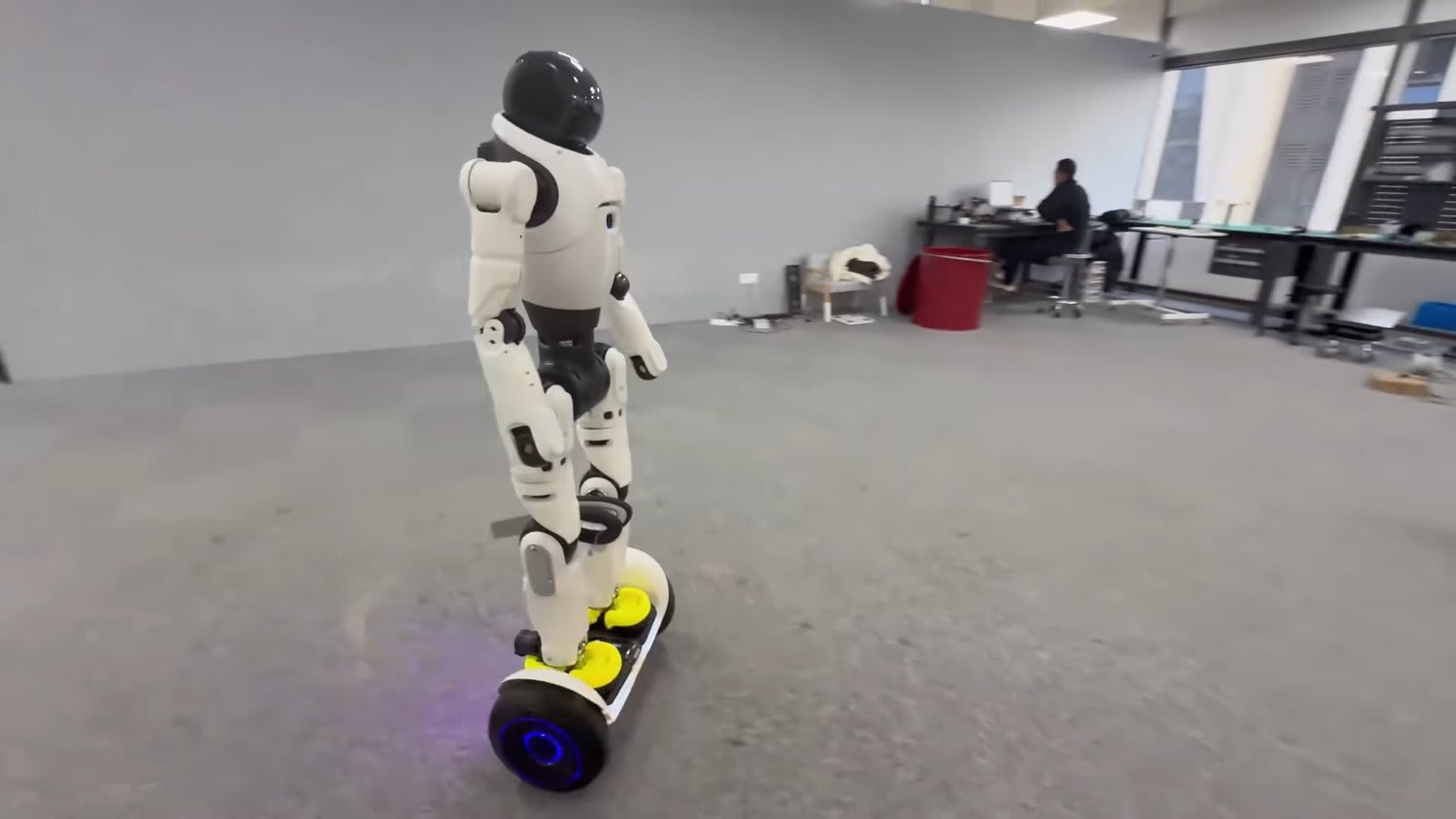
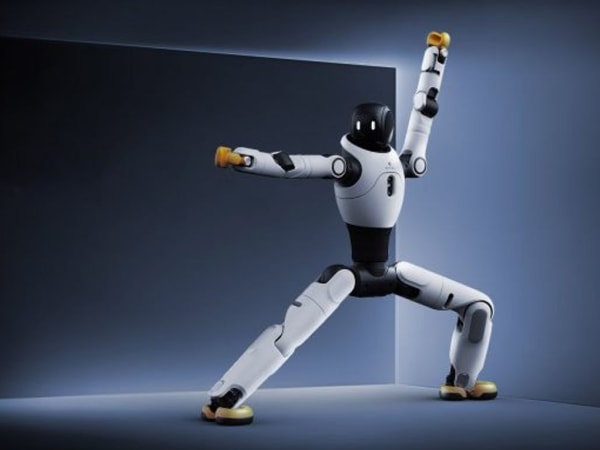
The AgiBot X2 is a versatile general-purpose humanoid robot designed to combine advanced motion intelligence, interaction intelligence, and task intelligence. It features a flexible material exterior and is equipped with proprietary components such as Xyber-Edge for precise motion control, Xyber-DCU for decision-making, and Xyber-BMS for intelligent power management. The robot demonstrates remarkable agility, capable of walking, running, turning, and performing complex movements like dancing, riding scooters, balance boards, and bicycles. It also excels in multimodal interaction, responding to human emotions through facial and voice recognition with lifelike expressions and body language. The X2 is intended for real-world applications requiring dynamic mobility and interactive capabilities.
Quick Overview & Key Facts
AgiBot X2 is a humanoid robot made by AgiBot in China, launched in 2025 and built for entertainment and commercial performances, exhibitions and reception, and education. Its estimated price is $25,600 USD (AgiBot official store, base X2). Featured in “8 Most Compact Humanoid Robots in 2026”.
- Dimensions
- 131 cm x 46 cm x 21 cm (Height x Shoulder Width x Depth)
- Weight
- 35 kg (with battery and end effector; X2 Ultra about 39 kg)
- Mobility
- Bipedal walking and running
- Payload capacity
- Up to 3 kg in specific poses (end effector not included); about 1 kg across the full arm workspace
- Battery runtime
- About 2 hours (walking at 0.5 m/s)
- Charging time
- About 1.5 hours (15% to 100%)
- Sensors
- Interactive RGB camera, 6-axis IMU, microphone for voice control (X2 Ultra adds stereo RGB, RGB-D and rear RGB cameras plus a 3D LiDAR)
What Can AgiBot X2 Do?
Core operational tasks and activities demonstrated or performed by AgiBot X2.
Real-World Applications of AgiBot X2
Industries, working environments, and deployment suitability for AgiBot X2.
AgiBot X2 Capabilities
Inherent physical, perceptual, and cognitive abilities built into AgiBot X2.
Download Media Cards
Story CardExport high-resolution story cards summarizing AgiBot X2's operational tasks, real-world applications, and capabilities.
Image Gallery
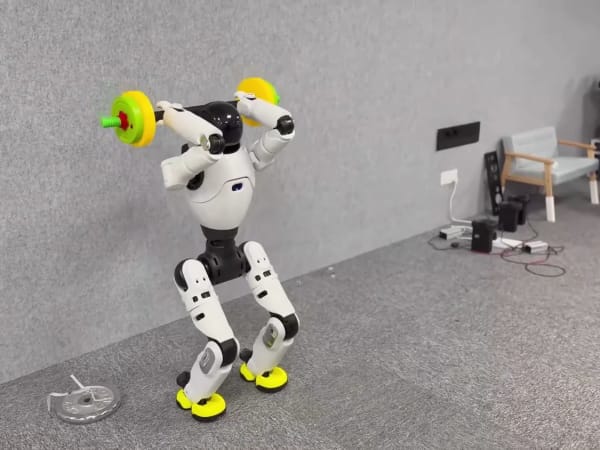
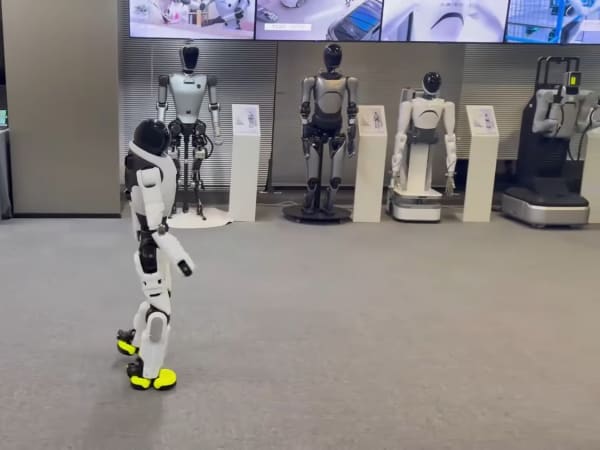
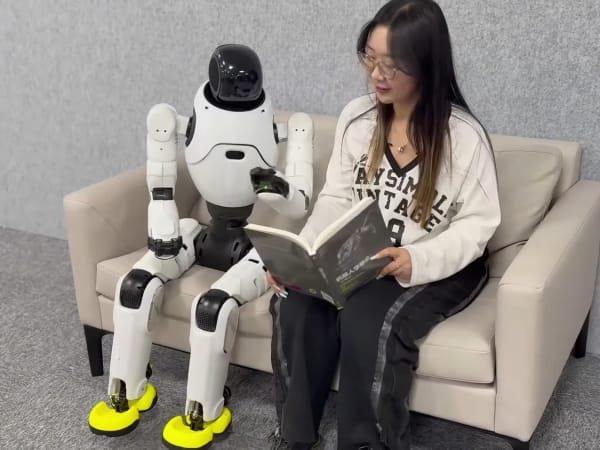
Below images are from AgiBot's official sources
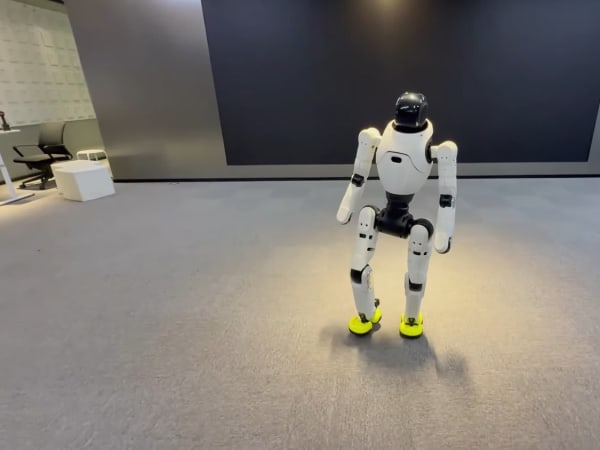
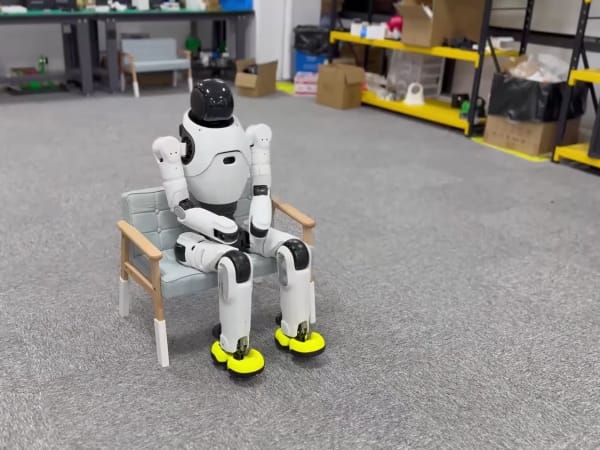
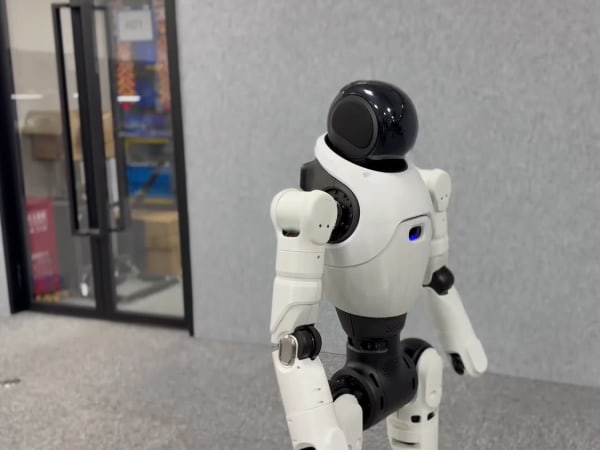
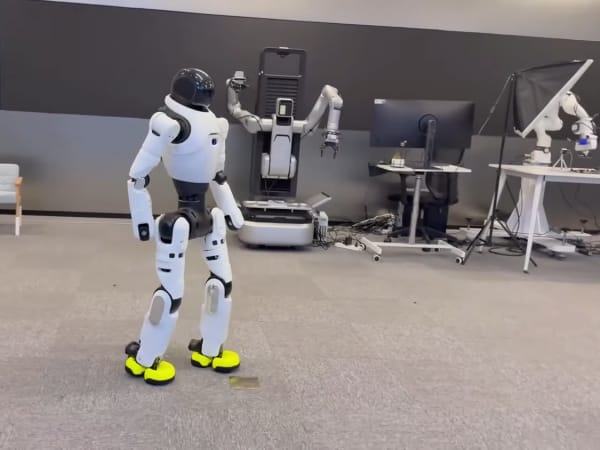
Review Videos
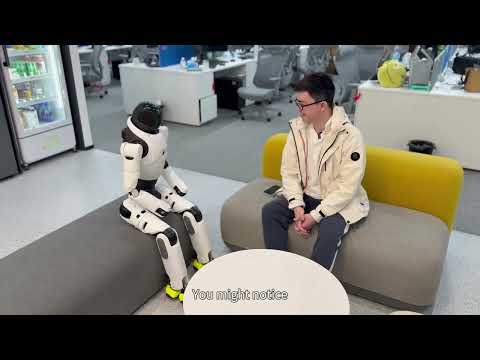
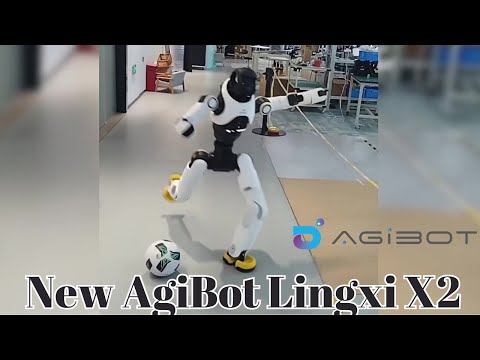
Watch expert reviews and demonstrations of this robot
Robot Specifications
ConfirmedValues marked Confirmed were checked against the manufacturer's official data; select the badge to open the source. Values without a Confirmed badge are compiled from public sources and may not be manufacturer-verified.
Not yet published by AgiBot: safety certifications, EMC compliance, IP rating, noise level, expected lifespan, maintenance schedule, color options, pet safety and 2 more.
Robot Timeline
Key milestones in this robot's development and rollout
AgiBot launches the Lingxi X2 in Shanghai: a bipedal humanoid that rides scooters and bikes and reacts to facial expressions and voice tone.
Source: Newsfile ↗
A Lingxi X2 becomes AgiBot's symbolic 5,000th robot and is delivered to actor Huang Xiaoming's studio during a livestream.
Source: Interesting Engineering ↗
AGIBOT unveils the X2 Edu, a 1.3 m, 29-degree-of-freedom educational platform, at WAIC 2026.
Source: Interesting Engineering ↗
Latest News About AgiBot X2
Stay updated with the latest articles and developments
Compare This Robot With Others
See how AgiBot X2 stacks up against other leading robotics models in detailed side-by-side technical comparisons.
AgiBot X2 Also Mentioned in Below Articles
Find out how this model stacks up against the world's best robots
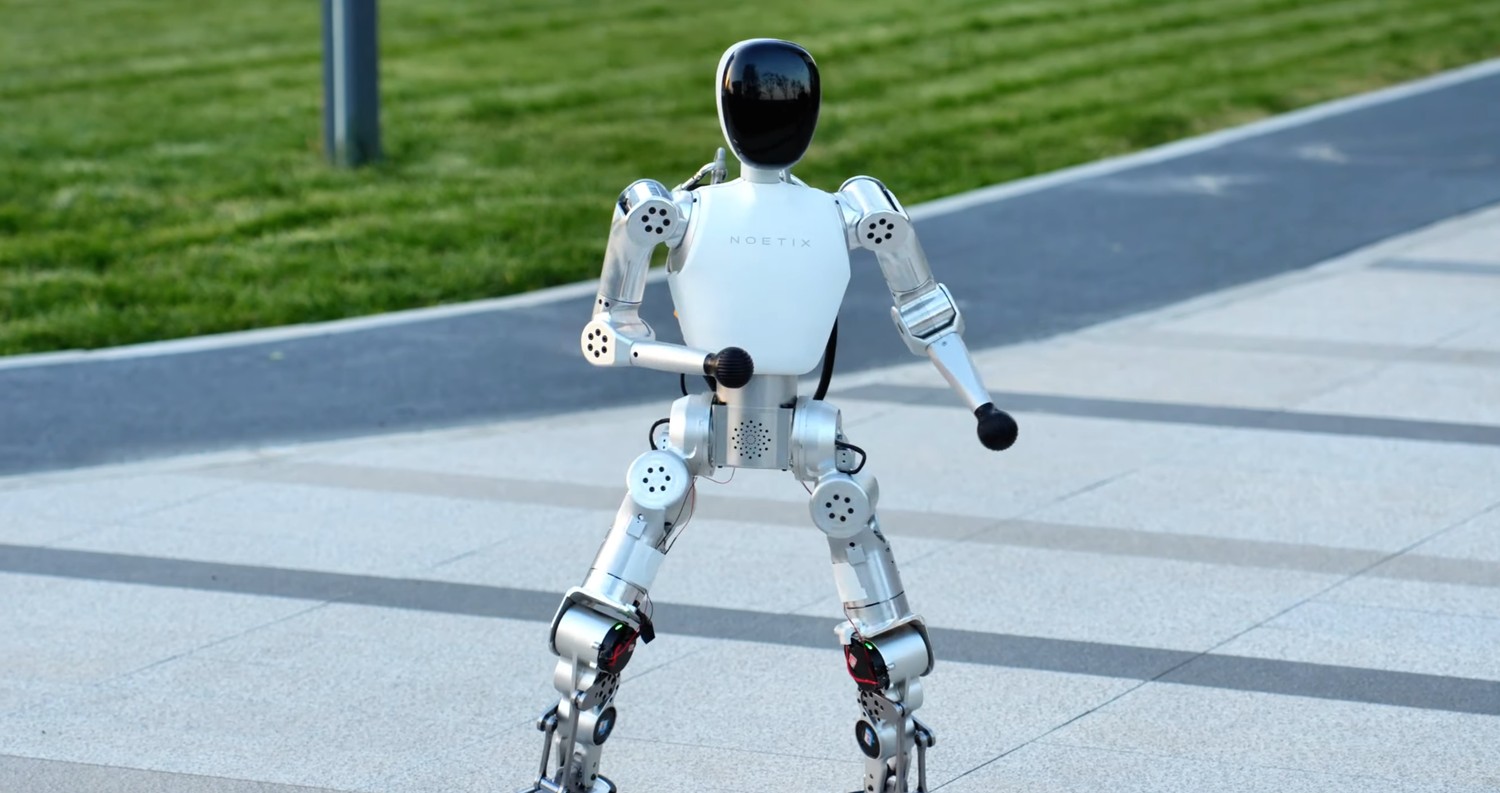
More Robots from AgiBot
Explore other robots from this manufacturer
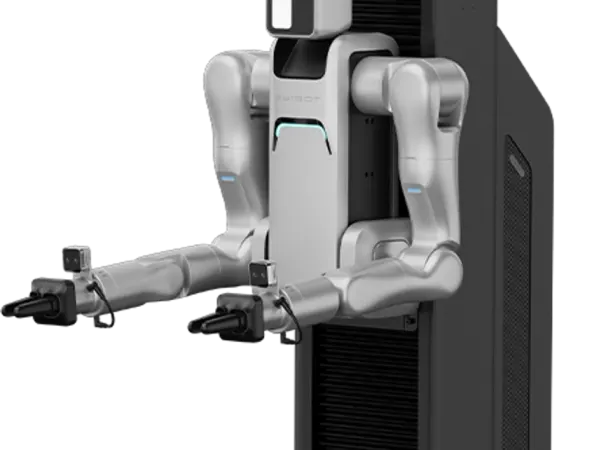

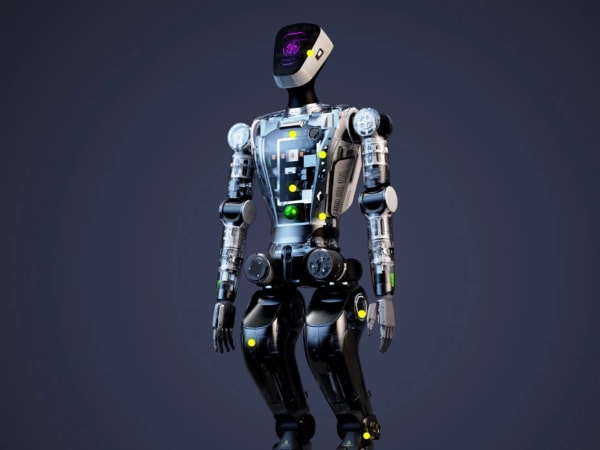
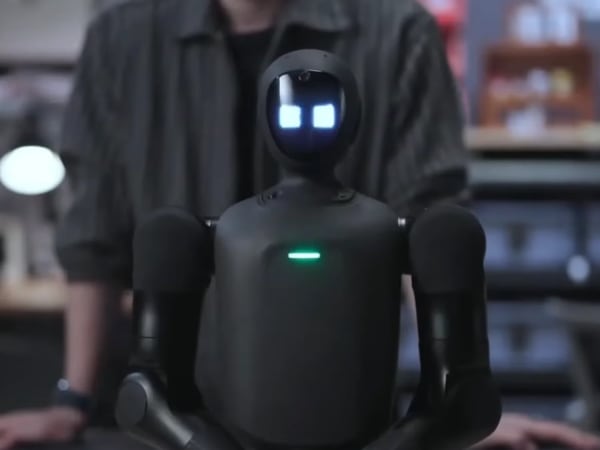
More Humanoid Robots
Discover more robots in the same category
Robots From Other Categories
Discover complementary robots from different categories that work well together

Frequently Asked Questions
Get answers to common questions about this robot
Q1. How to troubleshoot AgiBot X2?
Restart the robot and check for error codes via its control interface. Inspect joint modules and power system for faults. Update software to the latest version and consult logs for sensor or motor anomalies. Contact support if issues persist.
Q2. How to set up AgiBot X2?
Unbox and place on a flat surface. Connect to power and Wi-Fi. Use the companion app or control panel to calibrate sensors and joints. Perform initial diagnostics and update firmware before first use.
Q3. What are AgiBot X2's primary use-cases?
It excels in humanoid tasks like walking, running, dancing, and complex mobility such as riding scooters or bicycles. It’s suited for research, entertainment, logistics, and interactive assistance.
Q4. How to operate AgiBot X2?
Control via a dedicated app or onboard interface. Commands include walking, running, and task execution. The robot uses AI for autonomous decision-making and can respond to voice or visual inputs.
Q5. How to maintain AgiBot X2?
Regularly clean joints and sensors, check battery health, and update software. Inspect mechanical parts for wear and lubricate moving joints as needed to ensure smooth operation.
Q6. What safety features does AgiBot X2 have?
Equipped with intelligent power management, proprioceptive sensors for balance, and smooth gait transitions to prevent falls. It combines its IMU with an interactive RGB camera to keep its balance and recover smoothly on uneven ground.
Q7. How does AgiBot X2 handle different surfaces?
It uses proprioceptive feedback from joint torque and pressure sensors to adapt its gait on flat ground, gentle slopes of up to ±10° and steps or obstacles up to 50 mm high.
Q8. How to clean AgiBot X2?
Use a soft, dry cloth for external surfaces. Avoid liquids near joints and electronics. For stubborn dirt, lightly dampen cloth with water and gently wipe, ensuring no moisture enters sensor areas.
Q9. How does AgiBot X2 navigate?
It combines a 6-axis IMU and joint feedback with an interactive RGB camera, which lets it adjust its movement in real time. The X2 Ultra adds a 3D LiDAR plus stereo and RGB-D cameras for richer perception.
Q10. What are common AgiBot X2 problems?
Typical issues include sensor calibration drift, battery degradation, and occasional joint stiffness. Software glitches may occur but are usually resolved with updates or resets.
Q11. How to reset AgiBot X2?
Perform a soft reset via the control app or hold the physical reset button for 10 seconds. For factory reset, use the system menu to restore default settings, which clears user data and configurations.
Q12. How to control AgiBot X2?
Control is via a smartphone or PC app, supporting manual commands and autonomous modes. Voice commands and programmed routines are also supported for flexible operation.
Q13. How to connect AgiBot X2 to Wi-Fi?
Access the robot’s network settings through the control app or onboard interface. Select the desired Wi-Fi network, enter the password, and confirm connection. The robot supports standard 2.4 GHz and 5 GHz bands.
Q14. What is AgiBot X2's warranty?
AgiBot’s datasheet lists an 8-month warranty for the base X2 and 1.5 years for the X2 Ultra. Extended warranty options may be available through purchase agreements.
Q15. How to update AgiBot X2's software?
Connect the robot to Wi-Fi, open the control app, and check for updates. Download and install updates directly via the app. Ensure the robot is powered and stationary during the process to avoid interruptions.
Rating and Reviews
Share your experience and help others decide!
Loading...
User Reviews
No user reviews. Be the first one to review!
User Comments (No Login needed)
Share your thoughts, experiences, or questions about this robot.
Comments appear after moderator review.