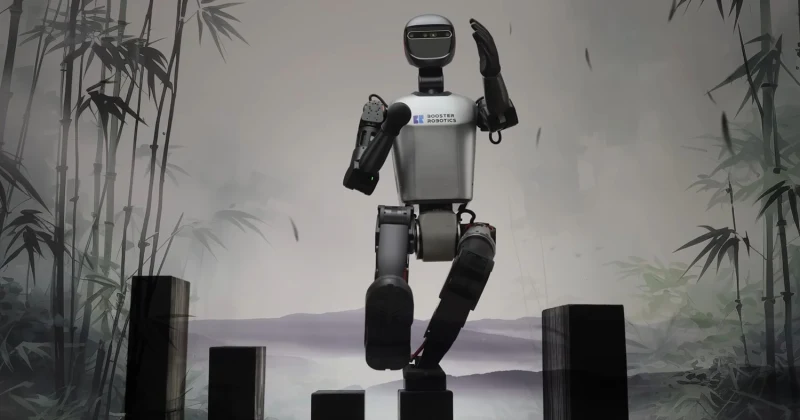
K1 Humanoid
AI ChatLast updated:
The K1 Humanoid robot is designed for education, research, and exhibitions. It features a compact body with 22 dynamically controlled joints, enabling precise motion control. The robot is equipped with a 3D depth camera, 9-axis IMU, microphone array, and touch sensors. It supports AI-based vision and voice command processing, obstacle avoidance, and real-time autonomous navigation. The K1 is programmable via ROS and Python.
Quick Overview & Key Facts
K1 Humanoid is a humanoid robot made by Booster Robotics in China, launched in 2023 and built for education, research, and exhibitions. Its estimated price is $4,999 USD. Featured in “8 Most Compact Humanoid Robots in 2026” and “The 2026 Humanoid Price War: Comparison of Unitree R1 vs. Noetix Bumi and entry-level models”.
- Dimensions
- 95 x 40 x 18 cm
- Weight
- 19.5 kg
- Mobility
- Legged
- Handles
- Tools, educational materials
- Battery runtime
- 30 minutes (Geek); 80 minutes (Education & Professional)
- Charging time
- ≤ 1 hour
- Sensors
- 3D depth camera, 9-axis IMU, microphone array, touch sensors
- Operating environment
- Indoor
What Can K1 Humanoid Do?
Core operational tasks and activities demonstrated or performed by K1 Humanoid.
Real-World Applications of K1 Humanoid
Industries, working environments, and deployment suitability for K1 Humanoid.
K1 Humanoid Capabilities
Inherent physical, perceptual, and cognitive abilities built into K1 Humanoid.
Download Media Cards
Story CardExport high-resolution story cards summarizing K1 Humanoid's operational tasks, real-world applications, and capabilities.
Image Gallery
Below images are from Booster Robotics's official sources
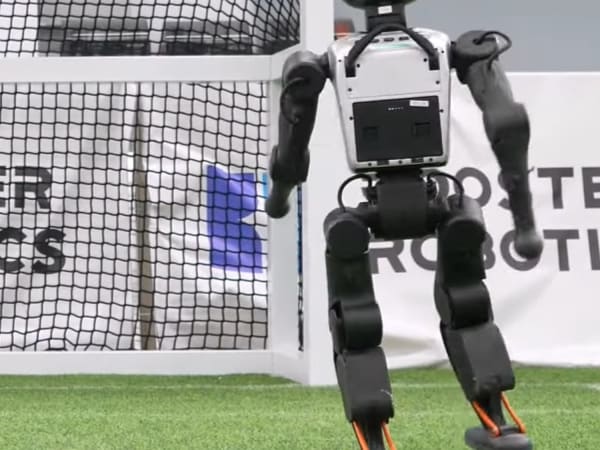
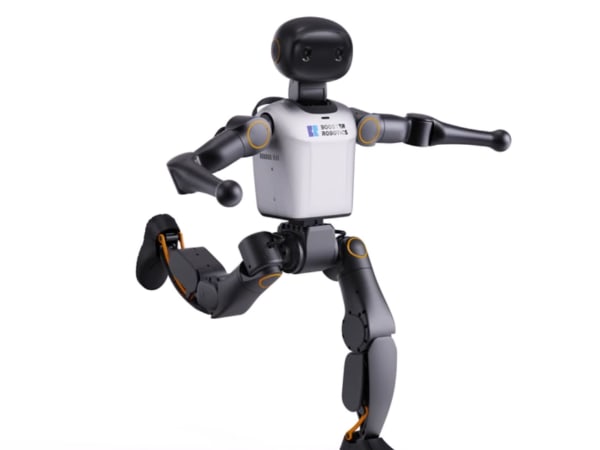
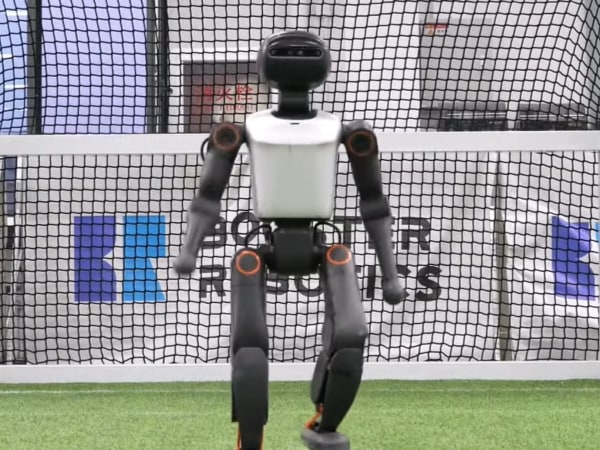

Review Videos
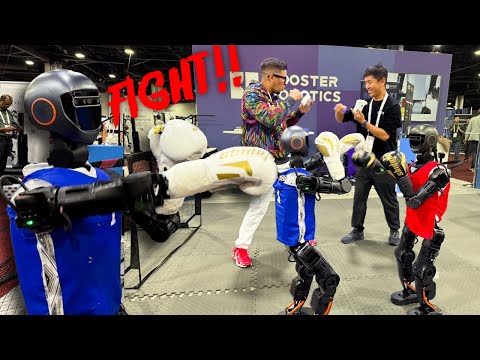
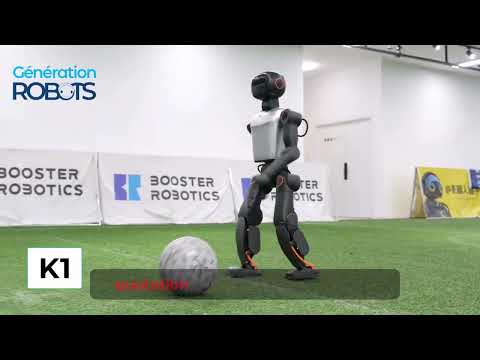
Watch expert reviews and demonstrations of this robot

Robot Specifications
ConfirmedValues marked Confirmed were checked against the manufacturer's official data; select the badge to open the source. Values without a Confirmed badge are compiled from public sources and may not be manufacturer-verified.
Not yet published by Booster Robotics: warranty terms, safety certifications, EMC compliance, IP rating, noise level, expected lifespan, maintenance schedule, firmware version and 5 more.
Robot Timeline
Key milestones in this robot's development and rollout
Booster K1 wins the KidSize Humanoid League at RoboCup 2025 in Brazil, and the runner-up also uses the K1.
Source: Humanoids Daily ↗
Booster launches the K1 at a starting price of $4,999, positioning it as an affordable RoboCup-proven platform for schools and small research teams.
Source: Humanoids Daily ↗
The RoboCup Humanoid Robot Program adds the Booster K1 RoboCup Edition and a pool of 12 K1 units that teams can borrow for RoboCup 2026.
Source: RoboCup Federation ↗
Booster robots win 3 gold, 2 silver and 3 bronze medals at RoboCup 2026.
Source: Booster Robotics ↗
Latest News About K1 Humanoid
Stay updated with the latest articles and developments
K1 Humanoid Also Mentioned in Below Articles
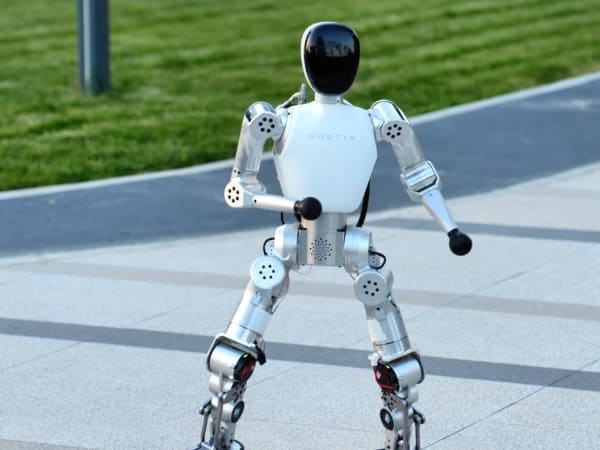
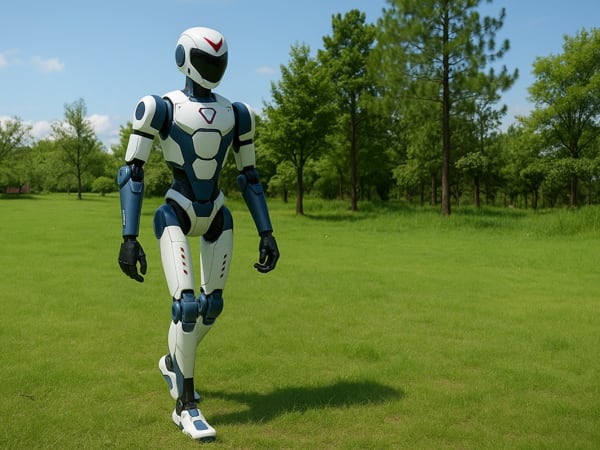
Find out how this model stacks up against the world's best robots
More Robots from Booster Robotics
Explore other robots from this manufacturer

More Humanoid Robots
Discover more robots in the same category

Robots From Other Categories
Discover complementary robots from different categories that work well together

Frequently Asked Questions
Get answers to common questions about this robot
Q1. How to troubleshoot K1 Humanoid?
Restart the robot, check sensor connections, verify WiFi or Bluetooth status, and consult error logs via the SDK. For persistent issues, update firmware or contact support.
Q2. How to set up K1 Humanoid?
Unbox the robot, place it on a flat surface, power on, connect via WiFi 6 or Bluetooth 5.2, and configure using the Booster Robotics app or ROS2 interface.
Q3. What are K1 Humanoid's primary use-cases?
Education, research, robotics competitions, AI development, and demonstrations of humanoid agility and perception.
Q4. How to operate K1 Humanoid?
Use the mobile app or ROS2 commands to control movements, program tasks in Python or C++, and utilize voice commands via the microphone array.
Q5. How to maintain K1 Humanoid?
Regularly clean sensors and joints, check battery health, update software, and avoid exposure to extreme conditions to ensure optimal performance.
Q6. What safety features does K1 Humanoid have?
Touch sensors for safe physical interaction, full-force-controlled joints to prevent damage, and obstacle avoidance via 3D depth camera.
Q7. How does K1 Humanoid handle different surfaces?
Equipped with 22 DoF and a 9-axis IMU, it maintains balance and adapts walking on flat indoor surfaces; rough terrain may reduce stability.
Q8. How to clean K1 Humanoid?
Use a soft, dry cloth for the exterior and sensors; avoid liquids near electronics; gently remove dust from joints and cameras.
Q9. How does K1 Humanoid navigate?
Uses a 3D depth camera and AI algorithms for real-time obstacle avoidance and localization, supported by ROS2 for autonomous movement.
Q10. What are common K1 Humanoid problems?
Connectivity drops, sensor misalignment, battery drain after extended use, and occasional software glitches requiring resets.
Q11. How to reset K1 Humanoid?
Hold the power button for 10 seconds to perform a soft reset; for factory reset, use the SDK commands or app settings to restore defaults.
Q12. How to control K1 Humanoid?
Via Bluetooth 5.2 or WiFi 6 using the Booster Robotics app, ROS2 commands, or custom Python/C++ programs through the open SDK.
Q13. How to connect K1 Humanoid to Wi-Fi?
Access the robot’s network settings via the app or ROS2 interface, select the WiFi 6 network, and enter credentials to establish connection.
Q14. What is K1 Humanoid's warranty?
Typically a one-year limited warranty covering hardware defects; specifics depend on purchase agreement and region.
Q15. How to update K1 Humanoid's software?
Download updates through the Booster Robotics app or SDK, then install via WiFi or Ethernet connection to ensure latest features and fixes.
Rating and Reviews
Share your experience and help others decide!
Loading...
User Reviews
No user reviews. Be the first one to review!
User Comments (No Login needed)
Share your thoughts, experiences, or questions about this robot.
Comments appear after moderator review.